 ProMapRanker
Best Product Design Software in 2026

Key takeaways
- Figma remains the default for product teams that design together in the browser.
- Sketch is the best Mac-native choice, with free viewers and developer handoff on every tier.
- Penpot is the strongest free and open source option, especially for teams that want to self-host.
- Framer wins when the design is meant to become a live website rather than a handoff file.
- Adobe XD is in maintenance mode, so new projects should start in Figma, Sketch or Penpot instead.
Quick comparison
| Pick | Great for | Pricing starts at | Free tier | |
|---|---|---|---|---|
 Figma | Teams designing together | Free | Yes | Visit |
 Sketch | Mac-native design work | $12 per month | Free trial | Visit |
 Framer | Design that becomes a website | Free | Yes | Visit |
 Penpot | Open source and self-hosting | Free | Yes | Visit |
 Lunacy | Free desktop design | Free | Yes | Visit |
 Affinity Designer | Vector design without a subscription | Free | Yes | Visit |
 ProtoPie | Realistic interactive prototypes | $11 per month | Free trial | Visit |
 Axure RP | Logic-heavy prototypes and specs | $29 per month | Free trial | Visit |
 Balsamiq | Fast wireframes for early ideas | See website | Free trial | Visit |
The best product design software
This list focuses on software for designing digital products, meaning interfaces, flows and prototypes that developers then build. Prices are per editor per month unless stated, since seat pricing is where these tools differ most.
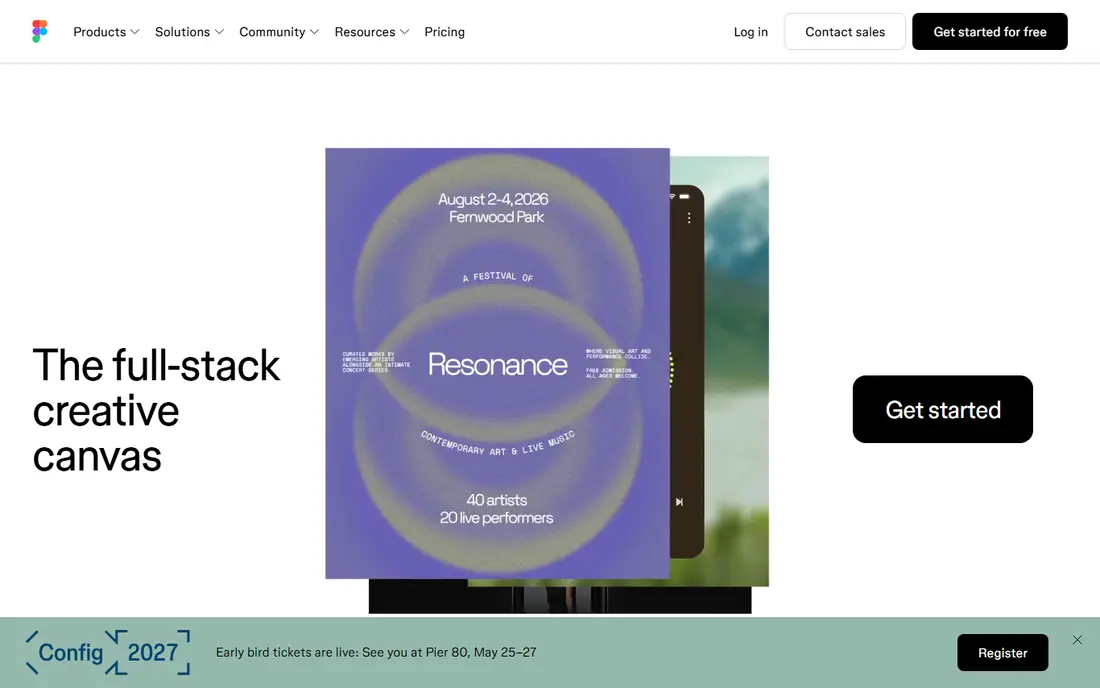
Figma is the default product design tool for most teams, and the reason is collaboration. Several people can edit the same file in a browser, components and variables keep a design system consistent, and Dev Mode gives developers measurements, code and annotations. The plugin ecosystem is the largest in this category, covering content, accessibility checks and token export.
The cost is the honest drawback. Starter is free with limits, while Professional costs $16 per editor per month billed annually, with Dev seats at $12 and Collab seats at $3 in recent checks. A team of five editors plus viewers can still stay reasonable, but a larger team should count every seat type before committing. For a team that designs together daily, Figma remains the safest choice.
- Real-time browser collaboration
- Large plugin ecosystem
- Mature components and Dev Mode
- Per-editor pricing adds up
- No self-hosted option
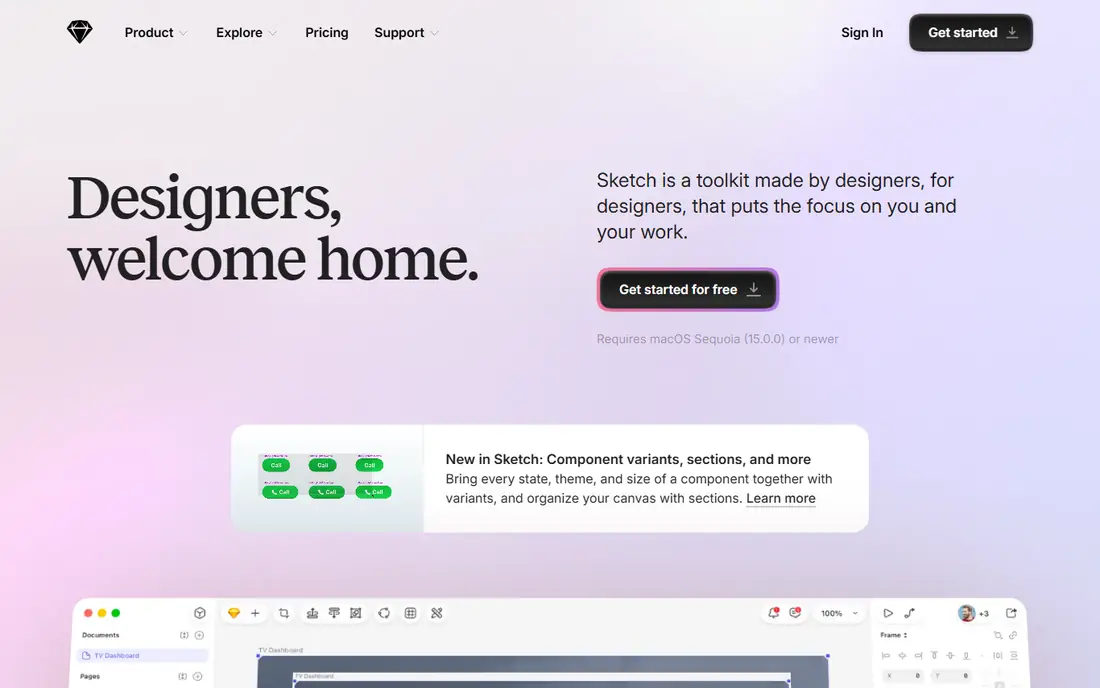
Sketch suits a designer or studio that works on Mac and values speed and offline access over browser collaboration. The native app feels fast on large files, and every subscription tier includes unlimited free viewers plus free developer handoff, which keeps the total bill lower than a seat-per-reader model. Standard costs $12 per editor per month billed annually, with a Mac-only license option at $120 in recent checks.
The limit is platform. There is no Windows or Linux editor, so mixed-OS teams cannot all edit in Sketch. The plugin library is also smaller than Figma. For a Mac-only designer or a small studio with Mac hardware, Sketch is the best native option and a calmer, cheaper alternative to Figma.
- Fast native Mac app with offline work
- Free viewers and developer handoff
- Open file format
- Mac only for editing
- Smaller plugin library than Figma
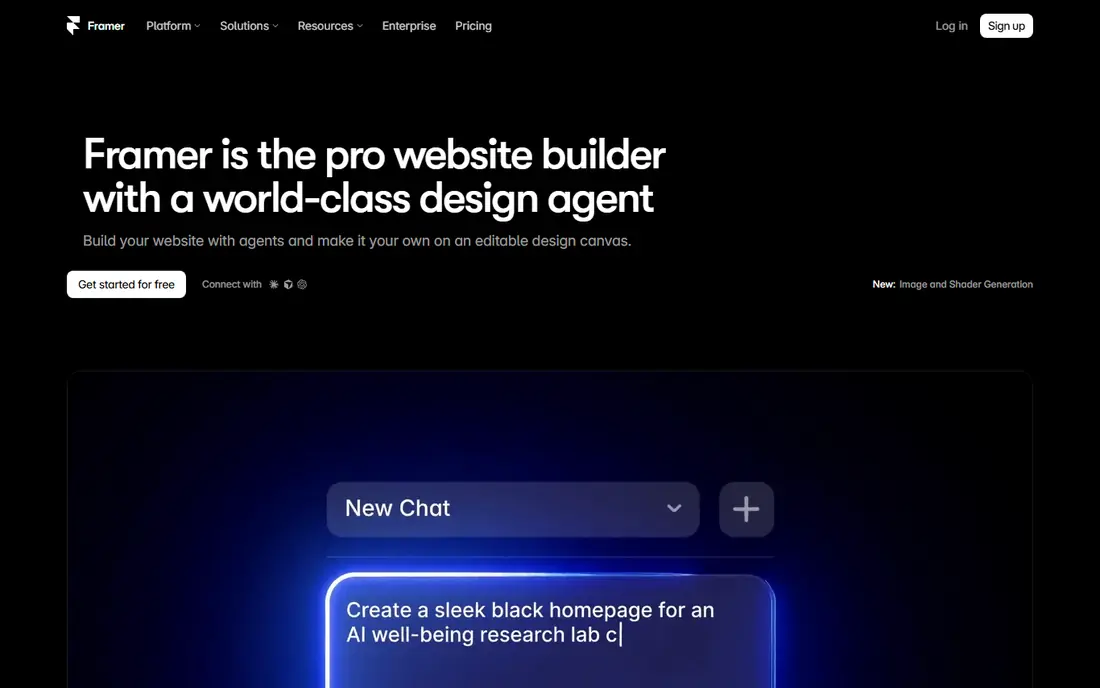
Framer is the pick when the design was always going to become a live website. You design in a canvas that feels familiar, then publish a production site without a separate build step, including hosting, forms and content editing. The free tier covers unpublished design work, while Basic site pricing starts at $10 per month billed annually in recent checks, with editor seats priced separately.
That per-site plus per-editor billing needs care on larger projects, and Framer is weaker than Figma for complex app interfaces with deep component logic. For marketing sites, landing pages and product sites where the design and the site are the same thing, Framer removes a whole handoff step and is worth choosing on that basis alone.
- Publishes real websites from designs
- Free tier for unpublished work
- Strong site templates
- Bills per site and per editor
- Complex app UI trails Figma depth
Penpot is the strongest free alternative to Figma, and the only one here you can run on your own server. It covers components, flex and grid layout, interactive prototyping and developer inspect, and its files use open formats based on SVG and CSS. The free cloud Professional plan covers up to 8 editors, while Unlimited costs $7 per editor per month capped at $175 per month in recent checks.
The trade-offs are ecosystem and performance. The plugin library is far thinner than Figma, and very complex files migrated from Figma may need cleanup. For a team that values file ownership, privacy or a zero software bill, Penpot is a genuine production tool, not just a free trial of something else.
- Open source and self-hostable
- Free cloud plan for small teams
- Uses open web standards
- Plugin ecosystem still small
- Very large files can slow down
Lunacy is a free desktop design app from Icons8 that works on Windows, Mac and Linux, which makes it unusual in a field split between browser tools and Mac-only apps. It handles interface design, reads Sketch files with good fidelity, and bundles graphics, icons and photos that speed up early work. The core app is free for personal and commercial use in recent checks.
Cloud documents on the free tier are capped, and the community and plugin range are smaller than the leaders. For a solo designer, a student, or a small team that wants a capable desktop tool without a subscription, Lunacy is the best free starting point. It also pairs well as a Sketch file reader on Windows.
- Fully free core app for Windows, Mac and Linux
- Reads Sketch files
- Built-in graphics and icons
- Free tier caps cloud documents
- Smaller community than Figma or Sketch
Affinity Designer, now part of Canva, is the vector tool for product designers who also need illustration, icons and marketing graphics. It offers precise vector editing, a clean desktop app and iPad support, and its core app is free in recent checks, which removes the subscription question entirely for many solo designers.
It is not a replacement for Figma as a product design system tool. Real-time collaboration, component variants and developer handoff are thinner here, so teams that live in design systems should keep Figma, Sketch or Penpot as the main tool. Use Affinity Designer for the visual craft around a product, such as icons, illustrations and brand assets, where its vector strength shines.
- Strong vector and illustration tools
- No subscription for the core app
- Desktop and iPad apps
- Not a full product design system tool
- Collaboration features trail Figma
ProtoPie is the specialist for prototypes that must feel like a real app. It lets designers build interactions with sensors, variables and conditional logic without code, including device features such as tilt, sound and camera input. Individual pricing starts at $11 per month billed annually in recent checks, and it imports designs from Figma and Sketch.
That power brings a learning curve, and a simple click-through prototype does not need it. Choose ProtoPie when a stakeholder or user test must judge a flow by using it, not by looking at screens. For early wireframes, Balsamiq is faster, and for a finished design system, Figma stays the main home.
- No-code realistic interactions
- Device sensors and variables
- Works with Figma and Sketch files
- Learning curve for logic-heavy prototypes
- Paid plan needed for full use
Axure RP is the enterprise prototyping tool for flows with real logic, such as forms that change with user input, data-driven lists and multi-step processes. It generates specifications alongside the prototype, which helps large teams document behavior for developers and testers. Pro starts at $29 per user per month billed annually in recent checks.
The price and the dated interface are the drawbacks, and a small team will find Figma or ProtoPie faster for most work. Axure earns its place when a product has complex rules that must be proven in a prototype before building, or when a written specification is a deliverable in itself.
- Conditional logic and dynamic content
- Detailed specifications
- Strong for enterprise flows
- Higher price
- Interface feels dated next to Figma
Balsamiq is deliberately rough. Its hand-drawn wireframe style keeps early conversations about structure and flow instead of colors and fonts, which is why product teams still use it for first drafts. Cloud plans charge per project with unlimited users and viewers, so a whole team can comment without buying a seat each, and pricing varies by plan, so we list See website.
It is not a visual design tool, and a polished interface still needs Figma, Sketch or Penpot later. Use Balsamiq for the first week of a project, when speed and honest feedback matter more than polish, then move the agreed structure into a full design tool.
- Sketch-style wireframes that invite feedback
- Per-project pricing
- Unlimited viewers on cloud plans
- Not for polished visual design
- No advanced prototyping logic
How we picked these
We compared official pricing pages, feature documentation and recent 2026 comparisons that had checked these vendors directly. We kept only tools that are live, still sold for new projects, and cover a real stage of product design, from wireframes to prototyping to handoff. We excluded Adobe XD as a new-project pick because Adobe lists it in maintenance mode with no standalone sales, and we left out tools that only generate mockups from text prompts without a full design workflow.
How to choose for your team
Start with how your team works, not with the longest feature list. A team that designs together daily in a browser should start with Figma or Penpot. A solo Mac designer should start with Sketch or Lunacy. A team whose output is a website should test Framer before building a handoff file that a developer must rebuild.
Count every seat, not just editors
Figma charges for Full, Dev and Collab seats, Framer charges per site and per editor, and Sketch and Penpot give viewers more freely. List everyone who edits, everyone who inspects code, and everyone who only comments, then price that full group. That total, not the headline editor price, is the number to compare.
Test a real file, not a demo
Import your largest current file into each shortlisted tool and check components, text, images and prototyping links. Penpot and Lunacy handle many imports well, but complex files with nested components may need cleanup. A one-hour test with a real file reveals more than a week of reading feature pages.
Keep the handoff in mind
A design tool is only half the workflow. Check that developers can inspect measurements, copy code and export assets without a paid seat where that matters to your team. Sketch and Penpot are generous here, Figma requires a Dev seat for full Dev Mode, and Framer removes handoff entirely when the design becomes the site.
Frequently asked questions
What is the best software for product design?
Figma is the best software for most product teams because it covers interface design, components, prototyping and developer handoff in one browser tool. Sketch is better for Mac-only designers, Penpot is better for free or self-hosted work, and Framer is better when the design becomes a live website.
What are the best product design tools for a small team on a budget?
Penpot and Lunacy are the best budget picks, since both offer a capable free tier without a subscription for core work. Affinity Designer is also free for its core vector app. Sketch at $12 per editor per month is the cheapest paid team tool here when a native Mac app matters.
What are the best product design apps for prototyping?
ProtoPie is best for realistic interactive prototypes with sensors and logic, while Axure RP is best for logic-heavy enterprise flows with written specs. Figma and Penpot cover standard click-through prototyping well enough for most products, so add a specialist only when a test must feel like a real app.
Is Adobe XD still a good product design tool?
No, not for new projects. Adobe lists XD in maintenance mode, and it is no longer sold as a standalone app. Existing XD users should plan a move to Figma, Sketch or Penpot, and new projects should start in one of those tools from the beginning.
Should a product team use one design tool or several?
Most teams do best with one main tool for the design system, plus one specialist where needed, such as ProtoPie for a realistic prototype or Affinity Designer for illustration. Too many tools split the design system and slow handoff, so add a second tool only for a job the main tool clearly cannot do.
Sources
See where you really rank - block by block
ProMapRanker scans Google Maps across a grid of your service area. Simple monthly plans from $19, white-label on every plan.
Start freeKeep reading
 zscaler alternatives
Best Zscaler Alternatives in 2026
Looking for zscaler alternatives? We compare 9 SASE and zero trust platforms on architecture, data protection, pricing, and fit for your network and team.
Read → zapier alternatives free
Best Zapier Alternatives Free in 2026
Nine automation tools for zapier alternatives free in 2026, all with genuinely free tiers, plus free plan limits, starting prices and upgrade paths explained.
Read → which platform is best for online reputation
Which Platform Is Best for Online Reputation in 2026
Wondering which platform is best for online reputation? We compare 8 review, listing, and response tools for small and multi-location businesses and agencies.
Read →