 ProMapRanker
Best Product Data Management Software in 2026


Enterprise product lifecycle control · Pricing starts at: See website
Key takeaways
- The best PDM system matches your CAD tools first, since file handling, version control and check in habits differ by CAD vendor.
- Cloud PDM suits small teams that want to avoid servers, while large manufacturers often need enterprise PLM depth and control.
- Bills of materials, revision control and change workflows matter more than file storage alone, because errors usually come from wrong versions.
- Many enterprise tools are quote based, so total cost must include implementation, training and integration, not just licences.
Quick comparison
| Pick | Great for | Pricing starts at | Free tier | |
|---|---|---|---|---|
| PTC Windchill | Enterprise product lifecycle control | See website | No | Visit |
 Siemens Teamcenter | Large multi-CAD manufacturers | See website | No | Visit |
 SOLIDWORKS PDM | SOLIDWORKS design teams | See website | No | Visit |
 Autodesk Vault | Autodesk Inventor and AutoCAD teams | $870 per year | No | Visit |
 OpenBOM | Cloud BOM management for growing teams | $30 per user per month | Free trial | Visit |
 Propel PLM | Teams already using Salesforce | See website | No | Visit |
 Upchain | Cloud PDM for Autodesk centred teams | See website | Free trial | Visit |
 Aras Innovator | Organisations needing a customisable platform | See website | No | Visit |
 Oracle Agile PLM | Enterprises on Oracle business systems | See website | No | Visit |
The best product data management software
These tools manage CAD files, parts, bills of materials and revisions for product teams. The right choice depends on CAD stack, team size and how formal change control must be.
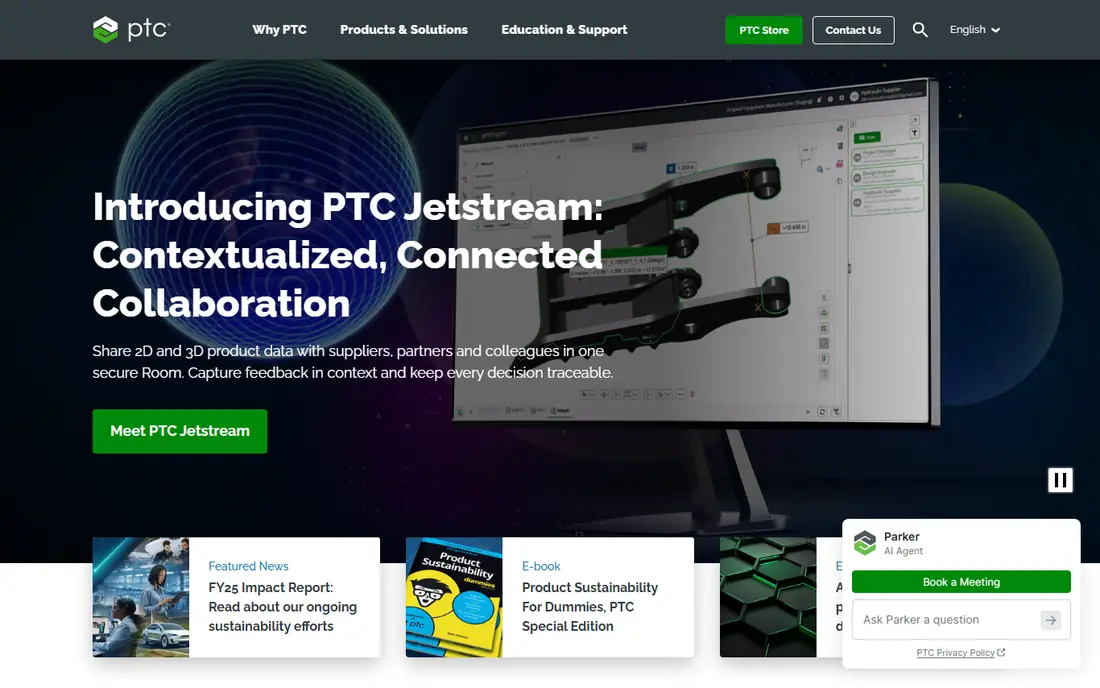
Windchill is the enterprise end of PDM, built to manage product data across the full lifecycle rather than just files in a vault. It handles parts, BOMs, documents, changes and variants, and connects CAD data from Creo and other systems into one source of truth. For a manufacturer with multiple product lines, suppliers and change boards, that breadth is the main reason to choose it. Cloud and on premises deployment options give larger IT teams a choice of hosting model. The cost is commitment. Pricing is quote based, and a Windchill rollout usually needs process design, data migration and training, not just licences. Smaller teams will find the scope and cost excessive for simple vault needs. For a large manufacturer that needs formal change control, though, Windchill remains a standard shortlist option.
- Broad PLM coverage across CAD systems
- Strong BOM and change management
- Cloud and on premises options
- Quote based pricing
- Implementation and training take serious time
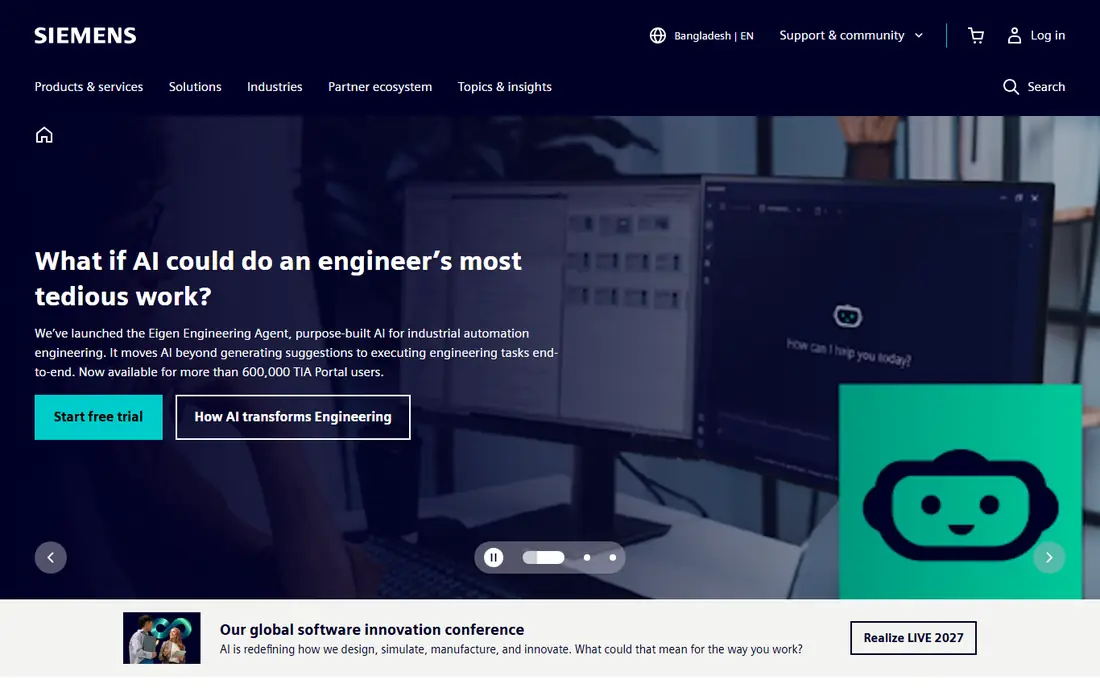
Teamcenter connects people, parts, documents and processes across engineering, manufacturing and service, which is why large manufacturers use it as a digital thread. It manages BOMs, changes, requirements and supplier data, and works with CAD tools from several vendors. Teamcenter X offers a cloud hosted route for teams that want to avoid running servers, while on premises deployment remains available for complex estates. That range helps enterprises standardise on one platform. The honest catch is scale. Teamcenter needs skilled administrators and a clear data model, and pricing is quoted for the deployment, not listed as a simple monthly rate. A small team will struggle to justify that overhead. For a manufacturer with complex products, long lifecycles and many stakeholders, the depth is the point, and the cost should be judged against rework and version errors avoided.
- Deep PLM and digital thread features
- Multi-CAD support
- SaaS option through Teamcenter X
- Quote based pricing
- Complexity suits larger teams with PLM staff
SOLIDWORKS PDM is the natural vault choice for teams already designing in SOLIDWORKS. It controls file check in and check out, tracks revisions, manages references between parts and assemblies, and keeps everyone working from approved versions. PDM Standard suits single site teams and is included with SOLIDWORKS Professional and Premium, while PDM Professional adds browser access, BOM handling and multi-CAD support for wider teams. That tiering lets a team grow without changing vaults. The trade is ecosystem lock-in and buying route. SOLIDWORKS PDM is sold through resellers, so pricing depends on licence types, implementation and training, and it needs server and database infrastructure. Teams that mix CAD systems may prefer a more neutral PDM. For a SOLIDWORKS shop, though, the integration with drawings, references and workflows is hard to beat.
- Tight SOLIDWORKS integration
- Vault version control
- Standard and Professional tiers for different needs
- Sold through resellers with quoted pricing
- Needs a Windows server and SQL database
Autodesk Vault manages design data for Inventor, AutoCAD and Revit teams, keeping drawings, models and documents in a central vault with version control. Vault Basic, included with some Autodesk subscriptions, covers single site file management, while Vault Professional adds lifecycle states, BOM handling, multi-site replication and broader integration. Published pricing for Vault Professional sits around $870 per user per year, which gives buyers a clearer starting point than many enterprise rivals. The limit is fit outside Autodesk tools. Vault works with other CAD files, but its strengths show most inside Autodesk workflows. Professional deployment also needs a Windows server and planning for backups and access. For an Autodesk based engineering team, Vault offers a practical middle ground between a shared drive and full enterprise PLM.
- Strong Autodesk integration
- Version and revision control
- Vault Basic included with some subscriptions
- Best value inside Autodesk workflows
- Server setup for Professional deployments
OpenBOM suits engineering teams that need product data control without servers or a long enterprise rollout. It manages items, multi-level BOMs, revisions, change history and supplier data in a browser, with a spreadsheet like feel that new users learn quickly. Integrations with CAD systems and ERP tools help move BOMs from engineering into purchasing and production. Pricing starts around $30 per user per month, with higher plans for wider features, and a trial is available. The honest catch is scope. OpenBOM covers PDM and lighter PLM work well, but a manufacturer needing deep requirements, quality or simulation workflows may still need an enterprise platform. Read only users and collaboration features help suppliers join without full licences, which is useful for small manufacturers. For a growing team leaving spreadsheets, OpenBOM is one of the easiest credible steps.
- Cloud native and easy to start
- Multi-CAD BOM support
- ERP and supplier integrations
- No free plan, only a trial
- Enterprise PLM depth is lighter than Windchill or Teamcenter
Propel PLM runs on Salesforce, which is its main selling point for companies already using that platform for sales and service. Product data, BOMs, changes and quality records sit beside customer data, so engineering, sales and operations can work from shared records without a separate login for every task. Cloud deployment avoids server management, and integrations with CAD, ERP and manufacturing systems connect product data to downstream work. The trade is platform dependence. Teams that do not use Salesforce gain less from the native tie, and pricing is quote based, so a budget needs a sales conversation. Some users also report a learning curve as the system is configured to their processes. For a Salesforce centred company, Propel can reduce tool sprawl, while other teams may prefer a standalone PDM.
- Built on Salesforce
- Product, quality and change data in one place
- Cloud deployment
- Quote based pricing
- Salesforce familiarity helps, but adds platform dependence
Upchain is a cloud PDM tool that manages CAD files, BOMs, revisions and project data without on premises servers. It suits distributed engineering teams that need controlled access to product data from a browser, with check in, version history and change tracking built in. Autodesk ownership gives it ties to that CAD ecosystem, while multi-CAD support helps mixed teams. A trial lets teams test vault behaviour before paying. The limit is public pricing clarity. Paid plans are quoted, so small teams should confirm seat and feature costs early. Upchain also lacks the decades long enterprise PLM depth of Windchill or Teamcenter, which matters for very complex regulated products. For a team that wants cloud PDM without server work, it is a practical modern option.
- Cloud native PDM
- CAD and data management without servers
- Autodesk ecosystem ties
- Quote based pricing for paid plans
- Smaller community than legacy PLM vendors
Aras Innovator is a PLM platform that organisations shape to their own product processes, rather than forcing a fixed workflow. It manages parts, BOMs, documents, changes and quality data, and its open architecture suits companies with unusual product structures or integration needs. That flexibility appeals to defence, automotive, medical and industrial teams with long product lifecycles and strict traceability. The catch is effort. Customisation is a strength only when a team has skilled administrators or a capable partner, and pricing is quoted for the deployment. A small team that wants a ready made vault will find Aras heavy. For an organisation that has outgrown a fixed PDM and needs a platform it can adapt, Aras offers control that packaged tools cannot match.
- Highly customisable PLM platform
- Open architecture
- Strong for complex product structures
- Quote based pricing
- Customisation needs skilled staff or partners
Oracle Agile PLM manages product records, changes, suppliers and compliance across the lifecycle for large enterprises. Its strength shows in organisations already running Oracle ERP and supply chain systems, where product data can flow into procurement, manufacturing and quality without custom bridges for every handoff. Change management, BOM control and document handling cover the formal processes that regulated and global manufacturers require. The downside is scale and cost. Agile PLM is an enterprise platform with quoted pricing and an implementation project, not a quick vault for a five person design team. Smaller companies will find cloud PDM tools faster and cheaper. For a large Oracle based manufacturer, though, the integration and process depth can justify the investment, provided the rollout is scoped carefully.
- Enterprise PLM with broad process coverage
- ERP integration for Oracle estates
- Strong change and compliance tools
- Quote based pricing
- Implementation scope suits large enterprises, not small teams
How we picked these
We compared official product pages, pricing pages, reseller guides and public documentation for PDM and PLM tools in October 2026. We favoured tools that manage CAD files, BOMs and revisions as core work, not just general document storage. CAD fit, deployment model, change control and pricing transparency weighed heavily, since those factors decide whether a system survives daily engineering use. We did not claim hands-on testing that did not happen. Our findings come from vendor and reseller sources, and quote based prices must be confirmed for your licence count and modules. A pilot with real CAD files, real BOMs and a test change order gives a better verdict than any feature list.
Choosing the right PDM system for your product team
Start with your CAD stack and file types. A SOLIDWORKS shop, an Autodesk shop and a multi-CAD manufacturer need different vault behaviour, and a mismatch shows up in broken references and lost revisions. List the CAD tools, file counts, assembly sizes and supplier file exchanges you handle today, then test those exact files in a pilot. A tool that handles demo files well can still struggle with your largest assemblies. Next, decide how formal change control must be. A small team may only need check in, version history and a simple approval step, while a regulated manufacturer needs lifecycle states, change orders, audit trails and supplier sign off. Paying for enterprise change control you never use wastes money, while missing it in a regulated product creates risk. Match the workflow to the product, not to the vendor demo. Finally, budget the whole rollout. Add licences, implementation, data migration, training and integration work, then compare that total over three years. Cloud tools reduce server costs but add subscription spend, while on premises tools add IT effort. Keep an export and backup plan for CAD data and BOMs, so a future platform change does not strand your product history.
Frequently asked questions
What is product data management software?
Product data management software, or PDM, stores and controls engineering data such as CAD files, drawings, parts, BOMs and revisions. It prevents teams from working on outdated files, tracks who changed what, and manages approvals before a design moves to production. PLM tools extend PDM with wider lifecycle processes such as quality and supplier management.
Is PDM the same as PLM?
No, though the terms overlap. PDM focuses on engineering files, parts and revisions, while PLM covers the broader product lifecycle, including requirements, quality, service and supplier processes. Many PLM platforms include PDM, and many PDM tools add lighter PLM features. Choose by the processes you must control, not by the label.
Do small teams need enterprise PDM?
Usually not. A small team can start with cloud PDM or a CAD vendor vault, and move to enterprise PLM when product complexity, supplier count or compliance needs grow. The risk of starting too large is slow adoption and wasted licences. Start with controlled files and BOMs, then add formal change workflows as needed.
How much does PDM software cost?
Costs range from around $30 per user per month for cloud tools to quoted enterprise pricing that includes implementation and support. Vault Professional from Autodesk is published around $870 per user per year, while many enterprise tools require a quote. Always ask what implementation, training and integrations add to the licence price.
Can PDM handle files from different CAD systems?
Many tools can, but depth varies. Some vaults manage multi-CAD files as documents with version control, while CAD native vaults manage references and relationships more deeply for their own formats. Test your mixed CAD files, including assemblies and drawings, before choosing a neutral platform.
Sources
See where you really rank - block by block
ProMapRanker scans Google Maps across a grid of your service area. Simple monthly plans from $19, white-label on every plan.
Start freeKeep reading
 what’s the best risk software for enterprises
What Is the Best Risk Software for Enterprises in 2026
We compared what’s the best risk software for enterprises on risk registers, controls, third-party risk, and reporting, with pricing notes for large teams.
Read → what's the best pam software for enterprises
What is the Best PAM Software for Enterprises in 2026
Find what's the best pam software for enterprises, with vaulting, session recording, just in time access and pricing compared for large enterprise IT teams.
Read → what’s the best grc software
What Is the Best GRC Software in 2026
We compared what’s the best grc software on risk, compliance, audit and vendor risk, so teams can pick a platform that fits their frameworks and budget.
Read →