 ProMapRanker
Best Product Configurator Software in 2026

Key takeaways
- Product configurators range from visual 3D tools for shoppers to rules driven CPQ tools for manufacturers.
- Threekit suits manufacturers that need visual configuration plus quoting, while Configure One offers a published starting price.
- DriveWorks suits SOLIDWORKS users who need design automation alongside a sales configurator.
- Tacton and Configit suit complex manufactured products with deep rules and CAD needs, but both need careful implementation.
- Prices and availability vary, and a configurator does not guarantee sales or error free orders without clean product rules.
Quick comparison
| Pick | Great for | Pricing starts at | Free tier | |
|---|---|---|---|---|
 Threekit | Manufacturers that need visual CPQ | See website | No | Visit |
 Configure One | Straightforward CPQ with published pricing | $150 per user per month | No | Visit |
 DriveWorks | SOLIDWORKS design automation and configurators | $3,600 one-time payment | No | Visit |
 Tacton | Complex manufactured products and CAD | See website | No | Visit |
 Configit | Complex configuration rules at scale | See website | No | Visit |
 Epicor CPQ | Manufacturers in the Epicor ecosystem | See website | No | Visit |
 Experlogix | CPQ inside Microsoft Dynamics and Salesforce | See website | No | Visit |
 VividWorks | Furniture and modular product configuration | See website | No | Visit |
 Cylindo | Furniture visual commerce and configuration | See website | No | Visit |
The best product configurator software
We compared configurators for manufacturers and online sellers, covering visual configuration, product rules, pricing, quoting and CAD or ERP links. Prices and availability vary, and no tool guarantees sales outcomes.
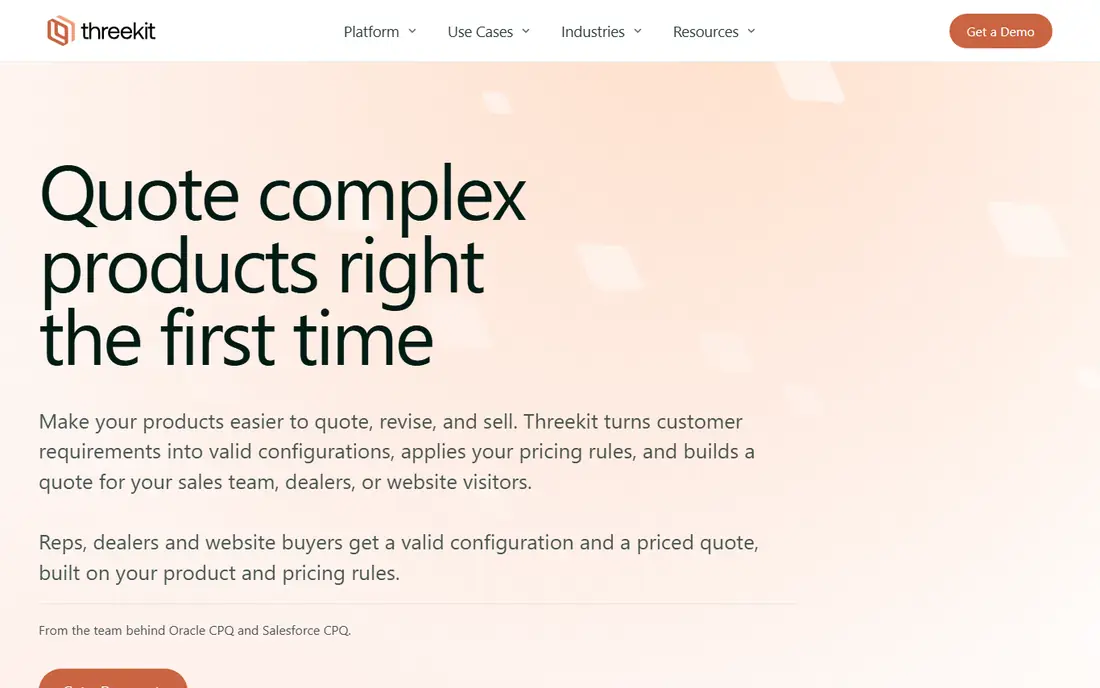
Threekit now positions itself as a visual CPQ platform for manufacturers, combining a 3D configurator with pricing and quoting. Sales reps, dealers and customers can configure a product, see it in 3D or AR, and receive a valid quote grounded in product rules, without rekeying data into Salesforce CPQ, Oracle CPQ, Infor or ERP systems. That link from visual choice to valid quote is its main strength. The work before launch matters. Product rules, pricing and 3D models must be clean, or the configurator will surface errors that should have been caught earlier. Budget for asset creation and rule building, and ask for a deployment timeline based on your product range, not a generic estimate.
- Real time 3D configuration with AR
- Rules enforce only valid configurations
- Quotes pass to CPQ, ERP and order systems
- Custom pricing only
- Implementation needs product rules and 3D assets prepared in advance
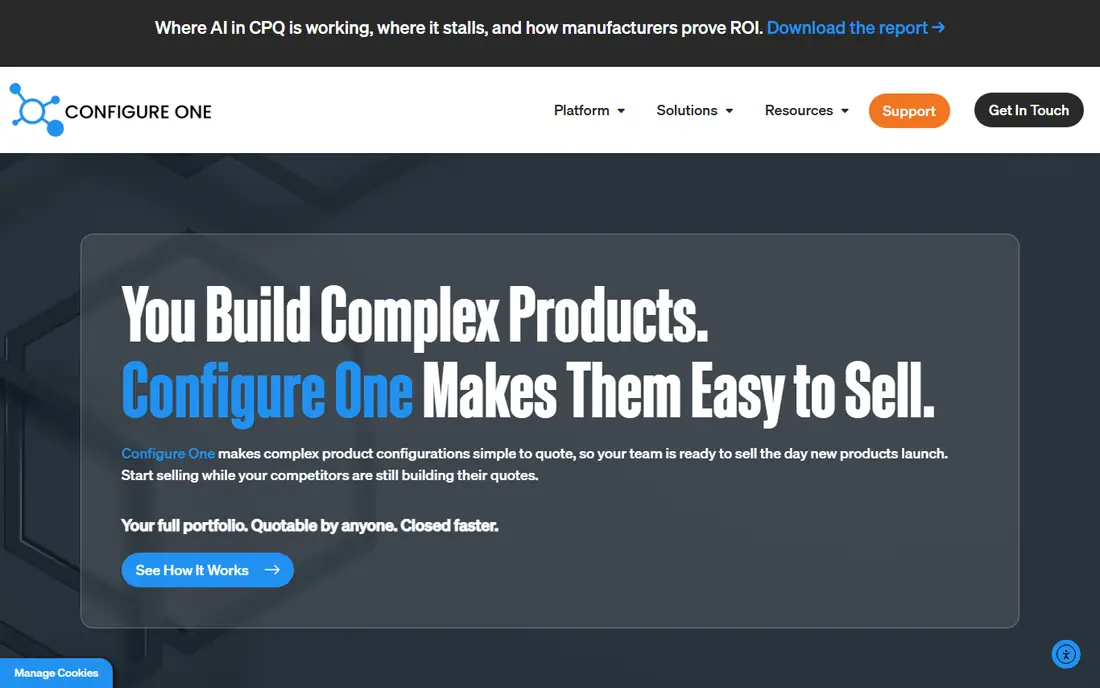
Configure One suits manufacturers that want a capable CPQ tool with a clear price. Its rule based interface lets teams set configuration rules without complex coding, guided selling narrows options for buyers, and quoting links to CRM and ERP systems. Real time 3D visualisation helps buyers see changes as they configure. Reporting is the weaker area, and very complex product structures may still need specialist setup. For manufacturers with complex but manageable catalogs, the published price and simpler setup make Configure One a practical first CPQ choice, especially when budget predictability matters.
- Published starting price
- Rule based configuration without heavy coding
- Guided selling and quoting
- Reporting is limited compared with enterprise CPQ
- Complex setups still need care
DriveWorks is the pick for SOLIDWORKS users. Companies can build design automation and online 3D sales configurators that generate order specific SOLIDWORKS manufacturing data and sales documents from customer choices, reducing repetitive engineering work and order errors. Sales teams, distributors and customers can configure on any device. It is not a generic e-commerce configurator. Value depends on SOLIDWORKS models and rules, and larger editions cost more than the entry one-time price suggests. Engineering led manufacturers that already use SOLIDWORKS will get the most from it, while firms without SOLIDWORKS should look at Threekit or Configure One.
- Automates SOLIDWORKS parts, assemblies and drawings
- Online 3D sales configurator
- Order specific documents generated automatically
- One-time starting price is only part of the total for larger editions
- Best value needs SOLIDWORKS expertise
Tacton handles the hardest configuration problems: highly complex products with many rules, pricing models and variants, sold through direct, reseller and online channels. Its constraint based engine enforces valid combinations, and CAD automation supports SolidWorks, Autodesk Inventor and PTC Creo, so configured orders can flow to engineering without manual redraws. That power comes with a steep ramp. Initial setup often needs specialist knowledge or outside consultants, and customisation can be technically involved. Manufacturers with simpler catalogs should compare Configure One first, while firms with intricate products and CAD needs will find Tacton depth hard to match.
- Constraint based configuration for complex products
- CAD automation with major CAD tools
- Omnichannel selling
- Custom pricing only
- Setup often needs specialist knowledge or consultants
Configit suits large manufacturers that need to manage configuration rules across many product lines, channels and variants. Its logic engine helps keep rules consistent, so a change in one product line does not break configurations elsewhere, and sales, dealers and online channels can draw on the same valid product definitions. That governance matters at scale. Smaller firms will find Configit heavier than they need, and pricing is custom. Success depends on product data quality: if bills of material, options and pricing are messy, no configurator will fix them alone. Large manufacturers with complex portfolios should trial it on one product family first.
- Strong configuration logic for complex products
- Scales across channels and product lines
- Useful for large manufacturers
- Custom pricing only
- Implementation needs strong product data governance
Epicor CPQ, formerly KBMax, gives manufacturers a visual configurator that links quoting and configuration to Epicor ERP and manufacturing workflows. Customers and sales teams can configure products visually, see pricing, and pass valid orders to production without rekeying, which reduces errors for made to order products. Firms already using Epicor get the most direct fit, with shared data rather than a separate system. As a standalone tool for firms outside Epicor, it is less compelling than Threekit or Configure One, and pricing is custom. Epicor users should ask for a demo using their own product rules and ERP data, while non Epicor firms should compare broader CPQ tools first.
- Visual configuration linked to Epicor ERP
- Quoting and order data flow to manufacturing
- Suits Epicor users
- Custom pricing only
- Best value inside the Epicor ecosystem rather than as a standalone tool
Experlogix suits firms that already run Microsoft Dynamics 365 or Salesforce and want CPQ inside that system. It covers product configuration, pricing, quoting and document generation, with guided selling that helps reps and customers pick valid options. Keeping CPQ inside the CRM reduces duplicate data and training, since sales teams stay in a familiar system. Firms that do not use Dynamics or Salesforce will get less value, and visual 3D strength is thinner than Threekit or Cylindo. If CRM fit is the priority, Experlogix is a strong choice; if shopper facing 3D visualisation is the priority, compare visual tools first.
- CPQ built for Dynamics 365 and Salesforce
- Document generation and guided selling
- Useful for firms standardised on those CRMs
- Custom pricing only
- Value depends on CRM fit rather than standalone visual strength
VividWorks suits furniture and modular product sellers that need configuration, quoting and room planning together. Customers can configure modular products, plan them in a room, and generate quotes and bills of material, while sellers use plugins for Shopify, WooCommerce and Magento. That combination helps modular furniture brands sell complex combinations online. Pricing needs a full quote, since configurator and room planner plans are priced separately and setup is quoted apart from the subscription in some cases. Furniture sellers should ask for a total including setup, 3D assets and plugins, and test a modular product with real options and pricing.
- 3D configuration with room planning
- Quotes and bills of material from configurations
- Shopify and WooCommerce plugins
- Custom pricing for full deployments
- Setup quoted separately for some plans
Cylindo focuses on visual commerce for furniture brands: photorealistic 3D models, 360 views, a modular designer and AR, plus lifestyle imagery that helps shoppers picture products at home. It suits furniture catalogs that need strong product pages, retailer visuals and configurators that look good on every channel. It is less of a full CPQ system for complex manufacturing rules than Tacton, Configit or Epicor CPQ. Furniture brands that need visuals first and quoting second will value Cylindo most, while manufacturers with deep rules and CAD needs should pair a visual tool with a CPQ engine or pick a rules led platform.
- High quality 3D visuals and 360 views
- Modular designer for furniture
- AR and lifestyle imagery options
- Custom pricing only
- More visual commerce than full CPQ for complex manufacturing rules
How we picked these
We compared official product pages and configurator coverage for tools that handle visual configuration, product rules, pricing and quoting, and we kept only tools still sold in October 2026. We included both visual and rules led tools because manufacturers and online sellers buy configurators for different jobs, and we wrote See website where pricing is custom rather than guessing a price.
What to check before you buy
Start with your product rules, not the demo visuals. List every option, dependency, exclusion and pricing rule for one product family, and ask the vendor to build that exact product in a trial. A configurator that looks good on a simple chair may fail on a modular sofa with fabric, size, leg and delivery rules. Next, check the order flow end to end. A valid configuration should produce a correct quote, bill of material or manufacturing file without rekeying, and it should link to your CRM, ERP or e-commerce platform. Ask about 3D asset costs, setup fees, CAD links and data export, and get the first year total in writing. Prices and availability vary, and clean product data matters more than any single feature.
Frequently asked questions
What is product configurator software?
It lets buyers, dealers or sales teams configure a product by choosing options, materials, sizes and add-ons, while rules enforce only valid combinations and pricing and quotes update from those choices. Some tools add 3D visualisation, AR, CAD automation or CPQ links.
Do I need 3D visualisation or rules led CPQ?
Shoppers and simple products benefit most from 3D visualisation, while complex manufactured products need rules led CPQ and CAD links. Many manufacturers need both, so check whether one tool covers both or whether you need a visual tool plus a CPQ engine.
How much does product configurator software cost?
Prices vary widely. Configure One starts at $150 per user per month, DriveWorks starts at a $3,600 one-time payment for its entry edition, and most enterprise tools are custom priced. Setup, 3D assets and integrations can add a large amount.
Can a configurator work with Shopify or WooCommerce?
Yes, for many visual tools. VividWorks offers plugins for Shopify and WooCommerce, and other tools use embeds, APIs or integrations. Check the exact plugin, pricing and order flow for your store before you buy.
Will a configurator reduce order errors?
It can, if product rules are clean and the configurator links to quoting and order systems. A configurator built on messy product data will still produce errors, so clean up options, pricing and dependencies before launch.
How long does implementation take?
It depends on product complexity, 3D assets and integrations. Simple visual configurators can launch faster, while complex CPQ and CAD projects can take months. Ask for a timeline based on your product family, not a generic estimate.
Sources
See where you really rank - block by block
ProMapRanker scans Google Maps across a grid of your service area. Simple monthly plans from $19, white-label on every plan.
Start freeKeep reading
 what’s the best risk software for enterprises
What Is the Best Risk Software for Enterprises in 2026
We compared what’s the best risk software for enterprises on risk registers, controls, third-party risk, and reporting, with pricing notes for large teams.
Read → what's the best pam software for enterprises
What is the Best PAM Software for Enterprises in 2026
Find what's the best pam software for enterprises, with vaulting, session recording, just in time access and pricing compared for large enterprise IT teams.
Read → what’s the best grc software
What Is the Best GRC Software in 2026
We compared what’s the best grc software on risk, compliance, audit and vendor risk, so teams can pick a platform that fits their frameworks and budget.
Read →