 ProMapRanker
Best Product Analytics Tools for Startups in 2026

Key takeaways
- Startups should pick a tool with a generous free tier and a clear path to paid plans, not the tool with the longest feature list.
- PostHog suits engineering led teams that want analytics, replay and feature flags in one place, while Mixpanel suits product managers who want fast funnels.
- Amplitude suits teams that need deep cohorts and governance, but it takes more setup than a small team may want at first.
- Autocapture tools like Heap reduce early instrumentation work, but they still need a clear event naming plan to stay useful.
- Instrument a small set of core events first, such as signup, activation and retention, before you add tracking everywhere.
Quick comparison
| Pick | Great for | Pricing starts at | Free tier | |
|---|---|---|---|---|
 PostHog | All in one analytics for dev teams | Free | Yes | Visit |
 Mixpanel | Fast self serve funnels | Free | Yes | Visit |
 Amplitude | Deep cohorts and governance | Free | Yes | Visit |
 Heap | Autocapture with less setup | See website | Free trial | Visit |
 Pendo | Analytics plus in app guides | Free | Yes | Visit |
 Fullstory | Session replay first analysis | Free | Yes | Visit |
 LogRocket | Replay plus error tracking | $69 per month | Free trial | Visit |
 Userpilot | Onboarding plus analytics | $299 per month | Free trial | Visit |
 Gainsight PX | Customer success analytics | See website | No | Visit |
The best product analytics tools for startups
Product analytics answers a simple question: what do users actually do inside your product, and where do they drop off. We compared official pricing pages, feature pages and current tool comparisons, and we kept only tools that are live in 2026 and offer a real startup path, through a free tier, a low paid plan, or usage based pricing.
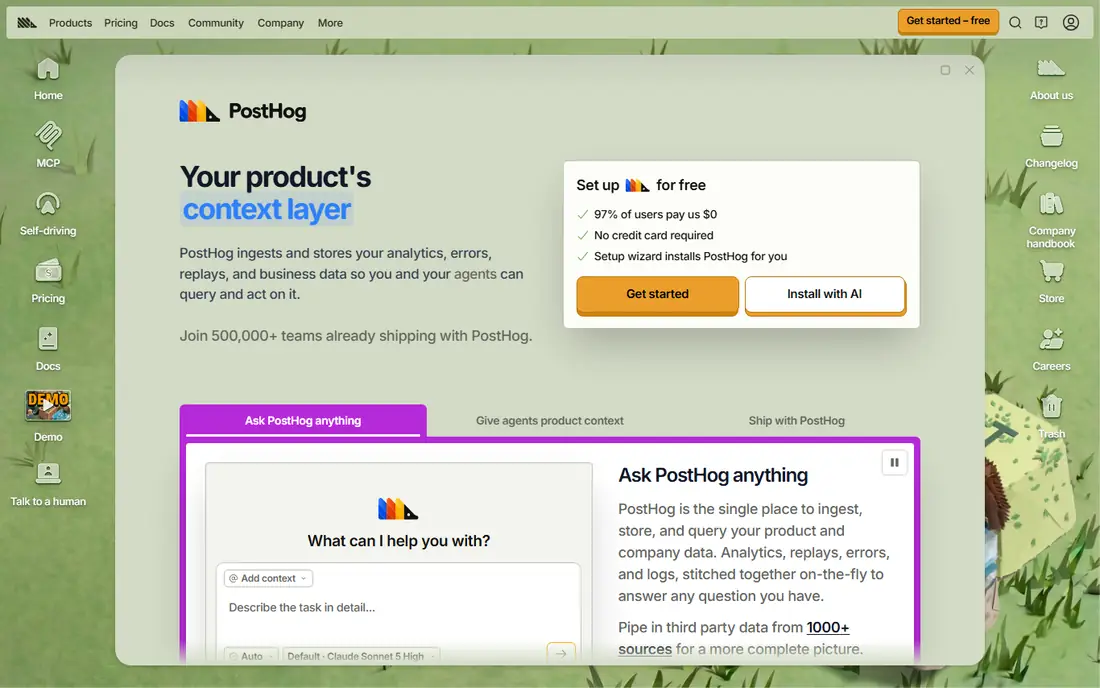
PostHog is our pick for most engineering led startups. It combines product analytics with session replay, feature flags, surveys, experiments and error tracking, so a small team can avoid buying five separate tools. Its free tier and usage based pricing also make it easy to start before revenue is steady.
The breadth is also the learning curve. A team that only needs funnels may find the extra products distracting at first, and self hosting, while free in licence terms, still costs hosting and maintenance time. Start with cloud analytics and replay, add feature flags when you need controlled rollouts, and ignore the rest until you have a use for it.
- Analytics, session replay, feature flags and experiments in one tool
- Open source self hosting option
- Usage based pricing
- Broad feature set can feel large at first
- Self hosting needs engineering time
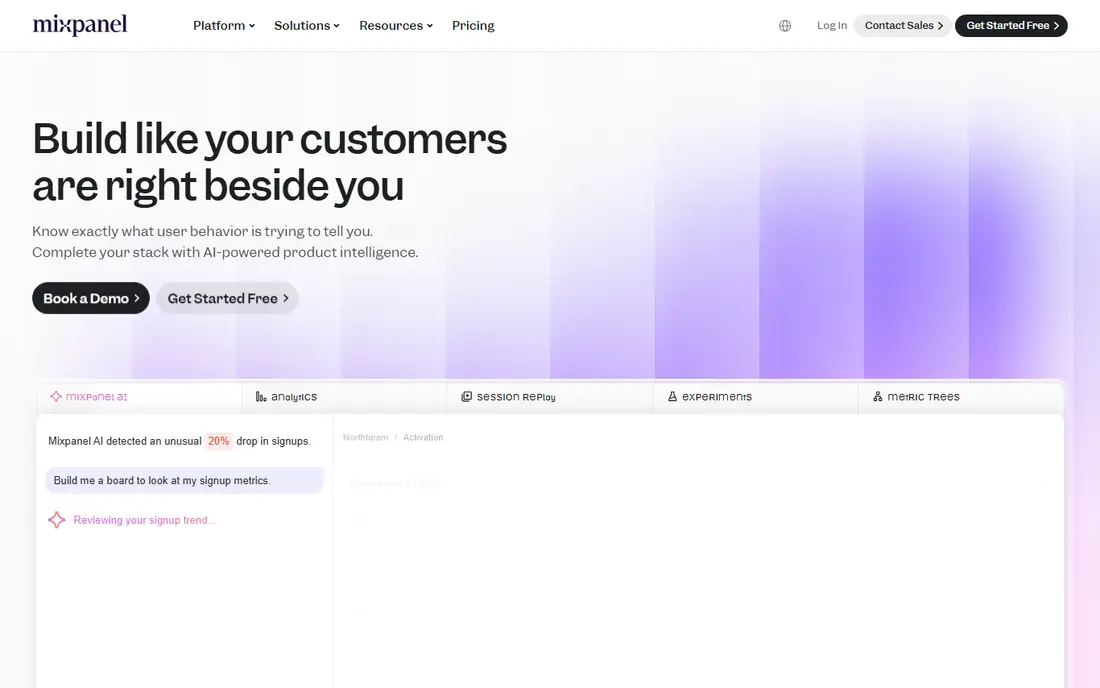
Mixpanel suits product managers who want answers without waiting for an analyst. Its funnel, retention and cohort reports are quick to build, and its interface is one of the clearest in this list for non technical users. That speed helps a startup test onboarding changes and pricing changes in days, not weeks.
The limit is scope. Mixpanel does not include error tracking, so frontend bugs need a separate tool, and some account level and experimentation features sit in add-ons. If your core need is fast behavioural analysis, that trade is fine. If you want one tool for everything, PostHog is closer.
- Fast funnel and retention reports
- Clean self serve analysis
- Generous free tier in many comparisons
- Some advanced features are add-ons
- Error tracking is not included
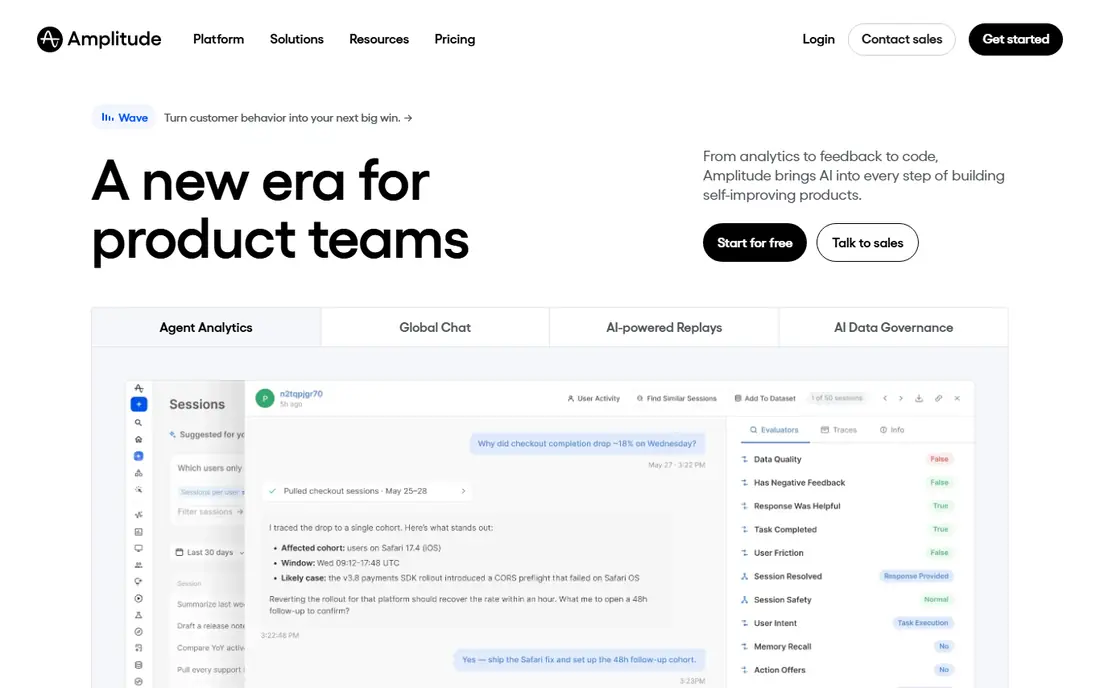
Amplitude is the pick for startups that already think in cohorts and experiments, or that plan to scale into a larger product team. Its behavioural analysis, journey views and governance controls suit teams with complex products and several people asking different questions of the same data.
For a very early startup, that depth can slow you down. Event design, taxonomy and governance work take time, and a two person team may not need that structure yet. Start with Amplitude if you have a data minded product lead and a clear event plan, otherwise start simpler and move later.
- Deep cohort, journey and retention analysis
- Experimentation options
- Strong governance for larger teams
- Steeper learning curve
- Setup and event design take more time
Heap suits teams with limited engineering time. Its autocapture records clicks, page views and form actions automatically, so you can define events after the fact instead of waiting for a release to add tracking. That retroactive analysis is useful when you realise, weeks later, that a step in onboarding needs study.
Autocapture is not a substitute for planning. Unnamed events pile up fast, and you still need to decide which actions mean activation or retention. Use Heap to capture broadly, then name and organise a small set of core events each week, or the data will become hard to trust.
- Autocapture records interactions without upfront event definitions
- Journey analysis
- Session replay options
- Autocapture still needs naming and cleanup
- Pricing is quote based for many plans
Pendo suits B2B startups that want analytics and onboarding in one place. You can see where users struggle, then add an in app guide, survey or announcement to fix that step, without a separate onboarding tool. Its free tier for up to 500 monthly active users makes it easy to test on a small product.
Paid pricing is custom, so costs can rise as monthly users grow, and teams that only need analytics may pay for guide features they never use. If onboarding is a core problem for you, Pendo is a strong fit. If you only need funnels, a simpler analytics tool will be cheaper.
- Product analytics with in app guides and feedback
- Free tier up to 500 monthly active users in many listings
- Account level views for B2B
- Paid pricing is custom
- Guides and analytics together can be more than a pure analytics team needs
Fullstory suits teams that learn by watching real user sessions. When a funnel shows a drop, you can watch sessions around that step and see rage clicks, errors or confusing layouts, which numbers alone rarely explain. That makes it a good partner to a funnel tool, or a starting point for UX heavy products.
For pure funnel and cohort work, a replay first tool can feel slower than Mixpanel or Amplitude. Session limits also matter, because a growing product can hit a free or paid session cap fast. Use Fullstory for qualitative insight, and pair it with a funnel tool if you need both views every day.
- Session replay with behavioural analysis
- Free plan for a set number of sessions
- Strong for finding UX problems
- Replay first view can be slower for funnel questions
- Session limits matter as traffic grows
LogRocket is the pick for frontend heavy startups where bugs and performance shape retention. It ties session replay to console errors, network requests and performance data, so developers can see exactly what happened before a crash or a failed checkout. That link saves time compared with matching separate error and analytics tools.
It is not a full replacement for product analytics. Funnel, cohort and retention analysis are thinner than in Mixpanel or Amplitude, so many teams use LogRocket alongside one of those tools. If your main pain is debugging, start here. If your main pain is understanding activation, start with a funnel tool.
- Session replay tied to errors and performance data
- Strong for frontend debugging
- Clear team plan starting point
- Analytics depth is less than dedicated product analytics tools
- Cost rises with sessions
Userpilot suits startups that know onboarding is their bottleneck. It lets product and growth teams build no code flows, checklists and in app messages, then track how those flows affect activation, using behavioural analytics and segmentation. That loop, measure then guide then measure again, is hard to run with analytics alone.
The starting price is the filter. At 299 dollars per month, it is not a casual test for a pre revenue team, and it only pays off if you actively build and iterate flows. If you will not run onboarding experiments each week, a free analytics tool plus a simple welcome email may serve you better for now.
- No code onboarding flows and in app messaging
- Behavioural analytics and segmentation
- NPS surveys included
- Higher starting price than free tier tools
- Best for teams that will actively use guides
Gainsight PX suits B2B startups with a customer success motion, where product usage should feed health scores, renewal alerts and expansion work. It connects usage data to accounts, so a success manager can see which accounts are adopting, which are stalling, and which need help before renewal.
For a consumer app or a very early B2B product, it is overkill. Setup, pricing and workflow design take more effort than a simple funnel tool, and you may not have enough accounts to justify health scoring yet. Choose it when retention and expansion are team goals, not just product metrics.
- Product usage tied to customer health and renewal work
- Account level views for B2B
- Customer success workflows
- Custom pricing
- Heavier setup than startup analytics tools
- Overkill for consumer apps
How we picked these
We compared official pricing and feature pages and current product analytics comparisons, and we favoured tools with a live startup path, clear event based analysis, and a pricing model a small team can predict. We did not claim hands-on testing, and where pricing was custom or session based, we wrote See website or a trial note rather than inventing a flat figure.
How to choose a product analytics tool for a startup
Start with one question, not with a feature list. If you need to fix onboarding, pick a tool with fast funnels and replay. If you need to prove retention to investors, pick a tool with clear cohort and retention reports. If you need to debug frontend problems, pick a replay plus error tool. The tool that answers your current question best is the right first tool.
Next, instrument less than you think. Track signup, activation, a core action, and retention, with consistent names and a short written definition for each event. A clean set of ten events beats a messy set of two hundred, because every report, cohort and experiment depends on those definitions staying stable.
Finally, check cost at your next growth step, not just today. A free tier that ends at a low event or session limit can become expensive fast, and a custom priced tool can surprise you at renewal. Model cost at twice your current volume, check data retention limits, and confirm how you can export your data if you switch later.
Frequently asked questions
What is the best product analytics platform for startups?
PostHog is a strong all round pick for engineering led teams, while Mixpanel suits product managers who want fast funnels. Amplitude suits teams that need deep cohorts, and Pendo suits B2B teams that also need in app guides.
What is the best product analytics platform for startups with a free tier?
PostHog, Mixpanel, Amplitude, Pendo and Fullstory all offer free plans or free tiers, with limits on events, users or sessions. Check the current limit for your volume, because free tier sizes change and differ by product area.
Do startups need product analytics if they already use Google Analytics?
Google Analytics helps with traffic and marketing, but it does not replace funnel, retention, cohort and in product behaviour analysis. Most startups use a web analytics tool for acquisition and a product analytics tool for what happens after signup.
How much should a startup pay for product analytics?
Many startups start free and pay only as events, sessions or users grow. Usage based and session based pricing can rise fast, so model cost at twice your current volume and check what happens when you cross a tier limit.
Is self hosting product analytics worth it for a startup?
Self hosting with PostHog can help with data control and privacy, but it adds hosting and maintenance work. Most early startups should use cloud hosting first and revisit self hosting when privacy, compliance or scale makes it necessary.
How many events should a startup track at first?
Track a small core set first, such as signup, activation, a core product action, and return visits. Add events only when you have a question they will answer, and keep names and definitions written down so reports stay comparable over time.
Sources
See where you really rank - block by block
ProMapRanker scans Google Maps across a grid of your service area. Simple monthly plans from $19, white-label on every plan.
Start freeKeep reading
 zscaler alternatives
Best Zscaler Alternatives in 2026
Looking for zscaler alternatives? We compare 9 SASE and zero trust platforms on architecture, data protection, pricing, and fit for your network and team.
Read → zapier alternatives free
Best Zapier Alternatives Free in 2026
Nine automation tools for zapier alternatives free in 2026, all with genuinely free tiers, plus free plan limits, starting prices and upgrade paths explained.
Read → which platform is best for online reputation
Which Platform Is Best for Online Reputation in 2026
Wondering which platform is best for online reputation? We compare 8 review, listing, and response tools for small and multi-location businesses and agencies.
Read →