 ProMapRanker
Best Procurement Card for Software Purchases in 2026

Key takeaways
- Virtual cards per vendor or subscription give the cleanest control over software spending.
- Approval rules, spending limits, and receipt capture matter more than rewards for software buying.
- Accounting sync decides whether month end is quick or a manual cleanup exercise.
- Card eligibility, credit terms, fees, and approval requirements vary by provider and applicant.
- This article gives general information only and is not financial advice, and no approval or reward is guaranteed.
Quick comparison
| Pick | Great for | Pricing starts at | Free tier | |
|---|---|---|---|---|
 Ramp | Software spend control and savings | See website | Yes | Visit |
 Brex | Startup and tech team cards | See website | Yes | Visit |
 BILL Spend and Expense | QuickBooks and Xero teams | See website | Yes | Visit |
 Airbase | Guided procurement and approvals | See website | No | Visit |
 Navan | Travel plus expense cards | See website | Yes | Visit |
 American Express Corporate Purchasing Card | Large enterprise purchasing | See website | No | Visit |
 J.P. Morgan Purchasing Card | Bank-led purchasing programs | See website | No | Visit |
 Rippling Spend | Payroll plus spend in one system | See website | No | Visit |
 Corpay | Mid-market card and AP consolidation | See website | No | Visit |
The best procurement card for software purchases
Software buying creates duplicate subscriptions, auto-renewals, and seat creep, so we judged these cards on virtual card controls, approval workflows, subscription visibility, and accounting integration.
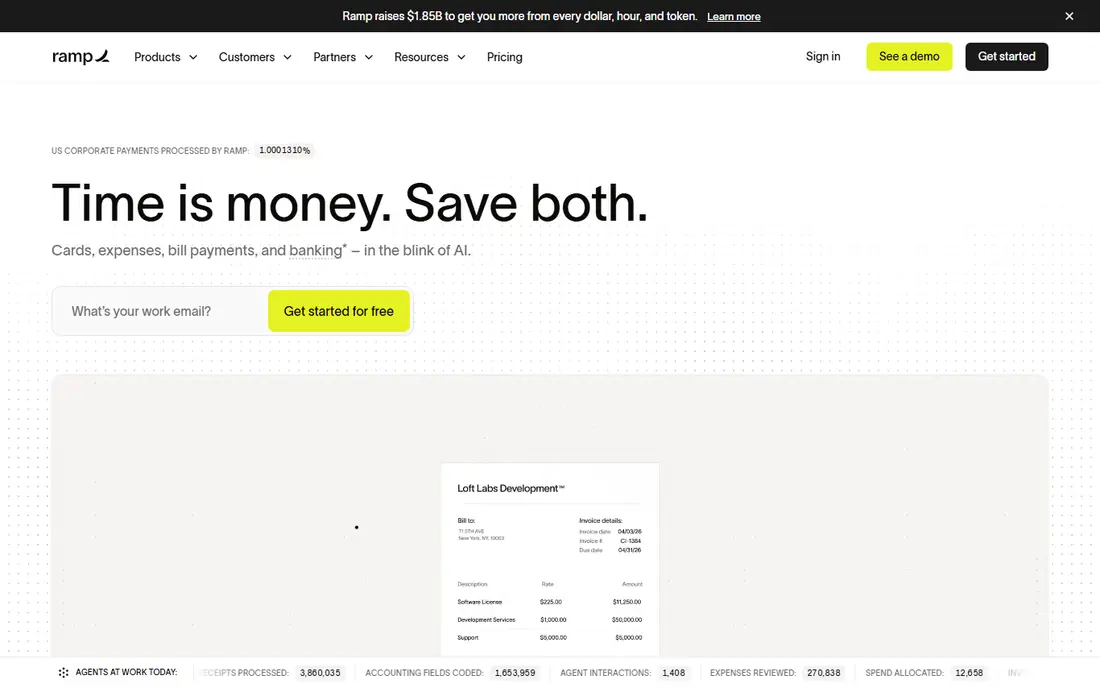
Ramp is a strong fit for software purchases because it lets teams issue virtual cards per vendor, set limits, and require approvals before money moves. Its software insights flag duplicate subscriptions and price changes, which is exactly where software budgets leak. Accounting integrations with QuickBooks, NetSuite, and Xero help finance code transactions without retyping them.
The platform itself is free at its core tier, with paid tiers for advanced features, but card approval still depends on the applicant and provider terms. Teams that want full procurement workflows, including purchase requests and multi-entity handling, will need a higher tier. For most software-heavy teams, Ramp is the first card to test.
- Unlimited virtual cards
- Subscription and duplicate spend insights
- Strong accounting integrations
- Card issuance depends on eligibility
- Higher tiers needed for advanced procurement features
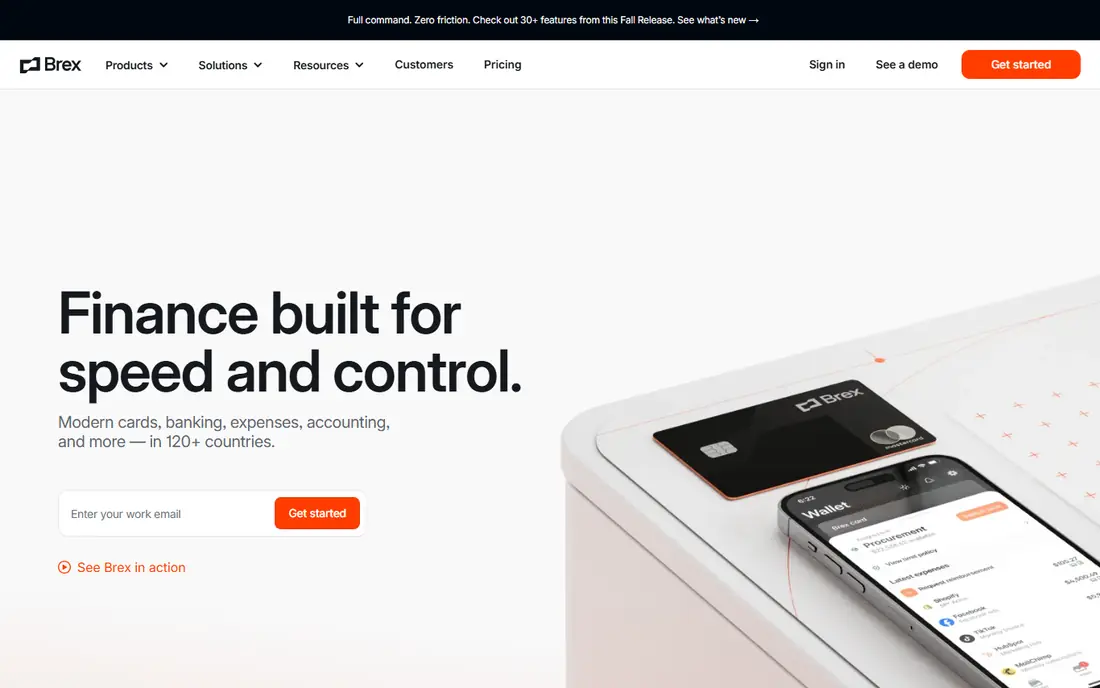
Brex suits venture-backed and fast-growing tech teams that buy a lot of software early and need controls before finance headcount catches up. Cards can be issued with limits and policies, expenses flow into the same platform, and bill pay covers vendors that do not take cards. That combination reduces the spreadsheet work around software renewals.
Rewards are a secondary benefit, not a reason to choose Brex alone, since terms and eligibility vary. Paid tiers add features that larger teams will want, so compare the free tier against Premium for your actual approval and reporting needs. For startups formalising spend early, Brex is a practical choice.
- Virtual and physical cards with controls
- Expense and bill pay in one platform
- Rewards on eligible spend
- Rewards and terms vary by plan
- Some advanced features sit on paid tiers
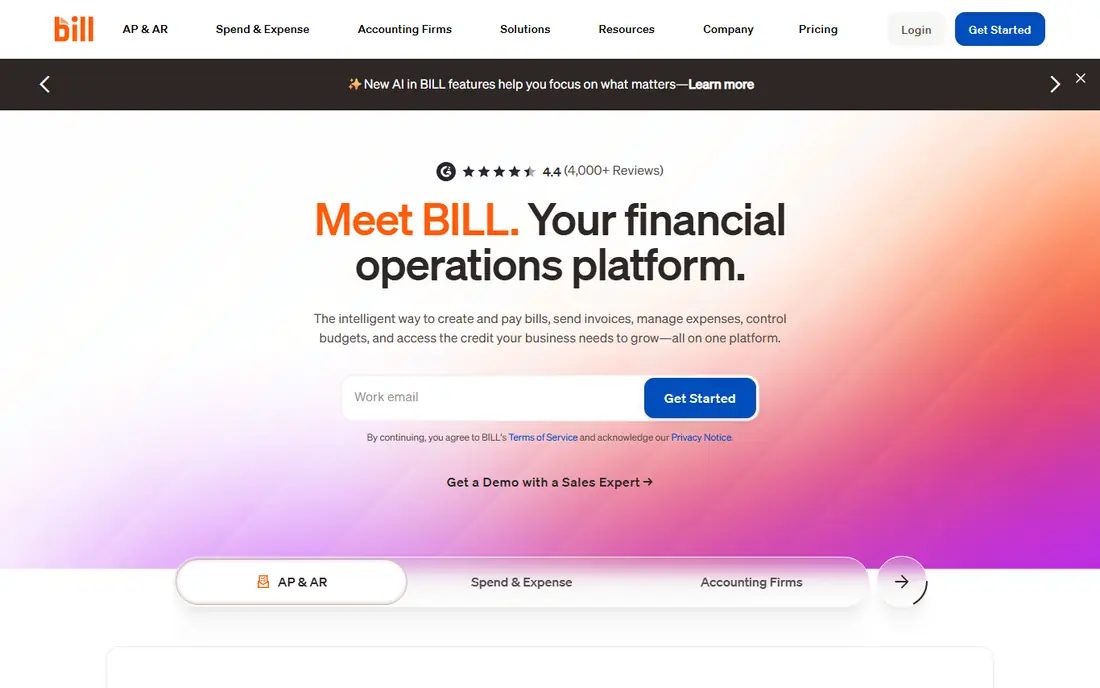
BILL Spend and Expense, formerly Divvy, combines corporate cards with bill pay and expense handling, which suits software buying that mixes card subscriptions with invoiced enterprise licences. Budgets can be set before spending, so a team cannot exceed its software budget by accident, and transactions sync to QuickBooks or Xero for cleaner books.
The free spend tier covers cards and expenses, while fuller accounts payable features sit on paid tiers, so check which tier your invoiced software needs. For small and mid-sized teams already on QuickBooks or Xero, BILL keeps card software and invoiced software in one finance workflow.
- Cards plus accounts payable in one system
- Budget controls before spending
- Strong QuickBooks and Xero sync
- Full accounts payable tiers are paid
- Card features vary by plan
Airbase is built for teams that want software purchases to follow a clear request and approval path before a card is charged. Guided procurement walks requesters through vendor, budget, and approval steps, virtual cards enforce the approved amount, and ERP integrations keep accounting and audit trails tidy. That structure helps finance teams control software sprawl without chasing receipts after the fact.
It is not a free starter card, and pricing reflects a mid-market audience, so very small teams may find Ramp or Brex simpler. For companies where every software purchase needs documented approval, Airbase's workflow depth is its main advantage.
- Guided purchase requests and approvals
- Virtual cards with policy controls
- Strong ERP integrations and audit trails
- Priced for mid-market and larger teams
- Implementation takes planning
Navan, formerly TripActions, combines travel booking, expense management, and corporate cards, which suits teams whose spending mixes travel and software. Cards carry policy controls, transactions appear in real time, and expense reports follow from card activity rather than manual entry. For a team that already uses Navan for travel, adding software cards keeps spend in one place.
Procurement-specific workflows are lighter than a dedicated procure-to-pay tool, so a finance team that needs purchase orders and vendor onboarding for every software deal should look elsewhere. For general software card control plus travel, Navan is a convenient all-in-one option.
- Cards tied to expense and travel policies
- Real-time transaction visibility
- Good for teams with travel and software spend
- Procurement depth is lighter than Airbase
- Software-specific controls are less central
American Express Corporate Purchasing Card
Great for: Large enterprise purchasing
The American Express Corporate Purchasing Card is a traditional purchasing card program for larger organisations that need formal controls, reporting, and supplier data for software and other purchases. It supports spending limits, transaction controls, and detailed reporting that finance teams can reconcile against budgets and vendors. For enterprises with existing American Express relationships, it fits established procurement processes.
Smaller teams will find fintech cards faster to set up and easier to manage for virtual software cards. Terms, fees, and eligibility are program-specific, so a business should get written terms before comparing rewards or controls. For large, policy-driven buying, this card remains a serious option.
- Established corporate purchasing program
- Detailed transaction data and reporting
- Global acceptance for major vendors
- Terms and fees vary by program
- Setup suits larger organisations
The J.P. Morgan Purchasing Card suits organisations that prefer a bank-led purchasing program alongside existing banking and treasury relationships. It offers purchasing controls, reporting, and virtual card options that help finance teams limit software spending to approved vendors and amounts. Integration with broader corporate banking can simplify reconciliation for large buyers.
It is a negotiated program rather than a self-serve signup, so setup time and terms depend on the organisation and its banking relationship. Small teams that want instant virtual cards will find fintech options faster. For larger buyers, the bank relationship and reporting depth are the appeal.
- Bank-led program with reporting tools
- Virtual card options for controlled buying
- Fits existing banking relationships
- Program terms are negotiated
- Less self-serve than fintech cards
Rippling Spend ties corporate cards to the same employee, department, and role data used for payroll and HR, which helps software buying in a useful way: when someone joins, changes team, or leaves, their card access and limits can follow that change. That link reduces orphaned cards for software subscriptions held by former staff, a common source of waste.
The strongest case for Rippling Spend is for teams already using Rippling for HR and payroll, since the combined system is where the automation pays off. Standalone card buyers may find a dedicated spend platform simpler. Pricing is quoted, so get a full figure for your headcount before deciding.
- Spend controls tied to employee and department data
- Cards, expenses, and payroll in one platform
- Good onboarding and offboarding control
- Best value inside the Rippling system
- Pricing needs a quote
Corpay helps mid-market and enterprise teams consolidate commercial cards, single-use virtual cards, and supplier payments in one program. Single-use virtual cards are particularly useful for software purchases, since a card number tied to one vendor and amount cannot easily be reused for unrelated spending. Managed payment options can also handle vendors that prefer bank transfer or check.
Pricing is model-based rather than a simple published monthly figure, so finance teams should ask for a clear commercial proposal. Smaller teams may prefer a self-serve fintech card, but for organisations consolidating cards and accounts payable, Corpay is worth a conversation.
- Commercial and single-use virtual cards
- Managed accounts payable options
- Consolidates cards and supplier payments
- Pricing model is not a simple published list
- Implementation suits larger teams
How we picked these
We compared official feature and pricing pages, purchasing card guides, and documentation, and we weighted virtual card controls, approval workflows, subscription visibility, receipt handling, and accounting sync. We did not run hands-on card trials, and we did not invent rewards, fees, or approval terms. Cards were included only when they offer a real procurement or spend control workflow for business software buying.
How to set up software cards without creating chaos
Start by listing every software subscription, its owner, its renewal date, and its cost, before you issue a single card. That list becomes your card map: one virtual card per vendor, with a limit close to the expected charge and an owner who must approve increases. Set a rule that no software card is shared across vendors, and require a purchase request for any new tool above a threshold you choose. Those two rules alone prevent most duplicate and forgotten subscriptions.
Next, connect cards to accounting from day one, and agree who codes transactions and when receipts are required. Review software spend monthly, not just at renewal time, and cancel or downgrade tools that no owner defends. When someone leaves, revoke their cards the same day and transfer subscription ownership. This article gives general information only and is not financial advice, fees and approval vary by provider, and no card, reward, or approval is guaranteed.
Frequently asked questions
What is a procurement card?
A procurement card, or P-card, is a business payment card used for day-to-day purchases with controls such as spending limits, approved vendor categories, and approval workflows. For software, virtual P-cards per vendor give tighter control than a shared company card.
Are virtual cards better than physical cards for software?
Yes, for most software buying. A virtual card per vendor can carry its own limit and can be paused or replaced without affecting other subscriptions, which limits damage if a vendor is breached or a subscription should end.
Do procurement cards replace purchase orders?
Not always. Some purchases still need a purchase order, vendor onboarding, or contract review, especially for large enterprise licences. Many spend platforms combine cards with purchase requests, so check whether your chosen tool covers both.
Can a procurement card help find duplicate subscriptions?
It can, when paired with spend reporting. Tools that show all charges by vendor make duplicates visible, and some platforms flag similar tools or price increases, but finance still needs a regular review to act on those flags.
What should I check before applying for a card?
Check eligibility, fees, credit or charge terms, card limits, virtual card support, approval workflows, and accounting integrations. Get terms in writing, since published marketing pages do not always list every fee or condition.
Sources
See where you really rank - block by block
ProMapRanker scans Google Maps across a grid of your service area. Simple monthly plans from $19, white-label on every plan.
Start freeKeep reading
 worlds best local seo company
8 Worlds Best Local SEO Companies for Map Pack Growth in 2026
Compare the worlds best local seo company options for Google Business Profile work, citations, reviews, and multi-location rankings and reporting in 2026.
Read → world's best web hosting company
World's Best Web Hosting Company in 2026
Searching for the world's best web hosting company? We compared 10 hosts on price, renewal rates, speed, and support to help you choose well today in 2026.
Read → who's got the best nanny tax services
Who's Got the Best Nanny Tax Services in 2026
We answer who's got the best nanny tax services, comparing full filing, back taxes, software, and pricing so families can handle nanny taxes correctly.
Read →