 ProMapRanker
Best Procurement Automation Tools for Businesses in 2026

Key takeaways
- The best procurement tool for your business depends on volume and complexity, not on how many features a vendor lists on its homepage.
- Precoro and Procurify suit growing teams that need purchase orders, approvals, and budget control without an enterprise rollout.
- Coupa, SAP Ariba, and Zip suit larger or more regulated buying, where sourcing, contracts, and supplier management matter as much as approvals.
- Tipalti, Ramp, and ProcureDesk are strongest where payments and accounts payable sit close to purchasing, so invoices match orders without manual chasing.
- Always get a written quote tied to your user count, order volume, and integrations, because several vendors here do not publish a simple price.
Quick comparison
| Pick | Great for | Pricing starts at | Free tier | |
|---|---|---|---|---|
 Coupa | Enterprise spend management | See website | No | Visit |
 SAP Ariba | Large enterprise sourcing and supplier networks | See website | No | Visit |
 Precoro | Growing teams needing full purchase control | $499 per month | No | Visit |
 Procurify | Mid-market teams with pre-spend budget control | See website | No | Visit |
 Zip | Intake and approvals for larger teams | See website | No | Visit |
 Tipalti | Global supplier payments with procurement add-on | $149 per month | No | Visit |
 Ramp | Cards, expenses, and procurement in one platform | $15 per user per month | No | Visit |
 Tradogram | Small business sourcing and purchase orders | $99 per month | Free trial | Visit |
 ProcureDesk | Mid-market teams focused on invoice accuracy | $830 per month | Free trial | Visit |
The best procurement automation tools for businesses
We compared official feature pages, pricing pages, and public documentation for tools that automate real purchasing work: requests, approvals, purchase orders, receiving, invoices, and payments. Prices below are starting prices found in October 2026, and we wrote See website where a vendor prices by quote. This is not financial advice, and the right tool still depends on your order volume, approval rules, and accounting system, so treat the shortlist as a starting point for demos, not a final purchase order.
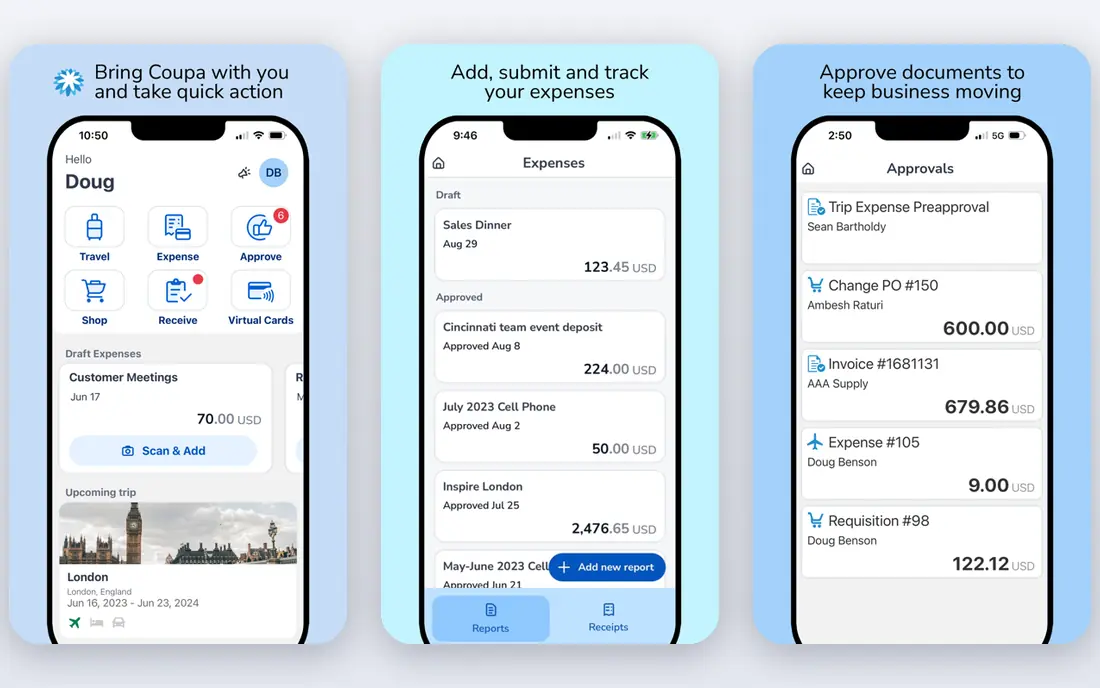
Coupa is the broadest platform in this list. It covers sourcing, procurement, invoicing, expenses, contracts, and supplier management in one suite, with spend analytics that show where money goes by department, supplier, and category. For a large business buying across many sites and currencies, that single view is the main reason to pay enterprise prices.
The cost is complexity and time. Coupa does not publish a standard price, and enterprise deployments commonly take months to configure, integrate, and roll out. Smaller businesses will find the platform heavy for simple purchase orders, and should look at Precoro or Procurify first. Coupa fits when procurement is a company-wide programme, not a single approval workflow.
- Wide coverage from sourcing to payments
- Strong spend visibility
- Large supplier network
- Quote-based pricing with no simple entry price
- Implementation can take months for large teams
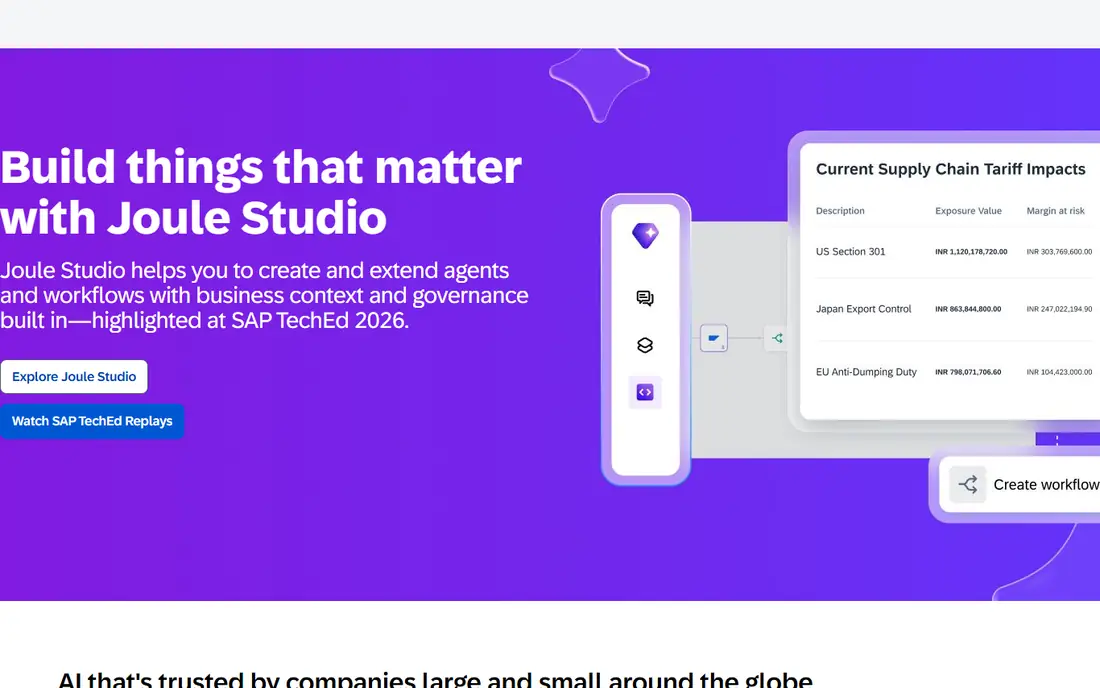
SAP Ariba suits large enterprises that already run SAP or buy direct materials at scale. Its supplier network connects buyers with a huge pool of suppliers, and its sourcing tools support formal tenders, auctions, and contract management that lighter tools do not attempt. If your procurement team runs structured sourcing events, Ariba is built for that work.
The drawback is the same as Coupa: implementation effort and cost. Ariba projects need internal ownership, clean supplier data, and time for integration and training. A mid-market team that mainly needs approvals and purchase orders will move faster with a smaller tool, and should only consider Ariba when sourcing complexity or SAP integration justifies the project.
- Very large supplier network
- Strong sourcing and contract tools
- Deep ERP integration for SAP users
- Complex to implement
- Pricing is quote-based and total cost can be high
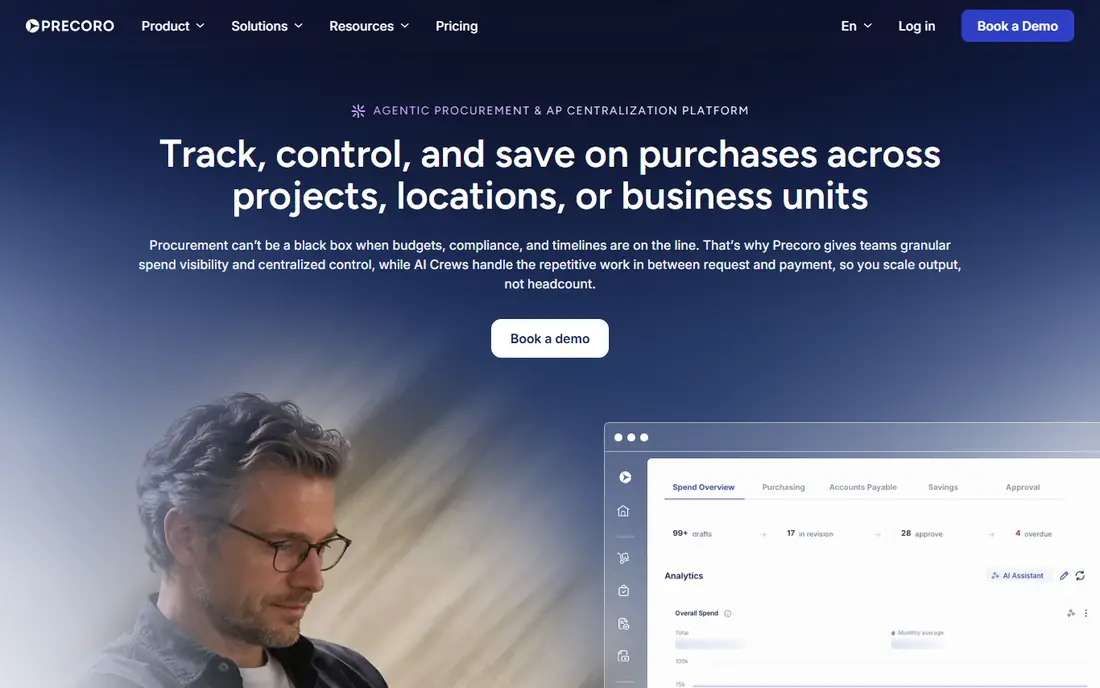
Precoro is our pick for a growing company that has outgrown email and spreadsheets but does not need an enterprise suite. Staff raise requests, managers approve against budgets, the system creates purchase orders, and invoices can be matched to orders before payment. That chain gives finance a clear record of what was requested, approved, received, and paid, without chasing paper across inboxes.
Pricing starts at $499 per month for the Core plan, and the Automation tier at $999 per month adds deeper automation and punchout catalogs, so check which features your team actually needs before you budget. Precoro does not offer a free trial on its standard listing, so ask for a demo with your own approval workflow and a sample order before you sign.
- Clear request to payment workflow
- Purchase orders, budgets, and approvals in one place
- Integrations with common accounting tools
- Automation and punchout catalogs sit on a higher tier
- No free trial on the standard offer
Procurify is designed around one idea: stop overspending before it happens, not after the invoice arrives. Requesters see budgets as they order, approvals route by amount and department, and finance sees spending against budget in real time. The interface is deliberately simple, which helps adoption in teams where most requesters buy only occasionally and do not want to learn a complex system.
Pricing is modular and quote-based. Every customer starts with Purchasing, then adds accounts payable, expense and card products, and add-ons such as guided intake or contracts, so two Procurify quotes can look very different. Ask for a quote that lists each module separately, and check reporting limits during a demo, because public reviews note that advanced reporting can need extra configuration.
- Easy to learn for requesters
- Real-time budget visibility before spending
- Clear approval routing and audit trail
- Quote-based modular pricing
- Reporting is less flexible than some rivals
- No inventory management
Zip focuses on the front end of procurement, which is where most buying processes break down. Employees describe what they need in plain language, the system routes the request to the right approvers, legal, security, or finance reviewers as needed, and everyone can see where a request stands. Its no-code workflow builder lets operations teams adjust routing without waiting for developers.
Zip is less of a full procure-to-pay replacement than Coupa or Precoro, and it works best when your downstream purchase order and payment processes are already solid or handled by another system. Pricing is quote-based, so budget discussions need a demo and a scope conversation. Choose Zip when slow, unclear intake is your main pain, not when you need a complete ordering and invoicing system from scratch.
- Strong intake experience for requesters
- No-code workflow builder
- Good visibility into approval status
- Quote-based pricing
- Strongest at intake, so downstream depth depends on your existing systems
Tipalti starts from payments, not purchasing, and that matters for how you judge it. Its core strength is paying suppliers, contractors, and partners across many countries and currencies, with tax forms, compliance screening, and reconciliation built in. Procurement is available as a module that adds purchase requests and approvals on top of that payment engine.
The platform fee starts at $149 per month, with procurement and other modules priced by quote, so the total depends on what you add. Tipalti fits a business that already struggles with international payouts and wants purchasing to feed cleanly into payments. It is a weaker pick if your main need is sourcing, tenders, or contract management, because Tipalti does not offer those modules.
- Strong global payments and tax compliance
- Supplier onboarding and fraud checks
- Broad ERP integrations
- Procurement is an add-on, not the core product
- No sourcing or contract management
Ramp began as a corporate card platform, and its procurement product still shows that history in a useful way. Employees describe what they need, the system helps with vendor research and compliance checks, and card transactions can be matched to purchase orders, which many procurement tools do not attempt. For a small business with no dedicated procurement staff, that combination covers several finance jobs in one login.
The limit is depth. Basic intake is available to Ramp customers, but fuller workflow orchestration and renewal management sit as an add-on to Ramp Plus, and Ramp procurement is lighter than Precoro or Procurify for complex approval chains. Ramp fits best when cards, expenses, and bills are already on Ramp or when you want one spend platform. It fits less well when procurement itself is a large, regulated operation.
- Combines cards, expenses, accounts payable, and procurement
- Plain-language intake
- Purchase order matching for card spend
- Advanced procurement features are an add-on to a paid tier
- Procurement depth is lighter than procurement-first tools
Tradogram is a sensible entry point for a small business that needs structure without enterprise pricing. It covers supplier management, sourcing requests, purchase orders, and receiving, so a team moving off spreadsheets gets a complete basic workflow in one tool. The starting price of $99 per month, with a free trial, makes it one of the few tools here you can test cheaply before committing.
Tradogram will not match Coupa or SAP Ariba for complex sourcing, multi-entity controls, or deep ERP integration, and larger teams may outgrow it. That is a fair trade at this price. If your team is small, your approval rules are straightforward, and you want sourcing plus ordering in one place, Tradogram is a strong first step.
- Affordable entry price
- Sourcing, vendor management, and purchase orders together
- Simpler setup than enterprise tools
- Less depth for large, multi-entity buying
- Fewer advanced integrations than bigger suites
ProcureDesk is built for finance-led teams whose biggest pain is invoice accuracy. It covers requests, purchase orders, receiving, invoices, and approval workflows, with two-way and three-way matching that catches price and quantity differences before payment. Punchout catalogs with major vendors are included from the start, which reduces manual entry errors for common purchases.
Pricing starts around $830 per month for the Startup plan on annual billing, with higher tiers for full procure-to-pay coverage, and a 14-day free trial is available on some plans. That entry price is higher than several rivals here, so ProcureDesk earns its place only when invoice volume and matching accuracy justify it. If your team processes many invoices each month and spends hours fixing mismatches, the matching workflow may pay for itself. If volume is low, a cheaper tool will do.
- Strong invoice matching and approval workflows
- Punchout catalogs included early
- Real-time spend analytics
- Higher entry price than Precoro or Tradogram
- Some published prices vary by plan and billing term
How we picked these
We compared official feature pages, pricing pages, and public documentation, and we kept tools that automate a real procurement workflow rather than tools that only track expenses or only send payments. We favoured tools with clear approval routing, purchase order creation, budget visibility, and accounting integrations, and we noted where pricing is quote-based instead of inventing a price. We did not rank on marketing claims alone, and we treated user-reported prices as estimates unless a vendor page confirmed them.
What to check before you buy
Start with a map of your current process, not with a feature list. Write down who requests, who approves, at what amounts approval changes, how purchase orders are created, how goods are received, and how invoices are matched and paid. Then test each shortlisted tool against that map in a demo using your own example order. A tool that looks strong on paper but forces you to change a sound approval rule is a worse fit than a simpler tool that follows your process.
Count users, orders, and integrations honestly
Procurement pricing often depends on more than a headline monthly fee. Count approvers and requesters separately, because some vendors charge only for advanced users while others charge per seat. Count monthly purchase orders and invoices, because volume tiers and per-transaction fees change the total. List every integration you need, including your accounting system, ERP, and any punchout catalogs, and ask whether each integration is included or an add-on. Get the quote in writing with those counts attached, so a renewal cannot quietly reprice your usage.
Plan the rollout, not just the purchase
The most common procurement failure is low adoption, not missing features. Requesters will bypass a tool that is slower than email, so test the request experience with non-finance staff, not only with the buying team. Plan supplier onboarding, catalog setup, budget loading, and training before go-live, and keep the old process running in parallel for one cycle. A phased rollout by department surfaces problems while they are still small, and it gives finance time to check that approvals, budgets, and invoice matching behave as promised.
Frequently asked questions
What does procurement automation actually automate?
It automates the chain from request to payment: an employee raises a request, the system routes it for approval, creates a purchase order, records receipt, matches the invoice to the order, and queues payment. It does not remove human judgment from approvals. It removes manual copying, email chasing, and spreadsheet tracking between those steps.
How much should a small business budget for procurement software?
Small businesses often start between $99 and $499 per month for a basic tool, while mid-market tools commonly start higher and enterprise platforms are quote-based. The honest budget includes implementation, integrations, and training, not only the subscription. Ask for a total first-year cost in writing before you compare vendors on headline price alone.
Do I need sourcing tools, or just approvals and purchase orders?
Most small and mid-market teams need approvals, purchase orders, budgets, and invoice matching first. Sourcing tools for tenders, auctions, and contract management matter when you run formal supplier competitions or manage many contracts. Buying a sourcing suite before you need it adds cost and complexity without improving daily purchasing.
Will procurement software work with my accounting system?
Most tools here integrate with common accounting and ERP systems such as QuickBooks, Xero, NetSuite, and Sage, but the depth of each integration varies. Check whether purchase orders, invoices, suppliers, and budgets sync both ways, and whether the integration is included or an add-on. Test one full cycle in a demo, from request to accounting entry, before you sign.
How long does implementation usually take?
Smaller tools can go live in days or weeks when approval rules are simple and catalogs are limited. Larger platforms can take months, especially when sourcing, contracts, multi-entity rules, and ERP integration are involved. Ask each vendor for a realistic timeline based on your user count and integrations, and ask what work your team must do during that period.
Is procurement automation worth it for a team of under 20 people?
It can be, if purchasing is messy, approvals are unclear, or invoices regularly surprise finance. A light tool such as Tradogram or Ramp may be enough at that size. A full enterprise platform usually is not. Start with the single biggest pain, whether that is approvals, budget visibility, or invoice matching, and choose the simplest tool that fixes it well.
Sources
See where you really rank - block by block
ProMapRanker scans Google Maps across a grid of your service area. Simple monthly plans from $19, white-label on every plan.
Start freeKeep reading
 zoro.to alternatives
Best Zoro.to Alternatives in 2026
We compare the best zoro.to alternatives in 2026, listing only legal licensed anime streaming services, from Crunchyroll to free options for fans today.
Read → zip alternatives
Best Zip Alternatives in 2026
We compare the best zip alternatives for buy now, pay later in 2026, covering pay-in-4 plans, fees, spending limits, and credit reporting options today.
Read → yesware alternatives
Best Yesware Alternatives in 2026
Compare the best yesware alternatives for sales email tracking, templates, and sequences, with current pricing and honest tradeoffs for small sales teams.
Read →