 ProMapRanker
Best Process Mapping Software in 2026


Structured business process maps · Pricing starts at: $9 per month
Key takeaways
- Lucidchart is our pick for most teams that need structured, shareable process maps with BPMN shapes and collaboration.
- Miro fits workshops where the process is still being discovered and the team needs to sketch together on a shared canvas.
- diagrams.net is the strongest free option for formal diagrams at no cost.
- Formal BPMN tools and whiteboard tools solve different problems, so pick by whether the map must be auditable or only understood.
- A map only helps if someone owns it, so assign an owner and a review date before you publish it.
Quick comparison
| Pick | Great for | Pricing starts at | Free tier | |
|---|---|---|---|---|
| Lucidchart | Structured business process maps | $9 per month | Yes | Visit |
 Miro | Collaborative process workshops | $8 per month | Yes | Visit |
 Microsoft Visio | Enterprise diagramming | $5 per month | Free trial | Visit |
 diagrams.net | Free process diagrams | Free | Yes | Visit |
 Creately | Process maps plus planning context | $4 per month | Yes | Visit |
 Bizagi Modeler | Business process documentation | Free | Yes | Visit |
 Camunda Modeler | BPMN and executable models | Free | Yes | Visit |
 Visual Paradigm | Formal BPMN and systems modeling | $6 per month | Yes | Visit |
 SmartDraw | Fast business diagramming | $7.95 per month | Free trial | Visit |
The best process mapping tools
Process mapping software turns a workflow that lives in people's heads into a diagram a team can inspect, challenge, and improve. The tools below differ in an important way: some draw a map you can print and follow, while others model a process in BPMN so it can be checked, simulated, or automated. Both kinds are useful, but they are not interchangeable. We focused on tools live in October 2026 that a real team can use for business processes, not only for software user flows.
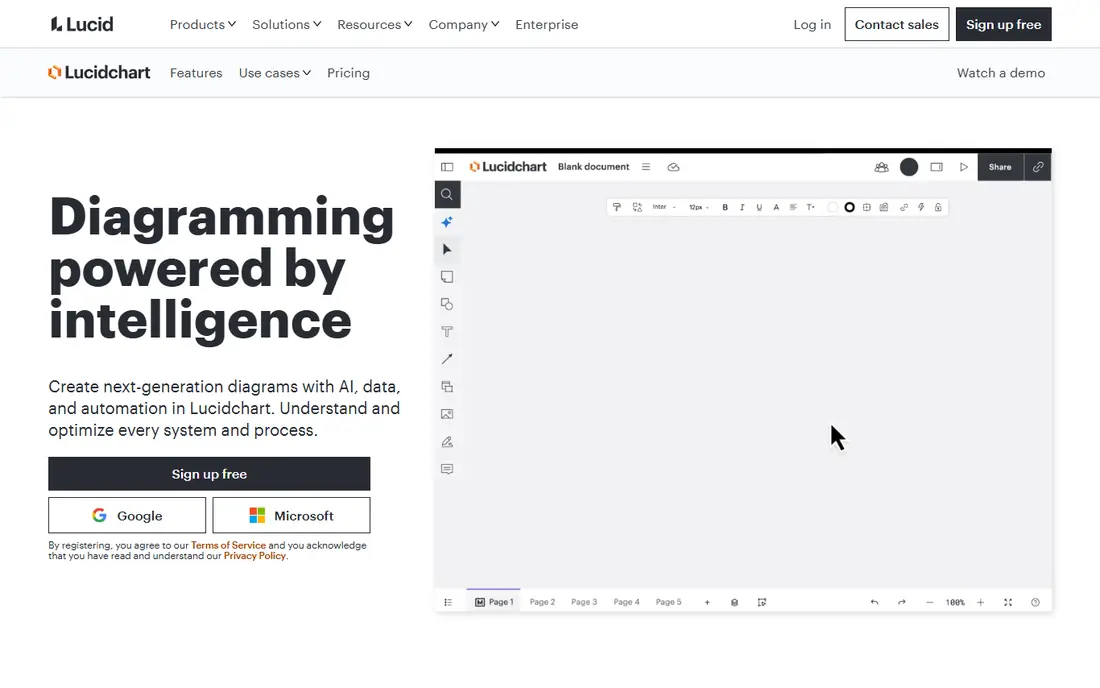
Lucidchart is the most balanced pick for teams that need a process map to look professional and stay readable. BPMN shapes, swimlanes, flowchart templates, and data linking help an operations team document a process in a standard form that new hires can follow. Real time collaboration lets several people edit the same map, comment on steps, and share a link instead of emailing diagram files back and forth.
The cost curve is the catch. The entry Individual plan starts at $9 per month in recent listings, but team features, advanced data tools, and admin controls sit higher. A small team may find the free plan enough for a few maps, while a larger team should budget per user. If your maps must be formal, shared, and maintained, Lucidchart is a strong default that most staff learn quickly.
- BPMN and flowchart shape libraries
- Real time collaboration
- Strong templates and sharing options
- Advanced data and automation features sit on higher tiers
- Costs rise with team size

Miro shines when the process is still being discovered. A team can map a workflow with sticky notes, draw connections, add research and comments, and run a workshop on the same canvas. That shared discovery matters, because many processes fail on paper simply because no one asked the people who do the work every day. Miro makes that conversation easy, even for staff who have never drawn a flowchart.
Formal modeling is the limit. BPMN support is limited, and a Miro board is not a substitute for an auditable BPMN model that an automation team can execute. Large boards also need facilitation, or they turn into a sprawling canvas no one can read later. Use Miro to discover and agree on a process, then redraw the agreed version in Lucidchart or a BPMN tool if you need a formal record.
- Shared whiteboard for discovery workshops
- Sticky notes, diagrams, and comments on one canvas
- Easy for non technical staff
- BPMN support is limited compared with formal tools
- Large boards can become messy without facilitation
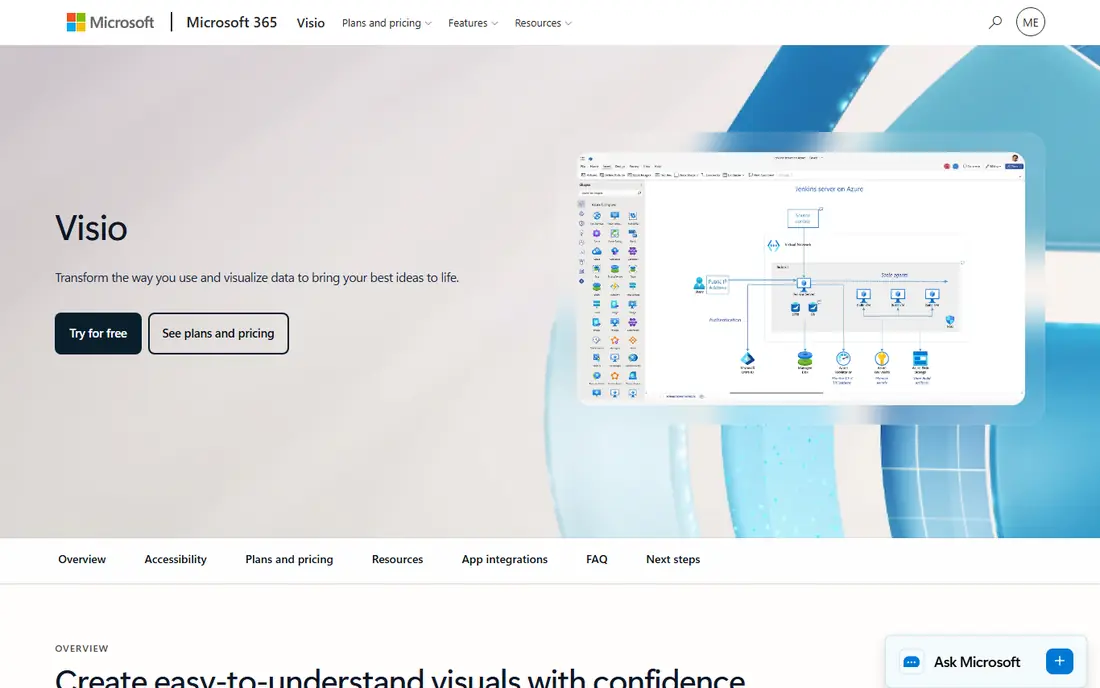
Microsoft Visio remains the enterprise standard for formal diagrams, especially inside Microsoft 365 organizations. BPMN templates, flowchart shapes, and data linked diagrams fit teams that already store documents in SharePoint and Teams. Staff who know Office will find Visio familiar, and IT teams appreciate the Microsoft admin and security controls that come with the wider suite.
Collaboration is weaker than Lucidchart or Miro, and plan differences matter: Visio Plan 1 starts at $5 per user per month in recent listings, while Plan 2 adds desktop and advanced features at a higher price. Check which plan your team needs before comparing prices. For a Microsoft centric team that needs formal, auditable diagrams, Visio is still a solid pick. For a fast collaborative workshop, Miro will feel lighter.
- Formal BPMN and flowchart diagrams
- Deep Microsoft 365 integration
- Familiar Office style workflow
- Collaboration is weaker than web first rivals
- Web and desktop plans differ in features
diagrams.net, also known as draw.io, is the strongest free option for process mapping. You can draw BPMN diagrams, flowcharts, and swimlane maps at no cost, in a browser or desktop app, and save files to your own Google Drive, OneDrive, or local storage. That ownership matters for small teams and solo analysts who do not want another subscription for a tool they use a few times a month.
The trade off is polish and collaboration. Templates, real time co editing, and integrations are thinner than Lucidchart, and there is no built in automation path. For a single analyst documenting a process, or a small team on a tight budget, diagrams.net is more than enough. For a large team that co edits maps daily, a paid tool will save time that outweighs its monthly cost.
- Fully free for core diagramming
- BPMN shapes included
- Works in browser or desktop and saves to your own storage
- Collaboration and templates are thinner than paid rivals
- No built in process automation
Creately tries to bridge the whiteboard and the formal diagram. Teams can sketch on a whiteboard, then build structured BPMN diagrams with templates, shape libraries, and documentation notes in the same workspace. That bridge helps when a process starts as a workshop sketch and ends as a documented procedure that new staff must follow. Recent listings put entry pricing around $4 per user per month, with a free tier for basic use.
The interface can feel busy at first, since it packs whiteboard, diagram, and planning tools into one canvas. Formal modeling depth is also lighter than Visual Paradigm or Camunda for teams that need executable BPMN. For a mid sized team that wants one tool for discovery and documentation, Creately is a good middle ground between Miro and a formal BPMN suite.
- Whiteboard plus structured BPMN diagrams
- Templates for many process types
- Planning and documentation context in one place
- Interface can feel busy
- Some advanced modeling features are lighter than Visual Paradigm
Bizagi Modeler is a free desktop tool for business users who need proper BPMN diagrams without paying for a full suite. You can model processes in BPMN 2.0, add documentation to each step, and publish the result for teams to read. That makes it a strong pick for analysts, consultants, and operations staff who document processes for clients or internal teams and need a standard notation.
The limit is scope. The free Modeler documents processes; running, automating, and monitoring those processes needs the wider Bizagi platform, which is a separate, larger product. Collaboration is also more limited than web first tools. Use Bizagi Modeler when the job is to produce a clean, standard BPMN document, and use a web platform when the job is to co edit and maintain that document with a team.
- Free BPMN modeling for business users
- Clear process documentation and publishing
- Good for standard BPMN work
- Automation and execution need the wider Bizagi platform
- Collaboration features are limited in the free modeler
Camunda Modeler is the pick for teams that want a process map to become something a system can run. It models BPMN 2.0, DMN decisions, and forms in a free desktop tool, and those models can feed Camunda automation. Developers and process engineers value that path, since a diagram that only looks right is less useful than a diagram that also runs correctly. The tool is free to download and use for modeling.
Business users may find Camunda more technical than Lucidchart or Bizagi Modeler, and polished documentation and team collaboration need other tools in the wider Camunda platform. If your goal is a readable procedure for staff, a business focused tool will be easier. If your goal is an executable process with technical checks, Camunda Modeler is the right starting point.
- Free and open BPMN modeling
- Models can feed executable automation
- Strong developer and technical support
- Business user experience is more technical
- Documentation and collaboration need other tools
Visual Paradigm is the most complete modeling tool on this list for process architects. It supports BPMN with simulation, generated documentation, and wider systems modeling, including UML and enterprise architecture views. A team that needs to model not only a process but also the systems, data, and roles around it will find depth here that simpler tools lack. Recent listings put entry pricing around $6 per month, with a free community option for basic use.
That depth comes with a learning curve. Casual users who only need a simple flowchart will find Visual Paradigm dense and slow compared with Miro or diagrams.net. It is a tool for analysts and architects who model processes as part of their job, not for a team that maps one workflow a year. When standards compliance and simulation matter, Visual Paradigm is worth the effort.
- Full BPMN modeling with simulation and documentation generation
- Systems modeling beyond processes
- Strong standards support
- Learning curve is steeper than Lucidchart
- Interface feels dense for casual users
SmartDraw prioritizes speed for business diagramming. Intelligent formatting, templates, and Office style output help an analyst produce a clean process map, org chart, or floor plan fast, without fiddling with alignment and shapes. That speed matters when you need a presentable map for a meeting tomorrow, not a modeling project that lasts a month.
Collaboration and formal BPMN depth are thinner than Lucidchart or Visual Paradigm, so SmartDraw is less suited to teams that co edit maps daily or need executable models. Pricing around $7.95 per month in recent listings puts it in the mid range. Pick SmartDraw when you need fast, clean business diagrams on your own, and pick a collaborative or formal tool when the map is a team owned, living document.
- Fast diagram creation with intelligent formatting
- Strong Office style output
- Many business diagram templates
- Collaboration is limited compared with web first rivals
- BPMN depth is less than formal modeling tools
How we picked these
We compared official feature and pricing pages, recent process mapping guides, and public reviews checked in October 2026. We kept only tools that are live today and that truly serve process mapping, whether through BPMN modeling, flowcharting, or workshop discovery. We excluded generic whiteboards without process shapes and generic project tools that lack diagram libraries. Where pricing varies by plan or billing period, we used recent listing figures and noted that you should check the vendor page before buying.
How to choose a process mapping tool for your team
Start by deciding what the map must do after you draw it. If it must be followed by new staff, a readable flowchart in Lucidchart or diagrams.net is enough. If it must be audited, simulated, or automated, you need BPMN in Bizagi Modeler, Camunda Modeler, or Visual Paradigm. If it must be discovered with the team first, start in Miro and redraw the agreed version later. Naming that end use prevents buying a formal tool for a workshop job, or a whiteboard for an audit job.
Next, test the tool with a real process from your work, not a sample template. Pick a process with at least one decision, one handoff, and one exception, then draw it end to end. Check how swimlanes, decision shapes, and notes work, and how hard it is to export or print the result for people who will not open the tool. A tool that handles your messy real process will handle your clean ones too. A tool that only handles samples will frustrate you on day one.
Finally, assign ownership before you publish. Every map needs an owner, a review date, and a place where staff can find the current version. Without that, maps go stale within months and staff stop trusting them. A simple rule helps: the process owner reviews the map every quarter or whenever the process changes, whichever comes first. The best tool cannot fix a map no one maintains.
Frequently asked questions
What is the best process mapping software?
Lucidchart is our pick for most teams because it combines structured BPMN diagrams, collaboration, and sharing in one tool. Miro is better for discovery workshops, diagrams.net is better for free use, and Visual Paradigm is better for formal modeling with simulation. The best choice depends on whether your map must be auditable or only understood.
What is the best app for process mapping on a budget?
diagrams.net is the best free app for process mapping, with BPMN shapes at no cost. Bizagi Modeler and Camunda Modeler are also free for BPMN modeling, while Lucidchart, Miro, and Creately offer free tiers for basic use. For a small team on a budget, diagrams.net covers most flowchart and BPMN needs.
What is the best process mapping tool for BPMN?
Visual Paradigm, Bizagi Modeler, and Camunda Modeler offer the deepest BPMN support, with Visual Paradigm adding simulation and documentation generation. Lucidchart and diagrams.net also support BPMN for most business documentation needs. Choose Camunda if the model must feed automation, and Visual Paradigm if simulation and standards depth matter most.
What is the best tool for process mapping workshops?
Miro is the best tool for process mapping workshops, since a team can sketch, discuss, and revise a process together on a shared canvas. Creately also works for workshops that need to move into structured diagrams. After the workshop, redraw the agreed process in a formal tool if you need a lasting, auditable record.
Can process mapping software automate a process?
Some tools can, but most only document a process. Camunda Modeler creates models that can feed automation, and wider platforms like Bizagi and Camunda offer execution. Lucidchart, Miro, and diagrams.net document a process that a team or another system then carries out. Check whether automation is built in or needs a separate platform before you buy.
How often should a process map be updated?
Review a map whenever the process changes, and at least once a quarter for core processes. Assign an owner for each map and a review date, and store the current version where staff can find it. A stale map is worse than no map, since staff may follow outdated steps with confidence.
Sources
- https://www.lucidchart.com
- https://miro.com
- https://www.microsoft.com/en-us/microsoft-365/visio/flowchart-software
- https://app.diagrams.net
- https://creately.com
- https://www.bizagi.com/en/platform/modeler
- https://camunda.com
- https://www.visual-paradigm.com
- https://www.smartdraw.com
- https://figr.design/blog/freeware-process-mapping-software
- https://trymemorylane.com/blog/best-process-mapping-software
- https://creately.com/guides/best-process-mapping-software/
See where you really rank - block by block
ProMapRanker scans Google Maps across a grid of your service area. Simple monthly plans from $19, white-label on every plan.
Start freeKeep reading
 zscaler alternatives
Best Zscaler Alternatives in 2026
Looking for zscaler alternatives? We compare 9 SASE and zero trust platforms on architecture, data protection, pricing, and fit for your network and team.
Read → zapier alternatives free
Best Zapier Alternatives Free in 2026
Nine automation tools for zapier alternatives free in 2026, all with genuinely free tiers, plus free plan limits, starting prices and upgrade paths explained.
Read → which platform is best for online reputation
Which Platform Is Best for Online Reputation in 2026
Wondering which platform is best for online reputation? We compare 8 review, listing, and response tools for small and multi-location businesses and agencies.
Read →