 ProMapRanker
Best Private Messaging Apps in 2026

Key takeaways
- Signal is our pick for most people, because it encrypts chats by default, is open source, and is run by a nonprofit.
- Threema, Session and SimpleX Chat are the best options if you do not want to share a phone number to sign up.
- WhatsApp is the easiest choice for reaching people who will not switch apps, but its parent company still holds metadata about who you contact.
- Telegram only encrypts secret chats end to end by default, so regular cloud chats are not as private as many users assume.
- No app can protect you from a weak phone lock, a shared device or a contact who screenshots a chat, so device security still matters.
Quick comparison
| Pick | Great for | Pricing starts at | Free tier | |
|---|---|---|---|---|
 Signal | Best overall privacy | Free | Yes | Visit |
 WhatsApp | Reaching almost everyone | Free | Yes | Visit |
 Threema | Messaging without a phone number | See website | No | Visit |
 Session | Anonymous messaging | Free | Yes | Visit |
 Telegram | Large groups and channels | Free | Yes | Visit |
 Wire | Teams and business chats | Free | Yes | Visit |
 Element | Self-hosted and open networks | Free | Yes | Visit |
 SimpleX Chat | Private chats without identifiers | Free | Yes | Visit |
 iMessage | Apple-to-Apple chats | Free | Yes | Visit |
The best private messaging apps
A private messaging app should encrypt your chats end to end, collect as little metadata as possible, and be clear about what it can and cannot see. We compared official privacy pages, encryption documentation and app store listings for apps live in October 2026, and we gave weight to default encryption, signup requirements, open source code and practical reach. No app in this list is a guarantee of total privacy, and the honest trade-offs are noted for each one.
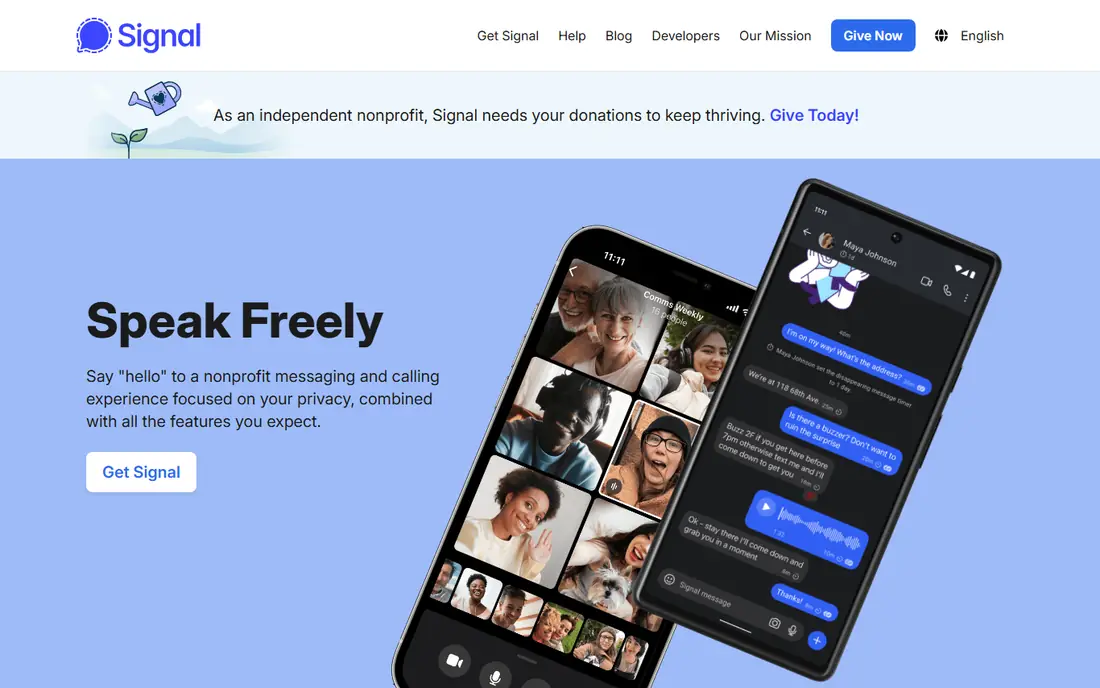
Signal is the app we recommend first to most people, because it gets the basics right without asking you to learn new habits. Messages, calls, group chats and media are encrypted end to end by default, the code is open source, and the nonprofit behind it is designed to hold very little data about you. Disappearing messages, a screen lock and sealed sender features add practical privacy on top of that encryption.
The main drawback is reach. Signal requires a phone number to register, and many of your contacts may not use it yet, so you may still need another app for family or work chats. That is a social problem, not a security problem, and Signal remains the strongest default choice for one-to-one and group chats where both sides are willing to install it.
- End-to-end encryption by default
- Open source
- Nonprofit with minimal metadata collection
- Requires a phone number to register
- Smaller contact list than WhatsApp for many users
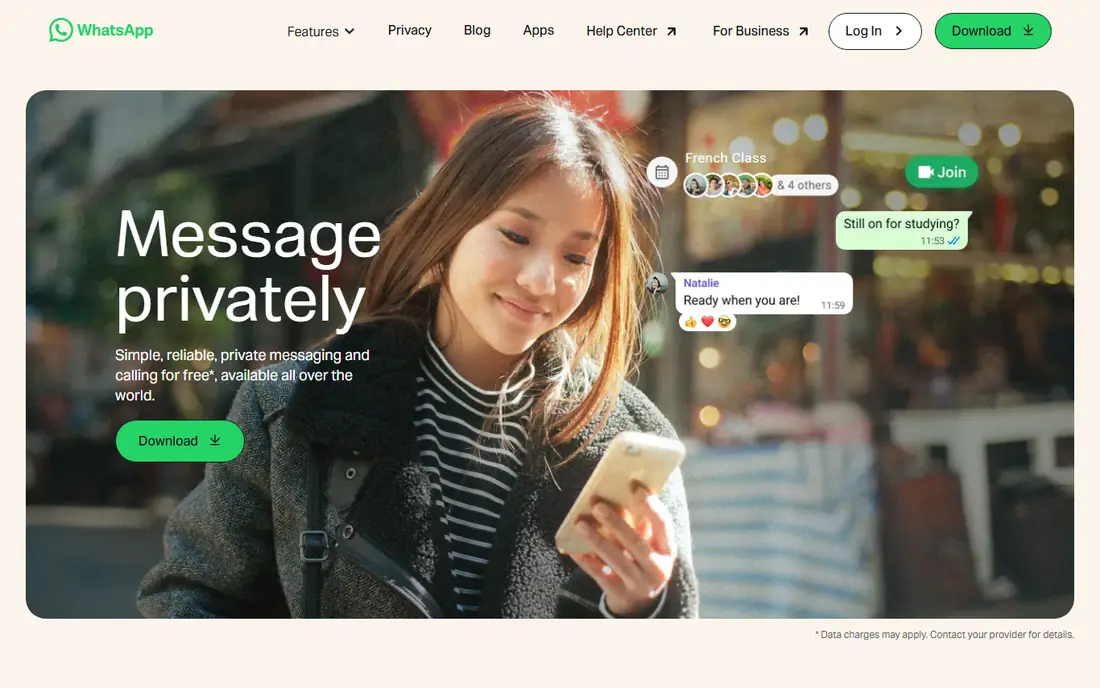
WhatsApp is the practical choice when your contacts will not move. Personal messages and calls are encrypted end to end using the Signal protocol, and the app is already installed on billions of phones, so you do not have to convince anyone to switch. Group chats, voice notes, calls and status updates all work in a familiar way that needs no explanation.
The privacy catch is metadata. Meta can see who you message, when and how often, even if it cannot read the message content itself, and that pattern can reveal a lot about your life. Check your backup settings too, because an unencrypted cloud backup can expose chat history outside the app's encryption. Use WhatsApp for reach, and Signal for chats where privacy matters most.
- End-to-end encryption for personal chats and calls
- Almost everyone already has it
- Easy group and voice features
- Owned by Meta, which holds metadata
- Not open source
- Backups can weaken protection if not encrypted
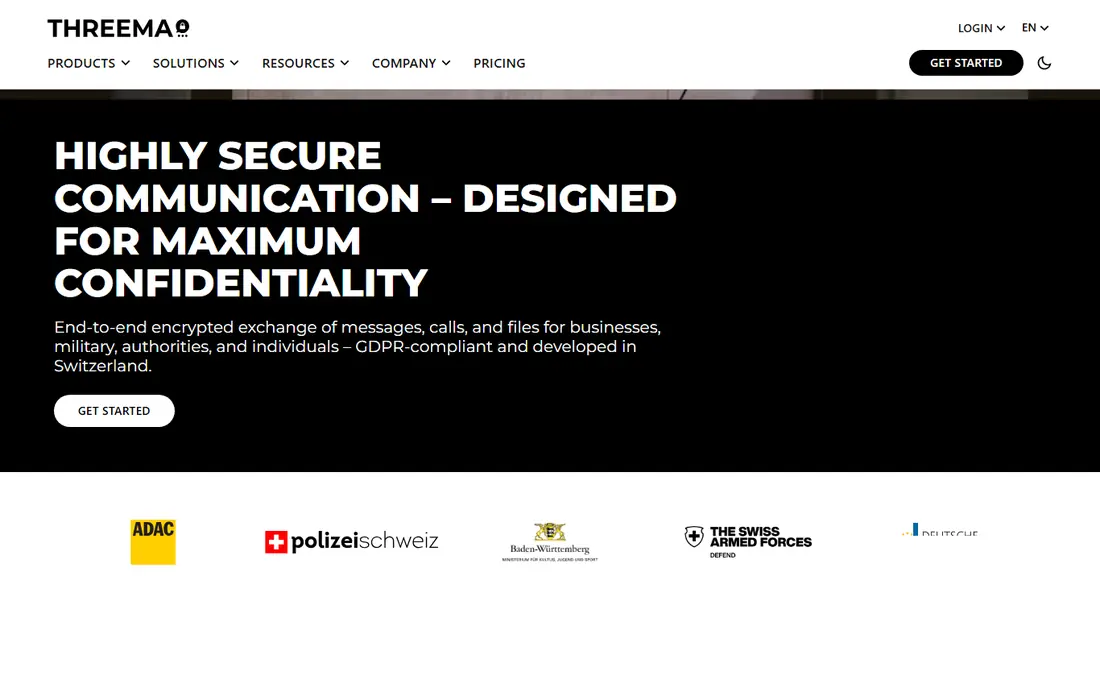
Threema is the best answer to the question of how to chat privately without handing over a phone number. You get a random Threema ID instead of registering with a phone number or email, chats are encrypted end to end, and the paid model means you are the customer rather than the product being sold to advertisers. For journalists, activists and anyone who wants to keep a phone number private, that design is a real advantage.
The price is also the barrier. A one-time purchase is small, but it still stops casual contacts from joining on a whim, so Threema works best for a defined group that agrees to use it together. If your whole circle will pay once and install it, Threema gives you strong privacy without a phone number trail.
- No phone number or email needed
- Random ID for each user
- Based in Switzerland with a paid model
- One-time purchase puts off some contacts
- Smaller user base than free apps
Session goes further than Threema on anonymity by routing messages through an onion network, so no central server needs to know who you are or who you talk to. You create an account with a random Session ID, and you can chat without linking the account to a phone number, email or real name. That makes it a strong pick for people whose main concern is identity, not just message content.
Anonymity has costs. Delivery can be slower than mainstream apps, the user base is small, and some everyday features feel less polished than WhatsApp or Signal. Session is not the best app for family group chats, but for sensitive conversations where identity protection matters, it is one of the few free options that takes that threat seriously.
- No phone number or email needed
- Onion routing for message delivery
- Open source
- Slower delivery at times
- Fewer contacts use it
- Group features are more limited
Telegram is popular for a reason: groups can hold huge numbers of members, channels can broadcast to large audiences, and cloud sync makes it easy to use on a phone, tablet and computer at once. For public communities, news channels and large interest groups, few apps match its speed and feature set.
Privacy is where users often misunderstand Telegram. Regular cloud chats are encrypted in transit and stored on Telegram servers, but they are not end-to-end encrypted by default. Only secret chats offer end-to-end encryption, and those do not sync across devices in the same way. If you use Telegram, use secret chats for sensitive one-to-one talks, and do not assume a regular group chat has the same protection as Signal.
- Huge groups and channels
- Fast cloud sync across devices
- Rich media and bot features
- Regular chats are not end-to-end encrypted by default
- Secret chats are needed for full encryption
Wire suits teams that want encrypted messaging with a professional setup. Personal chats are free, messages and calls are encrypted end to end, and business plans add team management, guest access and compliance features that consumer apps lack. For a small company, a nonprofit or a project team that handles sensitive work, that combination is practical.
For personal use, Wire faces the same reach problem as Signal and Threema: your friends probably are not on it yet. It also feels more work-focused than social, so casual chats may migrate back to WhatsApp anyway. Pick Wire when the team, not just the chat, needs to be managed and protected.
- End-to-end encryption by default
- Personal free tier
- Business plans with admin controls
- Smaller personal user base
- Business pricing can add up for large teams
Element is the choice for organizations and technical users who want control over their own server. Built on Matrix, it lets you run your own server, federate with other servers, and still chat across organizations, which is why it appears in government and public sector use. End-to-end encryption is available, and the open protocol means you are not locked into a single vendor.
Beginners should expect a learning curve. Choosing a server, verifying devices and understanding encryption keys takes more effort than installing Signal, and the interface can feel less polished. If you have an IT team or you value self-hosting above convenience, Element is the most flexible option here, but it is not the easiest first step.
- Built on the open Matrix protocol
- You can self-host a server
- Federated chats across servers
- Setup is harder for beginners
- Encryption and key handling can confuse new users
SimpleX Chat takes a different approach from almost every other app here: it does not use user IDs at all. You connect through one-time invite links or QR codes, so there is no global identifier that can link your chats together or be used to find you. That design gives it strong privacy properties for people who want to avoid any central directory of users.
The same design makes it harder to find people. You cannot search for a contact by name or number, and both sides need to accept a new connection for each chat. For a small, deliberate group that values privacy above convenience, SimpleX Chat is worth trying, but it is not yet a replacement for a mainstream chat app for most families.
- No user identifiers at all
- No phone number or email
- Open source with disappearing messages
- Small user base
- Contact discovery is harder without identifiers
iMessage is the easiest private option for people who already live in the Apple world. It is built into every iPhone, iPad and Mac, Apple-to-Apple messages and FaceTime calls are encrypted end to end, and features such as contact key verification add extra assurance for sensitive chats. For a family of iPhone users, it needs no install, no signup and no convincing.
The limit is obvious: it only delivers that full protection between Apple devices. Chats with Android users do not get the same iMessage encryption, so a mixed group needs a cross-platform app such as Signal for consistent protection. Use iMessage where everyone is on Apple, and switch to Signal for mixed groups.
- End-to-end encryption for Apple-to-Apple chats
- Built into every iPhone, iPad and Mac
- Easy for Apple users
- Only fully private between Apple devices
- Mixed chats with Android fall back to less private SMS or RCS handling
How we picked these
We compared official privacy policies, encryption documentation and app store listings for messaging apps live in October 2026, and we kept only apps with clear end-to-end encryption for at least their private chats. We gave weight to default encryption rather than opt-in encryption, signup requirements, open source availability, metadata handling and whether ordinary users can actually reach their contacts on the app. We did not claim hands-on security testing, and we noted where an app's marketing overstates its default protection.
How to choose a private messaging app
Start with who you need to talk to, not with the strongest encryption on paper. An app with perfect privacy that none of your contacts use will not protect any real conversation, while an app your family already uses can protect most chats if you set it up well. Pick one main app for sensitive chats and keep a mainstream app for everyone else, rather than trying to move your whole contact list at once.
Check encryption, metadata and backups together
End-to-end encryption protects message content, but metadata still shows who you contact, when and how often. Check whether the app needs a phone number, whether it stores contacts on its servers, and whether cloud backups are encrypted. Turn on disappearing messages for sensitive chats, use a strong device lock, and keep your app updated, because an old app version can undo good encryption choices.
Decide whether you need to hide your identity
Most people need content privacy, which Signal and WhatsApp both offer for personal chats. Fewer people need to hide their phone number or identity, and those users should look at Threema, Session or SimpleX Chat, even though the contact list will be smaller. Be honest about your threat: a journalist or activist needs different tools from a family that mainly wants to avoid ad tracking.
Keep good habits across every app
Verify safety numbers or security codes with important contacts, be wary of messages that ask for codes or money, and never share a verification code with anyone. Delete old chats you no longer need, review which devices are linked to your account, and sign out of shared computers. Privacy is a habit as much as an app choice, and the best app cannot fix a shared login or a screenshot.
Frequently asked questions
What is the best private messaging app without a phone number?
Threema, Session and SimpleX Chat all let you chat without a phone number, with Threema using a random ID, Session using a random ID plus onion routing, and SimpleX Chat using no user identifiers at all. Threema is the easiest of the three for most users, Session is stronger for anonymity, and SimpleX Chat is strongest on identifier privacy but hardest for finding contacts.
What is the best chatting app for everyday privacy?
Signal is our pick for everyday privacy, because it encrypts chats by default, is open source, and collects very little metadata. WhatsApp is the best fallback when your contacts will not switch, because its personal chats are also encrypted end to end. Use Signal for sensitive chats and WhatsApp for reach, rather than forcing one app to do both jobs badly.
Is Telegram private?
Telegram secret chats are end-to-end encrypted, but regular cloud chats are not, so they do not offer the same protection as Signal by default. Telegram is still useful for large groups and channels, where end-to-end encryption is not the main goal. For a sensitive one-to-one chat on Telegram, start a secret chat and check its encryption key with your contact.
What is the best encrypted phone app for Apple users?
iMessage is the easiest encrypted option between Apple devices, with end-to-end encryption built into iPhones, iPads and Macs. For mixed Apple and Android groups, Signal is the better choice, because it encrypts chats on both platforms in the same way. Keep iMessage for Apple-only chats and Signal for everyone else.
What is the best encrypted texting app for teams?
Wire and Element are the strongest team options here, with Wire offering business admin controls and Element offering self-hosting on the open Matrix protocol. Small teams that want simplicity should start with Wire, while organizations that need their own server should look at Element. Both encrypt chats end to end, but Element needs more technical setup.
Sources
See where you really rank - block by block
ProMapRanker scans Google Maps across a grid of your service area. Simple monthly plans from $19, white-label on every plan.
Start freeKeep reading
 zoho inventory alternatives
6 Alternatives to Zoho Inventory, Compared on Price and Fit
Zoho Inventory alternatives: 6 tools compared on price, free plans and fit. Katana leads the list for manufacturers. Fit and flaws are laid out for each entry.
Read → zoho crm alternatives
Best Zoho CRM Alternatives (2026)
Need Zoho CRM alternatives? We compare 7 tools on cost, free access and who each suits. Every pick gets a straight assessment. Built for quick decisions.
Read → zelle alternatives
Best Zelle Alternatives in 2026
Compare the best Zelle alternatives for sending money to friends, paying sellers and moving funds abroad, with honest notes on fees, speed and safety in 2026.
Read →