 ProMapRanker
Best Practices in Software Development Life Cycle in 2026


Agile planning and issue tracking · Pricing starts at: $8.60 per user per month
Key takeaways
- Planning in Jira or GitLab keeps work visible, while GitHub keeps code review in one place.
- Jenkins and Selenium automate builds and browser tests, so regressions surface early.
- SonarQube adds a shared quality gate, and Datadog plus PagerDuty cover what happens after release.
- Free and open source options cover CI and testing, while paid tools add hosting, support and scale.
Quick comparison
| Pick | Great for | Pricing starts at | Free tier | |
|---|---|---|---|---|
| Jira | Agile planning and issue tracking | $8.60 per user per month | Yes | Visit |
 GitHub | Version control and code review | $4 per user per month | Yes | Visit |
 GitLab | All-in-one DevOps platform | See website | Yes | Visit |
 Jenkins | Open source CI/CD automation | Free | Yes | Visit |
 SonarQube | Code quality and security gates | See website | Yes | Visit |
 Selenium | Browser test automation | Free | Yes | Visit |
 Figma | Design review and handoff | See website | Yes | Visit |
 Datadog | Monitoring and observability | See website | Free trial | Visit |
 PagerDuty | Incident response | See website | Free trial | Visit |
The best tools for software development life cycle best practices
Best practices are habits, not slogans. The tools below help teams turn those habits into steps that happen on every change: plan the work, review it, test it, check quality, release it and watch it in production.
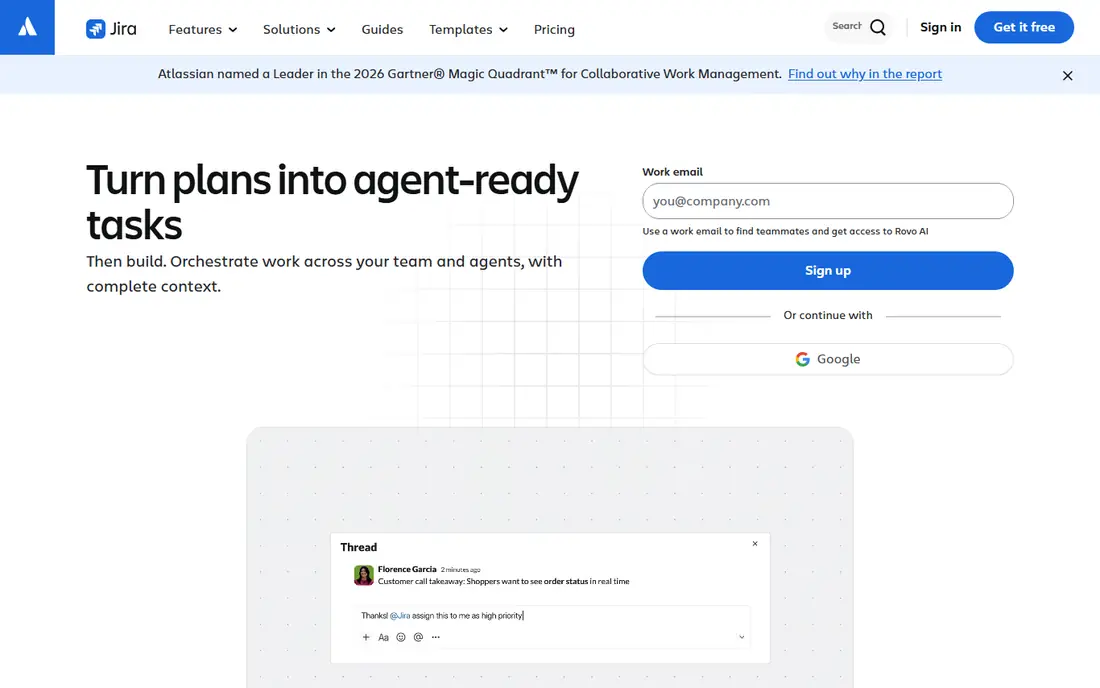
For teams that need agile planning and issue tracking, Jira is a practical starting point. Its boards, backlogs and workflows make planned work visible from idea to release, and its automation rules can move routine status changes off manual lists. Starting pricing is listed as $8.60 per user per month, with higher tiers for larger teams or heavier use. The admin surface is broad, so a small team should start with a simple project template and add fields only when a real need appears. That trade-off is worth weighing against what your team will actually use each week, rather than the longest feature list. If the core job fits, a simpler plan often serves better than a broad plan that stays half used.
- Clear boards and workflows
- Strong integrations
- Widely used by software teams
- Costs rise with team size
- Setup takes care for large projects
If version control and code review is your main need, GitHub deserves a close look. Pull requests give every change a review point, and branch protection can require checks before a merge lands. Starting pricing is listed as $4 per user per month, with higher tiers for larger teams or heavier use. Teams still need agreed review habits, because a tool cannot force a thoughtful review on its own. That trade-off is worth weighing against what your team will actually use each week, rather than the longest feature list. If the core job fits, a simpler plan often serves better than a broad plan that stays half used.
- Pull requests and reviews in one place
- Actions for automation
- Large community
- Private repository limits differ by plan
- Advanced security is paid

GitLab stands out for all-in-one DevOps platform. Keeping code, pipelines and security scans in one place cuts the hand-off gaps that appear when tools are stitched together. Pricing is not stated as a single starting figure on the vendor site we checked, so check the current pricing page before you budget for it. A small team should begin with the hosted version and the default pipeline templates before adding custom jobs. That trade-off is worth weighing against what your team will actually use each week, rather than the longest feature list. If the core job fits, a simpler plan often serves better than a broad plan that stays half used.
- Code, CI/CD, security and planning in one app
- Fewer tools to connect
- The full platform can feel large for a tiny team
- Self-hosting adds admin work
We put Jenkins on this list for open source CI/CD automation. Jenkins runs builds and tests on every commit, which is the habit at the heart of continuous integration. Starting pricing is listed as Free, with higher tiers for larger teams or heavier use. The cost is time, not a licence fee, so budget for setup, backups and plugin updates. That trade-off is worth weighing against what your team will actually use each week, rather than the longest feature list. If the core job fits, a simpler plan often serves better than a broad plan that stays half used.
- Free and open source
- Hundreds of plugins
- Runs on your own servers
- You maintain the server and updates
- Plugin choices need care
For code quality and security gates, SonarQube offers a clear and direct path. A quality gate gives a team a shared pass mark for new code, covering bugs, security issues and test coverage. Pricing is not stated as a single starting figure on the vendor site we checked, so check the current pricing page before you budget for it. The first gate should be modest, because a gate that blocks everything will be bypassed or resented. That trade-off is worth weighing against what your team will actually use each week, rather than the longest feature list. If the core job fits, a simpler plan often serves better than a broad plan that stays half used.
- Quality gates block weak code
- Clear issue detail
- Works with major CI tools
- Full enterprise features are paid
- Tuning rules takes an initial pass
For teams that need browser test automation, Selenium is a practical starting point. Automated browser tests catch regressions that manual clicking misses, especially on login, checkout and form flows. Starting pricing is listed as Free, with higher tiers for larger teams or heavier use. Flaky tests are the main risk, so keep tests focused and run them on a stable test setup. That trade-off is worth weighing against what your team will actually use each week, rather than the longest feature list. If the core job fits, a simpler plan often serves better than a broad plan that stays half used.
- Free and open source
- Supports major browsers
- Large test community
- Tests need maintenance as interfaces change
- No hosted dashboard included
If design review and handoff is your main need, Figma deserves a close look. Design review in Figma lets developers see spacing, assets and specs in the same file where feedback is left. Pricing is not stated as a single starting figure on the vendor site we checked, so check the current pricing page before you budget for it. Without a naming habit for files and components, a growing design library becomes hard to search. That trade-off is worth weighing against what your team will actually use each week, rather than the longest feature list. If the core job fits, a simpler plan often serves better than a broad plan that stays half used.
- Shared design files
- Clear developer handoff
- Comments in context
- Editor seats are paid
- Large files need organisation
Datadog stands out for monitoring and observability. Monitoring turns a release from a hope into a checkable result, because errors, slow requests and failed jobs show up in one place. Pricing is not stated as a single starting figure on the vendor site we checked, so check the current pricing page before you budget for it. Start with alerts for user-facing failures first, then add deeper dashboards as the team learns what it watches. That trade-off is worth weighing against what your team will actually use each week, rather than the longest feature list. If the core job fits, a simpler plan often serves better than a broad plan that stays half used.
- Logs, metrics and traces in one view
- Alerts tied to real service health
- Pricing by host and feature can grow fast
- Setup needs planning
We put PagerDuty on this list for incident response. A written on-call rota with clear escalation stops incidents from depending on one person being online. Pricing is not stated as a single starting figure on the vendor site we checked, so check the current pricing page before you budget for it. The tool works best when the team also writes a short post-incident note, so the same failure is less likely to repeat. That trade-off is worth weighing against what your team will actually use each week, rather than the longest feature list. If the core job fits, a simpler plan often serves better than a broad plan that stays half used.
- Clear on-call schedules
- Incident timelines
- Links alerts to responders
- Pricing is quote based for larger use
- Small teams may need only part of it
How we picked these
We compared official feature pages, pricing pages and documentation for tools that cover a distinct stage of the life cycle, from planning to incident response. We kept tools that are live and widely used in October 2026, and we left out tools that duplicate a stage without a clear difference. We did not claim hands-on testing. Prices shown are starting figures from vendor pages or search-checked pricing pages, and we wrote See website where a vendor does not publish a simple starting price.
How to apply these tools without overloading your team
Start with the bottleneck, not the full stack
If releases break often, fix testing and CI first. If work gets lost, fix planning and review first. One change that sticks beats five new tools that nobody opens.
Make the gate visible
Write the rule down: every change gets a review, every merge runs tests, and no release goes out without a quality check. Tools enforce the rule, but the written rule is what new joiners can follow.
Review after release
Check monitoring for a week after a big release and hold a short review when an incident happens. That loop is what turns a tool list into a working practice.
Frequently asked questions
What are the best practices in the software development life cycle?
The core practices are visible planning, design review, version control with mandatory code review, continuous integration, automated quality gates, regression testing, monitoring and disciplined incident response. Each practice needs a place where it happens, which is why teams pair a habit with a tool.
Which tools support software development life cycle best practices?
Jira covers planning, GitHub covers version control and review, Jenkins covers CI, SonarQube covers quality gates, Selenium covers browser testing, and Datadog and PagerDuty cover monitoring and response. Figma covers the design stage, and GitLab covers several stages in one platform.
Are there free SDLC tools?
Yes. Jenkins and Selenium are free and open source, and Jira, GitHub, GitLab, SonarQube and Figma offer free tiers or community editions. A small team can run a disciplined process on free plans, then pay when team size or support needs grow.
How much do SDLC tools cost?
Costs vary by seat and usage. GitHub Team is listed from 4 dollars per user per month and Jira from 8.60 dollars per user per month in our checks, while Jenkins and Selenium are free. Check each vendor pricing page, because host-based and enterprise pricing can differ sharply.
What is the most important SDLC practice?
Continuous integration with automated quality gates is the strongest single habit, because it catches integration bugs and security issues at commit time. That check is far cheaper than finding the same fault in late testing or production.
Sources
See where you really rank - block by block
ProMapRanker scans Google Maps across a grid of your service area. Simple monthly plans from $19, white-label on every plan.
Start freeKeep reading
 zscaler alternatives
Best Zscaler Alternatives in 2026
Looking for zscaler alternatives? We compare 9 SASE and zero trust platforms on architecture, data protection, pricing, and fit for your network and team.
Read → zapier alternatives free
Best Zapier Alternatives Free in 2026
Nine automation tools for zapier alternatives free in 2026, all with genuinely free tiers, plus free plan limits, starting prices and upgrade paths explained.
Read → which platform is best for online reputation
Which Platform Is Best for Online Reputation in 2026
Wondering which platform is best for online reputation? We compare 8 review, listing, and response tools for small and multi-location businesses and agencies.
Read →