 ProMapRanker
Best Practice Management Software for Accountants in 2026

Key takeaways
- Karbon leads for larger firms where client work runs through email, while TaxDome leads for firms that want one portal, CRM and billing system.
- Financial Cents and Jetpack Workflow are easier entry points for small firms, with lower starting prices and faster setup.
- Canopy suits tax-heavy practices, especially tax resolution work, but check add-on costs before you compare headline prices.
- Small accounting firms should trial with real client work, not demo data, because workflow tools only show their limits under tax-season load.
Quick comparison
| Pick | Great for | Pricing starts at | Free tier | |
|---|---|---|---|---|
 Karbon | Email-driven larger firms | $59 per user per month | Free trial | Visit |
 TaxDome | All-in-one portal and billing | $800 per seat per year | No | Visit |
 Canopy | Tax-heavy practices | $74 per user per month | Free trial | Visit |
 Financial Cents | Small firms, fast setup | $19 per month | Free trial | Visit |
 Jetpack Workflow | Recurring task tracking | $40 per user per month | Free trial | Visit |
 Tidyflow | Karbon-style depth, lower price | $39 per user per month | Free trial | Visit |
 Aero Workflow | Simple recurring checklists | See website | Free trial | Visit |
 Xero Practice Manager | Firms committed to Xero | See website | Free trial | Visit |
 Firm360 | All-in-one for US firms | See website | Free trial | Visit |
The best practice management software for accountants
We compared tools built for accountants on workflow, client portal, document handling, billing and pricing. General project tools can track tasks, but the tools below add client work, deadlines and accounting integrations that a firm needs at tax time.

Karbon is built around the way many accountants actually work, which is email first. Client mail, tasks and jobs sit in the same place, so a team member can see the full thread behind a job without hunting through separate inboxes. That shared view helps larger firms where several people touch one client file.
The catch is tiering. Some features firms expect, such as automatic client reminders and API access, sit on higher plans, so the headline Team price may not be your final price. Trial Karbon with a real workflow, including email, deadlines and a client request, and price the plan that covers all three.
- Brings email, tasks, clients and work into one view
- Strong automation and templates
- Client portal and billing options
- Team plan lacks some features found on the higher Business plan
- Price rises with headcount
- Setup takes time for large firms
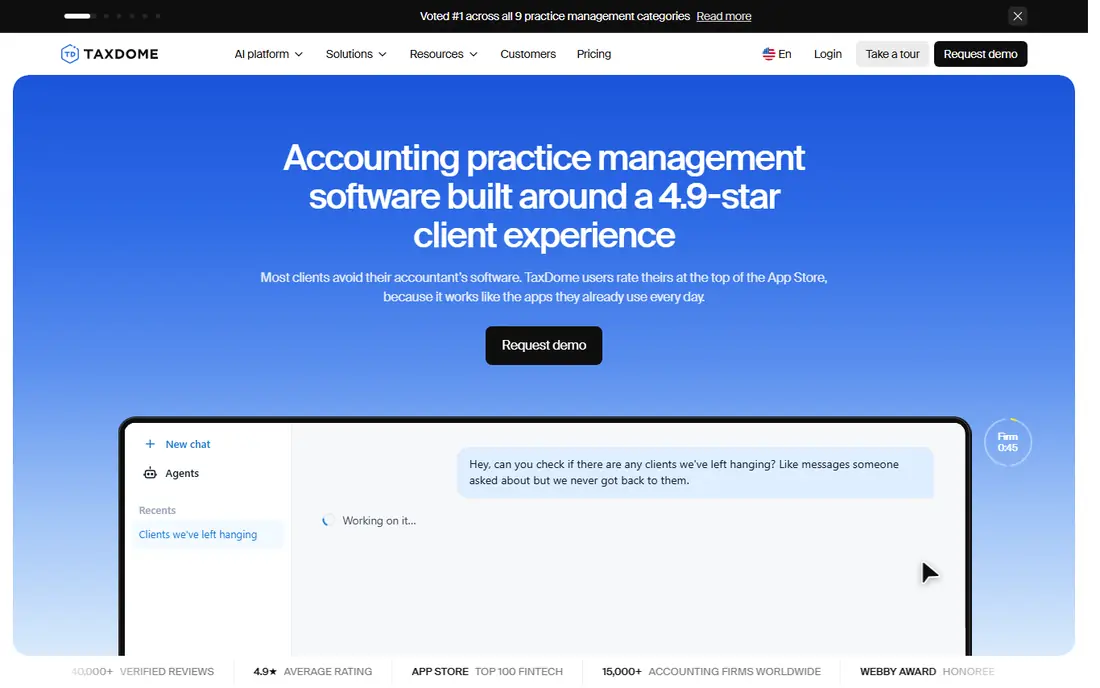
TaxDome suits tax and accounting firms that want one system for the whole client journey. A client can sign up, upload documents, sign forms, accept a proposal and pay without moving between tools, which cuts chasing and lost documents. Its workflow automations also move jobs forward when a client completes a step.
The main warning is billing. TaxDome charges per seat per year upfront, so seasonal staff and growth need planning. Many firms land on the Pro tier rather than Essentials, so budget for that tier and ask what onboarding includes before you sign.
- CRM, portal, e-signatures, proposals and payments in one system
- Strong workflow automations
- Mobile app for clients
- Billed annually upfront with no monthly option
- Higher Pro tier suits many firms
- Onboarding can add cost
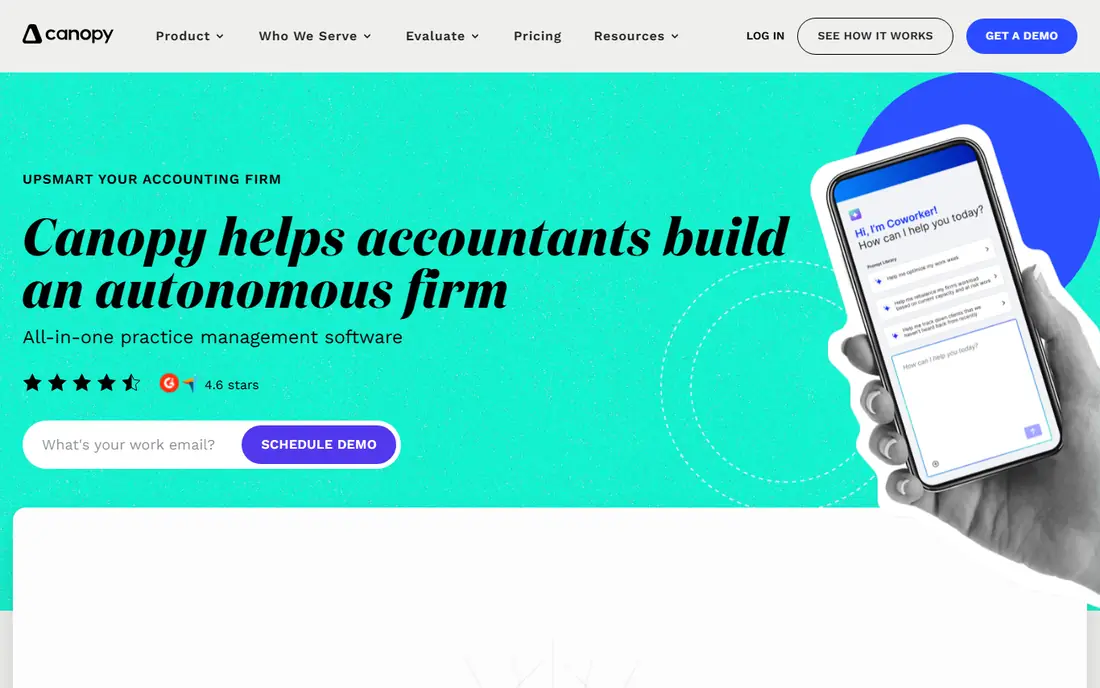
Canopy is a strong pick for firms where tax work dominates, especially firms that handle IRS notices and tax resolution cases. Its tools are built around tax workflows, client communication and document handling, rather than generic task lists. That focus shows in how it organizes client records and tax documents.
Pricing needs care. Canopy sells modules, so workflow, document management and billing may sit outside the base price you first see. List every module you need, get a written total, and compare that total with an all-in-one rival before you decide.
- Strong tax practice tools, including tax resolution features
- Client portal and document management
- Modular products for different needs
- Modular pricing means the total can exceed the headline tier
- Add-ons for workflow and billing need checking
- Training may add cost
Financial Cents is the easiest starting point for a small firm that wants to be running this week. Its templates cover month-end close, tax prep and bookkeeping jobs, so a solo accountant or a small team does not start from a blank page. The Solo plan gives a low-cost way to test the workflow before adding staff.
Larger firms may outgrow it, or need the Team plan to get the capacity and features they expect. That is normal for this category. Start with Financial Cents if your firm is small, and move up only when job volume or team size makes the limits visible.
- Low Solo entry price
- Workflow templates for common firm jobs
- Client portal and task tracking in one place
- Team price is higher than Solo
- Less depth than Karbon for very large firms
- Some advanced features sit on higher tiers
Jetpack Workflow does one job well: it tracks recurring work and makes sure nothing is missed. For a firm that already has a portal or document tool and mainly needs reliable job tracking, that focus is a strength. Staff can see what is due, what is overdue and who owns each step without extra clutter.
If you need a client portal, e-signatures and billing in the same system, Jetpack alone will leave gaps. Pair it with other tools, or choose an all-in-one platform instead. Firms that value simplicity over breadth will like its clean approach.
- Clear recurring job tracking
- Simple interface for busy seasons
- Templates for accounting workflows
- No built-in client portal
- Less all-in-one depth than TaxDome or Karbon
- Pricing is per user, so large teams pay more
Tidyflow positions itself as a Karbon-style platform at a lower price, and that pitch will appeal to growing firms. It covers workflow, client portal and billing, so a firm can run most daily work in one place without paying the top-tier price of a larger suite. Its flat per-user pricing also makes budgeting simpler.
Being smaller has trade-offs. Check its integrations with your accounting software, document tools and payment provider before you commit. Trial it with a full client workflow, and ask about data export, because a clean exit path matters for any practice system.
- All-in-one practice features at a lower per-user price
- Workflow, portal and billing tools
- Transparent pricing
- Smaller vendor than Karbon or TaxDome
- Fewer public integrations in some areas
- Migration from a larger suite needs planning
Aero Workflow suits bookkeeping and accounting firms that want a stable workflow core without a large suite. Its checklists help teams repeat month-end and tax jobs the same way each time, which reduces errors when staff change. The interface stays focused on work, not on selling extra modules.
Client-facing features are limited, so firms that need a polished portal, proposals and payments will need other tools. Aero works best as a workflow engine for a firm that already handles client contact elsewhere, or that prefers simple tools over an all-in-one system.
- Straightforward workflow and checklist design
- Good for bookkeeping firms
- Stable core feature set
- Limited client-facing features
- Pricing is by firm size tier
- Less automation depth than larger suites
Xero Practice Manager is a practical pick for firms already running on Xero. It handles jobs, time, invoicing and staff capacity, and it sits close to the accounting data your firm already uses. For a Silver partner or above, it can be included, which makes it hard to beat on price for a Xero firm.
Its limits are clear. There is no built-in client portal, and workflow features are less deep than Karbon or TaxDome. If your firm is not committed to Xero, or needs a strong portal, a dedicated practice suite will serve you better.
- Included with Xero partner plans at Silver status and above
- Job, time and invoicing tools
- Tight link to Xero accounting
- No built-in client portal
- Best value only for Xero partners
- Workflow depth is less than dedicated suites
Firm360 offers an all-in-one route for US firms that want CRM, portal, workflow and billing without stitching tools together. That breadth helps small and mid-size firms that want one login for clients and staff. Public comparisons place it in a mid-range per-user band, between budget tools and the top suites.
Because pricing is not fully published, get a written quote for your team size and feature needs. Also check its links to your tax and accounting software, and trial the portal from a client view, since clients judge a firm by that experience.
- Combines CRM, portal, workflow and billing
- Built for US accounting firms
- Flat per-user pricing band in public comparisons
- Pricing is not fully published
- Smaller public profile than the leaders
- Check integrations before migration
How we picked these
We compared official pricing pages, product documentation and public feature lists for practice management tools built for accountants. We favored tools with workflow, client handling and accounting links, and we flagged modular pricing where the headline price may not be the total. Where a vendor did not publish a starting price, we wrote See website.
How to choose for a small accounting firm
Start by listing the work your firm actually does: tax, bookkeeping, payroll, advisory or a mix. A tax-heavy firm needs different tools from a bookkeeping firm, and a firm with many seasonal staff needs pricing that handles short-term seats. That list will cut the shortlist faster than any feature grid.
Next, trial the client portal as a client. Upload a document, sign a form and pay a test invoice, and note where the flow feels clunky. Clients notice friction more than staff do, and a portal that clients avoid will push work back to email.
Finally, check migration and exit. Ask how your client list, documents and job history move in, how long setup takes, and how you can export data later. A practice system holds your firm history, so a clean entry and a clean exit both matter.
Frequently asked questions
What is the best practice management software for small accounting firms?
Financial Cents and Jetpack Workflow are strong small-firm starting points, because they are simpler and cheaper to run. TaxDome suits firms that want one portal and billing system, while Karbon suits larger firms with email-heavy work. Trial two tools with real client jobs before you choose.
How much does practice management software for accountants cost?
Public starting prices in 2026 range from about $19 per month for a solo plan to $59 to $89 per user per month for larger suites, with TaxDome priced per seat per year. Add-ons, onboarding and seasonal seats can change the total, so get a written quote for your team size.
Does practice management software replace accounting software?
No, it sits beside accounting software such as QuickBooks or Xero. Practice tools manage clients, jobs, documents and billing, while accounting software handles ledgers, bank feeds and reports. The two should connect, so check integrations before you buy.
Is TaxDome billed monthly?
TaxDome bills per seat per year upfront, with no monthly option in its published model. That matters for cash flow and for seasonal hiring. If monthly billing matters to your firm, shortlist tools that offer it and compare annual totals on the same basis.
What should a small firm test during a trial?
Test a full job from intake to payment, including a client document upload, a staff handoff and a deadline change. Also test reporting for overdue work and capacity during a busy week. A trial that only uses demo data will hide workflow gaps that appear at tax time.
Sources
See where you really rank - block by block
ProMapRanker scans Google Maps across a grid of your service area. Simple monthly plans from $19, white-label on every plan.
Start freeKeep reading
 zscaler alternatives
Best Zscaler Alternatives in 2026
Looking for zscaler alternatives? We compare 9 SASE and zero trust platforms on architecture, data protection, pricing, and fit for your network and team.
Read → zapier alternatives free
Best Zapier Alternatives Free in 2026
Nine automation tools for zapier alternatives free in 2026, all with genuinely free tiers, plus free plan limits, starting prices and upgrade paths explained.
Read → which platform is best for online reputation
Which Platform Is Best for Online Reputation in 2026
Wondering which platform is best for online reputation? We compare 8 review, listing, and response tools for small and multi-location businesses and agencies.
Read →