 ProMapRanker
Best PPM Software in 2026: 9 Tools Compared

Key takeaways
- The best ppm tools balance project delivery with portfolio views, budgets and capacity, not just task lists.
- Asana and monday.com suit teams that want a fast start, while Planview and Adobe Workfront suit large, governed portfolios.
- Per-user pricing adds up quickly, so count every viewer and contributor before you compare headline prices.
- Smartsheet and Celoxis appeal to teams that plan in grids and Gantt charts rather than in boards alone.
- A short pilot with two real projects tells you more than a demo with sample data ever will.
Quick comparison
| Pick | Great for | Pricing starts at | Free tier | |
|---|---|---|---|---|
 Asana | Cross-team portfolios and goals | $10.99 per month | Yes | Visit |
 monday.com | Visual portfolio boards | $9 per month | Yes | Visit |
 Smartsheet | Spreadsheet-style portfolio planning | $9 per month | Free trial | Visit |
 Wrike | Dashboards and resource planning | $10 per month | Yes | Visit |
 ClickUp | All-in-one work and portfolios | $7 per month | Yes | Visit |
 Planview | Enterprise portfolio strategy | See website | No | Visit |
 Adobe Workfront | Governed enterprise delivery | See website | No | Visit |
 ProjectManager | Planning, tracking and reporting | See website | Free trial | Visit |
 Celoxis | Portfolio reporting and resourcing | $10 per month | Free trial | Visit |
The best ppm software
We compared tools that show many projects at once, track budgets and people, and help leaders decide what to fund, pause or stop.
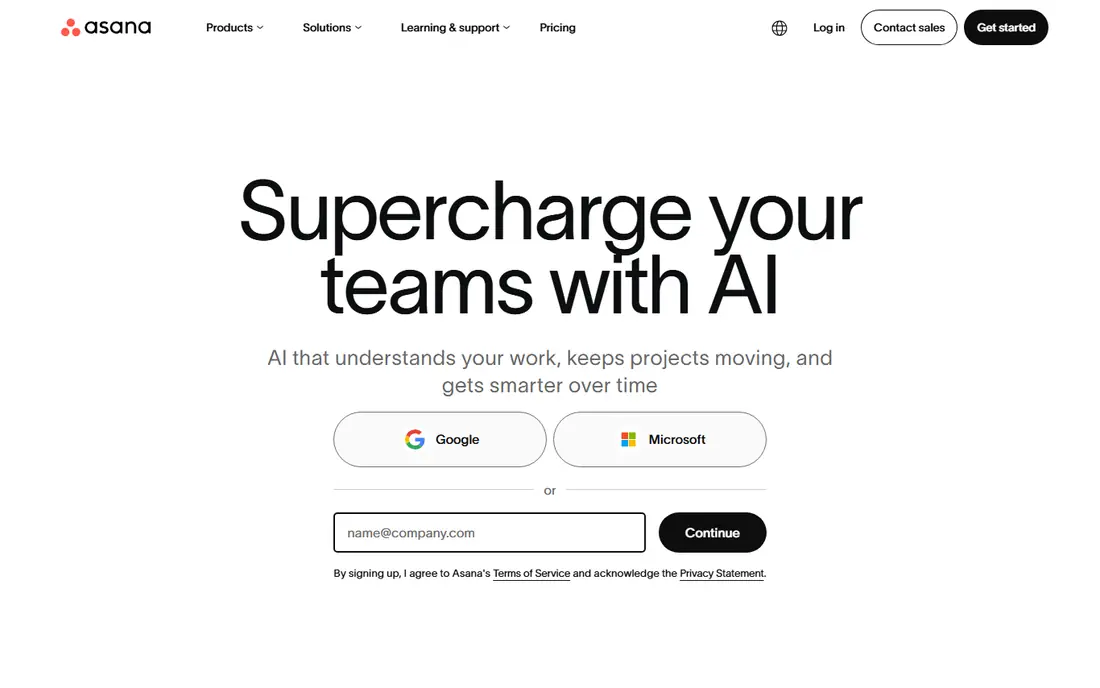
Asana works well when several teams run projects that feed one company goal. Portfolios gather those projects in one view, and status updates make it easier to spot work that is slipping before it becomes a crisis. The interface stays calm even when the project list grows long, which matters for managers who check it daily.
The catch is tiering. Basic task work is simple, but portfolio management, advanced reporting and heavier automation need paid plans above the entry level. Small teams can still get value from the free plan, yet a growing portfolio team should budget for the tier that actually includes portfolios.
- Clear portfolios and goals
- Strong timeline and automation options
- Easy for new users to follow
- Portfolio features sit on higher tiers
- Per-user costs grow with large teams
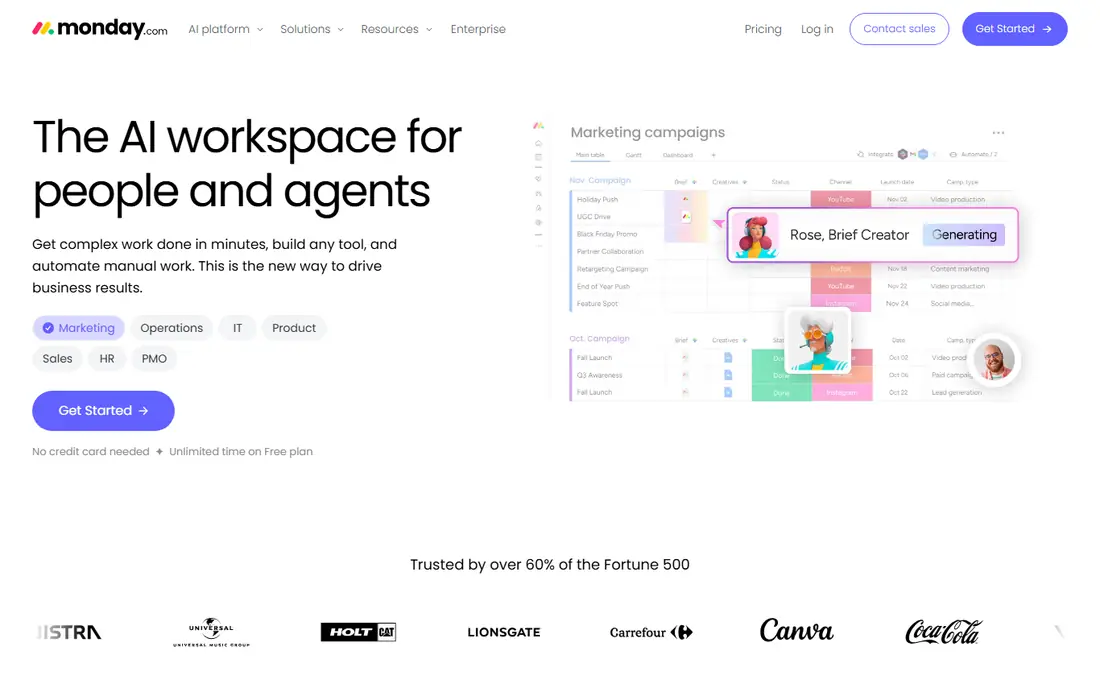
Monday.com suits leaders who think in boards and colour-coded status. You can build a portfolio board that pulls in health, owner, budget and deadline fields from many projects, then filter it in a meeting without rebuilding a report. Templates shorten the setup time for common project types.
That flexibility has a price in discipline. Without agreed status labels and owners, a board can look busy while saying little. Teams that set naming rules early get far more from it than teams that let every project invent its own fields.
- Highly visual boards and dashboards
- Flexible columns and automations
- Fast setup from templates
- Costs rise as seats and boards multiply
- Deep portfolio reporting needs higher plans
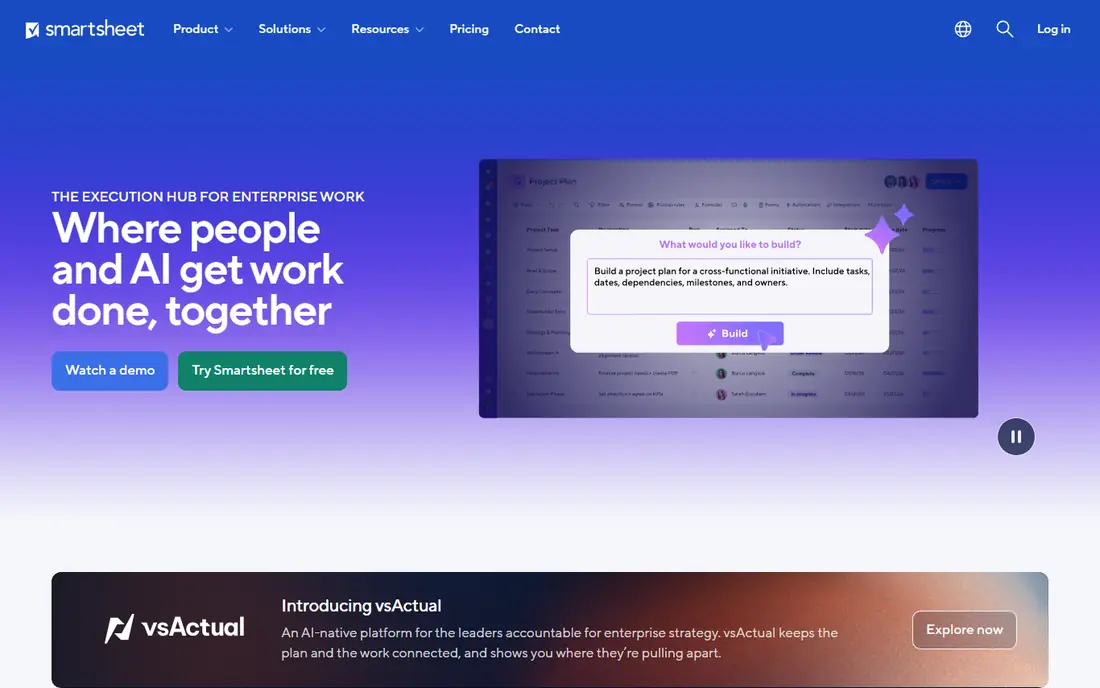
Smartsheet is a natural fit for teams that already plan in spreadsheets and want that layout with real project controls. Grids, Gantt charts, card views and reports all draw on the same rows, so a portfolio rollup stays tied to live project data. Intake forms and approval flows help a project office standardise how new work arrives.
The trade-off is polish. It can feel like a serious work tool rather than a friendly app, and new users may need a short training session. For operations and PMO teams, that seriousness is a strength, not a flaw.
- Familiar grid layout
- Strong Gantt and reporting options
- Good for process-driven teams
- No permanent free plan
- Interface feels dense for casual users
Wrike gives portfolio leaders a clear executive view without forcing every team into the same workflow. Dashboards combine progress, workload and deadlines, and request forms route new work into the right queue. That mix suits organisations where marketing, product and operations run different kinds of projects side by side.
Complexity is the honest catch. Wrike can do a great deal, so a team that turns on every feature at once can confuse its users. Start with one portfolio view and one intake form, then add depth only where a real decision needs it.
- Strong dashboards and workload views
- Flexible request forms
- Good for marketing and creative portfolios
- Setup takes care at scale
- Some advanced features sit on higher tiers
ClickUp appeals to teams that want tasks, docs, goals and dashboards in a single workspace. Portfolio-style views sit alongside everyday task work, so leaders do not need a second tool to see the whole picture. The free plan is genuinely usable for small teams testing the approach.
The risk is overload. ClickUp offers so many views, fields and automations that a new team can spend weeks tuning instead of delivering. Pick a small set of views, agree on what each status means, and expand only after the basics hold steady for a month.
- Low entry price
- Many views and docs in one place
- Generous free plan
- Feature depth can overwhelm new teams
- Reporting needs careful setup
Planview is the choice when portfolio decisions involve funding, strategy and capacity across a large enterprise. It connects plans to financials and to agile delivery, which helps leaders compare competing investments rather than just tracking task completion. For a mature PMO, that connection is the whole point.
It is not a light purchase. Pricing is quoted, setup takes real effort, and smaller teams will find simpler tools faster and cheaper. Buy Planview when governance and funding decisions are the problem, not when you only need a shared task board.
- Deep strategy and funding views
- Strong agile portfolio options
- Built for large PMOs
- Quote-only pricing
- Long implementation for large organisations
Adobe Workfront fits large teams that run high volumes of governed work, especially marketing and creative production. Intake forms, approvals, proofs and resource planning live in one system, so managers can see both the queue and the capacity behind it. That control matters when missed approvals delay campaigns.
The catch is effort and cost. Workfront is priced by quote, and a good setup needs an admin who understands the workflows it will carry. Teams that want a quick, self-serve start should look at the lighter tools in this list first.
- Strong intake, approvals and resource views
- Suits marketing and creative operations
- Adobe ecosystem links
- Quote-only pricing
- Needs admin time to configure well
ProjectManager is a solid middle ground between a simple task app and a heavy enterprise suite. Gantt charts, kanban boards, dashboards and workload views cover the daily needs of a project office, and time tracking helps connect plans to actual effort. New project managers can usually find their way around it without a long course.
It will not match Planview or Workfront on strategy and funding depth. For teams that need strong project execution with readable portfolio reports, though, that gap may never matter. Check the current plan limits before you commit, since reporting depth varies by tier.
- Clear Gantt, kanban and dashboard views
- Workload and time tracking included
- Quick to learn
- Portfolio depth is lighter than enterprise PPM suites
- Pricing needs a vendor check
Celoxis suits mid-sized teams that want serious portfolio reporting without enterprise-suite complexity. Interactive Gantt charts recalculate when dependencies move, and resource views show who is overbooked before a new project is approved. Risk tracking and client portal options add depth for service teams.
The interface is more functional than beautiful, and casual users may need guidance at first. Teams that value reporting depth over a modern look will forgive that quickly, since the dashboards answer the questions leaders actually ask.
- Detailed Gantt and resource views
- Portfolio dashboards and risk tracking
- On-premise option
- Interface looks dated next to newer rivals
- Learning curve for casual users
How we picked these
We compared official feature pages, pricing pages and public documentation for tools that offer portfolio views, not just single-project tracking. We favoured tools that are live in October 2026, cover budgets or resources as well as tasks, and serve a clear audience, from small teams to large PMOs. Where pricing was quoted rather than published, we wrote See website instead of guessing.
What to check before you buy PPM software
Start with the decisions the tool must support. If leaders need to compare funding options, prioritise strategy, financial and scenario views. If teams need delivery control, prioritise Gantt charts, workload views and intake forms. A tool that looks good in a demo can still fail if it cannot answer your weekly portfolio question in one view.
Count total cost with care. Per-user pricing, viewer seats, add-ons and implementation time all change the bill. Run a pilot with live projects, real owners and real deadlines, and ask each pilot team to produce the same portfolio report. The tool that makes that report with the least manual work is usually the right pick.
Frequently asked questions
What is PPM software?
PPM software, or project portfolio management software, helps an organisation plan, track and prioritise many projects together. It adds portfolio views, budgets, resources and reporting on top of ordinary task management, so leaders can see the whole workload at once.
What is the best PPM tool for a small team?
Asana, monday.com and ClickUp are strong small-team starting points, since they combine project work with portfolio-style views at lower entry prices. A small team should pick the one its members will actually update daily, since stale data makes any portfolio view useless.
Is Planview better than Asana for portfolios?
Planview suits large enterprises that need funding, strategy and capacity decisions across many programmes. Asana suits cross-functional teams that need clear portfolios and goals without a heavy implementation. The better tool depends on the size of the portfolio and the decisions it must support.
Do PPM tools replace spreadsheets?
They can replace most portfolio spreadsheets, since dashboards and rollups update from live project data. Some teams still export data for finance reviews, so check export options and reporting flexibility before you drop your spreadsheet entirely.
How much does PPM software cost?
Entry prices in this list range from $7 per month to quote-only enterprise pricing, and per-user billing means large teams pay far more than the headline rate. Ask for the total cost for your full user count, including viewers, before you sign.
Sources
See where you really rank - block by block
ProMapRanker scans Google Maps across a grid of your service area. Simple monthly plans from $19, white-label on every plan.
Start freeKeep reading
 zscaler alternatives
Best Zscaler Alternatives in 2026
Looking for zscaler alternatives? We compare 9 SASE and zero trust platforms on architecture, data protection, pricing, and fit for your network and team.
Read → zapier alternatives free
Best Zapier Alternatives Free in 2026
Nine automation tools for zapier alternatives free in 2026, all with genuinely free tiers, plus free plan limits, starting prices and upgrade paths explained.
Read → which platform is best for online reputation
Which Platform Is Best for Online Reputation in 2026
Wondering which platform is best for online reputation? We compare 8 review, listing, and response tools for small and multi-location businesses and agencies.
Read →