 ProMapRanker
8 Best PPC Tools for 2026

Key takeaways
- Google Ads tools are free and essential for bulk edits and keyword research, but they do not replace competitor research or cross account automation.
- Semrush and SpyFu suit teams that need competitor keywords and ad history, while Optmyzr and Adalysis suit agencies managing many accounts.
- WordStream and Adzooma help smaller teams and beginners with guided recommendations, while Supermetrics helps reporting teams move data cleanly.
- Microsoft Advertising matters for teams that want search reach beyond Google, especially for business and desktop audiences.
Quick comparison
| Pick | Great for | Pricing starts at | Free tier | |
|---|---|---|---|---|
 Google Ads Google Ads | Running and editing Google campaigns | Free | Yes | Visit |
 Semrush Semrush | Competitor and keyword research | See website | Free trial | Visit |
 Optmyzr Optmyzr | Multi account automation | $209 per month | Free trial | Visit |
 SpyFu SpyFu | Competitor ad history | $39 per month | Yes | Visit |
 Adalysis Adalysis | Audits and ad testing | $149 per month | Free trial | Visit |
 WordStream WordStream | Guided PPC for smaller teams | See website | Yes | Visit |
 Supermetrics Supermetrics | Moving ad data to reports | $39 per month | Free trial | Visit |
 Microsoft Advertising Microsoft Advertising | Search beyond Google | Free | Yes | Visit |
The best ppc tools
We grouped PPC tools by job, since research, management, and reporting need different strengths. A good stack usually starts with free Google tools, adds one research tool, and only adds automation or reporting software once a clear bottleneck appears.
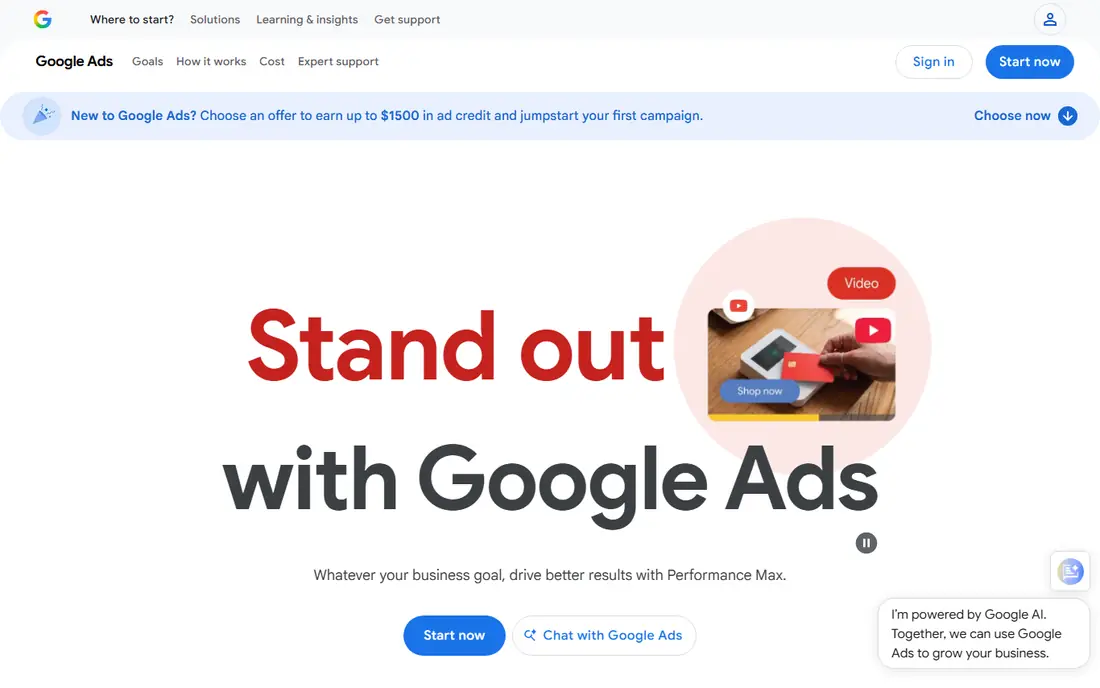
Google Ads is the platform itself, and its free tools remain the foundation for most paid search work. Keyword Planner helps size demand and bid ranges, while Ads Editor allows bulk builds and edits offline before posting changes. Those tools cost nothing beyond ad spend, which makes them the right starting point for any new account. The limit is insight. Google tools show your own account well, but they do not show a rival full ad history or a cross platform view. Teams still need judgment for budgets, landing pages, and creative, since automated bidding does not fix a weak offer. Every serious PPC stack should include Google Ads tools, plus one research or management layer on top.
- Free to use with an account
- Keyword Planner and Editor included
- Direct access to campaign data
- No competitor history depth
- Automation still needs human review
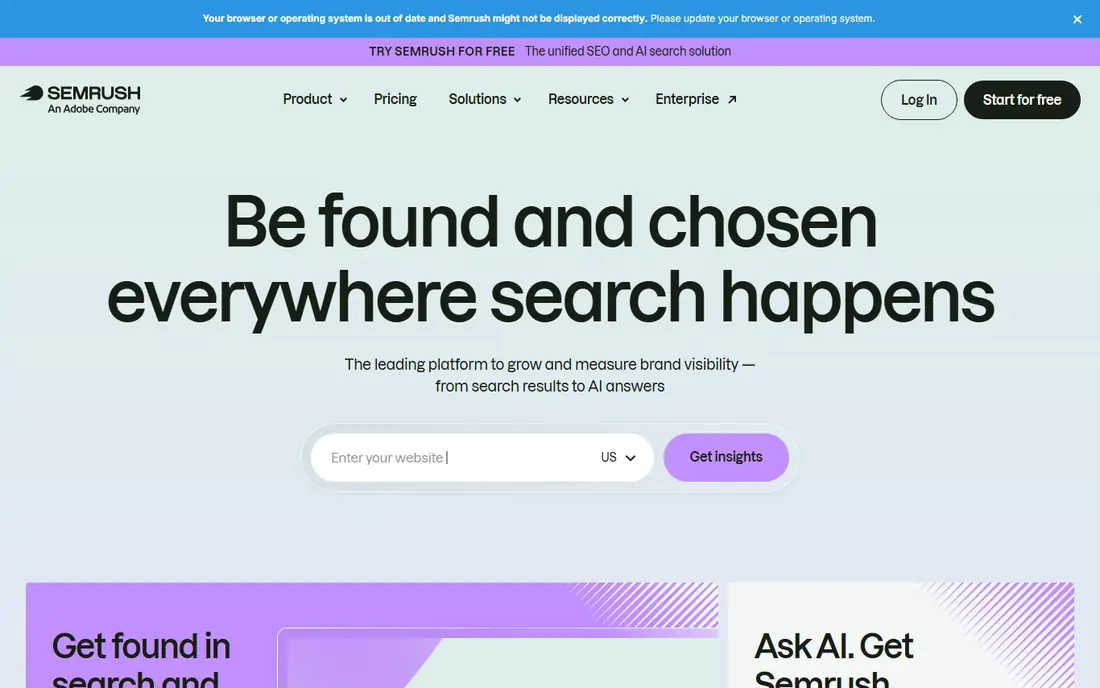
Semrush is best known for SEO, but its advertising toolkit also helps PPC teams research keywords, estimate costs, and study competitor ads. You can compare domains, find keyword gaps, and review the ads a rival has run, which helps new campaigns avoid starting from zero. Teams that already pay for Semrush for SEO get the PPC research as part of the same subscription. As a campaign manager, Semrush is thinner than Optmyzr or Adalysis, so it should not be bought for bid automation alone. Pricing also varies by plan and billing term, so check the vendor site for the current figure. For research heavy teams that combine paid and organic search, Semrush offers strong value in one account.
- Wide keyword and competitor data
- PPC plus SEO in one suite
- Advertising toolkit
- Price rises quickly
- Campaign management is not its main strength
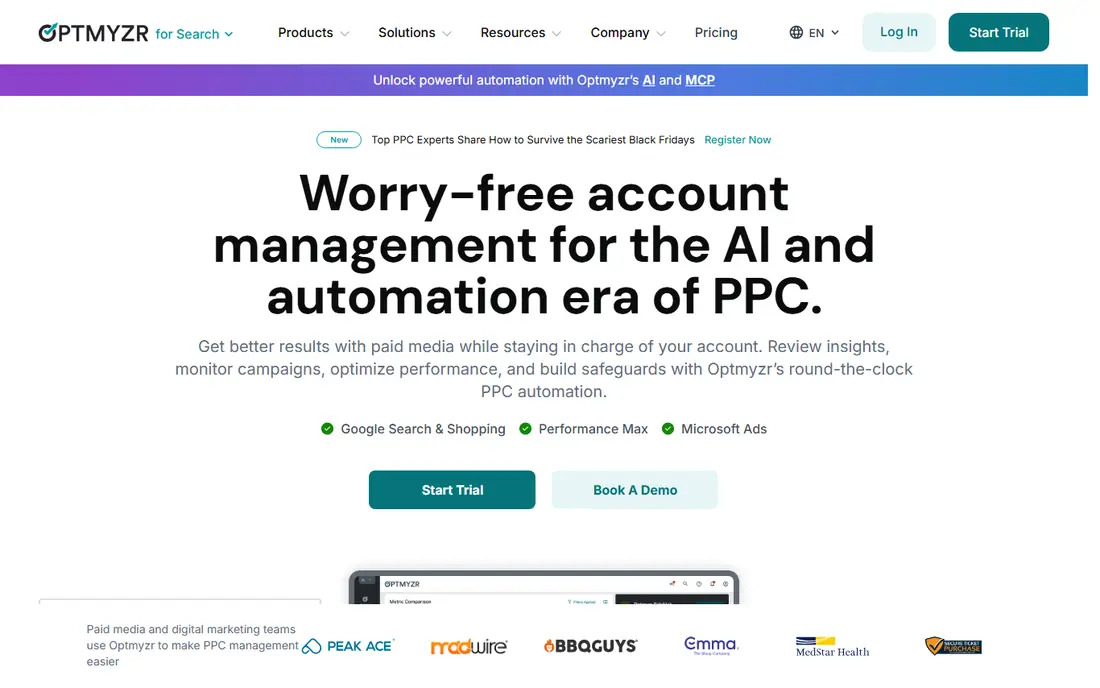
Optmyzr suits agencies and in house teams that manage many Google, Microsoft, and Amazon accounts at once. Rule engines can pause weak keywords, shift budgets, and flag account issues, while audits and shopping tools help teams spot problems before they waste spend. That automation saves hours each week once rules are set correctly. The cost is spend based, so small accounts may find it hard to justify, and new users need time to learn the rule system. A single account team may find Google Ads tools plus a research tool enough. For portfolios with dozens of accounts, Optmyzr provides control and consistency that manual management cannot match.
- Rule based automation
- Budget pacing
- Multi account audits and reports
- Price scales with spend
- Learning curve for new users
SpyFu helps PPC teams answer a simple question: what has a competitor actually done in paid search over time. It tracks keywords, ads, and estimated history, so you can see which terms survived and which were dropped. That history is useful for building keyword lists, writing ads, and spotting gaps a rival has left open. SpyFu does not manage campaigns, so it must sit beside Google Ads or another manager. Spend figures are estimates based on crawled data, so treat them as direction rather than fact. For lean teams that need competitor insight at a low price, SpyFu remains one of the most practical research tools available.
- Long competitor keyword history
- Affordable entry price
- Simple interface
- Research only, no campaign management
- Spend estimates are modelled, not exact
Adalysis is built for search teams that want disciplined testing and account quality control. It helps run structured ad tests, track winners, audit accounts for common errors, and alert managers to budget or performance issues. That structure matters for accounts where small changes in click rate or quality can move results across many campaigns. The tool is mainly Google Ads focused, so teams that need social or marketplace management will need other software too. Pricing is also aimed at active advertisers rather than tiny budgets. For search heavy teams that test ads often and manage several accounts, Adalysis adds a layer of rigour that spreadsheets and manual checks rarely sustain.
- Structured ad testing
- Account audits
- Quality control alerts
- Focused mainly on Google Ads
- Less suited to social or Amazon alone
WordStream, by LOCALiQ, suits smaller teams and businesses without a full time PPC specialist. It reviews Google and Microsoft accounts, offers plain language recommendations, and provides benchmarks to show how an account compares with similar advertisers. That guidance helps owners act without learning every Google Ads setting first. Experienced managers may find the recommendations basic, and some WordStream services are managed rather than pure software. Pricing should be checked on the vendor site, since plans vary by service level. For a small business that wants help running PPC without hiring an agency, WordStream offers a guided middle path.
- Guided recommendations
- Benchmarks
- Google and Microsoft coverage in one view
- Depth is lower than agency tools
- Some features are managed service based
Supermetrics solves a reporting problem rather than a bidding problem. It pulls data from Google Ads, Microsoft Advertising, Meta, and other platforms into Sheets, Looker Studio, or a data warehouse, with scheduled refreshes. That lets teams build one dashboard for clients or managers instead of copying numbers by hand each week. It will not optimize bids or write ads, so it pairs with a manager such as Optmyzr or with Google Ads itself. Setup also needs care around metrics, date ranges, and account access. For agencies and in house teams that report across channels, Supermetrics saves reporting time and reduces copy errors in a visible way.
- Many ad platform connectors
- Moves data to Sheets, Looker, and dashboards
- Scheduled refreshes
- It does not manage campaigns
- Reporting setup takes planning
Microsoft Advertising lets advertisers reach Bing search and partner sites, often with lower competition than Google for the same keywords. Campaigns can be imported from Google Ads, which speeds up setup, and the platform offers its own keyword, audience, and reporting tools. For business, finance, and desktop heavy audiences, Microsoft can add incremental conversions at a useful cost. Volume is smaller than Google, so it rarely replaces Google Ads outright, and imported campaigns still need review for bids, budgets, and ad formats. Teams should also check that landing pages and tracking work on Microsoft traffic. As a second search engine in a PPC stack, Microsoft Advertising is a low cost way to widen reach.
- Free platform access
- Bing and partner reach
- Often lower competition
- Smaller volume than Google
- Campaign import still needs review
How we picked these
We compared official feature pages, pricing pages, app store listings, privacy policies, and public reviews for PPC tools active in October 2026. We grouped tools by research, management, and reporting, and we favoured tools with a clear job, published or checkable pricing, and a realistic fit for agencies or in house teams. We did not claim hands on testing, and we used See website where pricing varies by spend or plan.
Building a PPC stack that fits your budget
Start free. Use Google Ads Editor and Keyword Planner for builds and research, add Microsoft Advertising for extra search reach, and track results in Google Analytics or Looker Studio. That free base covers a surprising amount of work for a single account, and it shows where time is actually lost before you pay for software.
Add research, then automation, then reporting
If competitor insight is the gap, add Semrush or SpyFu first. If you manage many accounts and repeat the same checks, add Optmyzr or Adalysis next. If client reporting eats hours each month, add Supermetrics or a similar reporting tool. Buy in that order, and set a clear test period for each tool, with a task it must speed up or improve.
Check spend, limits, and data quality
Confirm how pricing scales with ad spend, accounts, or data rows, since a low entry price can rise fast. Check whether the tool supports your platforms, how often data refreshes, and who can access client accounts. A tool that only covers Google Ads will not help a team that also runs Meta or Amazon, so map platforms before signing an annual plan.
Frequently asked questions
What are the best ppc tools for beginners?
Google Ads tools, WordStream, and Adzooma style guided tools are good beginner options, since they offer free or low cost entry and plain recommendations. Start with Google Ads Editor and Keyword Planner, learn the basics of keywords and budgets, and add a paid tool only when a specific task becomes slow. Avoid buying agency software for a single small account.
What is the best ppc management software for agencies?
Optmyzr and Adalysis are strong agency choices, with Optmyzr leaning to multi account automation and Adalysis leaning to audits and ad testing. Semrush and SpyFu support the research side, while Supermetrics helps with client reporting. The best agency stack usually combines one manager, one research tool, and one reporting tool.
Is Semrush good for PPC as well as SEO?
Yes, Semrush helps PPC teams with keyword research, competitor ads, and keyword gaps, especially when SEO already lives in the same account. It is less strong for bid automation and campaign management, so pair it with Google Ads tools or a manager for execution. Check the plan tier, since advertising features vary by subscription.
How much do PPC tools cost?
Free tools cover Google Ads basics, research tools can start around $39 per month, and agency automation often starts above $149 to $209 per month and scales with spend. Reporting tools add a further monthly cost. Always confirm the annual total, including spend based tiers, before comparing tools on entry price alone.
Do I need a PPC tool if I only run Google Ads?
Not always. A single small account can run well on Google Ads Editor, Keyword Planner, and built in reports, plus careful manual checks. A paid tool becomes useful when you manage many campaigns, need competitor history, or spend hours on reporting. Test the free base first, then add software for a clear bottleneck.
Sources
See where you really rank - block by block
ProMapRanker scans Google Maps across a grid of your service area. Simple monthly plans from $19, white-label on every plan.
Start freeKeep reading
 zendesk alternatives
Best Zendesk Alternatives in 2026
Compare the best Zendesk alternatives in 2026, from budget help desks to AI-first support tools, with current pricing, free plans, and honest trade-offs.
Read → wordpress alternatives
Best WordPress Alternatives in 2026
Looking for the best WordPress alternatives? We compare 8 free and paid options for blogs, business sites, stores, and developer-led projects in 2026.
Read → which real estate company has the best training
Best Real Estate Company Training in 2026
Compare which real estate company has the best training, from Keller Williams and eXp to Compass and Coldwell Banker, by program, mentor, and fit in 2026.
Read →