 ProMapRanker
Best POS Software for Supermarket in 2026

Key takeaways
- Grocery-specific systems handle weighed items, perishables, and scale integration better than general retail POS tools.
- IT Retail and ECRS CATAPULT lead for supermarket-specific work, while Square and Lightspeed suit smaller stores and multi-site retail.
- Hardware, payment fees, and support often matter more than the monthly software price alone.
- Offline checkout, barcode speed, and stock accuracy should be tested on a real till before signing.
- The best supermarket pos software for a store depends on size, departments, and whether online ordering is part of the plan.
Quick comparison
| Pick | Great for | Pricing starts at | Free tier | |
|---|---|---|---|---|
 IT Retail | Grocery-specific supermarket POS | See website | Free trial | Visit |
 Lightspeed Retail | Multi-site retail and large catalogues | $89 per month | Free trial | Visit |
 Square for Retail | Small stores starting quickly | Free | Yes | Visit |
 Shopify POS | Stores with a strong online shop | See website | Free trial | Visit |
 Clover | Flexible hardware at the till | See website | No | Visit |
 ECRS CATAPULT | High-volume multi-department stores | See website | Free trial | Visit |
 KORONA POS | Processor choice and inventory control | See website | Free trial | Visit |
 Toast | Stores with a food hall or deli counter | See website | Free trial | Visit |
 Odoo POS | POS tied to inventory and accounts | See website | Free trial | Visit |
The best pos software for supermarket
A supermarket till has a harder job than a general shop till. It must scan fast, handle weighed produce, apply mix-and-match offers, track expiry on perishables, and keep stock true across departments. The systems below range from grocery specialists to general retail tools that work well for smaller supermarkets and convenience stores.
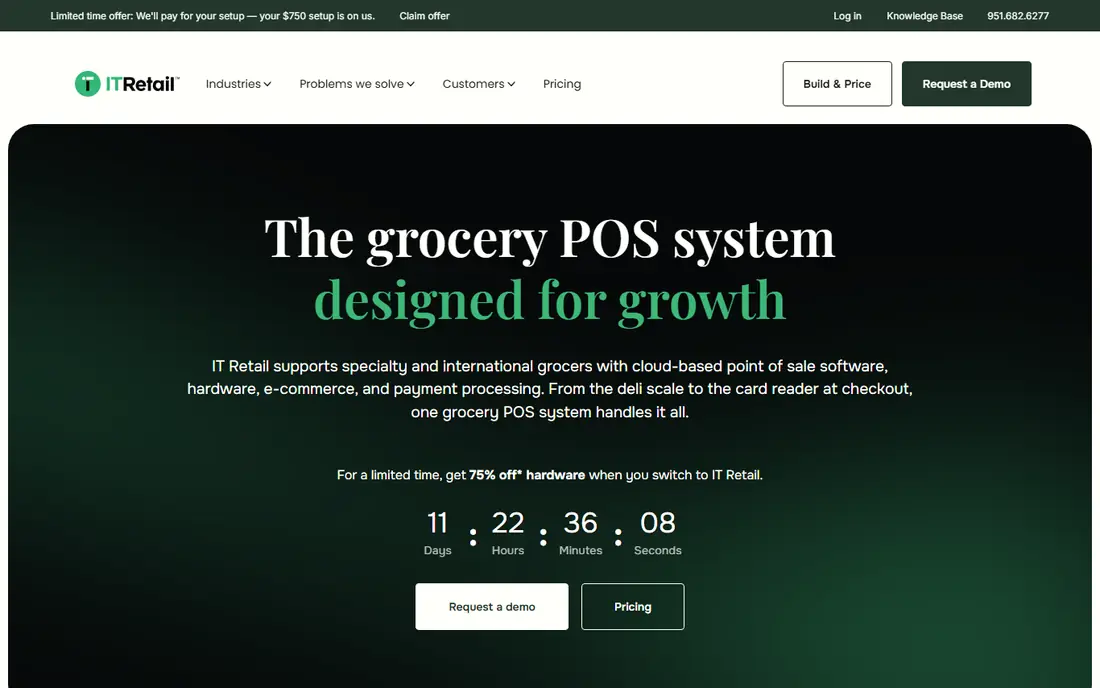
IT Retail is built around independent grocers, with features for weighed items, deli and meat departments, loyalty, and grocery promotions. That focus shows at the till, where staff can handle variable-weight products and department-level reporting without workarounds. For a store that lives on fresh departments and weekly offers, a grocery-first design saves daily friction. The trade-off is a more involved buying process. Pricing is quoted, and setup benefits from a planned rollout with hardware, scales, and label printers tested together. Smaller convenience stores may find a general tool faster to start, but a full supermarket with fresh departments will get more lasting value from IT Retail.
- Built for grocery workflows
- Scale and perishable handling
- Department reporting
- Quote-based pricing
- Implementation takes planning for larger stores
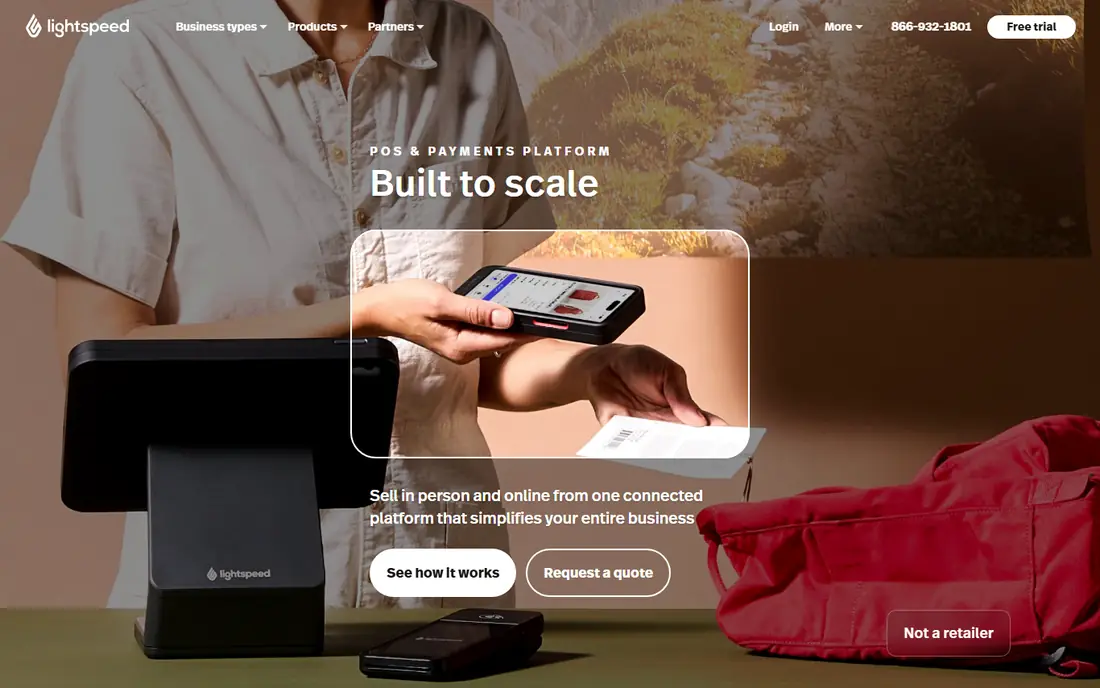
Lightspeed Retail suits supermarkets that also run general merchandise, or chains that need consistent stock and pricing across sites. Its inventory tools handle variants, transfers, and purchase orders well, and its reporting helps managers compare sites and categories. For a growing group of stores, that control matters more than a single-store grocery feature set. The honest catch is grocery depth. Weighed produce and perishable expiry handling are less central here than in a grocery specialist, so test those workflows if fresh departments are core to your store. Where general retail, multi-site control, and online selling matter most, Lightspeed is a strong pick for supermarkets.
- Strong inventory and multi-site tools
- Large catalogue handling
- ECommerce links
- Less grocery-specific than specialists
- Higher tiers add cost for advanced features

Square for Retail is the fastest way for a small supermarket, mini-market, or convenience store to start taking card payments with stock tracking. The free tier covers basic inventory, sales reports, and customer records, and paid tiers add purchase orders, vendor handling, and deeper stock tools. Hardware is simple to order and staff can learn the till quickly. The catch is scale and grocery specialism. Large fresh departments, complex scale integration, and advanced perishable controls are not its strength. For a small store with straightforward stock and a need to open quickly, Square is hard to beat. For a full supermarket, use it as a shortlist comparison rather than a default choice.
- Free starting tier
- Fast setup
- Simple hardware and payments
- Limited grocery-specific depth
- Payment fees rise with volume
Shopify POS fits supermarkets that sell online as well as in store, with stock shared between the shop floor and the website. That shared stock view helps when online orders, click-and-collect, and in-store sales draw on the same shelves. Product setup, discounts, and customer profiles are simple, and the wider Shopify app range covers delivery and marketing needs. The trade-off is grocery focus. Batch and expiry handling for perishables is weaker than in grocery specialists, so a fresh-heavy supermarket should test those workflows with care. If online sales are a major channel and fresh handling is modest, Shopify POS gives a clean omnichannel base for the best pos software for supermarkets with an online arm.
- Unified online and in-store stock
- Strong online store tools
- Easy product setup
- Needs a Shopify plan
- Grocery-specific features are limited
Clover offers a range of tills, handhelds, and payment devices, which helps supermarkets that need different hardware at the main till, deli counter, and self-checkout area. Its app marketplace adds inventory, loyalty, and reporting tools, and its payment handling suits busy checkout lanes. For stores that value hardware choice, Clover is flexible. The catch is buying clarity. Clover is sold through banks and resellers, so monthly costs, hardware terms, and contract lengths can vary a lot. Read the full contract, confirm the total monthly cost including processing, and compare like-for-like hardware before signing. With a clear deal, it is a capable supermarket till system.
- Wide hardware range
- App marketplace
- Works well at busy tills
- Pricing varies by seller
- Contracts and fees need close reading
ECRS CATAPULT is an enterprise grocery system for high-volume supermarkets that need tight control across departments, suppliers, and promotions. It handles scale integration, loyalty, and back-office reporting at a depth that general tools do not reach, and it suits chains that need consistent processes across sites. For a large supermarket, that depth protects margin and stock accuracy. The trade-off is fit for smaller stores. Implementation and pricing suit larger operations, and a small store may find the system more than it needs. If your store runs many departments, high transaction volumes, and complex supplier terms, CATAPULT belongs at the top of the shortlist for supermarket pos software.
- Enterprise grocery depth
- Multi-department control
- Automation for larger stores
- Quote-based pricing
- Best suited to larger operations
KORONA POS appeals to supermarkets that want freedom over payment processing and strong inventory control. It is processor-agnostic in many setups, which lets stores keep a preferred processor rather than switching to fit the POS. Inventory tools cover stock grading, transfers, and franchise handling, which help multi-site groups keep stock discipline. The honest catch is setup effort. Grocery workflows, scales, and hardware need testing in your exact store layout, and the result depends on good implementation. For stores that value processor choice and inventory control over a ready-made grocery package, KORONA is worth a trial on a real till.
- Processor-agnostic options
- Strong inventory grading
- Franchise tools
- Grocery-specific polish varies by setup
- Hardware sourcing needs care
Toast is best known for restaurants, but it fits supermarkets with a strong prepared-food offer, such as a deli, bakery counter, or food hall. Handheld ordering, kitchen display, and menu handling work well where food is made to order, and its reporting covers food sales alongside retail sales. For a hybrid store, that food strength matters. The catch is full grocery coverage. A store whose core is packaged grocery, produce, and household goods will get more from a grocery specialist than from Toast alone. Use Toast where food service is a major department, and pair its strengths with a clear plan for grocery stock and scale handling.
- Strong food service tools
- Handheld ordering
- Kitchen and counter workflows
- Less suited to full grocery stock
- Hardware and plan costs need checking
Odoo POS runs inside the wider Odoo business suite, so till sales can flow into inventory and accounting from the same product catalogue. That link helps supermarkets that want stock moves, purchase orders, and accounts to stay in step without separate systems. Lot and serial handling options also help with batch-managed items, which matters for some grocery lines. The trade-off is implementation time. Odoo is modular and flexible, which means the supermarket result depends on how well it is configured for scales, labels, and perishables. Teams with in-house or partner support for Odoo will get more from it than teams that want a ready-made grocery till on day one.
- POS linked to inventory and accounting
- Modular apps
- Lot handling options
- Setup and customisation take time
- Grocery polish depends on configuration
How we picked these
We compared official feature pages, pricing pages, and public reviews for supermarket-relevant functions: barcode speed, weighed items, perishables, promotions, stock control, multi-site handling, and payment terms. We kept only live systems in October 2026 that can run a real supermarket till, and we used See website where pricing is quoted or varies by seller rather than publishing a figure we could not verify.
What to check before you buy
Test the till, not only the demo
Run a trial on a real till with your own barcodes, scales, and busiest products. Check scan speed, weighed produce, split payments, refunds, and offline behaviour when the internet drops. A system that looks fast in a demo can slow down with a full catalogue and a queue at peak time.
Stock truth across departments
Ask how stock updates when goods are received, transferred, wasted, or sold at a deli counter. Perishable waste and shrink distort stock fast, so expiry, waste recording, and stock counts should be simple for staff. If counts are hard, stock data will drift and ordering will follow bad numbers.
Total cost, not only software price
Add hardware, payment processing, support, and any per-till or per-site fees. A low monthly software price can be outweighed by processing fees at supermarket volumes, while a quoted enterprise system may include support and hardware in the deal. Compare a full year of costs for your transaction volume before choosing.
Support at opening hours
Supermarket tills fail at the worst times, so check support hours, response times, and whether help covers hardware as well as software. A system with strong daytime support but no evening cover is a risk for a store that trades late. Confirm the support contract in writing before rollout.
Frequently asked questions
What is the best pos software for supermarket use?
For a full supermarket, grocery-specific systems such as IT Retail and ECRS CATAPULT are the strongest starting points because they handle weighed items, departments, and perishables as core features. For smaller stores, Square for Retail and Lightspeed Retail are strong options. The best supermarket pos software is the one that handles your departments, scale setup, and peak checkout load in a live trial.
Is there a best pos software for supermarkets with online ordering?
Yes, Shopify POS and Lightspeed Retail suit stores with online ordering because stock is shared between the shop and the website. That shared view reduces overselling and supports click-and-collect. If fresh and weighed items dominate online orders, test how those items are picked, weighed, and priced online before committing.
Does supermarket POS software handle weighed produce?
Grocery-specific systems handle weighed produce best, with scale integration and variable-weight barcodes as standard features. General retail tools may need setup or add-ons for the same result. Always test your exact scales and label printers with the vendor, since scale models and barcode formats vary by store.
What does supermarket POS software cost?
Costs vary widely, from a free Square tier for small stores to quoted enterprise pricing for large grocery chains. Lightspeed Retail lists a starting price of $89 per month in this guide, while other vendors quote by store size, tills, and features. Add payment processing and hardware to any software price to get a true monthly total.
Can supermarket POS work offline?
Many modern systems offer offline checkout for card and cash sales when the internet drops, then sync when the connection returns. Offline depth varies, so check which functions keep working offline, how long offline mode lasts, and what happens to stock and loyalty data during an outage. Test this before a busy weekend, not during one.
How long does supermarket POS setup take?
A small store can often start in days with a general tool, while a full supermarket with scales, departments, and migrated stock may need weeks of planning, hardware setup, and staff training. Allow time for catalogue cleanup, barcode checks, and a pilot till before switching every checkout lane at once.
Sources
See where you really rank - block by block
ProMapRanker scans Google Maps across a grid of your service area. Simple monthly plans from $19, white-label on every plan.
Start freeKeep reading
 zscaler alternatives
Best Zscaler Alternatives in 2026
Looking for zscaler alternatives? We compare 9 SASE and zero trust platforms on architecture, data protection, pricing, and fit for your network and team.
Read → zapier alternatives free
Best Zapier Alternatives Free in 2026
Nine automation tools for zapier alternatives free in 2026, all with genuinely free tiers, plus free plan limits, starting prices and upgrade paths explained.
Read → which platform is best for online reputation
Which Platform Is Best for Online Reputation in 2026
Wondering which platform is best for online reputation? We compare 8 review, listing, and response tools for small and multi-location businesses and agencies.
Read →