 ProMapRanker
Best POS for Quick Service Restaurant in 2026


Restaurant counters with kitchen display needs · Pricing starts at: See website
Key takeaways
- Toast and Square for Restaurants lead for most quick service counters, with Toast stronger on kitchen and handheld tools and Square stronger on low cost entry.
- Processing fees often matter more than the monthly software fee, so model your real monthly card volume before you sign.
- Clover and Lightspeed suit counters that want hardware choice or multi-location menu control, but both need a careful quote check.
- For a delivery-heavy counter, online ordering and delivery integrations matter as much as till speed, so test those flows in a trial.
Quick comparison
| Pick | Great for | Pricing starts at | Free tier | |
|---|---|---|---|---|
| Toast | Restaurant counters with kitchen display needs | See website | Free trial | Visit |
 Square for Restaurants | Low cost quick service start | Free | Yes | Visit |
 Lightspeed Restaurant | Multi-location quick service groups | See website | Free trial | Visit |
 Clover | Hardware choice at the counter | See website | No | Visit |
 SpotOn | Counters that want marketing built in | See website | Free trial | Visit |
 TouchBistro | iPad-based quick service counters | See website | Free trial | Visit |
 Revel Systems | Larger quick service operations | See website | No | Visit |
 Eats365 | Flexible iPad setups | See website | No | Visit |
 ChowNow | Online ordering for quick service | See website | Free trial | Visit |
The best pos for quick service restaurants
A quick service POS must move fast at the counter, send orders cleanly to the kitchen, and handle takeout and delivery without slowing the line. We compared official pricing pages, feature pages, and public documentation, and we weighed till speed, kitchen display, online ordering, hardware, and total cost including processing.
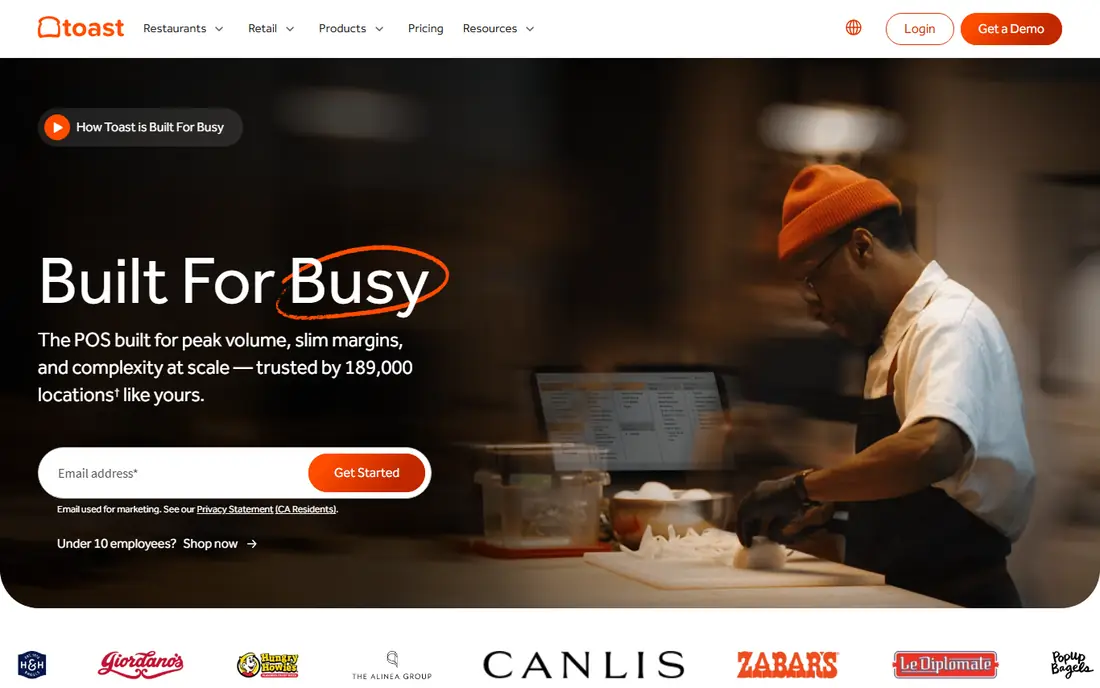
Toast is built for restaurants first, and that shows during a rush. Orders flow to kitchen display screens with timing and station routing, handhelds take orders and payments at the counter or the table, and online ordering feeds the same queue. Reporting covers menu performance and labor, which helps a manager spot a slow item or a staffing gap.
The trade-off is lock-in. Toast runs on its own hardware, and some plans carry a contract term, so switching later takes effort. Pricing also varies by quote for many bundles, so get a written quote that lists hardware, software, and processing separately. For a busy quick service counter that needs kitchen tools, Toast is the benchmark to beat.
- Purpose-built kitchen display and handheld tools
- Online ordering included
- Restaurant reporting
- Proprietary hardware
- Contracts can run one to three years on some plans

Square for Restaurants is the easiest way to open a counter with little upfront cost. The free plan covers basic point of sale, payments, and menu tools, and you can add paid restaurant plans as you grow. Setup is quick, hardware ranges from a phone reader to a full register, and online ordering and loyalty tools sit in the same account.
The limit is depth. Advanced kitchen routing, complex floor plans, and some multi-location controls are thinner than on Toast or Lightspeed. Processing is charged per transaction, so a high volume counter should compare the effective rate, not just the free software. For a new or single counter, Square is the low-risk start.
- Free entry plan
- Fast setup
- Wide hardware range from reader to register
- Fewer advanced restaurant features than Toast
- Floor plan tools are limited
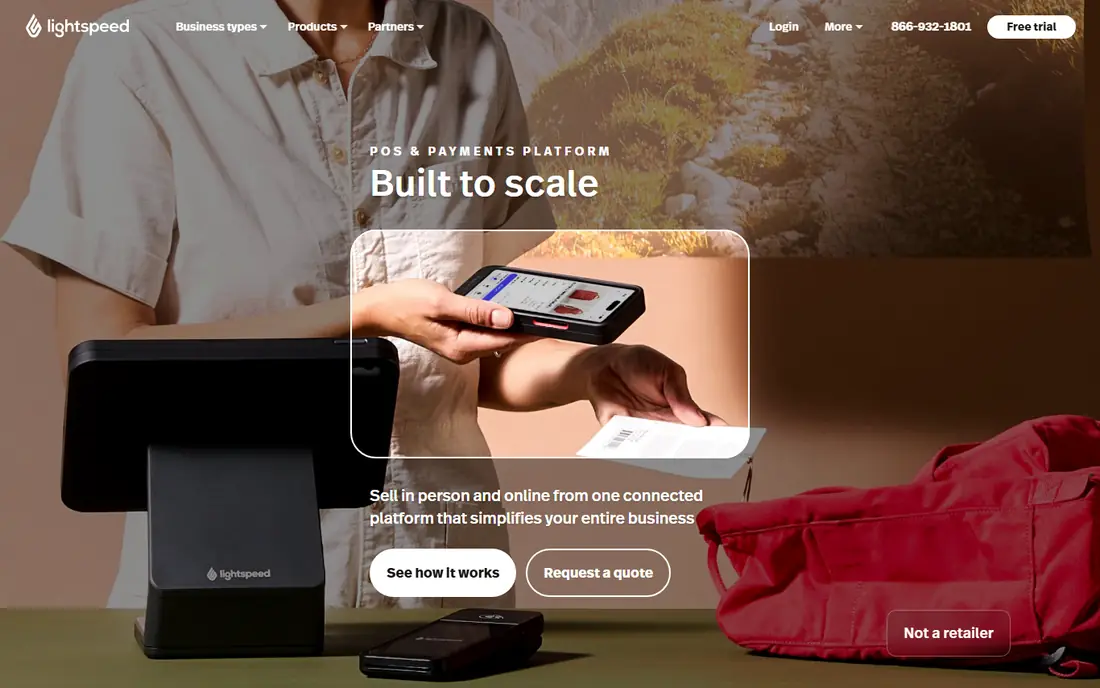
Lightspeed Restaurant suits a group that runs several counters and needs one menu, one price set, and one reporting view across them. It runs on iPads, which gives hardware flexibility, and it supports kitchen display add-ons and third-party payment options on some plans. Inventory and menu tools are stronger than on entry-level systems.
That depth comes with cost and learning time. Published pricing has ranged from about 69 dollars to 399 dollars per month in recent listings, and a small single counter may not need the full set. For a growing group, the central control is worth it, but a single counter should trial it against Square first.
- Central menu and pricing control across locations
- IPad flexibility
- Strong reporting
- Higher entry price
- Setup takes more time than simpler systems
Clover wins on hardware choice. Counters can pick a compact terminal, a full station, or a handheld, and the app marketplace adds tools for loyalty, inventory, and online ordering. The countertop look is polished, which matters for a front-of-house counter where customers see the till. For quick service, the speed at checkout is solid once the menu is set up.
Pricing is the warning. Clover is sold direct and through resellers, and the same hardware can carry very different rates and terms. Always get a direct quote, read the processing terms, and check whether you can use your own processor. Bought carefully, Clover is a flexible quick service system.
- Wide hardware range
- Large app marketplace
- Counter and handheld options
- Pricing varies by reseller
- Some plans lock you into a payment processor
SpotOn bundles point of sale with marketing tools that many counters would otherwise buy separately, such as loyalty, email marketing, and review management. That matters for a quick service spot that lives on repeat visits, since a loyalty offer at the till can bring a customer back next week. The restaurant system covers menus, payments, and reporting, with plans that start at no station fee on some all-in options.
The catch is scope. A counter that only needs a fast till may find the marketing suite more than it wants to manage. Processing rates and hardware terms also vary by plan, so ask for the full monthly picture. For a counter that wants sales and marketing in one system, SpotOn is a strong fit.
- Built-in marketing, loyalty, and review tools
- Restaurant point of sale included
- Multi-location support
- Marketing depth may exceed what a simple counter needs
- Hardware is proprietary on some plans
TouchBistro runs on iPads and is designed for restaurant floors, with menu management, order taking, and payment tools that suit a counter or a small dining room. It is a good middle ground between a simple retail till and a full restaurant platform, and it avoids the proprietary hardware lock-in of some rivals. Staff can learn the iPad layout quickly, which helps with turnover.
The ecosystem is smaller than Toast, so a counter that needs a specific delivery or accounting integration should check it first. Pricing per terminal also adds up as you add tills. For an iPad-based quick service counter that wants restaurant tools without a heavy contract, TouchBistro is worth a trial.
- IPad-first design
- Menu and floor tools for restaurants
- Works with common payment partners
- Smaller integration set than Toast
- Pricing is per terminal
Revel Systems targets larger quick service and franchise operations, with kitchen display, inventory, and reporting tools that scale across locations. The iPad design keeps the counter hardware flexible, while the back office gives managers control over menus, pricing, and staff permissions. For a chain or a high volume counter, that control matters.
For a single small counter, Revel is likely more system than you need, and the quote-based pricing and longer setup reflect that. It fits best when you have several locations, complex menus, or franchise reporting needs. If that describes your operation, Revel deserves a place on the shortlist.
- IPad-based system for larger operations
- Kitchen display and inventory tools
- Multi-location support
- Higher cost and longer setup
- Overkill for a single small counter
Eats365 offers a modular iPad point of sale that lets a counter pick the pieces it needs, from ordering to kitchen routing, without being forced into a fixed bundle. Menu switching is quick, and order routing can be set for different kitchen stations. That flexibility suits bars, cafes, and quick service counters that do not fit a standard template.
The main drawback is pricing transparency, since plans are quoted per business rather than published as a fixed list. Support coverage in the US is also smaller than Toast or Square. If you want a modular iPad setup and are willing to go through a quote and demo, Eats365 is a flexible option.
- Modular iPad point of sale
- Flexible hardware choices
- Custom order routing
- Pricing by custom quote
- Smaller US support footprint than larger rivals
ChowNow is included here for a specific quick service need, which is online ordering that does not take a large commission on every order. It gives a counter a branded ordering page and app presence, and it can feed orders into common point of sale systems. For a counter where takeout and delivery are a large share of sales, that can save real money over marketplace commissions.
It is not a full point of sale on its own, so most counters will pair it with a till system from this list. Pricing depends on the ordering plan and any delivery partners used. If online ordering is your weak spot, ChowNow is a useful addition rather than a replacement for your till.
- Commission-free online ordering on its own plans
- Branded ordering pages
- Delivery integrations
- Not a full till replacement on its own
- Works best alongside a main point of sale
How we picked these
We compared official pricing pages, feature pages, and public documentation for point of sale systems used by quick service restaurants in the US. We kept only systems that are live, that support counter ordering, payments, and kitchen or order routing, and that truly fit quick service rather than retail-only use. We weighed till speed, kitchen display, online ordering, hardware terms, and total cost including processing.
What to check before you choose
Test the rush, not just the demo. Run a trial during a busy period if you can, and watch how orders move from the till to the kitchen and how refunds and split payments work. A system that looks clean in a quiet demo can slow down when ten orders land at once. Check offline behavior too, since a Wi-Fi drop should not stop you taking payments.
Read the full cost picture before you sign. Ask for software, hardware, and processing rates in writing, and check contract length, early exit terms, and whether you can change processors later. Add up a month of processing on your real volume, since that number often beats the software fee. Finally, confirm the delivery and online ordering integrations you actually use, not just the logo list on the sales page.
Frequently asked questions
What is the best POS for quick service restaurants?
Toast is the strongest all-round restaurant choice for busy counters, while Square for Restaurants is the best low cost start for a new or single counter. Clover suits counters that want hardware choice, and Lightspeed suits groups with several locations. Match the pick to your volume, kitchen needs, and contract comfort.
How much does a quick service POS cost?
Software ranges from free on Square to quote-based plans on Toast, Lightspeed, and Revel, with published tiers often from about 69 dollars per month upward. Hardware adds to that, and processing fees, often around 2.3 percent to 2.9 percent plus a per-transaction fee, usually form the largest monthly cost. Model processing on your real volume before you compare software prices.
Can a quick service POS handle online ordering and delivery?
Yes, most systems on this list include online ordering, and several integrate with delivery partners. Toast, Square, and SpotOn include ordering in their restaurant plans, while ChowNow adds commission-free ordering alongside a main till. Test the full flow, from order to kitchen to pickup, before you rely on it during a rush.
Do I need a kitchen display system for quick service?
A kitchen display helps once order volume or menu complexity grows, since it routes items to stations and shows timing clearly. Small counters with a simple menu can start with printed tickets and add a display later. If you run several stations or timed items, a display is worth the cost from the start.
Is Square or Toast better for a quick service restaurant?
Square is better for low cost entry, fast setup, and a single counter with simple needs. Toast is better for busy restaurant counters that need kitchen display, handhelds, and deeper restaurant reporting. If you expect rapid growth or complex kitchen work, Toast is the safer long-term pick despite the higher cost and contract terms.
Sources
See where you really rank - block by block
ProMapRanker scans Google Maps across a grid of your service area. Simple monthly plans from $19, white-label on every plan.
Start freeKeep reading
 zoro.to alternatives
Best Zoro.to Alternatives in 2026
We compare the best zoro.to alternatives in 2026, listing only legal licensed anime streaming services, from Crunchyroll to free options for fans today.
Read → zip alternatives
Best Zip Alternatives in 2026
We compare the best zip alternatives for buy now, pay later in 2026, covering pay-in-4 plans, fees, spending limits, and credit reporting options today.
Read → yesware alternatives
Best Yesware Alternatives in 2026
Compare the best yesware alternatives for sales email tracking, templates, and sequences, with current pricing and honest tradeoffs for small sales teams.
Read →