 ProMapRanker
Best Point of Sale Software in 2026

Key takeaways
- The right point of sale system depends on your business type, because retail, restaurant, and mobile selling need different tools.
- Square is the best free starting point for most small shops, while Shopify POS suits stores already selling online with Shopify.
- Toast leads for restaurants, Lightspeed leads for inventory-heavy retail, and Clover leads for hardware choice.
- Monthly software cost is only part of the total, because processing fees, hardware, and add-ons matter more at volume.
- Test checkout, refunds, and offline use before you commit, because those moments decide whether a system works in real service.
Quick comparison
| Pick | Great for | Pricing starts at | Free tier | |
|---|---|---|---|---|
 Square | Most small shops and mobile sellers | Free | Yes | Visit |
 Shopify POS | Shopify stores selling in person | $39 per month | No | Visit |
 Toast | Restaurants and food service | Free | Yes | Visit |
 Lightspeed Retail | Inventory-heavy and multi-location retail | $89 per month | No | Visit |
 Clover | Hardware choice and mixed retail and restaurant use | See website | No | Visit |
 KORONA POS | High-volume and regulated retail | $59 per terminal per month | Free trial | Visit |
 Epos Now | Budget multi-store retail | See website | No | Visit |
 Loyverse | Micro merchants who want a free core system | Free | Yes | Visit |
The best point of sale software
Point of sale software covers checkout, payments, inventory, staff, and sales reports. The systems below cover the main US use cases, from a market stall to a multi-location retailer, with different strengths in hardware, inventory, and restaurant tools.
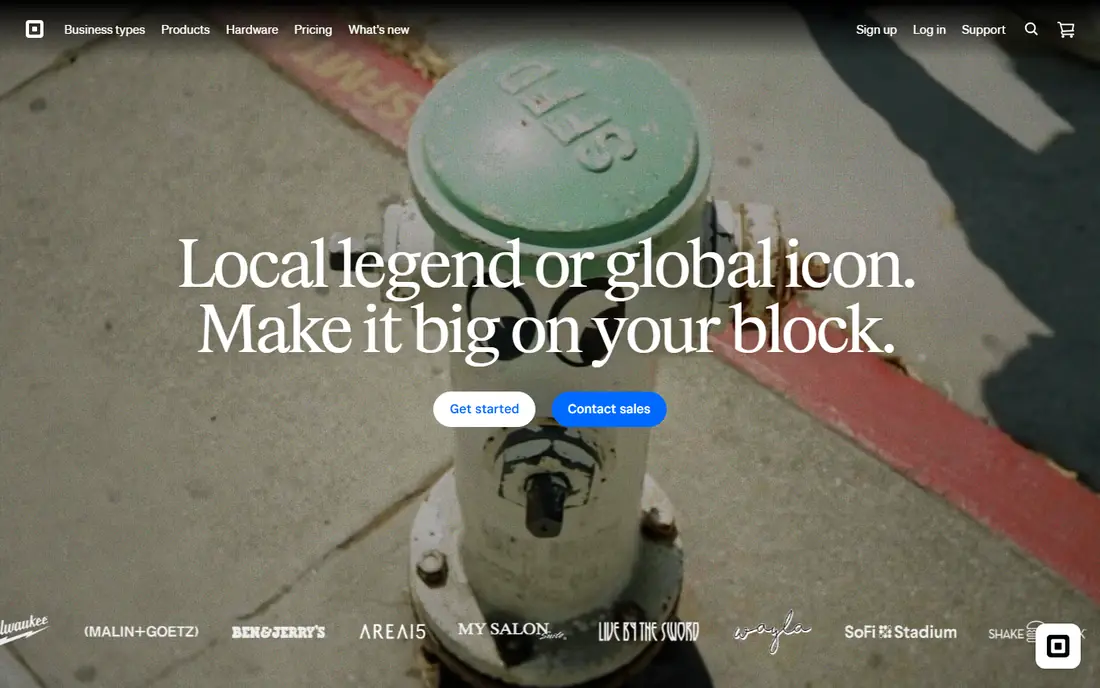
Square is the default starting point for most small businesses. The free plan covers checkout, basic inventory, customer profiles, and digital receipts, and you can start with a phone and a card reader. Paid plans were listed from $49 per month for Plus in comparisons, with lower processing on Premium.
The limit is specialization. A full-service restaurant will want Toast for kitchen displays and tableside tools, and a specialty retailer with complex matrix stock will want Lightspeed. For a shop, cafe, food truck, or service business, Square is fast, clear, and cheap to start.
- Free plan with full point of sale
- Fast setup
- No long-term contract on the free plan
- Limited full-service restaurant depth
- Processing fees apply
- Advanced inventory sits on paid plans
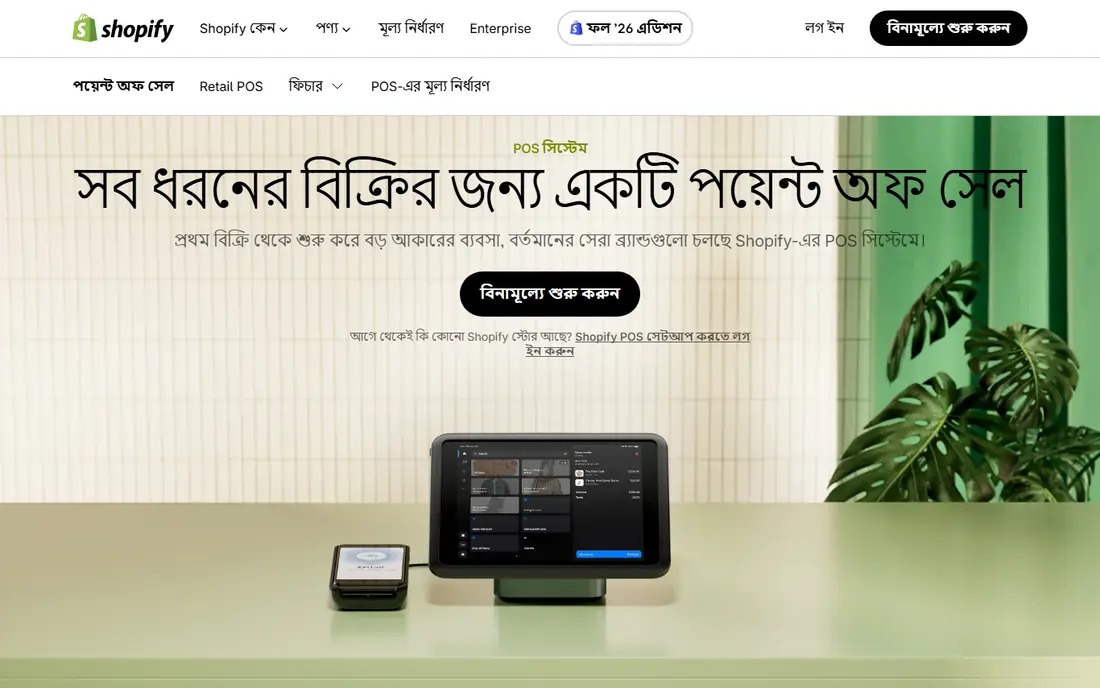
Shopify POS makes sense only inside the Shopify system, and there it makes a lot of sense. Online and in-store stock stay in sync, so a sale at a market does not create an oversell online. POS Lite is included with a Shopify plan, while POS Pro was listed at $89 per month per location in comparisons.
The catch is lock-in. You pay for Shopify plus POS Pro for full features, and the system lacks restaurant tools such as kitchen displays. If you already sell on Shopify, it is the cleanest in-person choice. If you do not, Square is cheaper to start.
- Unified online and in-store inventory
- POS Lite included with a Shopify plan
- Strong online store link
- Requires a Shopify subscription
- POS Pro costs extra per location
- No real restaurant feature set
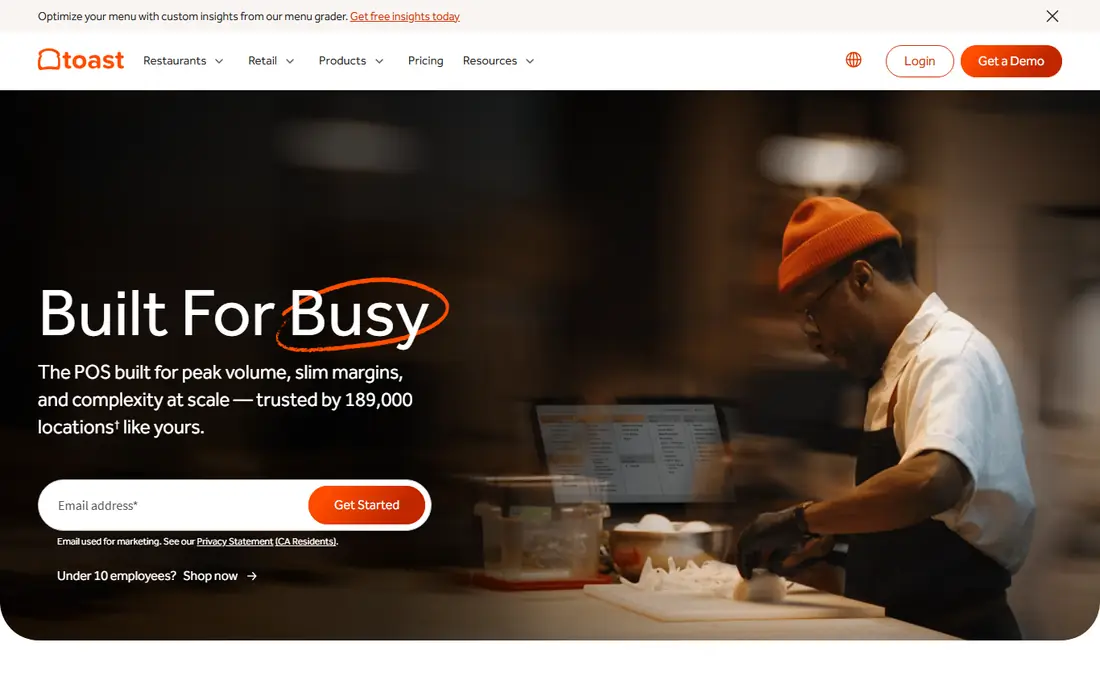
Toast owns the restaurant part of this list for a reason. Kitchen display systems, handheld ordering, table management, and menu tools are built for service, not added as an afterthought. A starter kit was listed free in comparisons, with paid point of sale plans from $69 per month.
Hardware and contracts are the trade-offs. Toast hardware is proprietary, and paid plans can involve term commitments. For a restaurant, those costs often pay back in faster service and fewer order errors. For a retail shop, Toast is the wrong tool.
- Kitchen displays, handhelds, and tableside tools
- Online ordering options
- Restaurant-focused reporting
- Contracts can apply on paid plans
- Hardware costs add up
- Closed hardware system
Lightspeed Retail suits shops with hundreds of SKUs, variants, and several locations. Matrix inventory for size, color, and style, purchase orders, and multi-location transfers are core features, not add-ons. Starting pricing was listed from $89 per month billed annually in comparisons.
That depth costs money and learning time. A small shop with simple stock will find Square faster and cheaper. A specialty retailer that lives in its inventory system will find Lightspeed worth the price, especially when stock accuracy drives sales.
- Strong inventory, matrix stock, and purchase orders
- Multi-location support
- Detailed reporting
- Higher starting price
- Steeper learning curve
- Hardware and payments add cost
Clover stands out for hardware. From a small Go device to a full Station, plus Flex handhelds, you can build a counter that fits the space and the workflow. The app market adds loyalty, invoicing, and industry tools on top of the core system.
Pricing is the warning. Direct pricing was listed from $14.95 per month in comparisons, but reseller pricing varies widely and can include long contracts and extra fees. Buy direct if you can, read the full fee schedule, and compare the total, not only the device price.
- Wide range of terminals and handhelds
- Large app market
- Flexible for retail and restaurants
- Pricing varies widely by reseller
- Contracts can apply
- Direct pricing differs from reseller pricing
KORONA POS suits retailers that process high volume or operate in regulated categories. Being processor agnostic means you are not locked to one payment provider, and the system handles detailed inventory, multi-location work, and reporting for larger operations. Core pricing was listed at $59 per terminal per month.
Per-terminal pricing means a multi-terminal store pays for each station, so count terminals before you compare. For a small single-terminal shop, Square or Loyverse will be cheaper. For a high-volume retailer, processor choice and inventory depth matter more.
- Processor agnostic
- Strong for high-volume and regulated retail
- Detailed inventory and reporting
- Per-terminal pricing adds up
- Setup needs planning
- Less suited to a tiny single-terminal shop
Epos Now is a budget option for retailers with more than one store. It covers point of sale, stock, and reporting across locations, with touch hardware and iPad options. Per-terminal pricing was listed around $39 per month in comparisons, though current pricing should be confirmed on the vendor site.
The weakness is price transparency. Quotes vary, and add-ons can raise the total. For a multi-store retailer that wants a lower cost alternative to Lightspeed, Epos Now is worth a quote. Compare the full bundle, including hardware and support, before you decide.
- Multi-store stock and reporting
- Touch hardware options
- Competitive per-terminal pricing in comparisons
- Pricing is quoted in many cases
- Add-ons increase cost
- Support quality varies by region
Loyverse is the free option for micro merchants. The core point of sale is free, it runs on iOS and Android devices, and it covers sales, basic inventory, and customer records without a monthly software fee. That makes it ideal for a market stall, a small kiosk, or a side business testing in-person sales.
Advanced features, such as advanced inventory and employee management, need paid add-ons, and restaurant depth is limited. Loyverse will not replace Toast or Lightspeed at scale. For a tiny business that needs to take payments and track basic stock for free, it is a credible starting point.
- Free core point of sale
- Works on phones and tablets
- Processor agnostic through integrations
- Advanced features need paid add-ons
- Limited restaurant depth
- Smaller US support footprint
How we picked these
We compared official product pages, pricing pages, and current point of sale guides for systems that exist and work in October 2026. We kept only systems with real checkout, payment processing, and inventory or order tools, and we left out pure payment apps without a point of sale system. Where pricing varied by reseller or quote, we wrote See website rather than guessing. We did not claim hands-on testing.
How to choose point of sale software
Start with your business type
Retail needs inventory depth, restaurants need kitchen and table tools, and mobile sellers need a phone-first system. A system that is strong for one type can be weak for another, so shortlist by type first, then by price.
Count the full cost at your volume
Add software, hardware, processing fees, and add-ons at your real monthly volume. A free system with a higher processing rate can cost more than a paid system with a lower rate once card volume grows. Run the numbers on your average ticket and monthly card sales.
Test checkout, refunds, and offline mode
Run a sale, a refund, a discount, and a split payment in a trial. Then test what happens when the internet drops. A system that freezes during a lunch rush or a market day will cost sales and trust, no matter how good its reports look.
Check hardware and contract terms
Confirm which devices you must buy, whether you can use your own processor, and how long the contract runs. Clover and Toast have hardware and contract details that matter, while Square and Loyverse are more flexible. Read the exit terms before you sign.
Frequently asked questions
What is the best point of sale software for a small business?
Square is the best starting point for most small businesses, because the free plan covers checkout and basic inventory with no contract. Shopify POS suits Shopify stores, Toast suits restaurants, and Lightspeed suits inventory-heavy retail.
What is the best point of sale app for a small shop?
Square and Loyverse are strong app-first picks. Square offers a fuller system with hardware options, while Loyverse offers a free core system on phones and tablets. Choose Square when you expect to grow, and Loyverse when cost is the main constraint.
How much does point of sale software cost?
It ranges from free to several hundred dollars per month per location. Square starts free, Shopify POS starts with a $39 per month Shopify plan, Lightspeed Retail from $89 per month, KORONA POS from $59 per terminal per month, and Toast from a free starter kit or $69 per month for paid point of sale. Processing fees and hardware are extra.
Is Square or Shopify POS better?
Square is better for most standalone shops and mobile sellers, because it is free to start and does not require an online store plan. Shopify POS is better when you already sell on Shopify and need online and in-store stock to stay in sync.
Can point of sale software work offline?
Some systems offer offline mode, but the depth varies. Square, Toast, and Lightspeed offer offline options for certain functions, while web-only tools may stop during an outage. Test offline checkout in a trial and confirm which functions still work without internet.
Do I need to buy hardware for point of sale software?
Not always. Square and Loyverse can run on a phone or tablet with a low-cost reader. A full counter setup with a terminal, stand, printer, and cash drawer costs more, and Toast and Clover hardware is proprietary. Start with the smallest setup that handles your peak service, then add hardware.
Sources
- https://squareup.com
- https://www.shopify.com/pos
- https://pos.toasttab.com
- https://www.lightspeedhq.com
- https://www.clover.com
- https://www.korona.com
- https://www.eposnow.com
- https://loyverse.com
- https://technologyadvice.com/blog/sales/pos-system-for-small-business/
- https://successknocks.com/pos-system-for-small-businesses/
See where you really rank - block by block
ProMapRanker scans Google Maps across a grid of your service area. Simple monthly plans from $19, white-label on every plan.
Start freeKeep reading
 galaxy.ai alternatives with lifetime access
Best Galaxy.ai Alternatives With Lifetime Access in 2026
Looking for galaxy.ai alternatives with lifetime access? We compare 7 pay-once AI tools for chat, writing, images, video and SEO work in 2026, in detail.
Read → best workforce management software
Best Workforce Management Software in 2026
Compare the best workforce management software for scheduling, time tracking, and payroll, with prices, free plans, and picks by team size and industry.
Read → best wms software
Best WMS Software in 2026: 8 Systems Compared
Compare the best WMS software for warehouses of every size in 2026, from enterprise systems like SAP and Manhattan to mid-market options for growing brands.
Read →