 ProMapRanker
Best Point of Sale Accounting Software in 2026


Small retail and food businesses starting out · Pricing starts at: Free
Key takeaways
- Square and Shopify POS give small businesses the lowest entry cost, with sales syncing to accounting tools.
- Lightspeed and Toast suit larger retail and restaurant businesses that need inventory depth and multi-location reporting.
- The accounting link matters more than the checkout screen, so check whether sales, taxes, fees and refunds sync cleanly.
- Processing rates, hardware and add-ons often cost more than the monthly subscription, so compare total cost per location.
Quick comparison
| Pick | Great for | Pricing starts at | Free tier | |
|---|---|---|---|---|
| Square POS | Small retail and food businesses starting out | Free | Yes | Visit |
 Lightspeed POS | Retail and restaurants needing inventory depth | $69 per month | Free trial | Visit |
 Toast POS | Full-service restaurants | Free | Yes | Visit |
 Shopify POS | Omnichannel retail with online and in-store sales | $5 per month | Free trial | Visit |
 Clover POS | Counter service needing hardware choice | $14.95 per month | Free trial | Visit |
 TouchBistro | iPad restaurants wanting front-of-house control | $69 per month | Free trial | Visit |
 Epos Now | Small businesses wanting low-cost cloud POS | $39 per month | Free trial | Visit |
 KORONA POS | Retailers needing flexible accounting exports | $59 per month | Free trial | Visit |
The best point of sale accounting software
Point of sale accounting software is judged by what happens after a sale. A good system sends sales, taxes, tips, discounts, refunds and card fees to the books without manual retyping, so the ledger matches the till at month end. The eight tools below cover retail, restaurants and omnichannel sellers.

Square is the default starting point for many small businesses because the core POS is free and setup is fast. A shop or cafe can take card payments, track inventory at a basic level, sell online through Square Online and sync sales to QuickBooks Online. That combination covers the accounting basics for a single-location business without a contract.
The cost sits in processing, at 2.6 percent plus 10 cents for in-person card payments in recent listings, plus paid tiers for deeper features. Square for Restaurants Plus has been listed at $60 per month, and Premium higher. Square fits businesses that want flexibility and low fixed cost, while larger inventory-heavy businesses may need Lightspeed instead.
- Free POS software with no monthly fee at entry
- QuickBooks Online sync
- Simple hardware and online store options
- Processing fees apply on every card sale
- Advanced restaurant and retail features need paid tiers
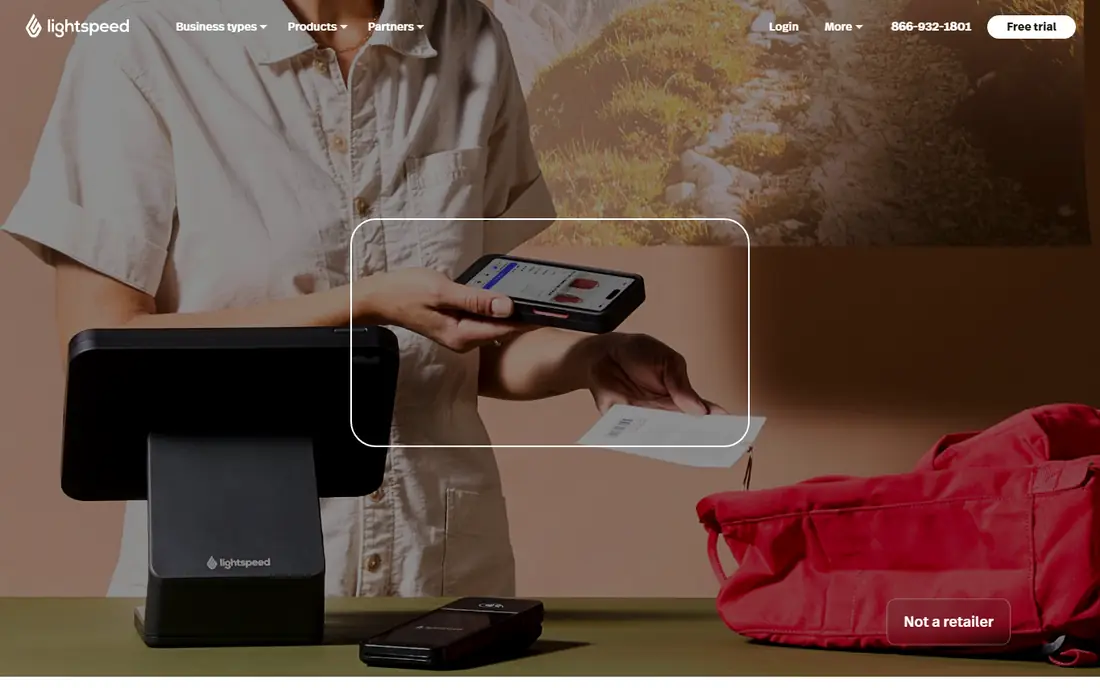
Lightspeed covers both retail and restaurants, with separate editions for each. Retail users get detailed inventory, purchase orders, supplier records and customer profiles, while restaurant users get floor plans, tables and kitchen tools. Sales sync to QuickBooks and Xero, which keeps the ledger current without daily manual exports.
Entry pricing has been listed at $69 per month for restaurant and retail basics, with Essential restaurant plans around $189 and Premium around $399 in recent comparisons. That range means small shops should price the tier they need, not just the entry plan. Lightspeed fits growing, inventory-heavy businesses that will use its reporting depth every week.
- Deep inventory and multi-location reporting
- QuickBooks and Xero sync
- Strong retail and restaurant editions
- Higher tier prices rise fast
- Add-ons for loyalty and e-commerce cost extra
- Contract terms should be checked
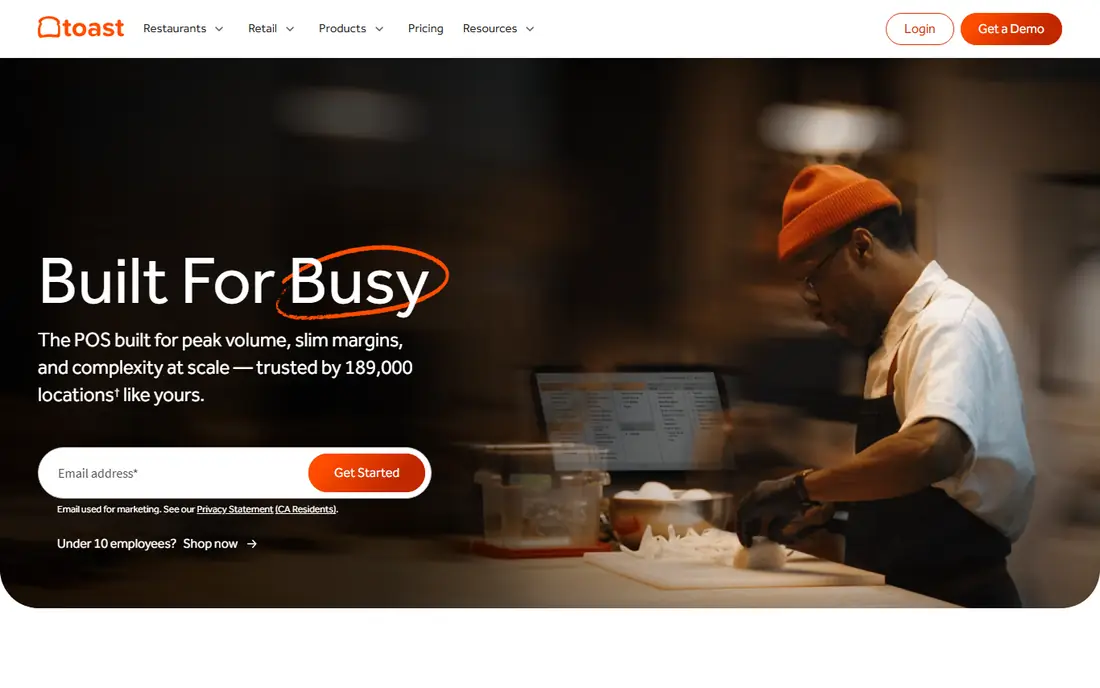
Toast is built only for restaurants, and that focus shows in its kitchen display, handheld ordering, table management and online ordering tools. Sales, tips, taxes and refunds sync to accounting systems, which helps a restaurant owner reconcile daily sales with the books. Support is available around the clock on paid plans, which matters during service.
Starter has been listed as free, with Core around $69 per month in recent listings, plus processing fees. Hardware bundles and add-ons can raise the total well above the software fee, so restaurants should price the full bundle. Toast fits full-service restaurants that need kitchen and front-of-house tools in one system.
- Restaurant-specific tools including kitchen display and handhelds
- QuickBooks and Xero sync
- Online ordering built in
- Hardware and software bundles can push total cost up
- Contract terms vary by plan
- Processing rates are quoted
Shopify POS suits retailers that already sell online, or plan to. One product catalog, one inventory count and one customer record cover both the website and the shop floor, which prevents overselling and double entry. Sales data flows to accounting tools through Shopify integrations with QuickBooks and Xero, and through its own reporting.
POS Lite has been listed at $5 per month as an add-on, while full Shopify POS Pro features sit on higher Shopify plans. Retailers should therefore price the whole Shopify plan, not just the POS add-on. For omnichannel sellers, that unified catalog is worth more than a standalone till.
- One inventory and customer record for online and in-store sales
- QuickBooks and Xero integrations
- Strong e-commerce base
- Full POS features need a Shopify plan above the basic POS add-on
- Hardware costs extra
- Transaction fees vary by plan
Clover, from Fiserv, gives counter-service businesses a choice of hardware, from a small Flex handheld to a full Station till. The app marketplace adds loyalty, gift cards, employee management and other tools, while sales sync to accounting systems through integrations. That flexibility suits cafes, quick-service restaurants and small retailers that want a tidy counter setup.
Essentials has been listed at $14.95 per month, with higher tiers and dining plans rising to $89 and above. Add-ons and processing terms can raise the total, so buyers should confirm the full contract before signing. Clover fits businesses that value hardware choice and a clean counter over deep inventory depth.
- Wide hardware range from handheld to station
- App marketplace for extras
- QuickBooks and Xero sync options
- Useful features are often paid add-ons
- Processing is tied to Fiserv
- Longer contracts reported on some plans
TouchBistro is an iPad POS for restaurants that want strong front-of-house control without proprietary hardware. Tables, modifiers, split bills, menu management and staff permissions cover a busy service, and offline mode keeps the till running if internet drops. Sales and accounting data sync to QuickBooks and Xero through integrations.
Pricing starts at $69 per month per terminal in recent listings, with add-ons for reservations, online ordering and gift cards. A large restaurant with many terminals should therefore price per terminal, not per location. TouchBistro fits independent restaurants that already use iPads and want a focused restaurant till.
- IPad-based POS with tables, modifiers and menus
- Offline mode for service continuity
- QuickBooks and Xero integrations
- IPad only, so Android shops need another tool
- Add-ons raise the total
- Per-terminal pricing adds up for large rooms
Epos Now is a cloud POS for small retail and hospitality businesses that want a low fixed cost. It covers sales, inventory at a basic to mid level, customer records and reporting, with integrations to accounting tools for sales sync. Because it can run on standard tablets and hardware, upfront hardware cost can stay lower than proprietary systems.
Entry pricing has been listed at $39 per month per device in recent comparisons. That per-device model suits a single till, but multi-till shops should count devices carefully. Epos Now fits small businesses that want a working cloud till and clean sales exports without paying for enterprise inventory depth.
- Low entry price for cloud POS
- Works on own hardware in many setups
- Accounting integrations for sales sync
- Add-ons and support tiers vary
- Feature depth is lighter than Lightspeed for complex retail
- Processing terms should be checked
KORONA POS is a cloud point of sale for retail, grocery, liquor and hospitality businesses that need strong back-office control. It handles inventory, customer accounts, promotions and multi-location sales, with accounting exports and QuickBooks integration for bookkeeping. Its processor flexibility suits retailers that already have a card deal they want to keep.
Pricing has been listed around $59 per month in recent QuickBooks integration comparisons. KORONA fits retailers that care about accounting exports and processor choice as much as checkout speed. Smaller shops that want the simplest setup may still prefer Square, while inventory-heavy chains may prefer Lightspeed.
- Flexible accounting and QuickBooks integrations
- Cloud POS for retail and hospitality
- Works with a range of payment processors
- Smaller brand presence than Square or Lightspeed
- Setup and support quality should be tested in a trial
How we picked these
We compared official product pages, pricing pages and recent third-party pricing checks for POS systems with a clear accounting link, either built-in books or sync to QuickBooks or Xero. We left out POS systems without an accounting path, because the topic here is the link between the till and the ledger. Prices vary by tier, location count and hardware, so we advise confirming the checkout total and processing rate before signing.
What to check before you buy
Test the accounting sync with real data, not just a feature claim. Run a day of sales with discounts, refunds, tips and card fees, then check how those items land in QuickBooks or Xero. A sync that lumps fees and taxes together will still leave manual cleanup at month end, which defeats the purpose of the tool.
Next, count total cost per location: software per terminal or per location, hardware, processing rates, loyalty or online ordering add-ons, and any contract term. Ask about offline mode, data export and what happens to sales history if you cancel. Finally, trial the checkout flow during a busy period, because a till that slows service costs more in lost sales than a cheaper monthly fee saves.
Frequently asked questions
What is point of sale accounting software?
It is POS software that sends sales, taxes, tips, refunds and card fees to accounting software, or holds basic books itself, so the ledger matches till sales without manual retyping.
Does Square sync with QuickBooks?
Yes. Square syncs sales to QuickBooks Online, which helps small businesses reconcile daily sales, taxes and fees. Check the sync settings for how fees and refunds are mapped.
Which POS is best for restaurants with accounting needs?
Toast and TouchBistro are strong restaurant picks, while Lightspeed suits inventory-heavy restaurants. Square for Restaurants suits smaller restaurants that want no contract and a low fixed cost.
Which POS is best for retail with accounting needs?
Lightspeed suits inventory-heavy retail, Shopify POS suits omnichannel retail, and Square suits small retail shops. KORONA POS suits retailers that want processor flexibility and accounting exports.
Do I still need an accountant if I use POS accounting software?
Software reduces manual entry, but it does not replace professional advice on tax, inventory valuation or year-end accounts. Most businesses still benefit from an accountant reviewing the books.
What costs should I watch beyond the monthly fee?
Card processing rates, hardware, per-terminal fees, loyalty and online ordering add-ons, and contract terms. Add those to the software fee to get the true monthly cost per location.
Sources
See where you really rank - block by block
ProMapRanker scans Google Maps across a grid of your service area. Simple monthly plans from $19, white-label on every plan.
Start freeKeep reading
 zoro.to alternatives
Best Zoro.to Alternatives in 2026
We compare the best zoro.to alternatives in 2026, listing only legal licensed anime streaming services, from Crunchyroll to free options for fans today.
Read → zip alternatives
Best Zip Alternatives in 2026
We compare the best zip alternatives for buy now, pay later in 2026, covering pay-in-4 plans, fees, spending limits, and credit reporting options today.
Read → yesware alternatives
Best Yesware Alternatives in 2026
Compare the best yesware alternatives for sales email tracking, templates, and sequences, with current pricing and honest tradeoffs for small sales teams.
Read →