 ProMapRanker
Best Podcast Recording Software in 2026

Key takeaways
- Audacity and GarageBand still cover most solo recording needs at no cost, while Riverside and Zencastr solve remote interviews with separate tracks.
- Descript is the fastest edit for spoken shows because you cut the transcript, while REAPER and Hindenburg PRO suit producers who want detailed control.
- Adobe Podcast and Podcastle help most as cleanup and all-in-one steps, not as a full replacement for careful editing and a quiet room.
- Check recording limits, export options, and guest requirements before you pay, because free plans differ sharply across these tools.
Quick comparison
| Pick | Great for | Pricing starts at | Free tier | |
|---|---|---|---|---|
 Audacity Audacity | Free solo recording and editing | Free | Yes | Visit |
 Riverside Riverside | Remote interviews with video | $24 per month | Yes | Visit |
 Descript Descript | Editing audio by editing text | $16 per month | Yes | Visit |
 Zencastr Zencastr | Simple browser remote recording | See website | Yes | Visit |
 GarageBand GarageBand | Free recording on Mac and iOS | Free | Yes | Visit |
 Adobe Podcast Adobe Podcast | AI cleanup for noisy audio | See website | Yes | Visit |
 Podcastle Podcastle | Beginner all-in-one podcasting | See website | Yes | Visit |
 REAPER REAPER | Full audio workstation at a low price | See website | Free trial | Visit |
 Hindenburg PRO Hindenburg PRO | Spoken-word and narrative editing | $12 per month | Free trial | Visit |
The best podcast recording software
We compared solo recorders, remote interview studios, and full editors, so you can match the tool to the way you actually record.
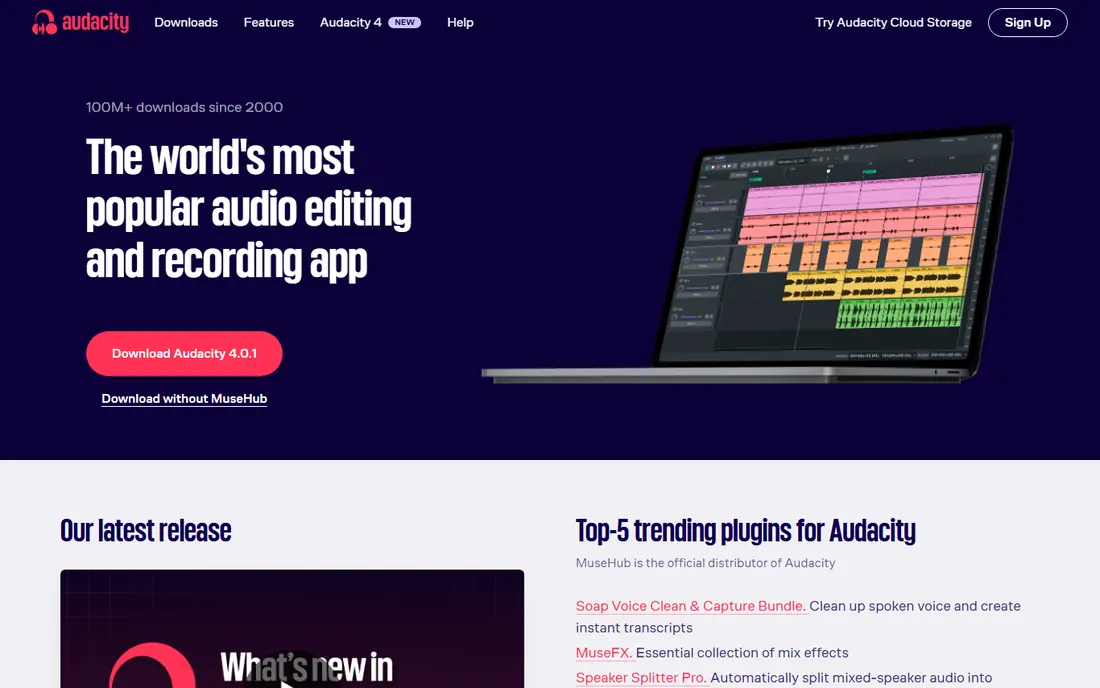
Audacity is a free, open source audio editor that has served podcasters for years, and it still handles the core job well. You can record multiple tracks, cut mistakes, apply noise reduction, and export a finished file without paying a subscription. It runs on Windows, Mac, and Linux, which makes it a practical choice when your team uses different computers.
The trade-off is that Audacity does not record remote guests on its own, so interview shows need a separate recording step. Its menus take a little time to learn, and it has no built-in publishing or transcription workflow. For a solo show, a narration project, or a tight budget, those limits are easy to accept in return for full control at no cost.
- Free and open source
- Multitrack editing on Windows, Mac, and Linux
- Large plug-in and tutorial community
- No built-in remote guest recording
- Interface feels dated for new users
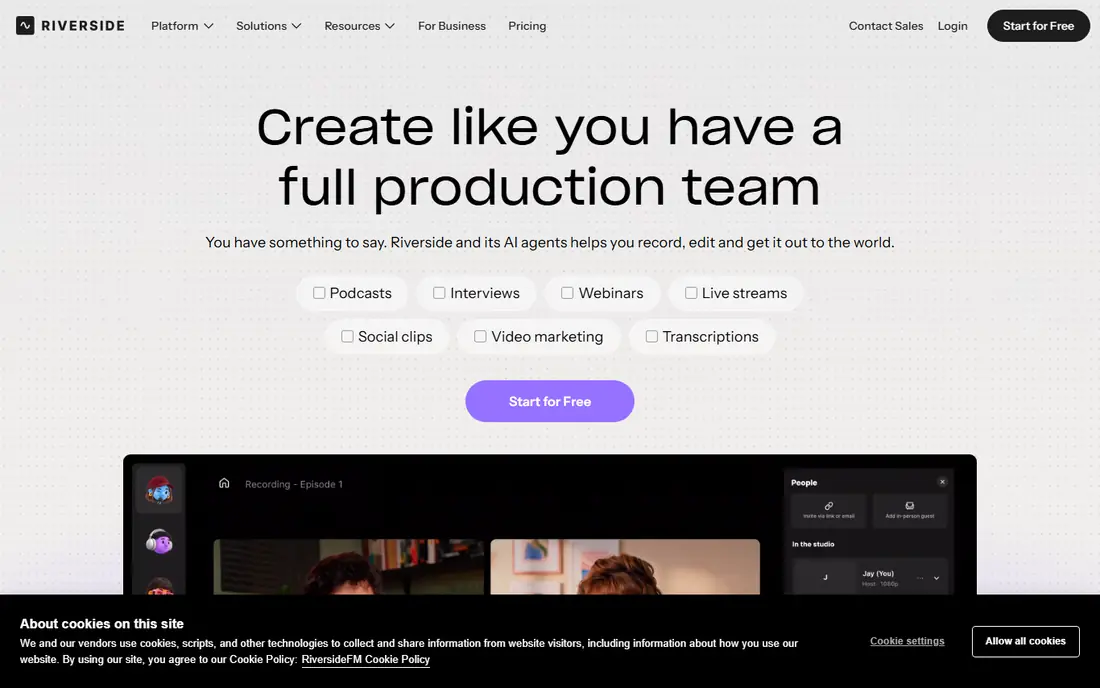
Riverside records each guest locally on their own device and then uploads the files, so a weak connection during the call does not ruin the final audio. Guests join from a browser link, and you receive separate tracks that make editing and mixing far easier. Video recording, live streaming options, and clip tools suit shows that also publish to video platforms.
The free plan is useful for a short trial, but regular shows will need a paid plan for longer recording time and more features. Riverside is not the best place for detailed sound design, and some users will still export tracks to another editor. When interview quality matters most, it is a strong first choice.
- Local recording for each guest
- Video up to 4K
- Separate audio and video tracks
- Paid plans can cost more than audio-only tools
- Editing tools are simpler than a full editor
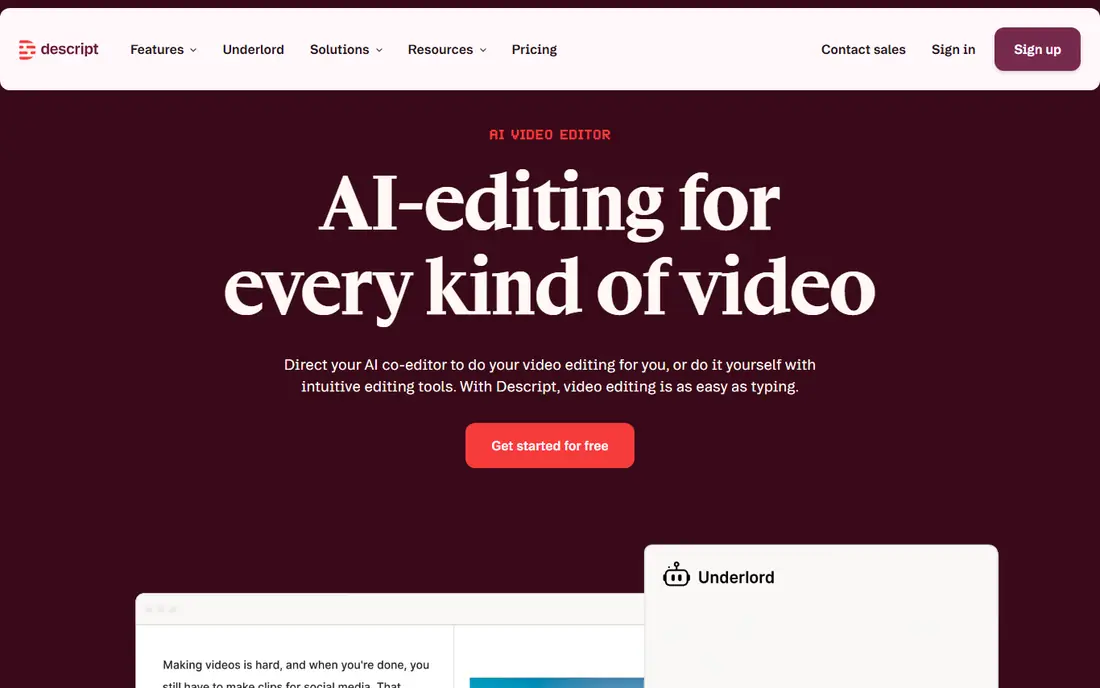
Descript turns your recording into a transcript, and deleting a sentence in the text deletes it from the audio. That approach can cut editing time for interview shows, solo episodes, and repurposed clips. It also offers remote recording, Studio Sound cleanup, and video editing in the same workspace, which keeps a small team in one tool.
The transcript method works best for spoken content rather than music or detailed sound design. You will still need to listen through the final edit, because a clean transcript does not guarantee a natural pause or tone. For creators who dislike timeline editing, Descript is often the fastest route from raw recording to a publishable episode.
- Transcript-based editing
- Filler word removal
- Studio Sound cleanup
- Learning the transcript workflow takes time
- Music-heavy projects need another editor
Zencastr is built for remote recording without asking guests to install software. You send a link, record separate tracks, and keep audio and video files apart for editing. That simplicity helps when guests are not technical, and it keeps the recording step short before you move to your preferred editor.
Zencastr is not a full replacement for a detailed editor, and teams that want advanced video editing may need a second tool. Check the current plan limits before you commit, because recording hours and features differ across tiers. For audio-first interview shows, its low friction is the main appeal.
- Browser-based guest recording
- Separate tracks
- No guest software to install
- Video and editing features are more limited than all-in-one studios
- Pricing varies by plan
GarageBand comes free with Mac and iOS devices, and it gives new podcasters a friendly multitrack recorder with effects, loops, and simple mixing tools. You can record voice, add intro music, and shape levels without buying software. For a first show on a Mac, it removes cost and setup as barriers.
The clear limit is platform: Windows and Android users cannot use it. It also lacks a built-in way to record remote guests, so interviewers need another tool for that step. If you already own an Apple device and record solo or in person, GarageBand is a sensible starting point.
- Free with Apple devices
- Multitrack recording
- Built-in loops and effects
- Mac and iOS only
- No built-in remote guest recording
Adobe Podcast focuses on fixing audio that was recorded in a noisy room or on a modest microphone. Its Enhance Speech tool can reduce background noise and clarify voice, which helps when a guest records on a laptop microphone. Browser recording and Mic Check guidance also help new recorders get a cleaner starting file.
Adobe Podcast is not a full episode editor, so most users will still cut and mix in another program. Results vary with the original recording, and very distorted audio cannot always be rescued. Use it as a cleanup step, not as a promise that any recording will sound like a studio session.
- Enhance Speech cleanup
- Browser-based recording
- Mic Check guidance
- Full episode editing is limited
- Best used with another editor
Podcastle brings recording, editing, transcription, and AI-assisted cleanup into a browser workspace aimed at new creators. You can record guests, edit from text, remove silences, and prepare an episode without moving files between several programs. That single workspace is helpful when one person handles recording, editing, and publishing.
Experienced editors may miss the fine control of a dedicated audio workstation, and larger video projects can stretch its limits. Pricing and feature limits change by plan, so check what your tier includes before you rely on it for a weekly show. For beginners who want one tool, Podcastle is worth a trial.
- Recording, editing, and AI voice tools in one place
- Browser-based workflow
- Long video projects can feel limited
- Advanced editors offer more control
REAPER is a full digital audio workstation with multitrack recording, flexible routing, effects, and automation. Podcasters who want precise control over compression, EQ, and loudness can build a repeatable template and reuse it for every episode. Its license cost is low compared with many professional workstations, which makes it popular with independent producers.
The cost is time: REAPER expects you to learn its workflow, set up templates, and choose your own plug-ins. It does not record remote guests by itself, and it does not publish or host episodes. If you enjoy detailed editing and want a tool that can grow with a studio, REAPER rewards the effort.
- Deep multitrack editing and routing
- Custom actions and themes
- Low one-time license cost
- Steep learning curve
- No built-in remote recording or hosting
Hindenburg PRO is designed for spoken-word work, with tools for story structure, voice leveling, and clipboard organisation. Journalists and narrative podcasters often prefer it to a music workstation because the workflow centres on voice, chapters, and clear levels. Auto-leveling helps keep hosts and guests at a consistent volume.
It is not a video editor, and music producers will find its toolset narrow. The subscription cost adds up if you only publish occasionally, so occasional podcasters may prefer a free editor. For regular narrative shows, the voice-first design can save time on every episode.
- Designed for voice and story structure
- Auto-leveling
- Clipboard and transcript tools
- No video editing
- Less suited to music production
How we picked these
We compared official feature pages, pricing pages, app listings, and public reviews for tools that record, edit, or clean up podcast audio in October 2026. We favoured tools that are still available, that record separate tracks for remote guests where they claim to, and that export standard audio files you can publish anywhere. We left out tools that only host episodes, because this list is about recording and editing. Prices shown are starting prices from vendor pages or search-checked listings, and we wrote See website where plans were unclear or changed by region.
How to choose podcast recording software
Start with how you record, not with a feature list. A solo host needs a clean recorder and a simple editor. An interview show needs separate guest tracks and a link guests can open without trouble. A narrative show needs voice leveling and a way to organise clips. When the recording method matches the tool, editing becomes shorter and the final sound improves.
Plan for the room and microphone as well as the software, because no editor fully fixes echo, room noise, or a distant microphone. Record a short test, listen on headphones, and move closer to the microphone or add soft furnishings before you buy a paid plan. A free recorder in a quiet room often sounds better than a paid studio tool in a noisy one.
Solo, remote, or in person
Solo recording is the simplest case: pick a free editor, learn basic cuts and leveling, and publish. Remote recording needs local capture for each guest, separate tracks, and a guest link that works in a browser. In-person recording needs enough inputs for each microphone and a way to monitor levels. Match those needs first, then compare editing features.
Editing style and time
Transcript editing suits interview shows and creators who cut words often. Timeline editing suits producers who shape music, pauses, and sound design. AI cleanup helps with noise, but it cannot replace a good recording or a careful listen. If you publish weekly, choose the editing style you will actually use, not the one with the longest feature list.
Cost, limits, and exports
Free plans often limit recording hours, transcription minutes, or export quality, so read those limits before you build a workflow around them. Paid plans may bill monthly or yearly, and yearly billing usually costs less per month. Confirm that you can export separate tracks and a finished file, so you are not locked into one platform if you switch later.
Frequently asked questions
What is the best free podcast recording software?
Audacity is a strong free choice on Windows, Mac, and Linux, and GarageBand is a strong free choice on Apple devices. Both record multiple tracks and export standard audio files. Remote interview shows will still need a separate recorder for guests, because neither tool records remote guests on its own.
Which is the best podcast recording app for remote interviews?
Riverside and Zencastr are built for remote interviews, with separate tracks for each guest and browser links for joining. Riverside adds video and clip tools for shows that publish video versions. Zencastr is simpler and can suit audio-first shows with less technical guests.
What is the best recording software for podcasts that need fast editing?
Descript is often fastest for spoken shows because you edit the transcript and the audio follows. Podcastle offers a similar all-in-one path for beginners. For detailed sound work, REAPER or Hindenburg PRO give more control, at the cost of more learning time.
Are there good best apps to record a podcast on a phone?
GarageBand on iOS and browser tools such as Riverside and Podcastle can record on mobile devices, but phone microphones and room noise still limit quality. Use an external microphone when you can, record in a quiet space, and test a short clip before a full episode.
What is the best platform to record a podcast with video?
Riverside is the clearest video-first choice here, with local recording and separate video tracks. Podcastle and Descript also support video workflows, though their editing depth differs. If video is only a clip source, an audio-first recorder plus a separate video editor may be enough.
Sources
See where you really rank - block by block
ProMapRanker scans Google Maps across a grid of your service area. Simple monthly plans from $19, white-label on every plan.
Start freeKeep reading
 zendesk alternatives
Best Zendesk Alternatives in 2026
Compare the best Zendesk alternatives in 2026, from budget help desks to AI-first support tools, with current pricing, free plans, and honest trade-offs.
Read → wordpress alternatives
Best WordPress Alternatives in 2026
Looking for the best WordPress alternatives? We compare 8 free and paid options for blogs, business sites, stores, and developer-led projects in 2026.
Read → which real estate company has the best training
Best Real Estate Company Training in 2026
Compare which real estate company has the best training, from Keller Williams and eXp to Compass and Coldwell Banker, by program, mentor, and fit in 2026.
Read →