 ProMapRanker
Best Podcast Editing Software in 2026

Key takeaways
- Descript is our pick for most podcasters because editing a transcript feels faster than cutting waveforms for spoken word.
- Audacity and GarageBand still cover a solo show at no cost, and both are worth trying before you pay for anything.
- Adobe Audition suits producers who need detailed mixing and cleanup, while Alitu suits beginners who want much of the finishing work handled for them.
- Riverside and Auphonic solve two different problems, remote recording quality and final loudness polish, so they pair well with a main editor.
Quick comparison
| Pick | Great for | Pricing starts at | Free tier | |
|---|---|---|---|---|
 Descript | Editing by transcript | $16 per month | Yes | Visit |
 Adobe Audition | Professional mixing and cleanup | $22.99 per month | Free trial | Visit |
 Audacity | Free editing on any computer | Free | Yes | Visit |
 Riverside | Remote interviews and video podcasts | $24 per month | Yes | Visit |
 Hindenburg | Spoken word and narrative shows | $12 per month | Free trial | Visit |
 Alitu | Beginners who want editing handled | $38 per month | Free trial | Visit |
 GarageBand | Mac owners starting out | Free | Yes | Visit |
 Auphonic | Automatic final polish | See website | Yes | Visit |
The best podcast editing software
We compared official feature pages, pricing pages, and app listings to find editors that fit real podcast workflows, from a solo monologue to a remote interview show with video.
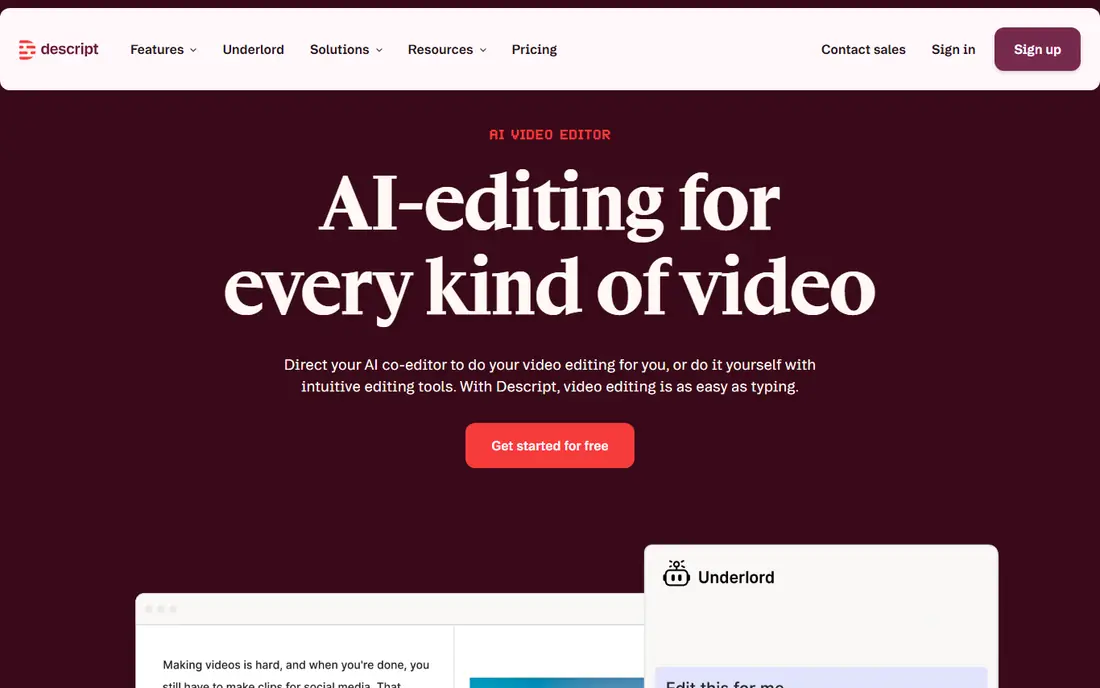
Descript turns your recording into an editable transcript, and deleting a sentence in the text deletes it from the audio. For interview shows and solo episodes, that single idea removes the hardest part of podcast editing, which is hunting through waveforms for a bad take. The app also removes filler words, tightens pauses, and can clean up room noise with Studio Sound, so a home recording sounds closer to a studio take without a long chain of effects.
The trade is depth. Descript is not the best choice for a music-heavy show or for detailed sound design, where a traditional timeline and full mixing tools matter more. Paid plans start at $16 per month when billed annually, and the free plan gives you a way to test the transcript workflow on a short episode before you commit. If your show is mostly talking, start here.
- Transcript editing is fast for spoken word
- Filler word removal saves time
- Studio Sound improves rough recordings
- Video and music production are less deep than a full studio app
- Free plan limits monthly media hours
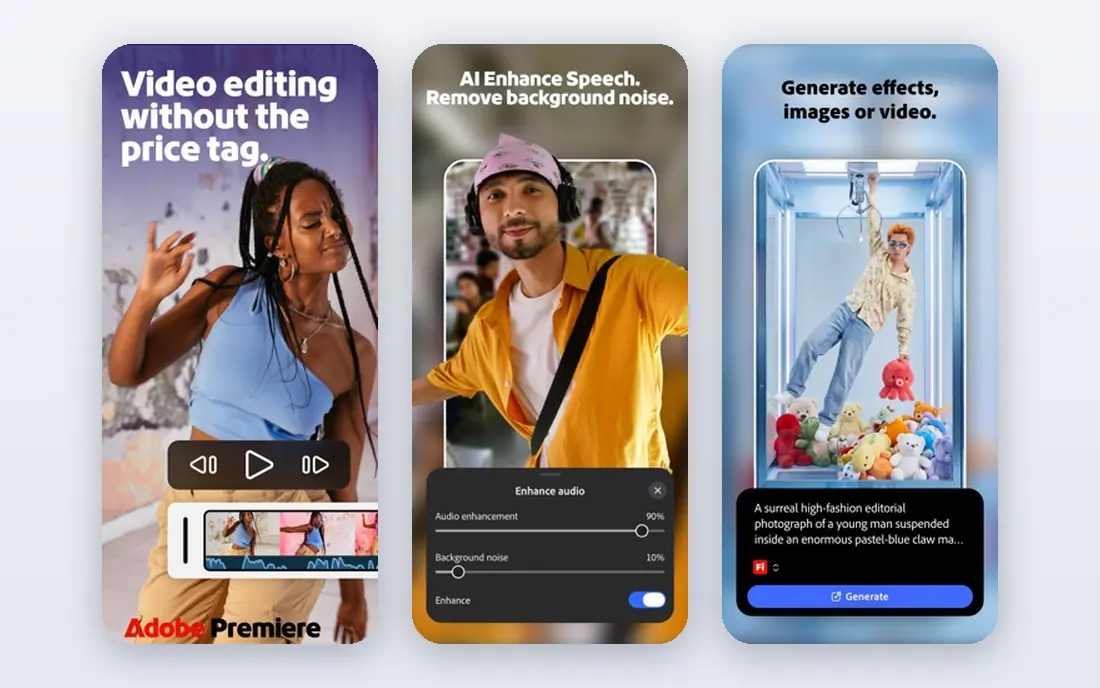
Adobe Audition is the full studio option on this list, built for producers who want control over every track, effect, and level. Its Essential Sound panel helps with common podcast jobs like dialogue cleanup, ducking music under speech, and matching loudness across clips, while the deeper tools handle restoration work that simpler editors cannot touch. If you already use other Adobe apps, Audition also fits into that workflow without a format fight.
The catch is time. Audition rewards practice, and a beginner can spend longer on a first episode here than in Descript or Alitu. The price, $22.99 per month on an annual plan, is also a real commitment for a hobby show. Buy it when your show needs careful mixing, not when you just need to cut ums and publish.
- Deep multitrack mixing and effects
- Strong noise reduction and restoration tools
- Fits Adobe Creative Cloud workflows
- Steep learning curve for beginners
- Subscription cost adds up over a year
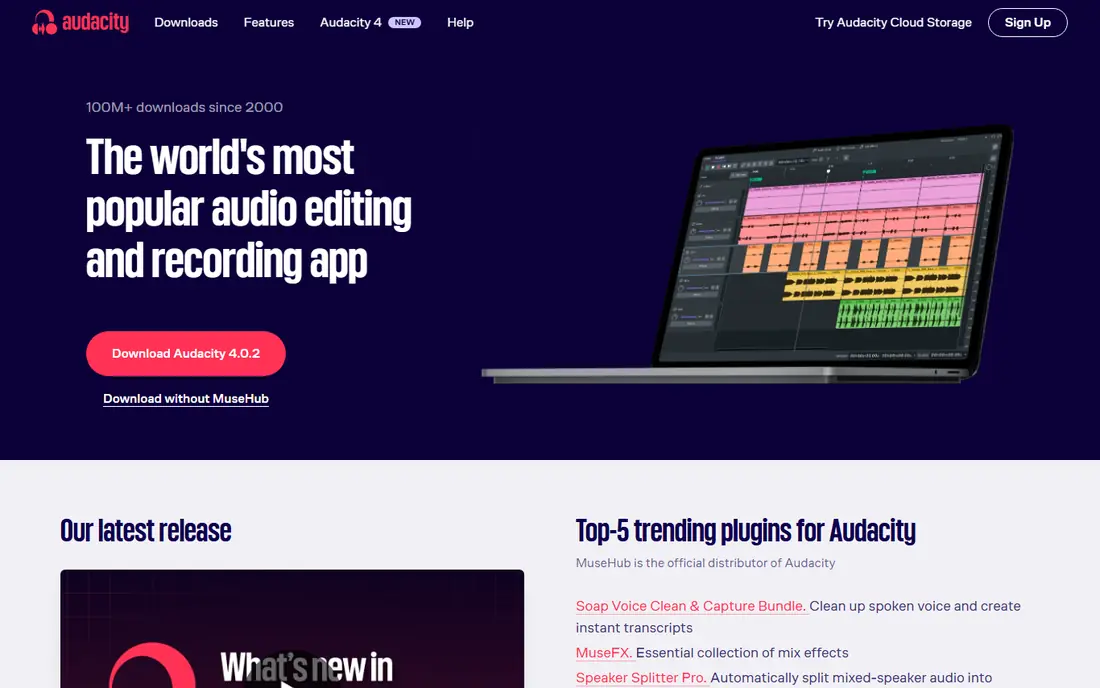
Audacity remains the sensible starting point for podcasters on a budget, because it costs nothing and covers the core jobs well. You can record, cut, arrange multiple tracks, apply noise reduction and compression, and export in the formats podcast hosts expect. It runs on Windows, Mac, and Linux, so a show can move between computers without changing tools, and its plugin support adds options for noise suppression and other cleanup tasks.
What you give up is convenience. There is no transcript view to edit from, no automatic filler removal built in, and the interface feels plain compared with Descript or Riverside. That matters less for a solo show with a simple structure, and more for a long interview with many cuts. If money is tight, Audacity is the editor we would learn first, and it stays useful as a second tool even after you pay for something else.
- Free and open source
- Runs on Windows, Mac, and Linux
- Large library of effects and plugins
- No built-in transcript editing
- Interface looks dated next to newer editors
Riverside solves the recording problem before editing starts, which is why it earns a place on an editing list. Each guest is recorded locally on their own device, so a shaky internet connection does not ruin the audio the way a single streamed call can. Once the session ends, you can edit from a transcript, clean up audio, and cut short clips for promotion, all in the same workspace.
That breadth comes at a price. Paid plans start at $24 per month when billed annually, which is more than a bare editor costs, and an audio-only solo show will not use half of what Riverside offers. For interview shows and video podcasts, though, the combination of reliable remote recording and transcript editing is hard to beat, and the free plan lets you test a session first.
- Records each guest locally for better quality
- Transcript editing and clip tools included
- Video podcast support
- Audio-only shows may not need the video features
- Paid plans cost more than a simple editor
Hindenburg is designed for people who tell stories with voice, including journalists and narrative podcasters, rather than for music producers. Its layout keeps the spoken track front and center, and automatic leveling evens out volume differences between speakers without a pile of manual automation. Features like a clipboard for holding clips and support for chapters make long episodes easier to shape into a finished piece.
The limits are clear. Hindenburg is not a video editor, and its community of tutorials and plugins is smaller than the ones around Audacity or Adobe Audition. At $12 per month, or $99 per year, it sits between free tools and the full Adobe subscription. Pick it when your show lives or dies on clean, well-structured speech, and you want an editor that respects that job.
- Built around voice and story structure
- Automatic leveling keeps voices even
- Clipboard and chapter tools help long episodes
- Weak for video podcasts
- Smaller plugin and tutorial community than Audacity or Audition
Alitu takes a different approach from every other tool here, because it does much of the technical work for you. Upload a recording and Alitu cleans it up, levels the audio, adds your intro music, and walks you through building the episode step by step. For a new podcaster who dreads the editing stage, that guidance can be the difference between publishing regularly and letting episodes pile up unedited.
Control is the price of that help. You cannot shape audio as precisely as you can in Audition or Hindenburg, and video podcasts are outside its focus. At $38 per month, Alitu is also one of the pricier picks here, so it makes most sense for beginners who value finished episodes over fine control. Try the free trial on a real episode before you judge it.
- Automatic cleanup, leveling, and music handling
- Episode builder guides the workflow
- Hosting and publishing help included
- Less manual control than a full editor
- Monthly price is high for a simple show
GarageBand is the easiest free start for anyone with a Mac, and it is already installed on many of them. The interface is friendly, the voice presets give a new podcaster a decent sound quickly, and multitrack recording covers interviews recorded in person or assembled from separate files. For a first show, GarageBand teaches the basics of tracks, cuts, and levels without asking for money or a manual.
Its limits show up as a show grows. GarageBand has no transcript editing, no automatic filler removal, and no podcast-specific finishing workflow, so long interview episodes take more manual work than they would in Descript. It is also Mac only, which rules it out for Windows and Linux users. Still, for a Mac owner testing whether podcasting sticks, GarageBand costs nothing and teaches skills that transfer to any other editor later.
- Free with Mac
- Friendly interface for beginners
- Good built-in loops, effects, and voice presets
- Mac only
- No transcript editing or automatic podcast finishing
Auphonic is not where you cut an episode, and that is exactly why it belongs here. It is a finishing service that takes an edited file and applies leveling, noise and hum reduction, and loudness targeting to podcast standards, then exports it ready for a host. Because it works with files from any editor, it pairs with Audacity, GarageBand, or any other tool on this list, and batch processing helps shows that publish on a strict schedule.
The free tier covers 2 hours of processed audio per month, which suits a short monthly show, but longer or weekly shows will need paid credits. Auphonic also cannot fix a badly structured episode, since it polishes sound rather than story. Use it as the last step in your chain, after the cuts are done, and your episodes will sound more even from week to week.
- Automatic leveling, noise reduction, and loudness targeting
- Batch processing for regular shows
- Works with files from any editor
- Not a full editor for cutting and arranging
- Paid credits add up for long or frequent episodes
How we picked these
We compared official feature pages, pricing pages, and app store listings for editors that exist and work in October 2026, and we kept only tools that truly fit podcast production. We favored a mix of free tools, transcript editors, and full studio apps, so that a solo beginner and a working producer can both find a fit. Prices come from vendor pages and recent pricing roundups, and where a price could not be confirmed from the vendor, we wrote See website instead of guessing.
What to check before you pay
Start with the job that slows you down most. If cutting interviews eats your week, a transcript editor like Descript or Riverside will help more than a fancier mixer. If your recordings already sound clean and you only need cuts and levels, Audacity or GarageBand may be all you ever need, and paying for more would be wasted money.
Match the tool to the show format
A solo monologue, a remote interview show, and a narrative documentary need different tools. Remote shows need reliable guest recording, narrative shows need structure and leveling, and video podcasts need an editor that handles picture as well as sound. Write down your format before you compare features, and ignore tools built for a different kind of show.
Test with a real episode
Free plans and trials are most useful when you feed them a real recording, not a test clip. Cut a full episode, export it, and listen on headphones and a phone speaker before you subscribe. Pay attention to how long the edit takes, since a tool that saves an hour per episode is worth more than one with a longer feature list.
Frequently asked questions
What is the best editing software for podcasts?
For most podcasters, Descript is the strongest starting point because transcript editing makes cutting interviews fast, and its cleanup tools handle common home recording problems. Audacity is the best free choice, and Adobe Audition is the best pick for producers who need detailed mixing. The right answer depends on your format, budget, and how much manual control you want.
What is the best software for podcast editing on a budget?
Audacity is free on Windows, Mac, and Linux, and GarageBand is free for Mac owners, so both cover a solo show at no cost. Descript and Riverside both offer free plans with limits, which let you test transcript editing before paying. Start free, and only subscribe when a paid feature saves you real time each week.
Is there good free podcast audio editing software?
Yes. Audacity is the most capable free editor, with multitrack editing, effects, and export formats that podcast hosts accept. GarageBand is a strong free option on Mac, and Auphonic offers a free tier for final polish. Free tools require more manual work than paid transcript editors, but they produce publishable audio.
What is the best podcast video editing software?
Riverside is our pick for video podcasts because it records guests locally, edits from a transcript, and includes clip tools for promotion. Descript also handles video editing through its transcript workflow, which suits talking-head shows. For heavy video production with complex visuals, a dedicated video editor may still be needed alongside either tool.
Do I need a separate tool for podcast editing services?
Not always. Alitu and Auphonic cover parts of what an editing service does, with automatic cleanup and finishing, at a lower cost than hiring an editor. A human editing service still makes sense for shows with tight deadlines, complex production, or hosts who never want to edit. Try an automated tool first, then hire help only if the workload stays too high.
Sources
See where you really rank - block by block
ProMapRanker scans Google Maps across a grid of your service area. Simple monthly plans from $19, white-label on every plan.
Start freeKeep reading
 galaxy.ai alternatives with lifetime access
Best Galaxy.ai Alternatives With Lifetime Access in 2026
Looking for galaxy.ai alternatives with lifetime access? We compare 7 pay-once AI tools for chat, writing, images, video and SEO work in 2026, in detail.
Read → best workforce management software
Best Workforce Management Software in 2026
Compare the best workforce management software for scheduling, time tracking, and payroll, with prices, free plans, and picks by team size and industry.
Read → best wms software
Best WMS Software in 2026: 8 Systems Compared
Compare the best WMS software for warehouses of every size in 2026, from enterprise systems like SAP and Manhattan to mid-market options for growing brands.
Read →