 ProMapRanker
Best PLM Software for Product Design Companies in 2026


Large product companies with complex assemblies · Pricing starts at: See website
Key takeaways
- Siemens Teamcenter, PTC Windchill and Dassault ENOVIA suit large product companies with complex assemblies, change control and compliance needs.
- Aras Innovator and Propel PLM suit teams that want flexible, cloud-based PLM without the full weight of an enterprise platform.
- Arena PLM and OpenBOM suit smaller and mid-sized product companies that need fast setup and clear bill of materials control.
- PLM pricing is usually quoted, not published, so compare total cost including implementation, training and integrations, not just licences.
Quick comparison
| Pick | Great for | Pricing starts at | Free tier | |
|---|---|---|---|---|
| Siemens Teamcenter | Large product companies with complex assemblies | See website | No | Visit |
 PTC Windchill | PTC CAD users and enterprise manufacturers | See website | No | Visit |
 Dassault ENOVIA | Dassault CAD users and large manufacturers | See website | No | Visit |
 Aras Innovator | Teams wanting flexible, open PLM | See website | No | Visit |
 Arena PLM | Mid-sized product companies wanting cloud PLM | See website | No | Visit |
 Propel PLM | Cloud-first product companies | See website | No | Visit |
 Autodesk Fusion Manage | Autodesk users and small to mid-sized teams | See website | Free trial | Visit |
 OpenBOM | Small teams and startups needing BOM control | See website | Free trial | Visit |
 Oracle Agile PLM | Large Oracle ERP users | See website | No | Visit |
The best PLM software for product design companies
Product lifecycle management software gives design, engineering and manufacturing teams one controlled source for parts, bills of materials, documents and changes. We compared official product pages, feature lists and public reviews, and we focused on CAD integration, change control and the size of team each tool serves best.
Siemens Teamcenter
Great for: Large product companies with complex assemblies
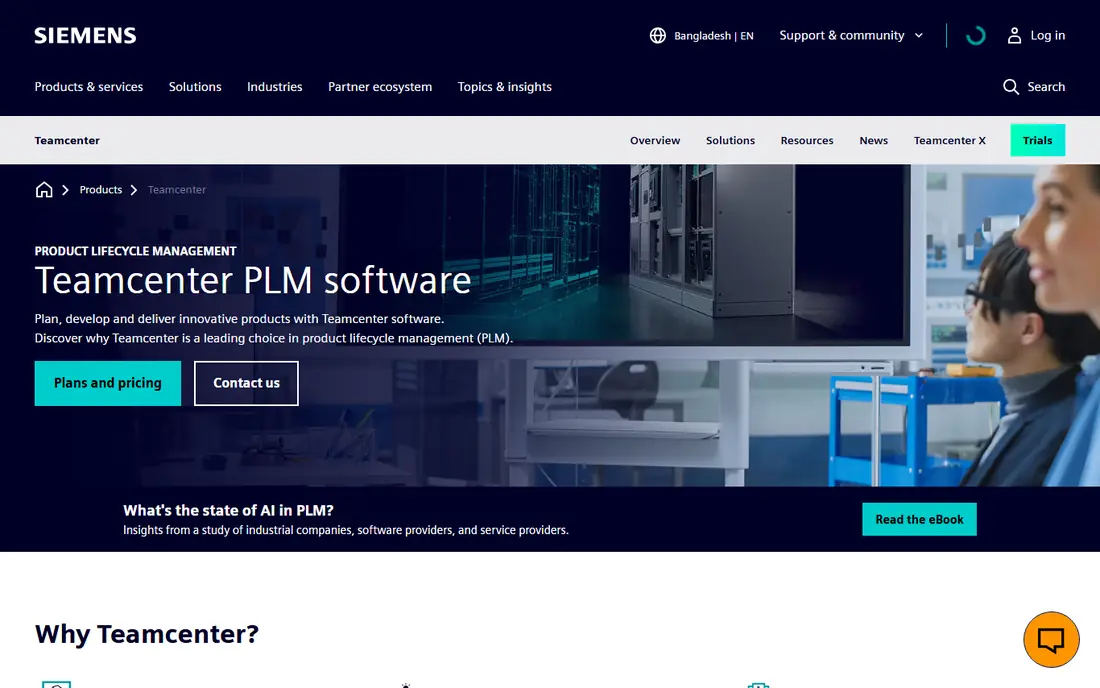
Siemens Teamcenter is the enterprise default for large product companies, with change tracking, bill of materials management, document control and compliance tools in one platform. It handles large assemblies and many industries, from aerospace and automotive to electronics and medical devices.
The honest cost is effort. Teamcenter needs careful implementation, training and governance, and its total cost suits larger teams better than small studios. Companies should plan a phased rollout and a clear data migration plan before committing.
- Broad industry coverage
- Strong change and BOM control
- Cloud or on-premise deployment
- Implementation and training can be heavy
- Cost suits larger teams
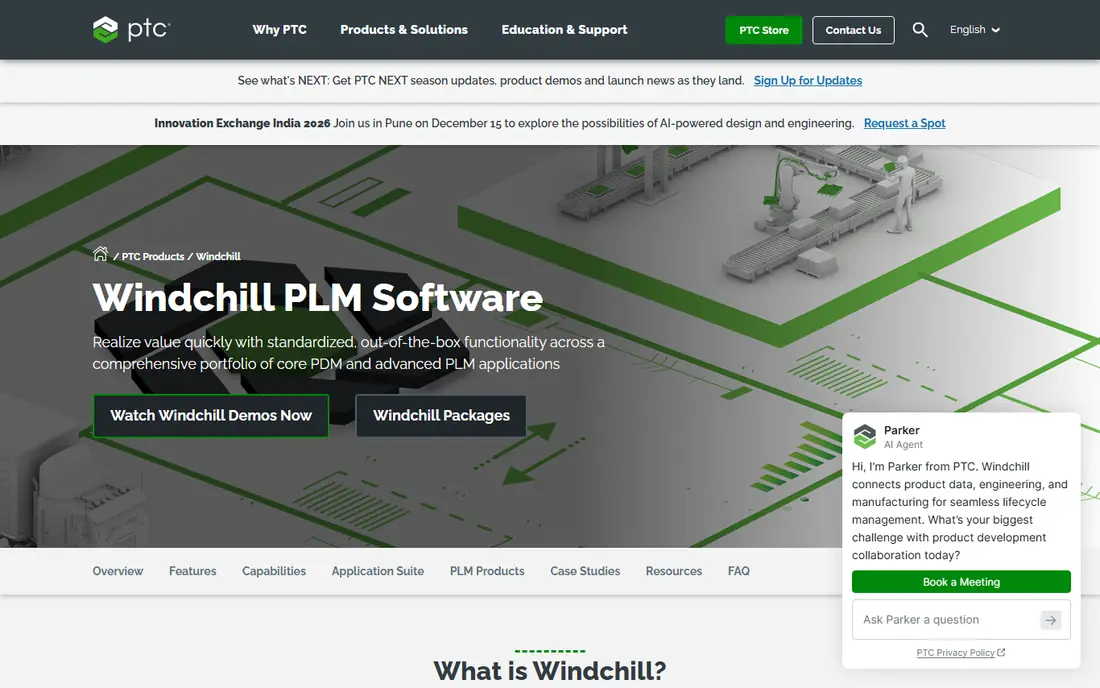
PTC Windchill suits manufacturers that already use PTC CAD, since its integration with Creo and other CAD tools keeps design data and product data in step. Its change, configuration and bill of materials controls are built for complex, regulated products.
The trade-off is cost and complexity. Implementation and upgrades can be expensive, and new users may find the interface demanding, so teams should budget for training and for a partner who knows Windchill deployments well.
- Deep Creo and CAD integration
- Strong change and configuration control
- Enterprise scale
- High implementation and upgrade costs
- Interface can feel complex for new users
Dassault ENOVIA, part of the 3DEXPERIENCE platform, suits teams that already design in CATIA or SOLIDWORKS, since data flows cleanly between design and lifecycle tools. It handles large data volumes and complex product hierarchies for bigger manufacturers.
Users report a steep learning curve and rigidity when processes change, so teams should test ENOVIA against their actual change workflows, not just CAD links. Integration with non-Dassault systems also takes time and planning.
- Deep CATIA and SOLIDWORKS integration
- 3DEXPERIENCE platform links
- Large-scale capacity
- Steep learning curve
- Customisation can be rigid for changing processes
Aras Innovator appeals to teams that want to shape PLM around their own processes, with a modular and open platform that connects to ERP, CAD and CRM systems. That flexibility helps companies whose workflows do not fit a standard template.
Flexibility means setup work. Aras needs careful scoping, configuration and integration planning, and total cost can grow with customisation, so buyers should agree the scope and the partner model before signing.
- Modular, open architecture
- Flexible workflows
- ERP, CAD and CRM connections
- Setup work is significant
- Cost and integration need careful scoping
Arena PLM, now part of PTC, suits mid-sized product companies that want cloud PLM without running servers or a large IT team. Its bill of materials, change control and quality links cover the core needs of hardware and medical device teams well.
Pricing is not published, so buyers must request a quote, and very small companies may find it expensive for their team size. A trial with real parts and change workflows will show whether its ease of use justifies the cost.
- Cloud-based setup with low IT overhead
- BOM and change control
- Quality management links
- Pricing is not published
- Can feel expensive for very small companies
Propel PLM is a cloud-native option built on the Salesforce platform, which helps growing product companies that already use Salesforce for customer and sales data. Its flexible workflows and product data tools suit teams that want fast setup and modern interfaces.
The Salesforce link is also a limit. Teams that do not use Salesforce may prefer a standalone platform, and Propel does not match the enterprise depth of Teamcenter or Windchill for the most complex assemblies and compliance programmes.
- Cloud-native PLM on Salesforce platform
- Flexible workflows
- Good for growing teams
- Salesforce link may not suit non-Salesforce teams
- Enterprise depth is less than Teamcenter
Autodesk Fusion Manage, formerly Fusion Lifecycle, suits teams that already design in Autodesk tools and want cloud PLM without a heavy enterprise rollout. Its change, bill of materials and supplier tools cover growing product companies well.
It does not match the deepest enterprise platforms for very large assemblies or complex compliance programmes, and pricing varies by configuration. Teams should compare the exact modules they need, since a low starting price may not include every feature.
- Strong Autodesk CAD links
- Cloud-based PLM
- Change and BOM tools for growing teams
- Less enterprise depth than Windchill or Teamcenter
- Pricing varies by configuration
OpenBOM suits small teams and startups that mainly need clear bill of materials, parts catalogues and supplier data, without a full enterprise PLM project. Its setup is fast, its starting cost is lower than enterprise rivals, and it connects to common CAD tools.
The limit is depth. Advanced change control, compliance and large-scale configuration management are thinner than in enterprise PLM, so growing companies should check whether OpenBOM will still fit when product complexity rises.
- Fast setup and low starting cost
- Clear BOM and catalogue tools
- CAD integrations
- Less full PLM depth than enterprise tools
- Advanced change control is thinner
Oracle Agile PLM suits large companies that already run Oracle ERP, since product data, change control and sourcing can sit close to finance and supply chain systems. That link helps enterprises that need consistent data across engineering and operations.
It is complex and costly to implement, and it suits large, on-premise or hybrid programmes better than small cloud-first teams. Buyers should confirm Oracle support plans and integration scope, since a PLM project here is a major programme, not a quick install.
- Deep Oracle ERP links
- Product data and change control
- Large enterprise scale
- Complex and costly to implement
- Less suited to small or cloud-first teams
How we picked these
We compared official product pages, feature lists and public reviews, and we focused on CAD integration, bill of materials handling, change control and deployment options. We favoured tools that are still sold and supported in October 2026 and that publish clear product information.
We did not claim hands-on implementation experience, and we did not invent licence prices, since most PLM vendors quote by team size and scope. Where pricing was not published, we wrote See website and urged buyers to compare total implementation cost.
How to choose PLM software for a product design company
Start with your CAD and ERP tools, since integration quality often decides success. A PLM tool that links cleanly to the CAD system your designers use every day will save rework, while a poor link creates manual data entry and errors.
Then test change control with a real example. Take one part through a revision, a bill of materials change and an approval, and watch how long it takes and who can see the change. That test reveals more than a feature list or a sales demo.
- List your CAD, ERP and supplier tools, and confirm native integrations for each one.
- Test BOM import, revision control and approval workflows with real product data.
- Ask for total cost, including implementation, training, integrations and annual support.
- Check cloud versus on-premise options for data security, performance and IT capacity.
- Plan data migration and user training early, since PLM success depends on clean data and adoption.
Frequently asked questions
What is PLM software?
PLM software manages product data across its lifecycle, from design and engineering to manufacturing and service. It controls parts, bills of materials, documents, revisions and changes in one system.
Do small product companies need PLM?
Small teams can benefit once parts, suppliers and revisions become hard to track in spreadsheets. OpenBOM and Fusion Manage suit smaller teams, while enterprise tools suit larger, regulated programmes.
How is PLM different from PDM?
Product data management focuses on design files and CAD data, while PLM covers the wider lifecycle, including change, sourcing, quality and manufacturing. Many PLM tools include PDM features, but the scope is broader.
How long does PLM implementation take?
It varies by tool and scope, from weeks for a cloud tool with a small team to many months for an enterprise platform. Data migration, workflow design and training are usually the longest parts.
Should PLM be cloud or on-premise?
Cloud PLM suits most small and mid-sized teams for faster setup and lower IT load. On-premise suits large companies with very large CAD datasets, strict data control needs or deep customisation.
Sources
- https://plm.sw.siemens.com/en-US/teamcenter/
- https://www.ptc.com/en/products/windchill
- https://www.3ds.com/products/enovia
- https://www.aras.com
- https://www.arenasolutions.com
- https://www.propelsoftware.com
- https://www.autodesk.com/products/fusion-360
- https://www.openbom.com
- https://www.oracle.com/scm/product-lifecycle-management/
See where you really rank - block by block
ProMapRanker scans Google Maps across a grid of your service area. Simple monthly plans from $19, white-label on every plan.
Start freeKeep reading
 worlds best local seo company
8 Worlds Best Local SEO Companies for Map Pack Growth in 2026
Compare the worlds best local seo company options for Google Business Profile work, citations, reviews, and multi-location rankings and reporting in 2026.
Read → world's best web hosting company
World's Best Web Hosting Company in 2026
Searching for the world's best web hosting company? We compared 10 hosts on price, renewal rates, speed, and support to help you choose well today in 2026.
Read → who's got the best nanny tax services
Who's Got the Best Nanny Tax Services in 2026
We answer who's got the best nanny tax services, comparing full filing, back taxes, software, and pricing so families can handle nanny taxes correctly.
Read →