 ProMapRanker
8 Best Platforms for Real-Time Agent Coaching

Key takeaways
- Live prompts help most for disclosures, checklists, and objection handling during calls.
- Supervisor alerts and live listen tools turn coaching from a weekly review into in the moment support.
- Automatic scoring of all calls gives fairer coaching data than random sampling alone.
- Phone system integration decides how fast a team can go live and how reliable prompts are.
- Coaching works best when live help is paired with training, clear scorecards, and agent feedback.
Quick comparison
| Pick | Great for | Pricing starts at | Free tier | |
|---|---|---|---|---|
 Balto | Live guidance with automated QA attached | See website | No | Visit |
 Cogito | Real time emotion and behaviour guidance | See website | No | Visit |
 Observe.AI | Agent assist with QA and coaching in one platform | See website | No | Visit |
 Cresta | AI agent assist and coaching insights | See website | No | Visit |
 Talkdesk | Contact centre assist inside Talkdesk | See website | No | Visit |
 Genesys Cloud | Enterprise contact centre AI assist | See website | No | Visit |
 Five9 | Agent assist inside Five9 | See website | No | Visit |
 NICE CXone | Large contact centre coaching at scale | See website | No | Visit |
The best platforms for real-time agent coaching
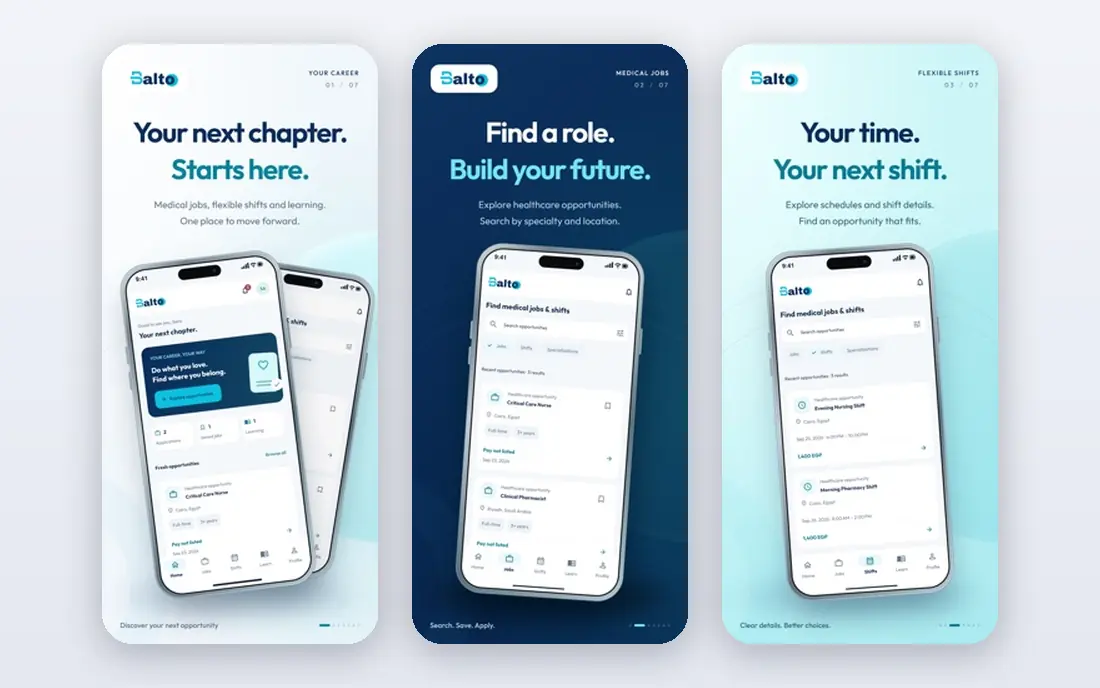
Balto puts prompts and checklists on the agent screen while the call is live, so required language and next steps stay visible at the moment they matter. Supervisors get alerts for coaching moments and can listen live or message the agent without taking over the call. After the call, Balto scores interactions against custom scorecards and builds coaching sessions from the agent own calls.
The limits are pricing and scope. Pricing is quoted, and the platform grew up on voice, so chat and email coaching are newer areas. Implementation also takes time, with many teams needing weeks to go fully live depending on phone system and size. For phone heavy contact centres that need live help plus QA, Balto is the clearest starting point.
- Live prompts and smart checklists, supervisor alerts and live listen, scores all interactions
- Quote based pricing, voice first heritage, implementation can take weeks
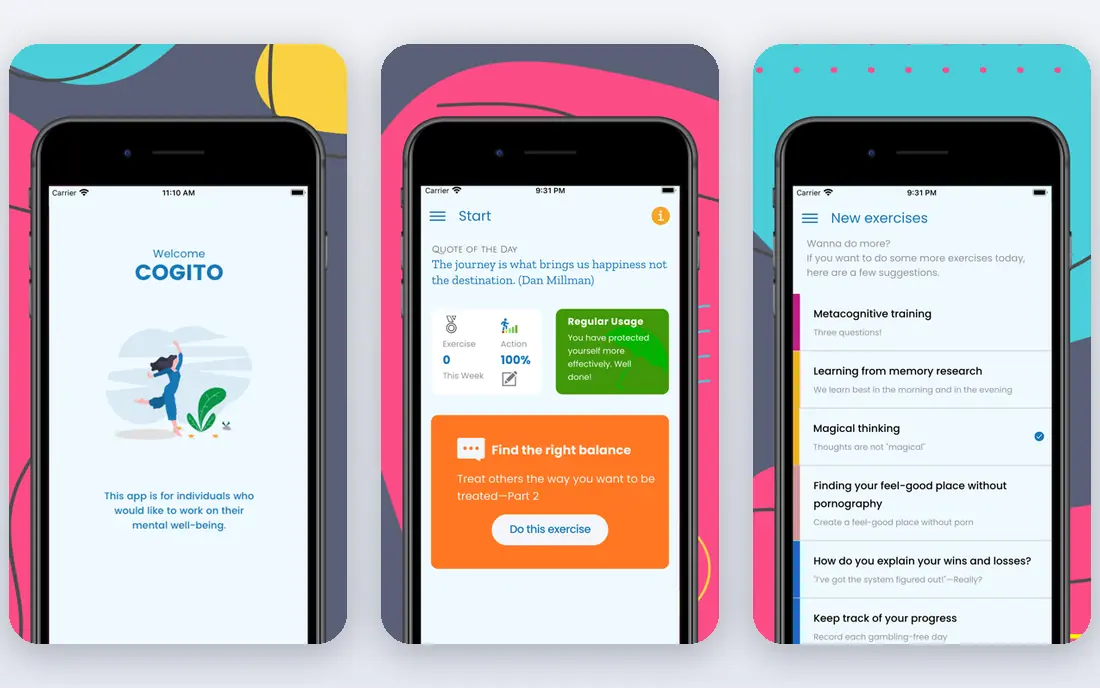
Cogito listens to conversation patterns and gives agents live cues about pace, tone, and customer emotion, rather than only script prompts. That behavioural angle helps agents adjust in the moment, for example by slowing down or showing empathy when a customer sounds frustrated. Supervisors see live signals across the floor and can focus help where it is needed most.
The approach works best when managers follow up with coaching, because a live cue alone does not build a habit. Pricing is quoted, and the focus remains voice. For teams that care about soft skills and customer experience during calls, Cogito offers a distinct complement to script based tools.
- Live emotional cues, behaviour nudges, supervisor dashboards
- Quote based pricing, voice focus, value depends on coaching follow through
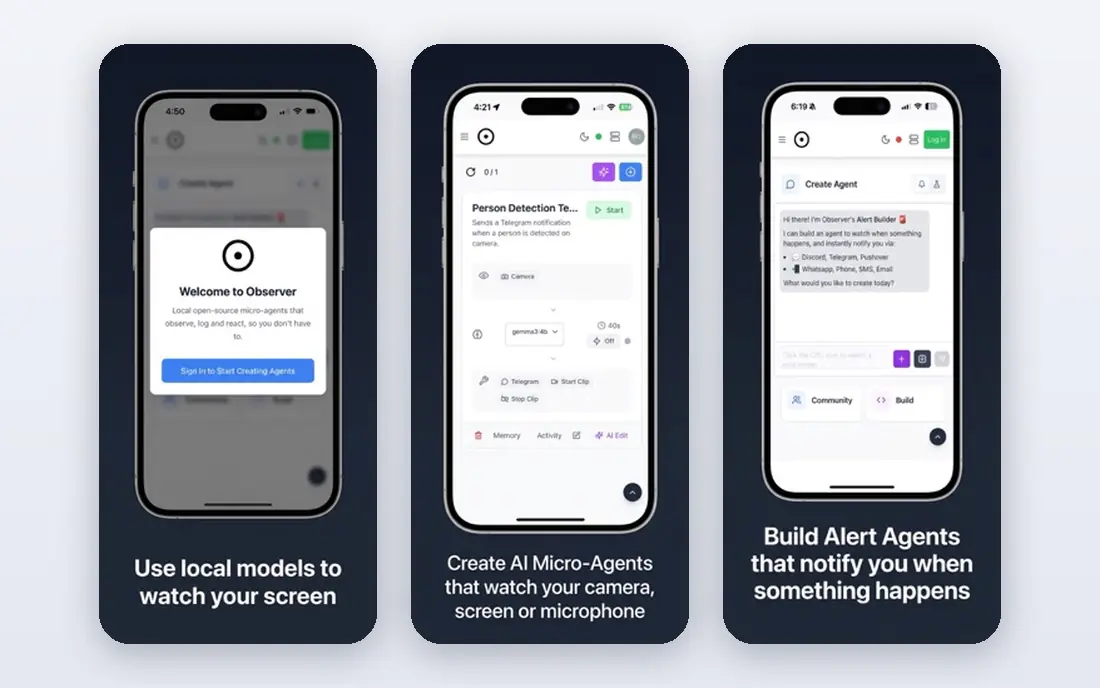
Observe.AI combines live agent assist with conversation intelligence, QA automation, and coaching workflows. Agents get knowledge and next best actions during calls, while managers get scored conversations and coaching tasks after calls. That closed loop helps teams move from insight to behaviour change without switching tools.
Setup quality matters, because assist answers depend on knowledge content and call transcription quality. Pricing is quoted, and smaller teams may find the full platform larger than needed. For contact centres that want assist, QA, and coaching under one contract, Observe.AI is a strong candidate.
- Live agent assist, conversation intelligence, automated QA and coaching workflows
- Quote based pricing, setup needs call data quality, enterprise leaning
Cresta uses AI to surface knowledge, suggest next steps, and analyse conversations for coaching insights. Agents get help during live chats and calls, while leaders see which behaviours link to better outcomes. That link between live help and coaching data is useful for teams that want to prove what actually changes performance.
The platform is enterprise leaning, with quoted pricing and implementation work on data and integrations. Very small teams may find it heavy. For larger contact centres that want AI assist plus a clear coaching story, Cresta deserves a trial alongside Balto and Observe.AI.
- Live assist and knowledge surfacing, coaching insights from real conversations, enterprise integrations
- Quote based pricing, implementation needs data work, less suited to very small teams
Talkdesk Agent Assist works inside the Talkdesk contact centre, giving agents live guidance, knowledge, and automation without a separate phone integration project. For teams already on Talkdesk, that native fit reduces setup risk and keeps data in one system. The broader suite also covers routing, workforce tools, and analytics.
The trade off is lock in. Teams on another phone system will get less value, and assist depth varies by plan and configuration. If you are already committed to Talkdesk, its assist tools are the natural first check. If you are platform neutral, compare standalone tools before you commit to a suite.
- Native Talkdesk integration, agent assist and automation, broad contact centre suite
- Best value inside Talkdesk, pricing is quoted, assist depth varies by plan
Genesys Cloud is a large contact centre platform with AI assist, copilot, and coaching related features built into its suite. Agents can get summaries, knowledge, and guidance during and after interactions, while supervisors get analytics and quality tools. For enterprises that already run Genesys, adding assist inside the same platform avoids a new vendor integration.
Complexity is the honest weakness. Enterprise pricing is quoted, and getting assist, knowledge, and QA working well takes configuration and ownership. Smaller teams may find the platform larger than needed. For large Genesys shops, though, the integrated path is often the most practical.
- Broad enterprise contact centre platform, AI assist and copilot features, strong routing and analytics
- Enterprise pricing and complexity, implementation takes planning, assist needs configuration
Five9 Agent Assist gives agents live help, summaries, and workflow automation inside the Five9 contact centre. Native integration means prompts and data flow with less custom phone work, which matters for reliability during live calls. Five9 scale and routing strength also suit high volume operations.
As with other suite tools, value is highest inside Five9. Teams on another platform should weigh a standalone assist tool against switching costs. Feature depth also varies by bundle, so check which assist and QA features sit in your quoted package. For Five9 customers, this is the obvious first option to test.
- Native Five9 integration, agent assist and workflow automation, proven contact centre scale
- Best value inside Five9, pricing is quoted, feature depth varies by bundle
NICE CXone combines contact centre routing, AI assist, quality management, and coaching tools at enterprise scale. Agents get guidance and post interaction support, while managers get quality scores, analytics, and coaching workflows across voice and digital channels. That breadth suits large operations with many teams and channels.
Enterprise pricing is quoted, and implementation can be complex, especially when quality, assist, and workforce tools are rolled out together. Smaller contact centres may find a standalone tool faster to deploy. For large NICE customers, the integrated coaching path is worth serious evaluation.
- Large contact centre suite, AI assist and quality tools, broad channel coverage
- Enterprise pricing, complex implementation, smaller teams may find it heavy
How we picked these
We compared official feature pages, pricing pages, app store listings where relevant, privacy policies, and public reviews. We looked at live prompt quality, supervisor alerts and live listen, post call scoring, phone system integrations, implementation time, and compliance features. We did not claim hands on call testing, and we did not treat vendor case study results as guaranteed outcomes for other teams. Where pricing was not published, we wrote See website.
How to choose a real-time coaching platform without overwhelming agents
Start with the moments that cause the most harm when missed. Required disclosures, safety phrases, and key checklist steps are good first prompts, because they are clear and testable. Avoid loading the agent screen with every possible tip at once, since clutter slows agents down and creates alert fatigue. A small set of well timed prompts beats a busy screen.
Next, test integration and latency on your real phone system. Live help only works if prompts arrive in time and audio stays reliable. Run a pilot with one team, measure handle time, compliance scores, and agent feedback, and compare those results with a control group where possible. Agent feedback matters, because a tool agents distrust will be ignored or worked around.
Finally, build coaching around the data. Use automatic scores to find patterns, not just to rank agents. Pair a low score with the actual call, a clear behaviour to change, and a follow up check. Keep scorecards fair, explain how scoring works, and review prompts regularly as products and rules change. Live coaching should feel like support, and that feeling comes from how managers use the tool.
Frequently asked questions
What is real-time agent coaching?
It is guidance given during a live interaction, such as a prompt, checklist item, or supervisor message, plus alerts that let managers help before a call ends. Post call scoring and coaching sessions usually follow from the same conversation.
Is live coaching only for phone calls?
Most tools started with voice, but many now support chat and other digital channels. Voice remains the strongest area for live prompts, while digital coaching often leans more on assist and post interaction review.
Do agents know when they are being coached live?
They should. Tell agents what prompts, listening, and scoring are active, how data is used, and how coaching decisions are made. Transparency builds trust and improves adoption.
How long does implementation take?
It depends on phone system, team size, and prompt design. Some suite tools go live faster inside their own platform, while standalone tools may need weeks for integration, testing, and training.
Does automatic QA replace human QA?
No. Automatic scoring covers all calls and finds patterns, but human review still matters for edge cases, fairness, and coaching quality. Use automation to focus human time where it helps most.
Can small contact centres use these tools?
Yes, but pricing and implementation matter. Standalone tools and suite add ons both use quoted pricing, so ask for a pilot scope, minimum seats, and total cost before committing.
Sources
- https://www.balto.ai
- https://www.cogito.com
- https://www.observe.ai
- https://www.cresta.com
- https://www.talkdesk.com
- https://www.genesys.com
- https://www.five9.com
- https://www.nice.com
- https://www.balto.ai/blog/best-real-time-compliance-monitoring-software-for-contact-centers-2026/
- https://www.analyticsinsight.net/technology/best-call-center-coaching-software
See where you really rank - block by block
ProMapRanker scans Google Maps across a grid of your service area. Simple monthly plans from $19, white-label on every plan.
Start freeKeep reading
 worlds best local seo company
8 Worlds Best Local SEO Companies for Map Pack Growth in 2026
Compare the worlds best local seo company options for Google Business Profile work, citations, reviews, and multi-location rankings and reporting in 2026.
Read → world's best web hosting company
World's Best Web Hosting Company in 2026
Searching for the world's best web hosting company? We compared 10 hosts on price, renewal rates, speed, and support to help you choose well today in 2026.
Read → who's got the best nanny tax services
Who's Got the Best Nanny Tax Services in 2026
We answer who's got the best nanny tax services, comparing full filing, back taxes, software, and pricing so families can handle nanny taxes correctly.
Read →