 ProMapRanker
Platforms for Integrating PBX with CRM: Best Picks of 2026

Bigger teams that require calling in plenty of countries · Pricing starts at: Quote only
Direct answer
Start with 8×8 if you need bigger teams that require calling in numerous countries. Listed starting prices: Nextiva from $15 per user/month, RingCentral from $20 per user/month and Dialpad from $15 per user/month. Nextiva fits small companies that want voice, video, and chat in one app; GoTo Connect fits teams that require video meetings for up to 250 people. Details, prices and limits for the rest of the 7 tools are below.
Choosing platforms for integrating PBX with CRM usually comes down to price, fit and limits. This ProMapRanker guide sets 7 tools side by side on those three points, with the facts kept short and checkable.
Key takeaways
- The list opens with 8×8, aimed at bigger teams that need calling in many countries.
- Vonage is the one to check for remote teams that need mobile and desktop calling.
- None of the 7 tools, from 8×8 to Vonage, has a free plan, so budget for a subscription or use a trial.
- Starting prices begin at $15 per user/month with Nextiva.
- 8×8 comes with a trade-off: no published per-user price on the current pricing page, so every level needs a sales quote.
Quick comparison
| Pick | Great for | Pricing starts at | Free tier | |
|---|---|---|---|---|
| 8×8 | Bigger teams that require calling in plenty of countries | Quote only | No | Visit |
 Nextiva | Small companies that want voice, video, and chat in one app | $15 per user/month (billed annually) | Free trial (30 days) | Visit |
 GoTo Connect | Teams that require video meetings for up to 250 people | Quote only | Free trial (14 days) | Visit |
 RingCentral | Most teams that require CRM links and call recording | $20 per user/month (billed annually) | Free trial (14 days) | Visit |
 Dialpad | Small teams that want AI transcription on every call | $15 per user/month (billed yearly) | Free trial (14 days) | Visit |
 Aircall | Sales teams that work in Salesforce every day | $30 per license/month (billed yearly) | Free trial (7 days) | Visit |
 Vonage | Remote teams that require mobile and desktop calling | $19.99 per line/month | Free trial (14 days) | Visit |
Our 7 picks for platforms for integrating PBX with CRM
8×8 targets bigger teams that require calling in numerous countries. 8×8 removed public per-user pricing from its website in late 2023 and has not restored it.
So the current pricing page directs buyers to a custom quote. 8×8 now sells four bundles: Unified Communications, Contact Center, CX Beyond the Contact Center, and Microsoft Teams. 8×8 does not publish a starting price; ask for a quote. 8×8 has no permanent free option.
- Video meetings hold up to 500 people
- X2 comes with unlimited calling in 14 countries and X4 in 48 countries
- No published per-user price on the current pricing page, so every level needs a sales quote
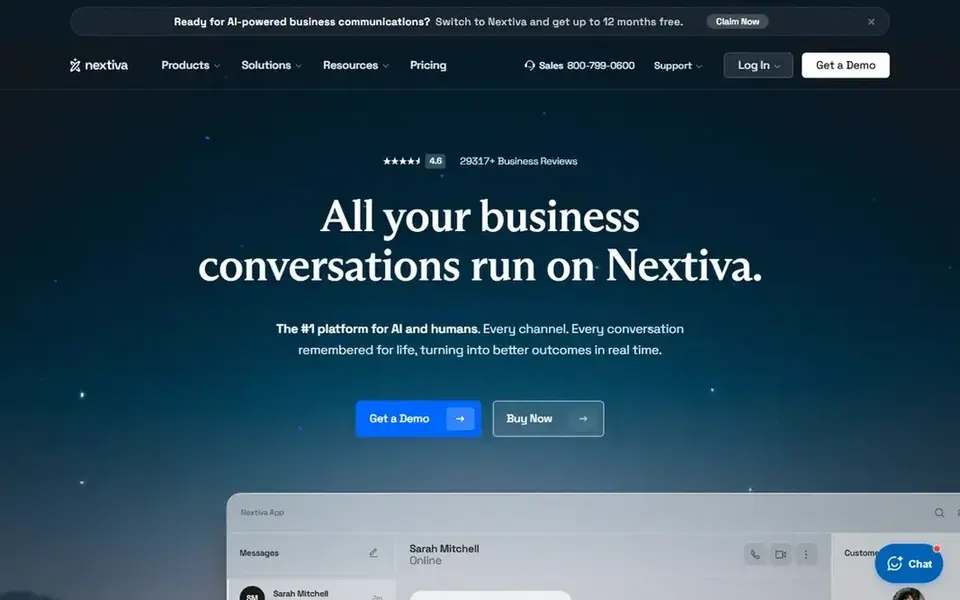
Nextiva works best for small firms that want voice, video, and chat in one app. Core contains unlimited calling in the United States, Canada, and Puerto Rico, 100 SMS per user a month, video meetings, and AI voicemail transcription.
Where it falls short: annual prices need a 12-month term for businesses with 1 to 100 employees.
Monthly billing lists Core at $23 and Engage at $50. The annual rate needs a 12-month term for companies with 1 to 100 employees. On cost, Nextiva starts like this: $15 per user/month. Free plan details: Free trial (30 days).
- Core at $15 bundles 100 SMS per user a month and video meetings
- Engage at $25 layers on a toll-free number and call recording
- Call recording is an add-on on Core
Where GoTo Connect fits: teams that require video meetings for up to 250 people. External guides cite older figures of $26 per user a month for Phone System, $34 for Connect CX, and $80 for Contact Center, but those figures are not on the current vendor page, so this article lists GoTo Connect as quote only.
Watch-outs: advanced CRM links need the Connect CX package.
More specifically, link CX layers on the advanced CRM links, including Salesforce and HubSpot. GoTo Connect does not publish a starting price; ask for a quote. As for free access: Free trial (14 days).
- Phone System bundles free calls to more than 50 countries and 1,000 shared toll-free minutes
- Video meetings hold up to 250 people
- No published per-user price on the current pricing page, so every package needs a sales quote
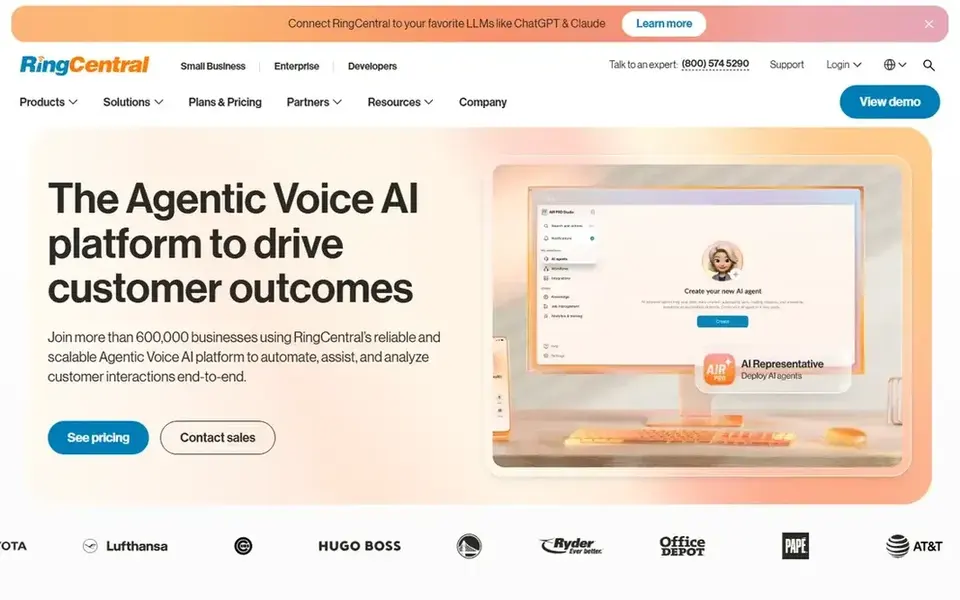
RingCentral was built for most teams that need CRM links and call recording. Monthly billing costs $30, $35, and $45.
Downsides: Core at $20 lacks CRM links and automatic call recording.
Advanced is the plan most CRM users should price, since it brings CRM links, automatic call recording, and core reporting. RingCentral cost at the entry level: $20 per user/month. Free plan details: Free trial (14 days).
- Unlimited calling in the United States and Canada on all plans
- CRM links and automatic call recording on Advanced
- SMS is capped at 25 messages per user per month on Core
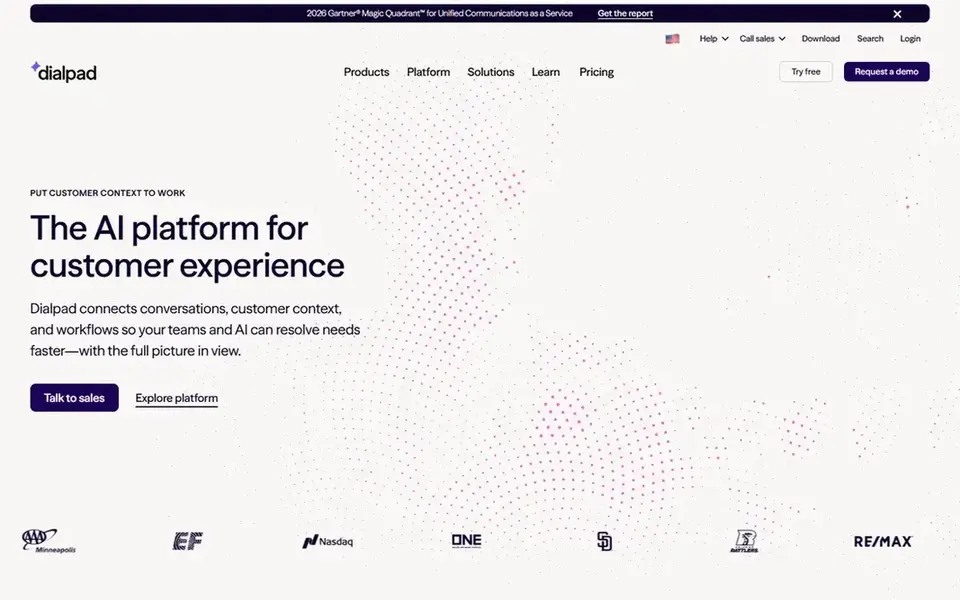
Dialpad is designed for small teams that want AI transcription on every call. Pro brings Salesforce, HubSpot, and Zendesk links, plus 24/7 support. Enterprise is priced by quote and needs a minimum of 100 users.
Dialpad Connect opens at $15 per user a month on annual billing for Standard, and $25 for Pro. Monthly billing costs $27 for Standard and $35 for Pro. In practice, choose Dialpad when you want transcription on every call and you can use Pro for the CRM link. What you pay to start with Dialpad: $15 per user/month. Trial and free access: Free trial (14 days).
Downsides: Zendesk links need Pro at $25.
- Live transcription and AI summaries on Standard
- Standard needs only 1 user to start
- Pro needs a minimum of 3 users
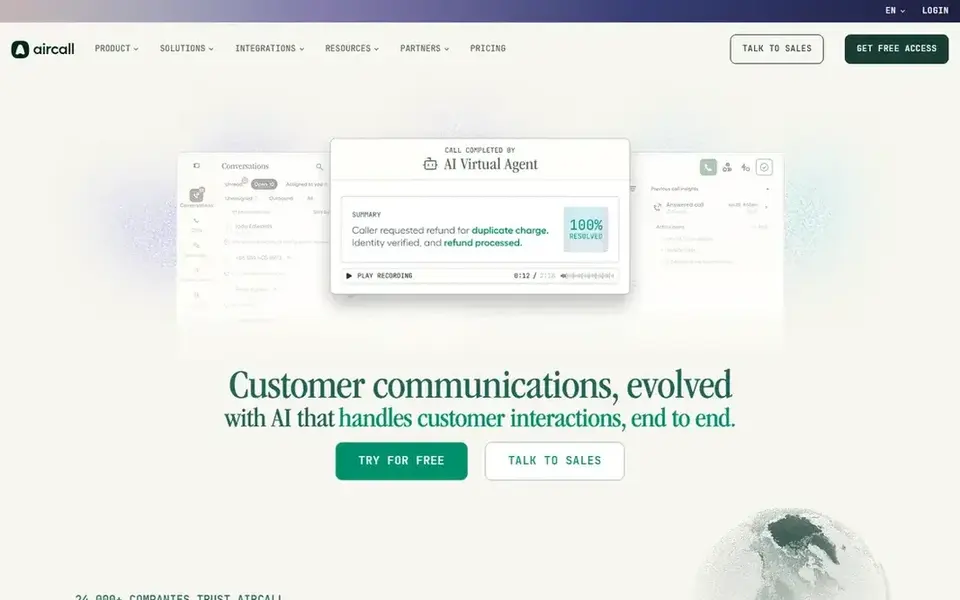
Aircall works best for sales teams that work in Salesforce every day. Aircall lists Essentials at $30 per license a month on annual billing and Professional at $50, with Custom priced by quote for teams of 25 or more licenses. In practice, monthly billing costs $40 and $70.
In practice, essentials contains unlimited calls in the United States and Canada, SMS and MMS, IVR, call recording, and more than 250 integrations. Each additional number costs $6 a month. Aircall pricing: $30 per license/month. Trial and free access: Free trial (7 days).
Downsides: Minimum 3 licenses on Essentials and Professional, so the smallest bill is $90 a month.
- More than 250 integrations on Essentials
- Power Dialer and Salesforce CTI on Professional
- Salesforce CTI needs Professional at $50
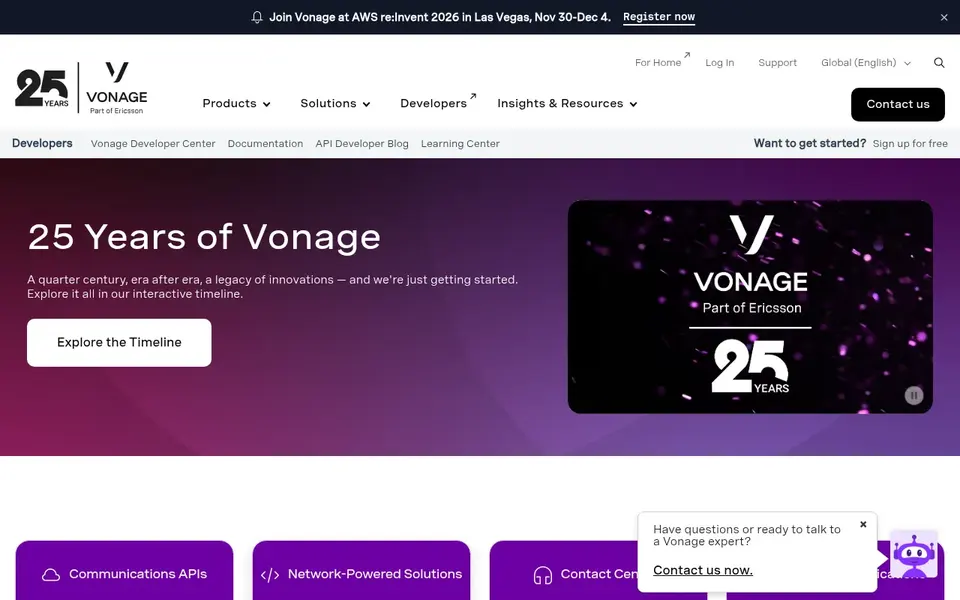
Vonage was built for remote teams that require mobile and desktop calling. Choose Vonage when your team works from mobile and desktop apps and wants a lower per-line price as the team grows. Mobile contains unlimited domestic calling, SMS and MMS, mobile and desktop apps, and voicemail.
Premium brings desk phone support, video meetings for up to 200 people, and CRM links. As for the details, Vonage Business Communications lists Mobile at $19.99 per line a month, Premium at $29.99, and Advanced at $39.99 for a single line. On cost, Vonage starts like this: $19.99 per line/month. Free plan details: Free trial (14 days).
Where it is weaker: the 30 percent promotion ends after 12 months and the rate rises to the standard price.
- Premium layers on video meetings for up to 200 people
- Mobile plan comes with unlimited domestic calling, SMS, MMS
- CRM links need Premium at $29.99 per line a month
How we compared the tools
For each of the 7 tools we noted price, free plan or trial, fit for platforms for integrating PBX with CRM and the main limit, using vendor pages and documentation. Plan names, prices and limits change often. Treat the figures here as a starting point and verify them with the vendor. Order on the page follows fit for the typical buyer first, then price transparency and free access. Your own requirements should decide the final pick.
Things to verify first
- Confirm the entry price on the vendor page. For 8×8 and GoTo Connect that means a quote rather than a fixed price.
- Run a trial of Nextiva, GoTo Connect, RingCentral and others with real work before paying for a year; your own workflow is the best test.
- Before choosing 8×8, weigh its main limit: no published per-user price on the current pricing page, so every level needs a sales quote.
- Check the support hours and onboarding help GoTo Connect offers; smaller vendors vary a lot here.
- Ask Dialpad whether prices are locked for the first term and what happens at renewal.
Frequently asked questions
How are the tools for platforms for integrating PBX with CRM ordered?
The order follows typical fit for platforms for integrating PBX with CRM, with 8×8 first and Vonage last, then price clarity and free access. It is editorial judgement, not a score, so another team could rank the tools differently.
Why are 8×8 and GoTo Connect listed as quote only?
8×8 removed public pricing in late 2023, and GoTo Connect now lists four packages that each result in a sales contact. In practice, get a written quote for the same seat count from each vendor.
What is the cheapest option for platforms for integrating PBX with CRM in this list?
On published monthly entry prices, Nextiva is the lowest here at $15 per user/month. Entry price is only part of the cost, because seats, add-ons and billing terms can change the total.
What is the best system for integrating PBX with CRM for most teams?
8×8 comes first here and is built for bigger teams that require calling in numerous countries. Buyers with other needs may prefer Nextiva (for small firms that want voice, video, and chat in one app) or GoTo Connect (for teams that require video meetings for up to 250 people). Compare costs and limits first.
Does any tool for platforms for integrating PBX with CRM here have a free plan?
No tool in this list, 8×8 and Vonage included, has a permanent free plan. Several tools offer a trial. Trials and quotes are the usual route, so plan a short evaluation period.
What should I check about call recording before I buy?
Check which plan contains recording, how long recordings are kept, and any hour cap. RingCentral Core supplies on-demand recording only, whereas Advanced brings automatic recording. Vonage Advanced caps recording at 15 hours a month.
Sources
See where you really rank - block by block
ProMapRanker scans Google Maps across a grid of your service area. Simple monthly plans from $19, white-label on every plan.
Start freeBrowse all guides
← Best Outbound Tool Reviews for Gtm Automation in 2026Software for Generating Leads in GTM in 2026: Top 7 Compared →
 best crm software for franchise networks
2026 Guide to the Best CRM Software for Franchise Networks
Best CRM software for franchise networks, compared. 5 tools with published prices, free plans and limits. Cost notes and weak points included. Details below.
Read → best b2b retailer customer service reviews
Best B2B Retailer Customer Service Reviews (2026)
Weighing the best B2B retailer customer service reviews? We lined up 6 products by cost, free access and fit. Concise write-ups of every option. Prices checked.
Read → best proposal software for franchises
2026 Guide to the Best Proposal Software for Franchises
Best proposal software for franchises in 2026: 6 tools with starting prices, free plans and limits. Every entry states what it lacks. Updated for 2026.
Read → best crm software according to experts
8 Strong CRM Software According to Experts in 2026
Searching for the best CRM software according to experts? Here are 8 options with prices and free plans. Details on cost, catches and fit. Start here.
Read → best crm software for accountants
Best CRM Software for Accountants in 2026
The best CRM software for accountants combines client records, workflows, and billing. We compare 9 tools built for accounting and tax firms in 2026 today.
Read → best crm software for small business
Best CRM Software for Small Business in 2026
Finding the best crm software for small business? We compare 10 CRMs on free plans, pricing, pipelines, and ease of use, so a small team can choose well.
Read →More in Sales & CRM · All guides A to Z by date · Latest guides