 ProMapRanker
Best CRM Software for Small Business in 2026

Key takeaways
- HubSpot offers the most generous free starting point, while Zoho CRM offers strong value for teams that need customization.
- Pipedrive suits sales-led teams that want a clear visual pipeline, and Freshsales suits teams that need built-in calling.
- Salesforce Starter makes sense for businesses planning to grow into a larger Salesforce setup, despite higher costs.
- Per-user pricing multiplies fast, so a 10-person team should compare annual totals, not just the monthly seat price.
- The best small business CRM is the one your team actually updates daily, so ease of use matters as much as feature lists.
Quick comparison
| Pick | Great for | Pricing starts at | Free tier | |
|---|---|---|---|---|
 HubSpot CRM HubSpot CRM | All-round small business growth | Free | Yes | Visit |
 Zoho CRM Zoho CRM | Value and customization | $14 per month | Yes | Visit |
 Pipedrive Pipedrive | Visual sales pipelines | $14 per month | Free trial | Visit |
 Freshsales Freshsales | Built-in calling and simplicity | $9 per month | Yes | Visit |
 Salesforce Starter Salesforce Starter | Scaling into Salesforce | $25 per month | Free trial | Visit |
 monday Sales CRM monday Sales CRM | Visual team workflows | $12 per month | Free trial | Visit |
 Insightly Insightly | CRM plus project tracking | $29 per month | Free trial | Visit |
 Capsule Capsule | Simple contact and deal tracking | $18 per month | Yes | Visit |
 Close Close | Outbound sales and calling | See website | Free trial | Visit |
 Bigin by Zoho Bigin by Zoho | Micro-teams and simple pipelines | $9 per month | Yes | Visit |
The best CRM software for small business
A CRM should answer three questions quickly: who are our customers, where is each deal, and what happens next. Small teams do not need enterprise complexity, but they do need a tool that stays current without constant admin work. We compared official feature pages, pricing pages, app store listings, privacy policies, and public reviews, focusing on free plans, pipeline clarity, automation, and total cost for small teams.
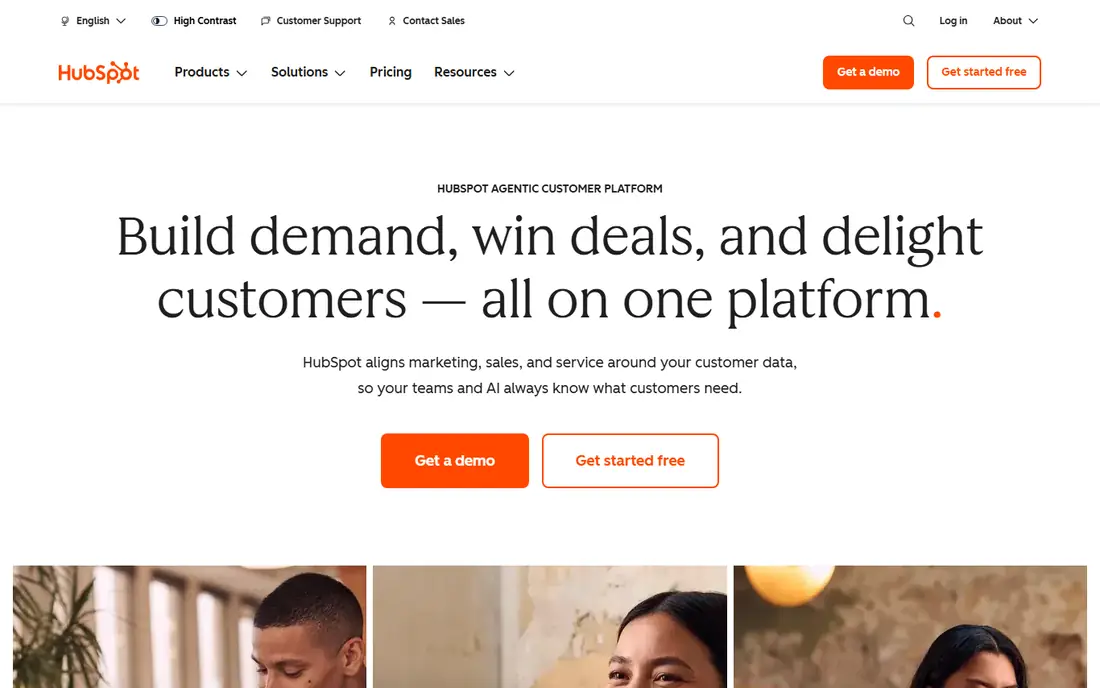
HubSpot is the safest starting point for most small businesses. The free CRM covers contact and company records, deal pipelines, tasks, email tracking, and meeting scheduling, which is enough to replace spreadsheets for many teams. Marketing, sales, and service tools share the same records, so a lead does not need to be re-entered as it moves through the business.
Growth brings cost. Paid tiers add automation, advanced reporting, and higher limits, and pricing can climb quickly for larger teams or contact lists. HubSpot still earns the top spot because the free plan is genuinely usable, onboarding is straightforward, and teams can upgrade in stages rather than switching tools later.
- Generous free plan with contacts, deals, and pipelines
- Strong email and meeting tools
- Clear upgrade path
- Advanced automation and reporting sit on expensive tiers
- Costs rise as contacts and seats grow
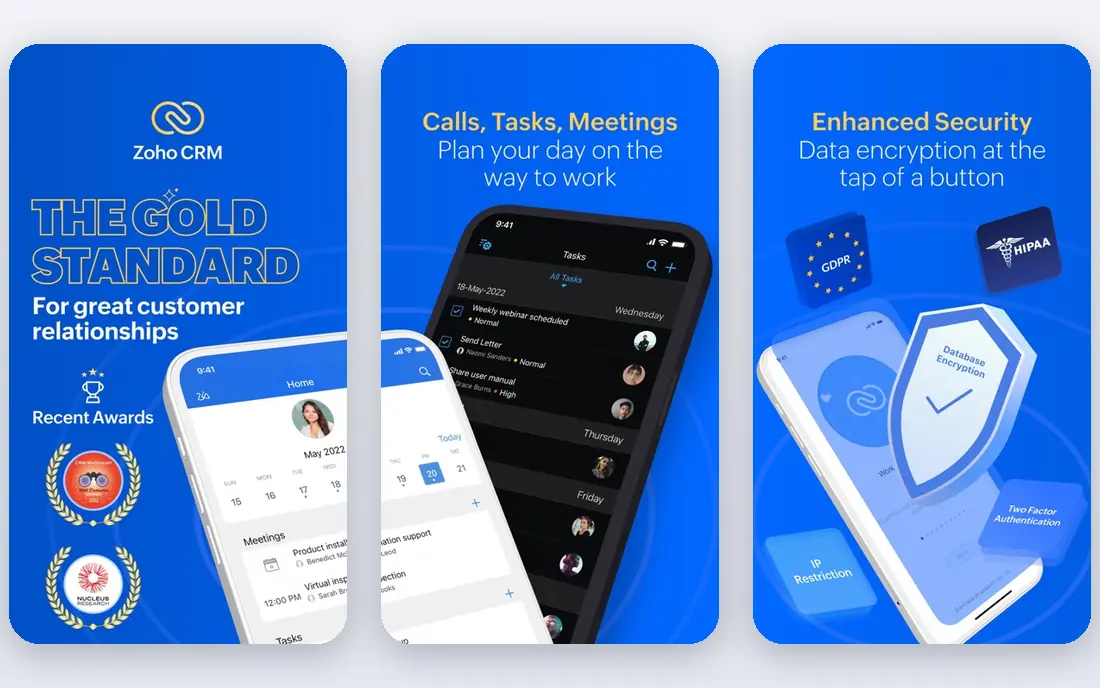
Zoho CRM offers more features per dollar than most rivals, especially for teams willing to spend time on setup. Workflows, custom fields, lead scoring, and reporting give growing businesses room to shape the CRM around their process. The free plan for up to 3 users makes it a low-risk trial for very small teams.
That depth has a learning curve. New users may need time to configure pipelines, permissions, and automation, and the interface packs many options into each screen. For teams that want a long-term, affordable system and can invest a few days in setup, Zoho CRM is often the best small business CRM on value alone.
- Free plan for up to 3 users
- Deep customization and automation at low cost
- Broad Zoho app ecosystem
- Setup takes longer than simpler CRMs
- Interface can feel crowded
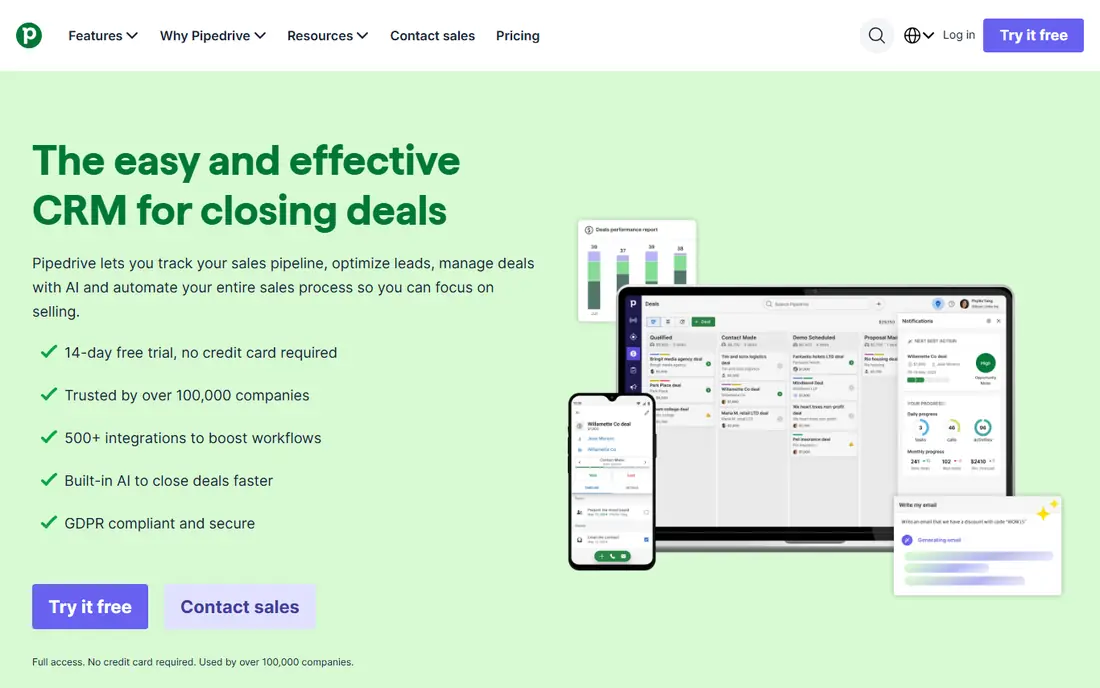
Pipedrive keeps sales work visible. Deals move across pipeline stages with a drag, overdue activities stand out, and managers can see where deals stall without running complex reports. Setup is fast, and sales teams usually adopt it without heavy training.
Pipedrive is sales-first, not an all-in-one marketing platform. Email marketing, advanced automation, and some integrations sit on higher tiers or add-ons. For a small sales team that lives in a pipeline and wants clarity over breadth, Pipedrive is a strong, focused choice.
- Clear drag-and-drop pipeline
- Fast setup
- Strong mobile app for field sales
- No permanent free plan
- Marketing tools require add-ons or higher tiers
Freshsales suits teams that sell by phone and email and want those tools inside the CRM. Built-in calling, email tracking, and lead capture reduce the need for separate apps, and the interface stays approachable for new users. The free plan gives small teams a real way to test daily use before paying.
Larger marketing teams may find Freshsales thinner than HubSpot or Zoho, especially for campaigns and advanced segmentation. For service businesses, agencies, and small sales teams that prioritize conversations over campaigns, Freshsales offers a practical balance of price and usability.
- Free plan available
- Built-in phone, email, and chat tools
- Fast setup for small teams
- Marketing depth is thinner than HubSpot
- Advanced AI features require higher tiers
Salesforce Starter, formerly Essentials, gives small businesses an entry point into Salesforce without the full enterprise setup. It covers leads, contacts, accounts, deals, and basic service tools, with a large marketplace for integrations. Businesses that expect to grow into Sales Cloud, Service Cloud, or industry tools benefit from starting on the same platform.
Small teams should weigh cost and complexity. The starting price is higher than Zoho, Pipedrive, or Freshsales, and Salesforce rewards careful setup. If you plan to stay small and simple, a lighter CRM will be faster. If you plan to scale, hire Salesforce talent, or integrate deeply, Starter is a sound early investment.
- Access to the large Salesforce ecosystem
- Strong reporting and app marketplace
- Room to grow
- Higher starting price
- Setup and customization can feel heavy for very small teams
monday Sales CRM appeals to teams that already think in boards, timelines, and tasks. Deals, leads, and activities appear as visual cards, and automations can move items, send reminders, and update statuses. Collaboration is natural, since comments, files, and assignments live on the same board.
Flexibility can become clutter. Without naming rules, pipeline stages, and ownership standards, boards grow messy as teams add columns and views. Pricing also requires attention, since some plans have minimum seat counts. For visual teams and agencies that manage sales alongside projects, monday Sales CRM is a flexible and engaging option.
- Highly visual boards and workflows
- Flexible customization
- Strong collaboration tools
- Minimum seat requirements on some plans
- Pipeline can get messy without clear rules
Insightly suits businesses where winning a deal is only half the job. Once a deal closes, the same record can turn into a project with tasks, milestones, and files, which helps service firms, builders, and agencies avoid handoff gaps. Contacts, organizations, and opportunities stay connected to delivery work.
The price reflects that breadth. Insightly starts higher than Pipedrive or Freshsales, and very small teams may not need project tools yet. For businesses that lose track of work after the sale, Insightly can replace two tools with one, and that consolidation may justify the higher seat cost.
- CRM combined with project management
- Clear links between deals and delivery
- Solid reporting
- Higher starting price than simpler CRMs
- Free options are limited
Capsule is for teams that want a CRM without a manual. Contacts, deals, tasks, and history are easy to find, and new users can start in an afternoon. The free plan for up to 2 users suits freelancers and very small partnerships that need shared visibility without complexity.
Growth brings limits. Capsule lacks some advanced automation, AI scoring, and marketing depth found in larger CRMs, and its integration library is smaller. If your process is simple and you value clarity over power, Capsule is a calm, dependable choice that your team is more likely to keep updated.
- Clean and simple interface
- Free plan for up to 2 users
- Straightforward tasks and pipelines
- Fewer advanced automations than Zoho or HubSpot
- Smaller integration library
Close is built for teams that make many calls and send many emails each day. Calling, SMS, and email live inside the CRM, so reps do not switch apps to log activity. Sequences, power dialing, and reporting help outbound teams measure effort and follow-up, not just closed deals.
Marketing teams and businesses that need broad campaign tools will find Close narrower than HubSpot. Pricing also varies by tier, so check the current Close pricing page for your team size. For inside sales, agencies, and startups with an outbound motion, Close is one of the best CRM platforms for small businesses focused on pipeline activity.
- Native calling, SMS, and email in one place
- Built for high-volume outreach
- Clear activity tracking
- Less suited to marketing-heavy teams
- Pricing varies by tier and needs checking
Bigin by Zoho is the simpler sibling of Zoho CRM, designed for micro-teams that find full CRMs overwhelming. Pipelines, activities, and contact records are easy to manage, and email integration keeps conversations attached to deals. The low starting price makes it easy to justify for a team of two or three.
Bigin is intentionally limited. Teams that outgrow it will need to move to Zoho CRM for deeper automation and customization, though the Zoho connection eases that move. For freelancers, startups, and small service businesses that need a pipeline today, Bigin is a clean and affordable start.
- Very simple pipeline for small teams
- Low starting price
- Gmail and Outlook integration
- Limited depth for larger teams
- Advanced automation requires moving to Zoho CRM
How we picked these
We compared official feature pages, pricing pages, app store listings, privacy policies, and public reviews for CRMs with current small business plans. We favored tools with clear free or trial options, usable pipelines, email integration, and pricing that small teams can sustain. We did not claim hands-on testing, and we noted where per-user pricing, seat minimums, or contact limits change total cost. CRM prices change often, so confirm the vendor pricing page and trial terms before signing an annual contract.
Choosing a CRM your team will actually use
Start with one pipeline and one habit: every lead and deal gets updated the same day. A CRM with perfect features fails if updates pile up, while a simple CRM succeeds when the team trusts it as the single source of truth.
Map your process before you buy
List your stages from first contact to closed deal, plus who owns each stage. Then test whether the CRM matches that flow without heavy customization. If you need a consultant to set up a basic pipeline, the tool may be too complex for your current size.
Count total cost, not seat price
Multiply the seat price by users, add automation or calling add-ons, and check annual versus monthly billing. A 14 dollar seat costs 1,680 dollars a year for 10 users before add-ons, while a free plan with limits may cost nothing until you grow. Trial the paid tier with real data before committing annually.
Protect customer data from day one
Set user roles, limit exports, and turn on two-factor authentication where available. Review the vendor privacy policy and data processing terms, especially if you store health, financial, or sensitive customer details. A CRM centralizes customer trust, so access control is not an optional extra.
Frequently asked questions
What is the best CRM software for small businesses?
HubSpot is the best overall starting point for many small businesses because of its free plan and upgrade path, while Zoho CRM offers the best value for customization. Pipedrive suits sales-led teams, and Freshsales suits calling-heavy teams. The best CRM software for small businesses is the one that matches your sales process and that your team updates daily.
What is the best free CRM for small business?
HubSpot offers the most generous free CRM, with contacts, deals, pipelines, and email tools at no cost. Zoho CRM is free for up to 3 users, Freshsales offers a free plan, and Capsule and Bigin also offer free tiers for very small teams. Start free, test with real deals, and upgrade only when you hit a clear limit.
How much does CRM software cost for a small business?
Most small business CRM tiers cost about 9 to 29 dollars per user per month on annual billing, with HubSpot free at the entry level and Salesforce Starter at about 25 dollars per user per month. Total cost depends on seats, add-ons, and contact limits. Always compare annual totals and trial the paid tier before signing a contract.
Which CRM is easiest for a small team to set up?
Pipedrive, Freshsales, Bigin, and Capsule are among the easiest to set up, because they focus on pipelines and contacts without heavy configuration. HubSpot is also straightforward at the free level, though advanced features take longer to configure. Zoho CRM and Salesforce offer more depth, but they usually need more setup time.
Do small businesses need a CRM, or is a spreadsheet enough?
A spreadsheet works until leads, follow-ups, and customer history grow beyond one person. A CRM adds shared pipelines, reminders, email history, and reporting, which reduce missed follow-ups and duplicate work. If you regularly lose track of leads or spend time searching for customer details, a CRM will likely save time.
Can I switch CRMs later without losing data?
Most CRMs support CSV import and export, and many offer migration tools or partner help. Switching still takes planning, especially for custom fields, automation, and email history. Export a backup before migrating, map fields carefully, and run the old and new systems in parallel for a short period.
Sources
See where you really rank - block by block
ProMapRanker scans Google Maps across a grid of your service area. Simple monthly plans from $19, white-label on every plan.
Start freeKeep reading
 youtube alternatives
Best YouTube Alternatives in 2026
Looking for youtube alternatives in 2026? We compare Vimeo, Dailymotion, Twitch, Rumble, and more on price, audience, monetization, control and privacy.
Read → what's the best ai tool for photo editing
What Is the Best AI Tool for Photo Editing in 2026
What is the best AI tool for photo editing? We compare ten tools for 2026, from Photoshop and Lightroom to Luminar, Topaz, Canva and mobile editors today.
Read → twitter alternatives
Best Twitter Alternatives in 2026
Compare the best twitter alternatives for 2026, from Bluesky, Threads, and Mastodon to Reddit, Tumblr, and Micro.blog, with free plans and audience notes.
Read →