 ProMapRanker
Best Platforms for Building AI Agents in 2026


code-first agent graphs with explicit control · Pricing starts at: Free
Key takeaways
- LangGraph suits code-first teams that need explicit control over agent steps, retries, and state.
- n8n and Dify suit teams that want a visual builder with a free self-hosted option and a clear cloud upgrade path.
- Copilot Studio and Zapier Agents suit non-developers already inside Microsoft 365 or Zapier, but usage metering needs watching.
- Flowise is not listed here because it reached end of life on 31 August 2026, with its repository archived, so new projects should not start on it.
Quick comparison
| Pick | Great for | Pricing starts at | Free tier | |
|---|---|---|---|---|
| LangGraph | code-first agent graphs with explicit control | Free | Yes | Visit |
 CrewAI | role-based multi-agent teams | Free | Yes | Visit |
 n8n | visual workflows with AI agent nodes | 24 euros per month | Yes | Visit |
 Dify | low-code LLM apps and agents | $59 per workspace per month | Yes | Visit |
 Microsoft Copilot Studio | agents inside Microsoft 365 and Azure | $200 per month | Free trial | Visit |
 Zapier Agents | no-code agents on Zapier integrations | Free | Yes | Visit |
 Botpress | production chat and voice agents | Free | Yes | Visit |
 Voiceflow | conversational agents for support and sales teams | See website | Free trial | Visit |
The best platforms for building AI agents
Building an AI agent can mean writing code, dragging nodes on a canvas, or describing a task in plain language. These platforms cover that range, from developer frameworks to no-code tools for business teams. Model API costs sit on top of most platform fees, so compare the total bill, not just the platform price.
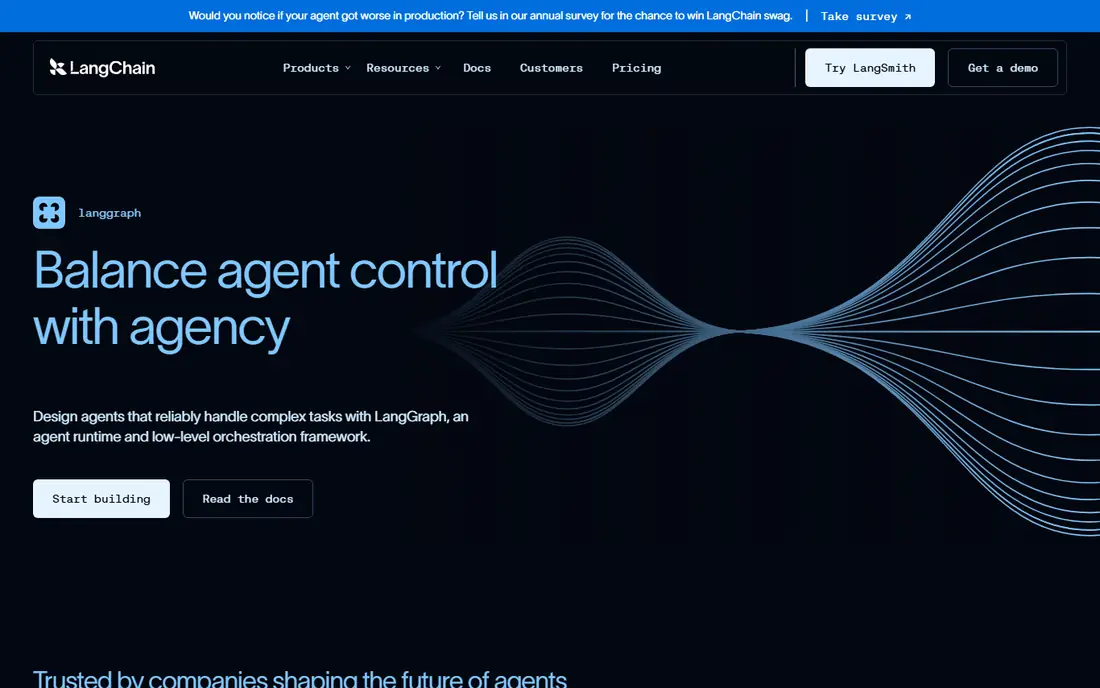
LangGraph is our pick for engineering teams that want agents as versioned code, not as a black box. You define agents as nodes and their interactions as edges in a state machine, with typed state, conditional branching, loops, and checkpointing for long-running work. That explicit control helps when an agent must retry, ask a human, or hand off to another agent in a predictable way.
The catch is skill. LangGraph rewards developers who are comfortable with graphs, state, and async code, and the learning curve is steeper than a visual builder. The framework itself is free and open source, while LangSmith tracing starts with a free developer tier and a Plus plan at 39 dollars per seat per month. Choose LangGraph when control, testing, and deployment as code matter more than speed for a non-developer.
- Graph-based state machines
- Checkpointing for long runs
- Large LangChain integration library
- Steep learning curve
- Managed tracing costs extra
- Python and JavaScript focus
CrewAI suits teams that think in roles rather than graphs. You define agents with a role, a goal, and a set of tools, then arrange them into sequential, hierarchical, or collaborative crews that pass tasks along. That model makes it fast to prototype a research crew, a content crew, or an operations crew in Python, and the open-source framework is free to self-host.
The trade-off is control at the edges. Complex branching can need workarounds compared with a graph framework, and hosted platform pricing has changed during 2026, with a free basic tier offering limited executions and paid plans by quote or workspace. CrewAI is a strong pick for research-style multi-agent experiments and fast prototypes, while LangGraph remains better for strict production control flow.
- Role, goal, and task model is easy to grasp
- Python-first
- Hosted platform adds tracing and deployment
- High-level abstractions limit fine control
- Hosted pricing varies
- Model costs are separate
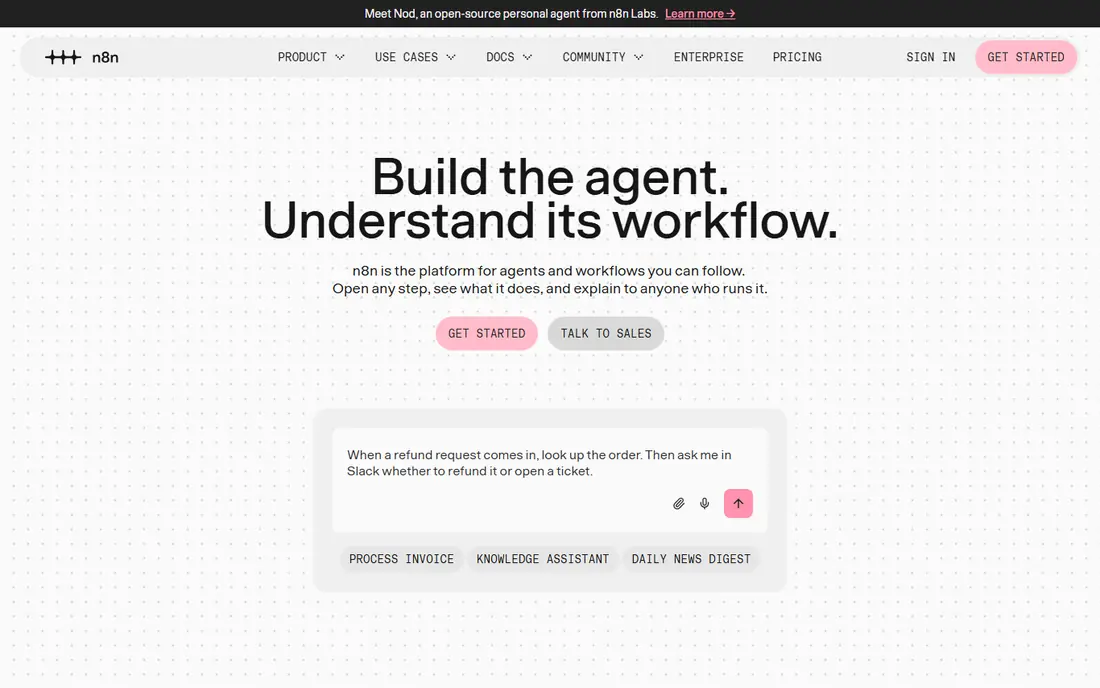
n8n is our pick for most teams that want visual speed without giving up control. You build workflows on a canvas, add AI agent nodes, connect tools and data sources, and drop into code when a step needs it. The Community Edition is free to self-host, while cloud plans start at 24 euros per month for the Starter tier, billed by workflow executions.
The limits are metering and patterns. Cloud costs rise with executions, and true multi-agent orchestration is expressed as workflows rather than as a native crew model. Model token costs sit on top of the platform fee, so a high-volume workflow can cost far more in model fees than in n8n fees. For a team that wants a fast path from idea to a monitored agent, n8n is hard to beat.
- Visual builder with code escape hatches
- Free self-hosted Community Edition
- Many integrations
- Cloud pricing is in euros
- Multi-agent patterns are workflow-based
- Model API costs are separate
Dify suits teams that want an app, not just a workflow. You can build chat assistants, agents, and workflow apps in a studio, connect knowledge datasets for retrieval, and publish a finished app for users or customers. The Community Edition is free to self-host, while cloud plans include a free sandbox and a Professional plan at 59 dollars per workspace per month in published 2026 comparisons.
The catch is metering. Cloud use is metered by message credits and documents indexed, so a popular app can outgrow the entry plan fast. Dify is still a strong pick for a non-technical team that needs a polished LLM app quickly, especially when retrieval over your own documents is central to the agent. For strict agent control flow, pair it with LangGraph or n8n rather than forcing every pattern into Dify.
- App-shaped output for chat and agents
- Built-in RAG datasets
- Free self-hosted Community Edition
- Message credits meter cloud use
- Evaluation tooling is lighter than specialist tools
- Model costs are separate
Copilot Studio is the clear pick for an organization already standardized on Microsoft 365. You can build agents that work in Teams, SharePoint, and business apps, with governance, data connections, and deployment controls that IT teams expect. Agents can also draw on Microsoft 365 data, which is a real advantage for internal support and operations agents.
The downside is metering and fit. Copilot Studio is priced by Copilot Credits, with a 200 dollar per month credit pack for 25,000 credits in published 2026 pricing, and some Microsoft 365 Copilot plans include credits. High-volume agents can burn credits fast, so budget by expected actions and model calls, not by seat count alone. Outside a Microsoft estate, a general builder such as n8n or Dify will usually be simpler and cheaper.
- Deep Microsoft 365 integration
- Governed deployment
- Connects to business data and apps
- Credit-based pricing needs careful budgeting
- Best value inside Microsoft estates
- Model and data costs add up
Zapier Agents suits a business team that already uses Zapier and wants an agent without writing code. You describe what the agent should do, connect the apps it needs, and let it act on triggers or on a schedule. A free tier offers 400 activities per month in published 2026 comparisons, with paid Agents plans starting around 33 dollars per month billed annually for higher activity.
The trade-off is depth and cost at scale. Agents are metered by activities, so a busy agent can outgrow the entry plan, and fine-grained control over reasoning steps is weaker than in LangGraph. Zapier Agents is a strong pick for simple, integration-heavy tasks such as triaging messages, updating records, or drafting replies. For complex multi-step reasoning, a code or visual agent framework will give you more control.
- Huge integration library
- Plain-language agent setup
- Free tier for simple agents
- Activity metering rises with use
- Less control than code frameworks
- Best inside Zapier workflows
Botpress suits teams building customer-facing chat agents that must work in production, not just in a demo. The visual studio helps non-developers build flows, while developers get APIs and code access for custom integrations. The platform is model-agnostic, supporting major model providers, and includes live chat and many pre-built integrations.
Pricing starts with a free plan offering 100 conversations, with a Plus plan at 150 dollars per month in published comparisons. Conversation-based pricing means a popular support agent can become costly, so forecast conversations before you commit. Botpress is a strong pick for support and sales agents that need handoff to a human, while LangGraph or CrewAI suit internal multi-agent systems better.
- Visual builder with developer APIs
- Model-agnostic
- Native live chat and integrations
- Conversation-based pricing rises with volume
- Advanced features need higher plans
- Setup takes time for complex agents
Voiceflow suits design and support teams that build conversational agents for clients or customers. You can prototype chat and voice flows visually, test them with real users, and hand off a polished agent to a production team. Collaboration features help agencies that build agents for several clients.
We list pricing as See website because Voiceflow pricing is usage-based and published third-party figures differ, with a free trial rather than a broad free plan in many listings. Budget by conversations and credits, and test the handoff to a human agent early, since that is where many support agents fail. Voiceflow is a good pick for conversation design; for code-heavy multi-agent work, LangGraph or CrewAI will fit better.
- Design-first conversational builder
- Chat and voice channels
- Team collaboration for agencies
- Pricing is usage-based and varies
- Credit system needs careful budgeting
- Less suited to code-heavy agent systems
How we picked these
We compared vendor pricing pages, documentation, and published October 2026 comparisons for platforms that are live and supported today. We kept code frameworks, visual builders, and no-code agent tools, and we left out tools that reached end of life. Flowise reached end of life on 31 August 2026, with its repository archived, so we did not list it as a live product, even though older comparisons still mention it. Teams on Flowise should plan a migration to n8n, Dify, or LangGraph.
How to choose a platform for building AI agents
Start with who will build and maintain the agent. Developers should shortlist LangGraph and CrewAI, with n8n as a visual companion. Business teams should shortlist Dify, Zapier Agents, and Botpress, depending on whether the output is an app, a workflow, or a support agent. Microsoft shops should test Copilot Studio first, since data access and governance may outweigh a lower platform fee elsewhere.
Next, run the same agent for a week on your shortlist and compare two bills: platform fee plus model tokens. A cheap platform with a chatty agent can cost more than a dearer platform with a tighter agent. Also test failure modes: what happens when a tool fails, when the model gives a wrong answer, and when a human must approve a step. The platform that makes those cases visible and testable is the one to trust in production.
Frequently asked questions
What is the best platform for building AI agents?
LangGraph is the best code-first pick, n8n is the best visual pick for most teams, and Dify is a strong low-code pick for app-shaped agents. The best tool for building AI agents depends on your team's coding skill and the agent's job.
What is the best tool for building AI agents without coding?
Zapier Agents and Dify are the easiest no-code starts, with Botpress close behind for chat agents. Start with a free tier, build one real agent, and check activity or message costs before you scale.
What is the best AI agent building platform for enterprises?
Microsoft Copilot Studio suits Microsoft estates, while LangGraph with managed tracing suits engineering-led enterprises. Both need governance, evaluation, and human approval for high-stakes actions.
Should I self-host an AI agent platform?
Self-hosting n8n or Dify can save platform fees, but you still pay for servers, model APIs, and maintenance time. Self-host when data control or cost at scale matters, and use cloud when speed and managed updates matter more.
Is Flowise still available for building AI agents?
No, Flowise reached end of life on 31 August 2026, with its repository archived. Do not start a new project on it. Migrate existing flows to n8n, Dify, or LangGraph, and check that your integrations and models still work on the new platform.
Sources
See where you really rank - block by block
ProMapRanker scans Google Maps across a grid of your service area. Simple monthly plans from $19, white-label on every plan.
Start freeKeep reading
 zoho inventory alternatives
6 Alternatives to Zoho Inventory, Compared on Price and Fit
Zoho Inventory alternatives: 6 tools compared on price, free plans and fit. Katana leads the list for manufacturers. Fit and flaws are laid out for each entry.
Read → zoho crm alternatives
Best Zoho CRM Alternatives (2026)
Need Zoho CRM alternatives? We compare 7 tools on cost, free access and who each suits. Every pick gets a straight assessment. Built for quick decisions.
Read → zelle alternatives
Best Zelle Alternatives in 2026
Compare the best Zelle alternatives for sending money to friends, paying sellers and moving funds abroad, with honest notes on fees, speed and safety in 2026.
Read →