 ProMapRanker
5 Strong Platforms for AI Mood Boards in 2026


Collaborative moodboarding with distributed teams · Pricing starts at: Free; premium plans available
Key takeaways
- The list opens with Miro, aimed at collaborative moodboarding with distributed teams.
- The cheapest monthly starting price in the list is $10/month, offered by Midjourney.
- Miro, Canva, Fotor: these are the 3 tools out of 5 that offer a free plan.
- For the most striking AI-generated concept imagery, Midjourney is worth a look.
- The main caution on Miro: not an image generator.
Direct answer
Start with Miro if you need collaborative moodboarding with distributed teams. If your case is different, Canva suits AI-assisted moodboards with simple sharing and collaboration and Fotor suits template-based AI design with fast mood boards. Details, prices and limits for the rest of the 5 tools are below.
Quick comparison
| Pick | Great for | Pricing starts at | Free tier | |
|---|---|---|---|---|
| Miro | Collaborative moodboarding with distributed teams | Free; premium plans available | Yes | Visit |
 Canva | AI-assisted moodboards with simple sharing and collaboration | Free; premium plans available | Yes | Visit |
 Fotor | Template-based AI design with fast mood boards | Free; premium plans available | Yes | Visit |
 Mock It AI | Generating cohesive moodboards from straightforward text prompts | See website | Not stated | Visit |
 Midjourney | The most striking AI-generated concept imagery | From $10/month | No | Visit |
Tool-by-tool breakdown
ProMapRanker put together this guide to platforms for AI mood boards for readers who want a clear shortlist without reading every vendor page. It compares 5 tools on starting price, free plans, who each one suits and where each one falls short.
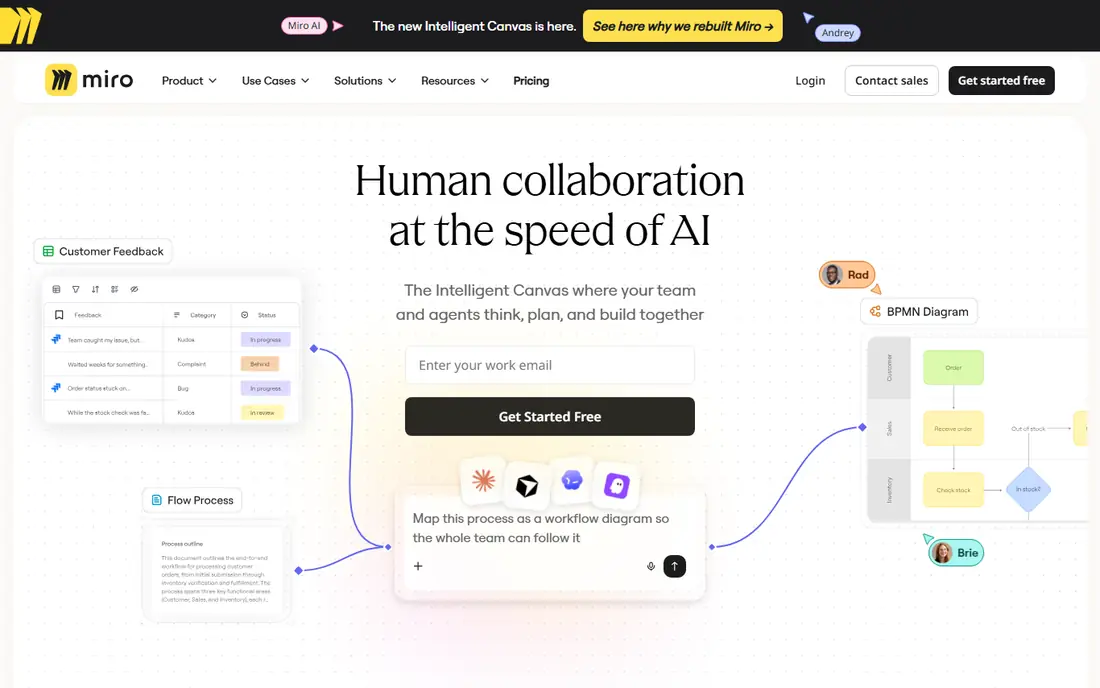
Miro was built for collaborative moodboarding with distributed teams. Miro's infinite canvas is where teams build mood boards together: drop in images from anywhere, arrange freely, comment, and vote. The AI features help create and organize content, and the templates bundle dedicated mood board layouts.
As for the details, stakeholders react straight on the visuals, which keeps feedback concrete rather than abstract. Beyond that, voting and commenting turn the board into a decision-making tool, not just a display. On cost, Miro starts like this: Free. Free access exists with Miro.
What to check first: Not an image generator.
- AI features
- Huge template library
- Can get messy
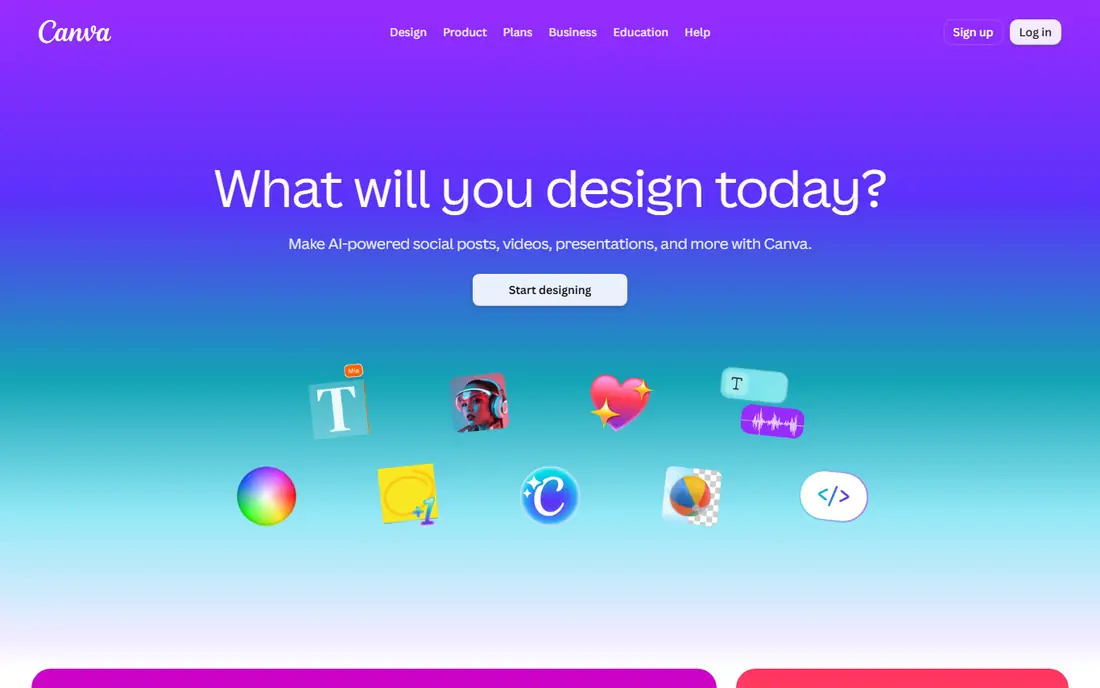
For AI-assisted moodboards with simple sharing and collaboration, Canva is a natural candidate. Canva's AI features bring moodboarding to the masses: create images from prompts, drop them into mood board templates, and collaborate in live. Also, brand kits keep the generated visuals on-brand automatically.
But for teams that already live in Canva, building mood boards there is the path of least resistance. The template library means you never start from a blank page, and sharing is easy. Also, the presentation features also help: turn the board into a deck without leaving the product. Starting cost for Canva: Free. A free plan is available with Canva.
What to check first: AI imagery less striking than Midjourney. Where Canva stands out: AI image generation built in.
- Familiar editor
- Excellent collaboration
- Generic without direction
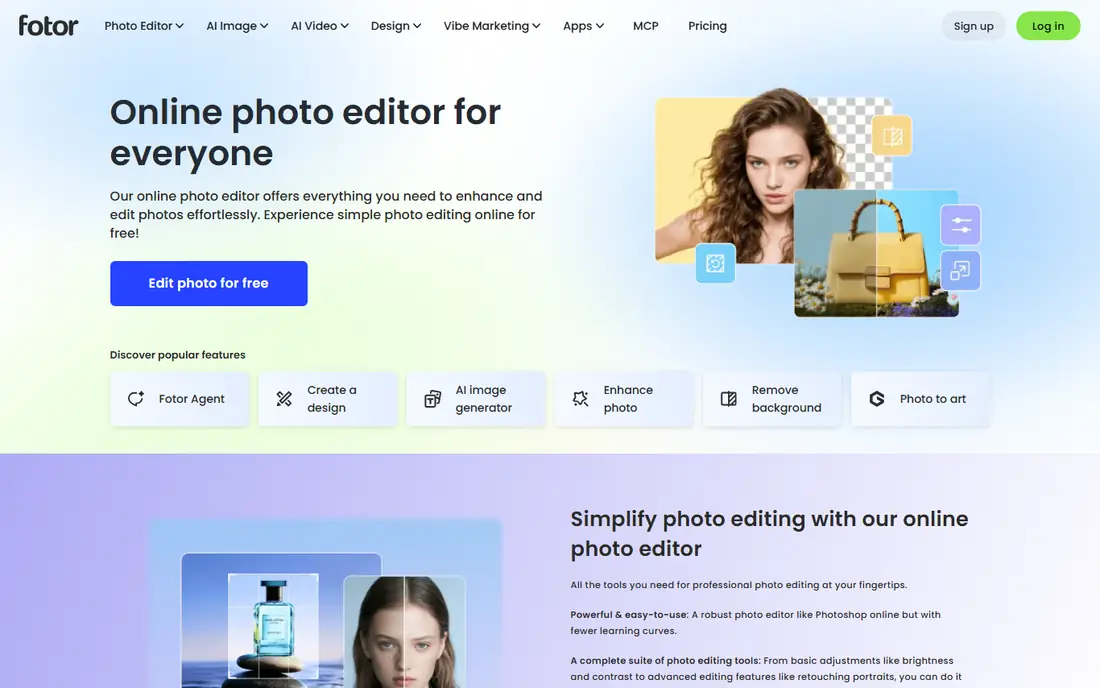
Fotor works best for template-based AI design with fast mood boards. Fotor merges AI image generation with templates and photo editing: produce visuals, arrange them in board layouts, and polish with the built-in editor. The photo editing tools are genuinely handy: adjust AI outputs without switching apps.
More specifically, background removal, color correction, and filters all work on generated images straight. Also, the free level is ample, making it accessible for fast projects. Also, the output quality trails Midjourney and Firefly. But for quick, template-driven mood boards without a ramp-up time, Fotor's accessibility wins. On cost, Fotor starts like this: Free. Fotor includes a free tier.
Trade-offs to know: AI quality middling. What works well: Ample free level.
- Decent templates
- Simple photo editing
- Ads on free
Mock It AI
Great for: Generating cohesive moodboards from straightforward text prompts
Mock It AI is a good fit for generating cohesive moodboards from straightforward text prompts. Mock It AI does one thing: turn a style description into a structured, cohesive moodboard in under a minute. As for the details, Interior designers and brand strategists also benefit: the tool manages the visual research whereas they focus on the concept.
Watch-outs: Newer company.
It is narrower than Canva or Adobe's suites. Beyond that, the export and sharing features also make it practical for client presentations, not just internal exploration. From a buyer's view, the visuals align around a consistent aesthetic instead of feeling like random images. The drag-and-drop workspace lets you refine the arrangement as ideas evolve. On top of that, fashion designers and creative teams on tight deadlines get the most from the speed: rapid visual prototyping without the setup overhead. No starting price is listed for Mock It AI here; confirm pricing on the vendor site. Trial and free access: Not stated.
- Easy layout editing
- Purpose-built for moodboards
- Narrower than full design suites
Midjourney is a good fit for the most striking AI-generated concept imagery. Midjourney remains the king of AI imagery: describe a mood and get visuals with photographic lighting, texture, and atmosphere that stock photos cannot match. It produces images, not boards; you assemble them elsewhere.
Drawbacks to consider: No free level; Not a board tool.
And there is no free level. But as the visual engine behind plenty of designers' mood boards, Midjourney earns its place. Beyond that, the community also supplies endless style references: browsing others' prompts teaches you the vocabulary of visual direction. Midjourney starts at: From $10/month. There is no free plan with Midjourney.
- Unmatched atmosphere and texture
- Huge creative community
- Less control for precise layouts
More on platforms for AI mood boards
Mood boards used to mean hours of image hunting: stock sites, screenshots, and scattered references that never quite matched. AI mood board tools compress that into seconds: describe the aesthetic, and get a cohesive set of visuals with consistent color and style.
How we compared the tools
The comparison looks at four things: starting price, free access, how well the feature set matches platforms for AI mood boards, and the main limit of each tool. Plan names, prices and limits change often. Treat the figures here as a starting point and verify them with the vendor. We ordered the tools by general fit, then by how clearly pricing is shown, then by free access. A buyer with unusual needs may reorder them.
What to confirm before you sign up
- Ask Mock It AI for a written quote, since no starting price is shown.
- Check what the free option really includes: Miro, Canva and Fotor offer a free plan, and usage caps differ.
- Read the limits listed for Miro first: not an image generator.
- A short pilot of Mock It AI with your real workflow tells you more than a feature table.
- Ask Midjourney about contract length, onboarding fees and user minimums before you sign.
Frequently asked questions
Is Miro the right pick for everyone comparing platforms for AI mood boards?
No single tool suits every team. Miro comes first because it fits collaborative moodboarding with distributed teams, while Canva suits AI-assisted moodboards with easy sharing and collaboration and Fotor suits template-based AI design with quick mood boards. Match the tool to your own size, budget and workflow before deciding.
What is the cheapest option for platforms for AI mood boards in this list?
On published monthly entry prices, Midjourney is the lowest here at $10/month. Entry price is only part of the cost, because seats, add-ons and billing terms can change the total.
Do these tools publish their prices?
Not all of them. Mock It AI publishes no starting price, so expect a quote request for it. The rest, Miro included, show a starting price, though seats and billing terms still change the final cost.
How are the platforms for AI mood boards ordered?
The order follows typical fit for platforms for AI mood boards, with Miro first and Midjourney last, then price clarity and free access. It is editorial judgement, not a score, so another team could rank the tools differently.
Sources
See where you really rank - block by block
ProMapRanker scans Google Maps across a grid of your service area. Simple monthly plans from $19, white-label on every plan.
Start freeKeep reading
 zoho inventory alternatives
6 Alternatives to Zoho Inventory, Compared on Price and Fit
Zoho Inventory alternatives: 6 tools compared on price, free plans and fit. Katana leads the list for manufacturers. Fit and flaws are laid out for each entry.
Read → zoho crm alternatives
Best Zoho CRM Alternatives (2026)
Need Zoho CRM alternatives? We compare 7 tools on cost, free access and who each suits. Every pick gets a straight assessment. Built for quick decisions.
Read → zelle alternatives
Best Zelle Alternatives in 2026
Compare the best Zelle alternatives for sending money to friends, paying sellers and moving funds abroad, with honest notes on fees, speed and safety in 2026.
Read →