 ProMapRanker
Best Platform to Create a Website in 2026

Key takeaways
- Wix and Squarespace suit most small business sites, while Shopify suits stores and Webflow suits design-led sites.
- WordPress.com is the cheapest hosted route to a flexible site, but plugins and themes need higher plans.
- Free plans are useful for testing, yet a custom domain and removal of builder branding need a paid plan.
- Introductory prices often renew higher, so check the renewal price and contract term before you pay.
- Pick the builder that matches your main job, since moving a site between builders usually means rebuilding it.
Quick comparison
| Pick | Great for | Pricing starts at | Free tier | |
|---|---|---|---|---|
 Wix | All-in-one small business sites | $17 per month | Yes | Visit |
 Squarespace | Design-led portfolios and services | $19 per month | Free trial (14 days) | Visit |
 WordPress.com | Flexible blogs and business sites | $4 per month | Yes | Visit |
 Shopify | Online stores at scale | $29 per month | Free trial | Visit |
 Webflow | Designers and custom sites | $14 per month | Yes | Visit |
 GoDaddy | Fast setup for local businesses | $9.99 per month | Yes | Visit |
 Framer | Modern animated marketing sites | $10 per month | Yes | Visit |
 Hostinger | Budget sites with AI setup | $2.99 per month | No | Visit |
The best platforms to create a website
These platforms cover the main ways to create a website without hiring a developer: drag-and-drop builders, hosted WordPress, and store-first platforms. We compared official pricing pages and recent pricing comparisons rather than claiming hands-on testing.
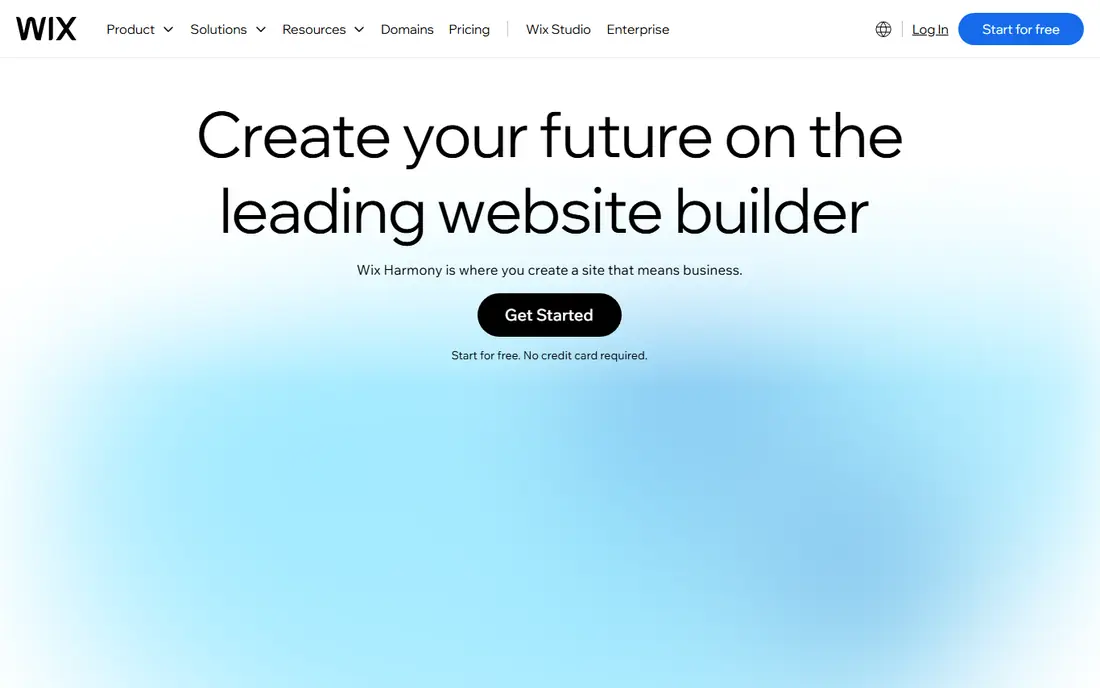
Wix is our pick for most people who want a complete site in a weekend. Its editor covers pages, bookings, stores, blogs, and forms, and the app market adds features without code. The free plan lets you test layouts on a Wix subdomain, and paid plans from around $17 per month on annual billing add a custom domain and remove Wix ads. That breadth suits small businesses that need several jobs done in one account.
The main catch is portability. A Wix site lives on Wix, so moving to another builder later usually means rebuilding pages and content by hand. Higher plans and apps can also raise the total beyond the entry price. If you want speed and breadth and you accept staying on one platform, Wix is a safe first choice.
- Large template range
- AI builder and app market
- Free plan for testing
- Sites cannot easily move to another platform
- Free plan shows Wix branding
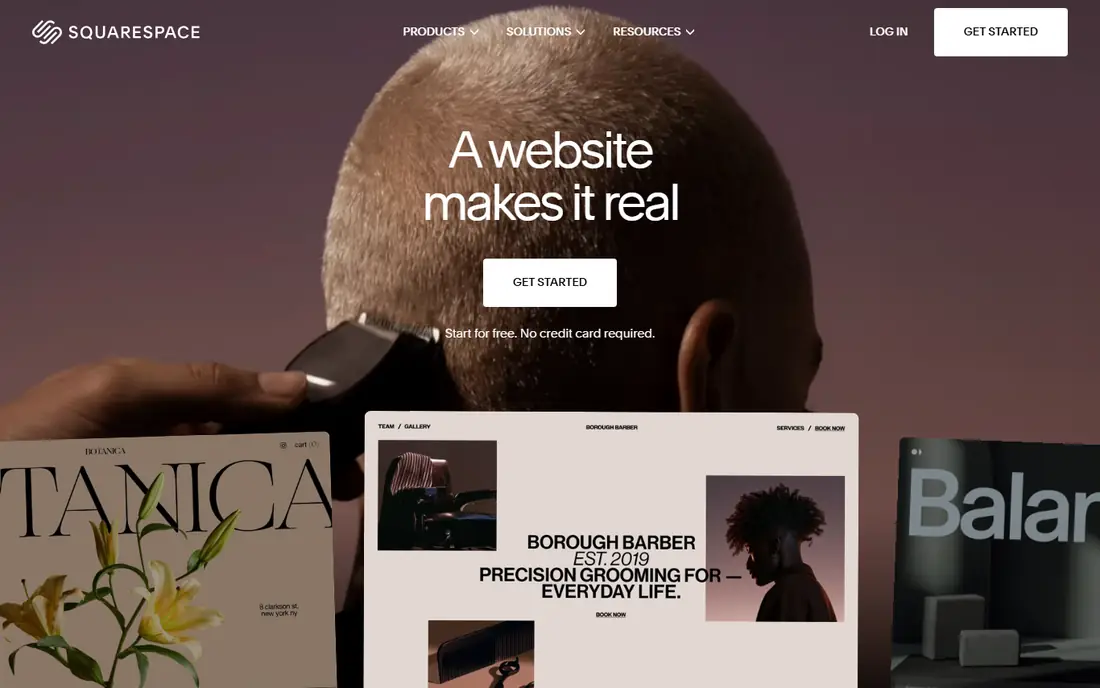
Squarespace suits creatives, service businesses, and restaurants that want a polished site with little fuss. Its templates are curated rather than numerous, which helps a site look good with less design effort. Built-in tools cover scheduling, blogging, email campaigns, and selling, so many small businesses need no extra apps. Recent pricing comparisons place entry plans around $19 per month on annual billing, with a 14-day trial for testing.
The trade-offs are a trial-only free tier and a smaller template range than Wix. Large product catalogs and complex store rules also favor Shopify. If design quality and a calm editor matter more than template count, Squarespace is a strong pick for portfolios, services, and small stores.
- Polished templates
- Built-in scheduling, blogging, and selling
- Clean editor
- No permanent free plan
- Fewer templates than Wix
- Large stores suit Shopify better
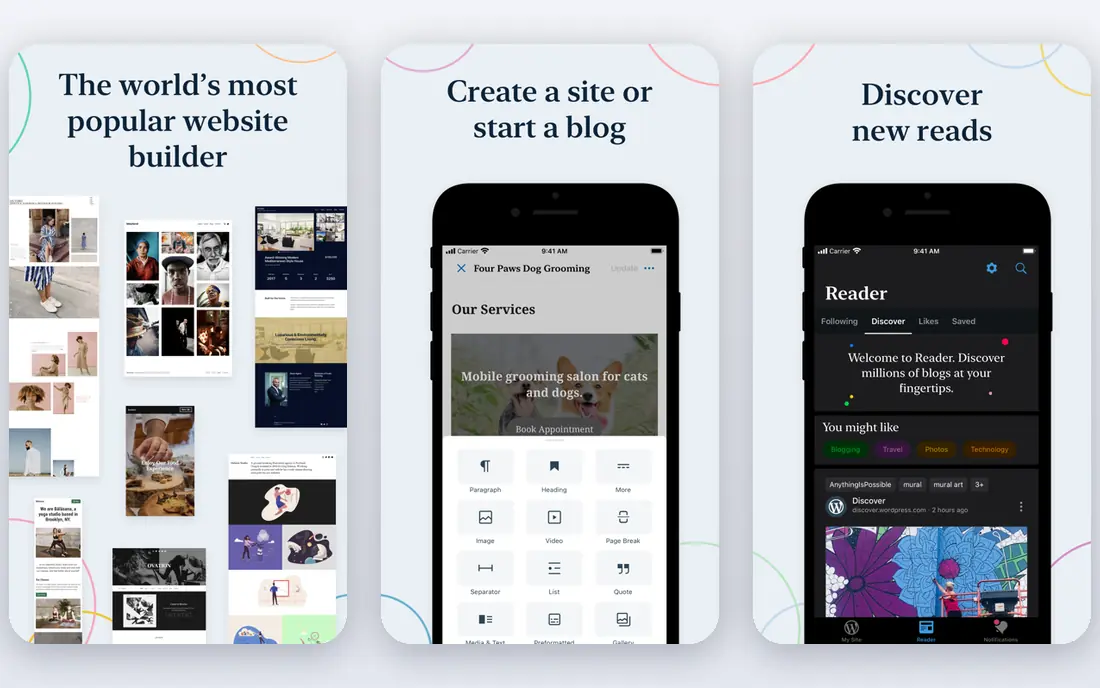
WordPress.com is the cheapest hosted route to a flexible site. The free plan lets you publish on a WordPress.com subdomain, and paid plans start around $4 per month in recent comparisons, with higher plans adding plugins, custom themes, and store features. Blogging tools are mature, and the wider WordPress ecosystem offers themes and plugins for almost any job. That flexibility suits bloggers and businesses that expect a site to grow.
The catch is plan gating. Plugin access and deeper customization sit on higher plans, and first-year prices renew higher, so budget on the renewal rate. Self-hosted WordPress from WordPress.org is a separate route with free software but hosting, updates, and security to manage yourself. If you want flexibility at low cost and you can accept plan limits, WordPress.com is hard to beat.
- Free plan for testing
- Huge theme and plugin ecosystem on paid plans
- Strong blogging tools
- Low plans show ads and limit plugins
- Renewal prices are higher than first-year offers
Shopify is the clear pick when selling is the main job. Its checkout, product management, discount tools, and app store cover stores from a first product to a large catalog, and multi-channel selling covers social, marketplaces, and point of sale. Paid plans start around $29 per month on annual billing in recent comparisons, with a trial period for testing. That depth is why many growing stores choose Shopify even when a general builder could host a small shop.
The cost is higher than a brochure builder, and apps, themes, and payment processing add to the monthly total. A simple five-page business site does not need Shopify. If your site exists to sell, and you expect orders, inventory, and shipping to grow, Shopify is the platform to compare first.
- Complete checkout and store tools
- Large app store
- Multi-channel selling
- No permanent free plan
- Apps and payment costs add up
- Overkill for a simple brochure site
Webflow suits designers, agencies, and marketing teams that want precise control without writing all the code by hand. Its visual editor handles layout, animation, and CMS content with more depth than a typical drag-and-drop builder, and the free starter plan lets you build and stage on a Webflow subdomain. Site plans start around $14 per month on annual billing in recent comparisons. That control makes it a favorite for marketing sites and portfolios that need a custom feel.
The learning curve is real. Beginners may find the panel-heavy editor slower than Wix or Squarespace, and costs can stack across workspace, site, and store plans. If you value design precision and you are willing to learn the tool, Webflow rewards the effort. If you want the fastest possible launch, a simpler builder will get you live sooner.
- Precise visual design control
- CMS for content sites
- Free starter plan for staging
- Steeper learning curve
- Site, workspace, and store costs can stack
GoDaddy fits a local business owner who wants to get online with the least admin. Domain registration, hosting, and the builder sit in one account, and AI setup can draft pages from a few answers about the business. Entry plans around $9.99 per month on annual billing in recent comparisons cover a basic site with a custom domain. Phone and chat support also help owners who prefer talking to a person over reading help docs.
The editor is simpler than Wix or Webflow, so design-led sites may feel constrained. Full store features and marketing tools sit on higher tiers. If speed, one account, and support matter more than design depth, GoDaddy is a practical pick for local services, trades, and small shops.
- Domain, hosting, and builder in one account
- AI setup help
- Phone and chat support
- Design flexibility is narrower than Wix or Webflow
- Higher tiers needed for full store features
Framer suits startups, creators, and design-led teams that want a modern marketing site with motion and polish. Its canvas feels familiar to Figma users, and published sites load fast with built-in hosting. The free plan lets you test on a Framer subdomain, and paid plans start around $10 per month on annual billing in recent comparisons. For a landing page or portfolio that needs to impress quickly, Framer is a strong modern choice.
The limits are commerce and scale features. Framer is not a full store platform like Shopify, and localization, bandwidth, and team needs can push costs above the entry plan. If your site is mainly marketing pages, Framer is excellent. If selling or complex content management is central, compare Wix, Squarespace, or Webflow instead.
- Fast, animated sites
- Figma-like canvas
- Free plan for testing
- Store features are limited
- Localization and bandwidth needs can raise costs
Hostinger is the budget pick for a simple site or store. Its AI builder can generate a starting site quickly, hosting is included, and entry prices around $2.99 per month on promotional terms in recent comparisons undercut most rivals. That value suits side projects, small shops, and owners who want a site live for little money. Support is available around the clock on many plans.
The catch is term and renewal. The lowest monthly figure usually needs a long prepaid term, and renewal prices are higher, so check the full term cost before you pay. There is also no permanent free plan, only a money-back period on many plans. If budget is the deciding factor and you accept a longer term, Hostinger offers a lot for the price.
- Very low entry price
- AI builder with hosting included
- 24-hour support in many plans
- No permanent free plan
- Lowest prices need long prepaid terms
- Renewal price is higher
How we picked these
We compared official pricing pages, builder feature pages, and recent pricing comparisons for website builders. We did not claim hands-on testing or access to private performance data. We favored platforms that are live in October 2026, cover a distinct site job, and publish enough pricing detail to compare, and we used See website where prices conflicted across sources or depended heavily on term and region.
How to choose a website platform
Start with the main job
A brochure site, a blog, a portfolio, and a store need different tools. Pick the platform that does your main job well, even if a rival looks better for a secondary job. A store-first platform will beat a general builder for selling, while a design-led builder will beat a store platform for a portfolio.
Check domain, branding, and moving costs
Confirm what the paid plan includes: a custom domain, removal of builder branding, email, SSL, and storage limits. Also ask how you export content if you leave. Builders differ sharply on export, and a cheap start can become costly if moving means rebuilding every page.
Test with real content before you pay
Build two or three real pages, including your longest page and your contact or checkout flow, before you commit. Test on a phone, check load speed, and try editing a page a week later. A builder that feels fast on a demo template can feel slow with your own photos and text.
Frequently asked questions
What is the best platform to create a website for a small business?
Wix or Squarespace suit most small businesses, because both cover pages, contact forms, bookings, and small stores in one account. GoDaddy suits owners who want the fastest setup, while Hostinger suits owners who want the lowest price.
What is the best tool to create a website for free?
Wix, WordPress.com, Webflow, and Framer all offer free plans, but each limits domains, branding, or features. A free plan is best for testing and learning. A paid plan is needed for a custom domain and a professional look without builder branding.
What is the best free website platform for a blog?
WordPress.com is a strong free starting point for a blog, because its blogging tools are mature and the free plan lets you publish right away. Wix also offers a free plan with blogging, but WordPress.com gives more room to grow a blog over time.
What is the best website builder tool for an online store?
Shopify is the best tool for most online stores, because its checkout, inventory, discount, and app tools are built for selling at scale. Wix and Squarespace suit small stores, while Hostinger suits a budget store with a simple catalog.
What is the best app to create a website on a phone?
Most builders offer mobile apps or mobile-friendly editors, but building a full site is easier on a desktop browser. Use a phone app for edits, photos, and post updates, and use a desktop for layout, store setup, and launch checks.
Can I move my website to another platform later?
In most cases, moving means rebuilding pages, because builders use different editors and templates. You can usually export text, images, and blog posts, but layout and design rarely transfer cleanly. Pick with a long view, and keep copies of your text and images outside the builder.
Sources
See where you really rank - block by block
ProMapRanker scans Google Maps across a grid of your service area. Simple monthly plans from $19, white-label on every plan.
Start freeKeep reading
 zoho inventory alternatives
6 Alternatives to Zoho Inventory, Compared on Price and Fit
Zoho Inventory alternatives: 6 tools compared on price, free plans and fit. Katana leads the list for manufacturers. Fit and flaws are laid out for each entry.
Read → zoho crm alternatives
Best Zoho CRM Alternatives (2026)
Need Zoho CRM alternatives? We compare 7 tools on cost, free access and who each suits. Every pick gets a straight assessment. Built for quick decisions.
Read → zelle alternatives
Best Zelle Alternatives in 2026
Compare the best Zelle alternatives for sending money to friends, paying sellers and moving funds abroad, with honest notes on fees, speed and safety in 2026.
Read →