 ProMapRanker
Best Platform to Containerize Apps for Dev Teams in 2026

Key takeaways
- Docker remains the easiest starting point for most dev teams, with wide tool support and familiar Compose workflows.
- Podman and Rancher Desktop give teams a free path on local machines, with Podman adding daemonless, rootless operation.
- Managed Kubernetes services suit production workloads, but they add operating cost and learning time compared with a single-host setup.
- Portainer and Rancher help larger teams manage many clusters from one view, while OpenShift adds a fuller platform around Kubernetes.
Quick comparison
| Pick | Great for | Pricing starts at | Free tier | |
|---|---|---|---|---|
 Docker | Most dev teams getting started | $9 per month | Yes | Visit |
 Podman | Security focused Linux teams | Free | Yes | Visit |
 Kubernetes | Production orchestration at scale | Free | Yes | Visit |
 Rancher | Multi-cluster management | See website | Yes | Visit |
 Portainer | Visual container management | See website | Yes | Visit |
 OrbStack | Fast local containers on Mac | Free | Yes | Visit |
 Google Kubernetes Engine | Managed Kubernetes on Google Cloud | See website | No | Visit |
 Amazon Elastic Kubernetes Service | Managed Kubernetes on AWS | See website | No | Visit |
 Red Hat OpenShift | Regulated enterprise platform teams | See website | No | Visit |
The best platforms to containerize apps for dev teams
Container tools range from a simple local runtime to a full production platform. We compared them on setup effort, team workflows, security controls, and cost, so a small team and a platform team can both find a sensible fit.
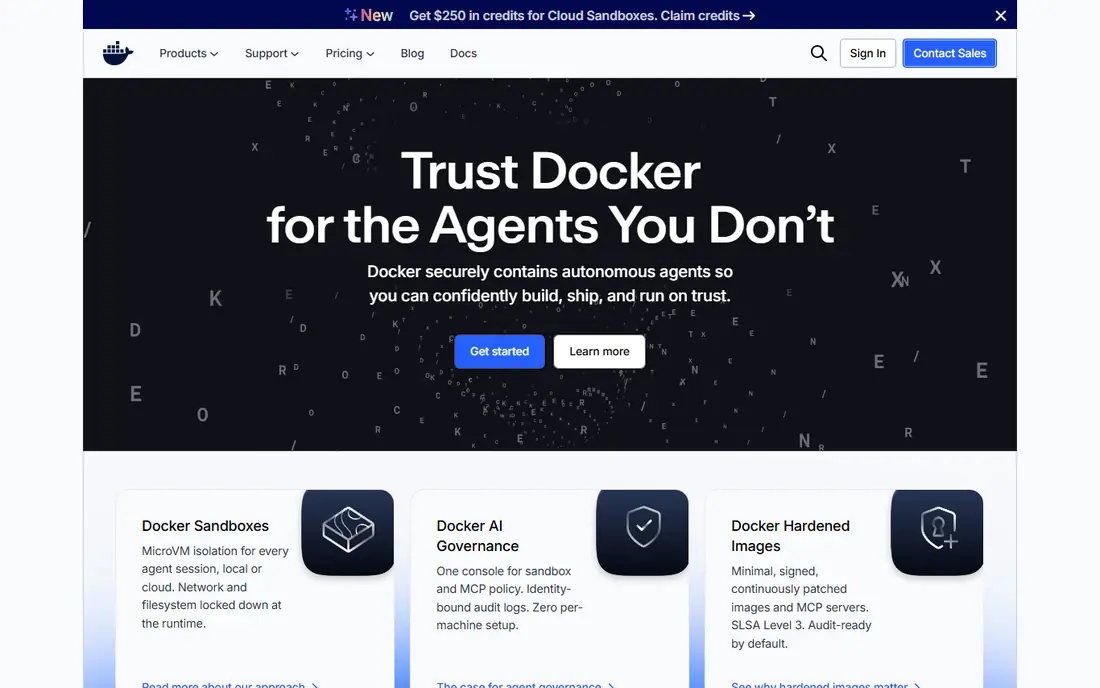
Docker set the pattern that most teams still follow. Developers build images, run them locally with Compose, and share them through a registry. That shared pattern matters when new hires join, because tutorials, sample projects, and CI examples usually assume Docker commands and image formats.
The catch is licensing and scale. Docker Desktop is free for personal use and for smaller businesses under the published limits, while larger companies need a paid plan, with Pro listed from $9 per user per month when billed annually. Docker alone also does not solve multi-host scheduling, so teams usually pair it with Kubernetes or a managed service when traffic grows.
- Widest tool and image support
- Familiar Compose workflows
- Strong documentation
- Paid Desktop licence for larger companies
- Single host limits production scale
Podman appeals to teams that want Docker style commands without a background daemon running as root. Containers can run rootless, which reduces the blast radius if a container is compromised. Podman Desktop adds a graphical view for teams that prefer not to live in a terminal all day.
Migration is usually straightforward, since Podman accepts many Docker commands and Compose files. The trade-off is polish in places. Some tools still assume a Docker daemon, and rootless networking can behave differently from a standard Docker setup. Test a real project before moving a whole team.
- Daemonless and rootless operation
- Docker compatible commands
- Open source
- Smaller desktop ecosystem
- Rootless networking can need extra setup
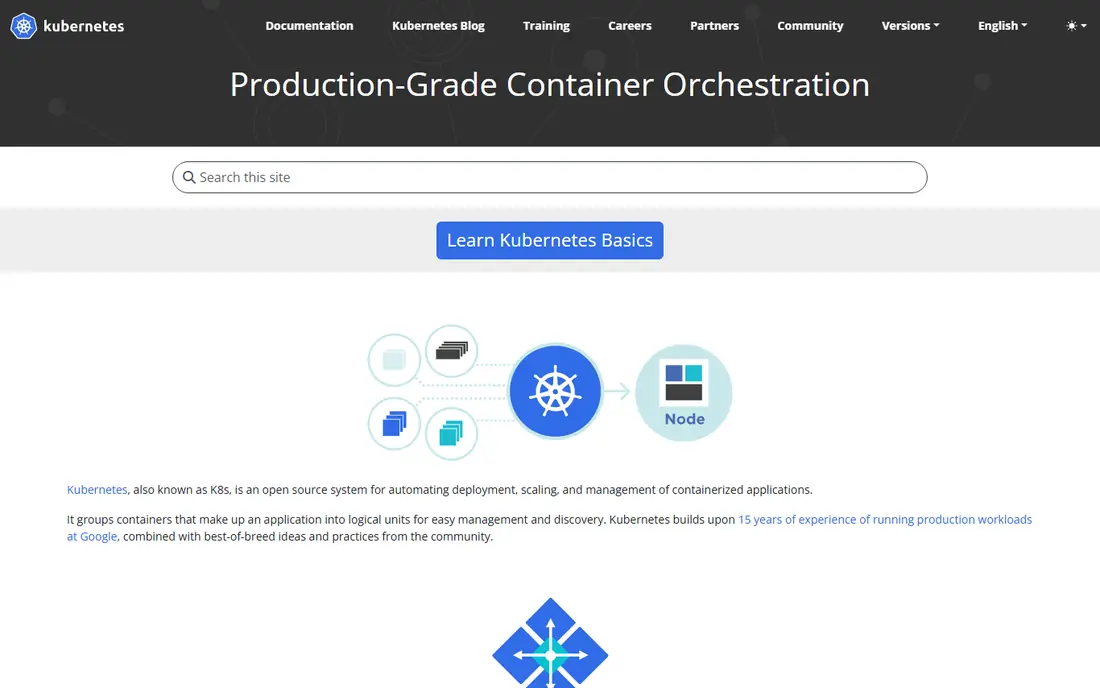
Kubernetes is the standard answer when an app must run across many machines, scale up and down, and recover from failures on its own. It handles scheduling, service discovery, rolling updates, and health checks in one system. The software itself is free and open source, and it runs on premises, in public clouds, and at the edge.
That power comes with real operating work. Teams need to manage clusters, upgrades, networking, storage, and access control, or pay a managed provider to do much of it. For a small app on one server, Kubernetes is often more machinery than the problem needs. For a growing service with many components, it pays off.
- Strong scheduling and self healing
- Huge ecosystem
- Portable across clouds
- Steep learning curve
- Needs ongoing platform work
Rancher sits above Kubernetes and gives platform teams one place to manage clusters in different clouds and data centres. It helps with provisioning, access control, policy, and upgrades across a fleet, rather than logging into each cluster separately. That central view is valuable once a company runs more than a handful of clusters.
Smaller teams may not need it. If you run one cluster, the extra management layer adds concepts and upgrades of its own. Rancher makes most sense when governance, consistency, and fleet visibility are daily problems, not occasional wishes.
- One view across many clusters
- Central access control
- Works across clouds
- Adds another layer to learn
- Enterprise pricing needs a quote
Portainer gives teams a web dashboard for containers, images, volumes, networks, and Kubernetes resources. It suits teams that include developers, support staff, or managers who need to see what is running without learning every command line flag. Role based access helps limit who can stop or change a workload.
Portainer does not remove the need for platform knowledge. Deep debugging, custom networking, and complex deployments still reward command line skills. Pricing also needs care, since the published enterprise subscription starts at a level aimed at organisations rather than hobby projects, so check the current plan before assuming a price.
- Clear visual dashboard
- Supports Docker, Podman, and Kubernetes
- Role based access
- Enterprise pricing is quote based for larger use
- Advanced Kubernetes work still needs kubectl skills
OrbStack is a Mac focused replacement for a local container engine. It is known for fast startup and light resource use, which matters on laptops where a heavy virtual machine can slow everything else down. Docker commands and Compose files generally keep working, so switching costs stay low for many developers.
The main limit is platform scope. It is a Mac tool, not a production platform, so teams on Windows or Linux need a different local setup. Personal use is free, while business use requires a Pro plan, listed at $8 per user per month. That is still cheaper than some desktop plans, but it is not free for commercial teams.
- Fast startup on Mac
- Low resource use
- Docker compatible
- Mac only
- Business use requires a paid plan
Google Kubernetes Engine, or GKE, runs Kubernetes without forcing a team to operate the control plane. Google handles control plane availability and upgrades, while teams focus on workloads, networking, and releases. Autoscaling options, including Autopilot mode, help match capacity to demand for spiky services.
Costs need watching. The control plane has an hourly charge in standard mode, and nodes, storage, networking, and load balancers add their own bills. Teams already invested in Google Cloud get the most value, since identity, logging, and monitoring fit together. Teams on another cloud should compare the full bill, not just the headline cluster price.
- Managed control plane
- Strong autoscaling
- Google Cloud integration
- Costs grow with nodes and traffic
- Google Cloud lock in increases over time
Amazon Elastic Kubernetes Service, or EKS, is the managed Kubernetes option for teams already running on AWS. It connects to AWS identity, networking, storage, and load balancing, and it runs in many regions. That integration shortens setup for teams that already use AWS services for databases, queues, and object storage.
EKS charges an hourly fee per cluster, plus the cost of worker nodes and related AWS resources. It also rewards AWS knowledge, since networking and permissions still need careful design. For AWS centred teams, that trade is usually worth it. For teams that want to stay portable, a plain Kubernetes setup may feel less tied to one provider.
- Managed control plane
- Deep AWS integration
- Wide region coverage
- Control plane charge per cluster
- AWS services add cost and complexity
OpenShift builds a complete application platform on top of Kubernetes. It adds developer workflows, build and deployment tools, integrated security scanning, and operator based management for common services. For regulated industries, that built in structure helps teams meet policy and audit needs without assembling every piece themselves.
The cost is the honest catch. OpenShift is priced for enterprises, and it brings more concepts than a bare Kubernetes cluster. Small teams will likely find it heavy, while larger platform teams with compliance needs may find the extra structure saves time. Get a quote for your core count and node plan before comparing it with a managed cloud service.
- Full platform with CI and security controls
- Enterprise support
- Consistent developer experience
- Higher cost and complexity
- Heavier than plain Kubernetes for small teams
How we picked these
We compared official product pages, pricing pages, and documentation for each platform, and checked app and platform listings where relevant. We favoured tools that are actively maintained, work for real dev team workflows in October 2026, and cover the full range from local development to production. We left out tools that have reached end of life or that serve a narrow niche with no clear team workflow.
Choosing the right container setup for your team
Start with the workload, not the brand. A team building a web app with a database and a worker process has different needs from a platform team running dozens of services across regions. Local speed matters most early on, while governance, upgrades, and incident response matter more once customers depend on the system.
Match the tool to the stage. Use Docker or Podman locally, add Compose for multi-container development, and move to Kubernetes only when scaling, availability, or multi-host deployment becomes a real need. Managed services make sense when the team would rather pay a cloud provider than hire platform engineers. Self managed Kubernetes makes sense when control, data location, or cost at scale matters more than convenience.
Plan for images and security from the start. Use a private registry for internal images, scan images for known issues, pin image versions for production, and limit who can push to production registries. Set resource limits so one service cannot starve the rest, and keep secrets out of images and source control. These habits matter more than the choice between two good runtimes.
Frequently asked questions
What is the best platform to containerize apps for dev teams?
For most teams, Docker is the easiest start, with Podman as a strong free alternative on Linux. Teams that need production scale should look at Kubernetes, either self managed or through a managed service such as GKE or EKS.
Do dev teams need Kubernetes to use containers?
No. Containers work well on a single host with Docker or Podman and Compose. Kubernetes becomes useful when you need scheduling across machines, automatic scaling, and self healing for larger or more critical services.
Is Docker free for dev teams?
Docker Desktop is free for personal use and for smaller businesses within the published limits, while larger companies need a paid plan. Docker Engine and the command line tools are open source, so teams can run containers without Docker Desktop in many setups.
What is the difference between Docker and Podman?
Both build and run containers with similar commands. Podman runs without a central daemon and supports rootless containers more directly, which can improve security. Docker has a larger desktop ecosystem and more third party integrations.
How much does managed Kubernetes cost?
It depends on cluster count, node size, storage, and traffic. Managed services charge for the control plane and for the compute underneath, so a small test cluster costs far less than a production fleet. Check the cloud pricing page for your region before committing.
Should a small team use OpenShift or Rancher?
Usually not at first. Both shine when a team manages many clusters or needs strict governance. A small team is better served by Docker or Podman locally and one managed Kubernetes cluster for production.
Sources
See where you really rank - block by block
ProMapRanker scans Google Maps across a grid of your service area. Simple monthly plans from $19, white-label on every plan.
Start freeKeep reading
 zoho inventory alternatives
6 Alternatives to Zoho Inventory, Compared on Price and Fit
Zoho Inventory alternatives: 6 tools compared on price, free plans and fit. Katana leads the list for manufacturers. Fit and flaws are laid out for each entry.
Read → zoho crm alternatives
Best Zoho CRM Alternatives (2026)
Need Zoho CRM alternatives? We compare 7 tools on cost, free access and who each suits. Every pick gets a straight assessment. Built for quick decisions.
Read → zelle alternatives
Best Zelle Alternatives in 2026
Compare the best Zelle alternatives for sending money to friends, paying sellers and moving funds abroad, with honest notes on fees, speed and safety in 2026.
Read →