 ProMapRanker
Best Platform to Automate Expense Reports in 2026


Keeping your current cards · Pricing starts at: $5 per member per month
Key takeaways
- The best automation captures a receipt at the point of spend, codes it, routes it for approval, and syncs it to accounting without retyping.
- Card first tools such as Ramp and Brex automate the most, while card neutral tools such as Expensify and Zoho Expense let you keep your current cards.
- Approval design matters more than receipt scanning alone. Test a policy breach, a missing receipt, and a multi level approval before you buy.
- Pricing is often per user or per report, so model the cost at your real headcount and report volume, not at the entry tier alone.
- A short pilot with one team, real receipts, and your accounting system will reveal more than any demo.
Quick comparison
| Pick | Great for | Pricing starts at | Free tier | |
|---|---|---|---|---|
| Expensify | Keeping your current cards | $5 per member per month | Yes | Visit |
 Ramp | Free automation with Ramp cards | Free | Yes | Visit |
 Brex | Free automation for startups | Free | Yes | Visit |
 Navan | Travel and expense automation together | Free | Yes | Visit |
 Zoho Expense | Low cost automation for small teams | See website | Yes | Visit |
 SAP Concur | Enterprise travel and expense control | See website | No | Visit |
 BILL Spend & Expense | Free card based expense automation | Free | Yes | Visit |
 Rydoo | Simple mobile expense automation | $9 per user per month | No | Visit |
 Sage Expense Management | Real time control on existing cards | $11.99 per user per month | No | Visit |
The best platforms to automate expense reports
Automating expense reports means removing manual steps, not just scanning paper. We compared tools on receipt capture, automatic coding, policy checks, approvals, reimbursements, and accounting sync, and we favoured products that handle the full flow from spend to books with as little typing as possible.

Expensify is the classic expense automation tool, and its strength is flexibility. You do not need to switch cards to use it, since it captures receipts from any card, codes them, routes them for approval, and syncs them to accounting. SmartScan reads receipt details from a photo, and staff can submit expenses from a phone in seconds, which cuts the end of month pile dramatically.
The catch is tiering. The Collect plan starts at 5 dollars per member per month, but multi level approvals, deeper integrations, and advanced controls need the Control tier. For a team that wants to keep its bank cards and still automate reports properly, Expensify remains the most flexible choice on this list.
- Works with your existing cards
- SmartScan receipt capture
- Strong accounting integrations and reimbursements
- Advanced controls sit on the higher Control tier
- Per member pricing adds up at scale
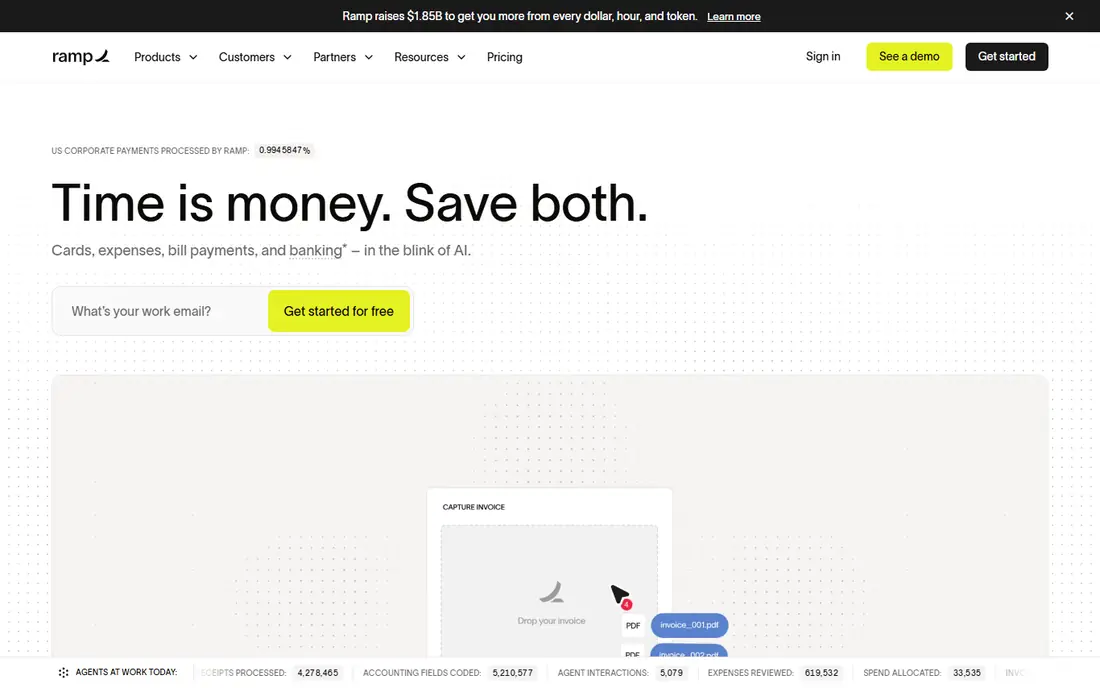
Ramp automates expense reports by removing the report itself in many cases. Card transactions arrive with merchant and category data, receipts are matched automatically, and approved spend syncs to accounting without staff building a report by hand. That card first design is why Ramp feels more automatic than a tool that starts from a scanned receipt.
The limit is the card switch. Ramp works best when your team uses Ramp cards, and the Plus tier adds cost for deeper controls. If your company is willing to move its card programme, Ramp gives you the strongest free automation here. If you must keep current cards, Expensify or Sage Expense Management will fit better.
- Free core platform
- Automatic receipt matching and coding
- Cards enforce limits before spend happens
- Best results need Ramp cards
- Advanced controls need the Plus tier at 15 dollars per user per month
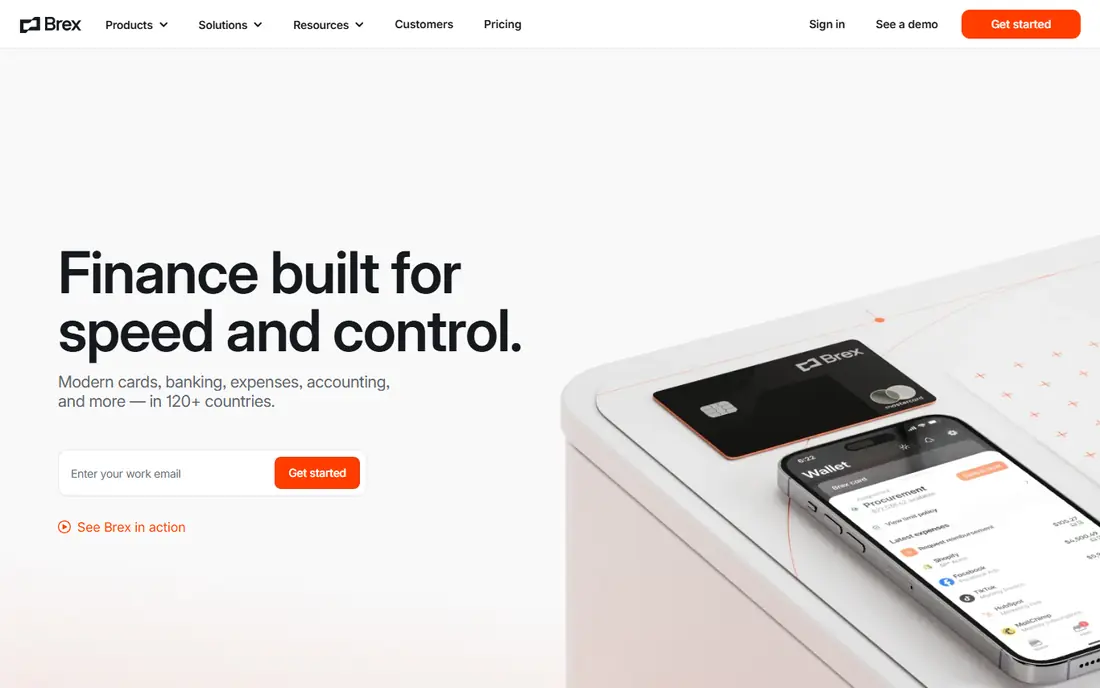
Brex automates expenses in a similar card first way to Ramp, with the added benefit of banking and bill pay in the same platform. Card spend flows into expenses automatically, receipts are captured by phone, and approvals route to managers without finance chasing paper. For a startup that already banks or cards with Brex, the automation is close to effortless for routine spend.
The drawback is tier and eligibility. The Essentials tier is free, but deeper controls and higher limits sit on Premium at 12 dollars per user per month, and card limits depend on company finances. For a funded startup that wants cards and expense automation together, Brex is a strong, clean choice.
- Free Essentials tier
- Automatic expense capture from Brex cards
- Banking, bill pay, and travel in one place
- Premium tier costs 12 dollars per user per month
- Card eligibility and limits apply
Navan is the pick when travel drives most expense reports. Staff book flights and hotels inside policy, card transactions for travel flow into expenses, and receipts are captured on the same trip, so a travel report builds itself rather than being assembled after the fact. Real time policy checks also stop out of policy bookings before money is spent.
The catch is price beyond the free tier. For companies under 300 employees, the first five monthly expensing users are free, but the paid plan costs 15 dollars per user per month after that. Teams with little travel will get better value from Ramp, Brex, or Expensify. Teams that travel often will save the most time with Navan.
- Travel bookings flow into expenses automatically
- Real time policy enforcement
- First five expensing users free for smaller firms
- Paid expense plan costs 15 dollars per user per month after free users
- Travel focus may exceed some teams needs
Zoho Expense is the budget route to automated reports, and it is especially good for teams already using Zoho Books. Receipts are scanned and coded automatically, approvals route to managers, and expenses sync to accounting without retyping. A free plan for up to three users makes it easy to trial with a small team before rolling it out wider.
The limit is scan caps and depth. Autoscan limits vary by tier, with the free plan covering a small number of receipts per user per month, so a high volume team will need a paid plan. Reporting and integrations are also simpler than enterprise tools. For a small team that wants low cost automation, Zoho Expense is a sensible first step.
- Free plan for up to three users
- Automatic receipt scanning
- Strong fit for teams already using Zoho Books
- Receipt scan limits apply by tier
- Advanced features need paid plans
SAP Concur is the enterprise standard for automated travel and expense, and its strength is control at scale. Complex policies, multi level approvals, audit trails, and global tax and currency handling are built in, and it integrates with SAP and other major ERP systems. For a large company with thousands of reports a month, that depth matters more than a simple interface.
The drawback is cost and effort. Concur prices by quote, and implementation for a large firm is a serious project with dedicated teams and training. Smaller companies will find it heavy and expensive for their needs. For an enterprise that needs audited, policy driven expense automation, Concur remains the benchmark to compare others against.
- Deep policy, audit, and approval controls
- Strong global travel and expense coverage
- Wide ERP integrations
- Quote only pricing
- Implementation is a multi month project for large firms
BILL Spend & Expense automates reports by tying them to cards and budgets from the start. Managers set a budget, cards enforce it, receipts are captured, and coded spend syncs to accounting, so month end work shrinks to reviewing exceptions rather than building reports. The core card product is free, which makes a pilot easy to justify.
The limit is scope. BILL accounts payable and receivable are separate products with their own pricing, so this tool alone is not a full finance suite. For a small or mid size team that wants free, budget led expense automation and already works with BILL or an accountant who does, it is a practical choice.
- Free core card product
- Budgets and approvals built in
- Receipts and coding flow to accounting
- Wider BILL payables features cost extra
- Best results need BILL cards
Rydoo suits mid size teams that want simple, mobile first expense automation without an enterprise project. Staff photograph receipts on a phone, expenses are coded and routed for approval, and per diem and mileage rules are handled inside the app. That simplicity helps adoption, since staff actually submit expenses on time when the app is easy.
The catch is price transparency and breadth. Rydoo starts at 9 dollars per user per month, with no free plan, and its integration list is narrower than Concur or Expensify. Check your accounting system before you commit. For a team that values a clean mobile experience over deep enterprise controls, Rydoo is a solid pick.
- Clean mobile receipt capture
- Per diem and mileage handling
- Straightforward approvals for mid size teams
- No free plan
- Integrations are narrower than enterprise rivals
Sage Expense Management, formerly Fyle, is a strong choice for companies that want automation without switching cards. It connects to existing corporate cards, captures spend in real time, checks policy as transactions arrive, and syncs coded expenses to accounting. That real time view helps finance spot problems during the month, not after it closes.
The drawback is cost and minimums. Plans start at 11.99 dollars per user per month, with no free plan, and some tiers require a minimum number of users. For a company already on Sage Intacct or Sage 300, the integration value is clear. For a team that can switch cards, Ramp or Brex may automate more for less.
- Works with existing corporate cards
- Real time expense capture and policy checks
- Strong fit for Sage accounting users
- No free plan
- Minimum seat counts apply on some tiers
How we picked these
We compared expense automation tools using vendor pricing pages, feature lists, and public documentation, and we kept only live products in October 2026 that automate receipt capture, coding, approvals, and accounting sync. We favoured real time capture, policy enforcement before reimbursement, and clean accounting integrations. We left out simple receipt scanners with no approval or accounting flow.
How to automate expense reports well
Start with policy, not software. Decide receipt thresholds, allowed categories, approval levels, and reimbursement timing, then build those rules into the tool so exceptions are flagged automatically. Next, make capture easy: card feeds for card spend, phone scanning for cash receipts, and email forwarding for digital receipts, so staff never need to keep paper.
Then run a pilot with one team and your real accounting system. Check that coding, tax handling, and multi currency work match your books, and that managers approve on a phone without training. Measure the time from spend to approved report, and the share of reports that need manual fixes. If that share stays high, fix the policy or the coding rules before you roll out wider. Automation should cut finance review to exceptions, not move typing from staff to finance.
Frequently asked questions
What is the best platform to automate expense reports?
It depends on your cards and size. Ramp and Brex automate the most for free when you use their cards, Expensify and Sage Expense Management automate well with your current cards, and SAP Concur suits large enterprises. For most small and mid size teams, start with Expensify, Ramp, or Zoho Expense.
Do I need to switch corporate cards to automate expenses?
No, but it helps. Card first tools automate more because card data arrives with merchant and category details already attached. Card neutral tools such as Expensify, Zoho Expense, and Sage Expense Management work with existing cards and still automate receipt capture, coding, and approvals.
How much does expense automation software cost?
Free card based tools cost nothing for the core platform, while paid tools commonly range from about 5 to 15 dollars per user per month. Enterprise tools such as SAP Concur price by quote. Model the cost at your real user count and report volume, including any platform fees.
Can expense software handle travel and mileage?
Yes, most tools on this list handle travel expenses, and several handle mileage and per diem rules as well. Navan and SAP Concur are strongest for travel, while Rydoo and Expensify cover mileage and per diem for general teams. Check the exact rules for your countries and policies before you buy.
What happens to receipts in an automated system?
Receipts are photographed, emailed, or captured from a card feed, then matched to a transaction, coded, and stored with the expense record. Good systems flag missing receipts above your threshold and remind staff automatically. Keep the digital receipt as the record, and follow your accounting retention rules for how long to store it.
How long does it take to set up expense automation?
Card based tools can go live in days once card approval clears, while card neutral tools typically take one to three weeks including policy setup. Enterprise tools such as SAP Concur take longer, often months, with dedicated implementation. Ask each vendor for a written timeline tied to your accounting system.
Sources
See where you really rank - block by block
ProMapRanker scans Google Maps across a grid of your service area. Simple monthly plans from $19, white-label on every plan.
Start freeKeep reading
 zscaler alternatives
Best Zscaler Alternatives in 2026
Looking for zscaler alternatives? We compare 9 SASE and zero trust platforms on architecture, data protection, pricing, and fit for your network and team.
Read → zapier alternatives free
Best Zapier Alternatives Free in 2026
Nine automation tools for zapier alternatives free in 2026, all with genuinely free tiers, plus free plan limits, starting prices and upgrade paths explained.
Read → which platform is best for online reputation
Which Platform Is Best for Online Reputation in 2026
Wondering which platform is best for online reputation? We compare 8 review, listing, and response tools for small and multi-location businesses and agencies.
Read →