 ProMapRanker
Best Platform for Portfolio Website in 2026


Polished portfolios that also sell · Pricing starts at: $16 per month
Key takeaways
- Squarespace suits most creatives who want polished templates and selling tools in one place, while Wix suits those who want the most template choice.
- Format and Pixpa suit photographers and working creatives who need client galleries and proofing alongside a portfolio.
- Adobe Portfolio is the lowest-friction pick for creatives already paying for Creative Cloud, but it is narrower than a full website builder.
- Cargo and Webflow suit design-led portfolios that need more layout freedom, at the cost of a steeper learning curve.
- A custom domain, image quality and mobile layout matter more than a long template list, so test with your own work.
Quick comparison
| Pick | Great for | Pricing starts at | Free tier | |
|---|---|---|---|---|
| Squarespace | Polished portfolios that also sell | $16 per month | Free trial | Visit |
 Wix | Maximum template choice and flexibility | $17 per month | Yes | Visit |
 Format | Photographers needing client proofing | See website | Free trial | Visit |
 Pixpa | All-in-one portfolio, galleries and store | $5.40 per month | Free trial | Visit |
 Adobe Portfolio | Creative Cloud subscribers | See website | No | Visit |
 Cargo | Experimental, design-led portfolios | $13 per month | Yes | Visit |
 Carbonmade | Simple portfolio-only sites | See website | Free trial | Visit |
 Webflow | Designers wanting full layout control | $14 per month | Yes | Visit |
 SmugMug | Photographers selling prints at volume | $20 per month | Free trial | Visit |
The best platform for portfolio website
We compared vendor pricing pages, product documentation and public reviews to find platforms that genuinely build portfolio websites, not only general blogs or shops.
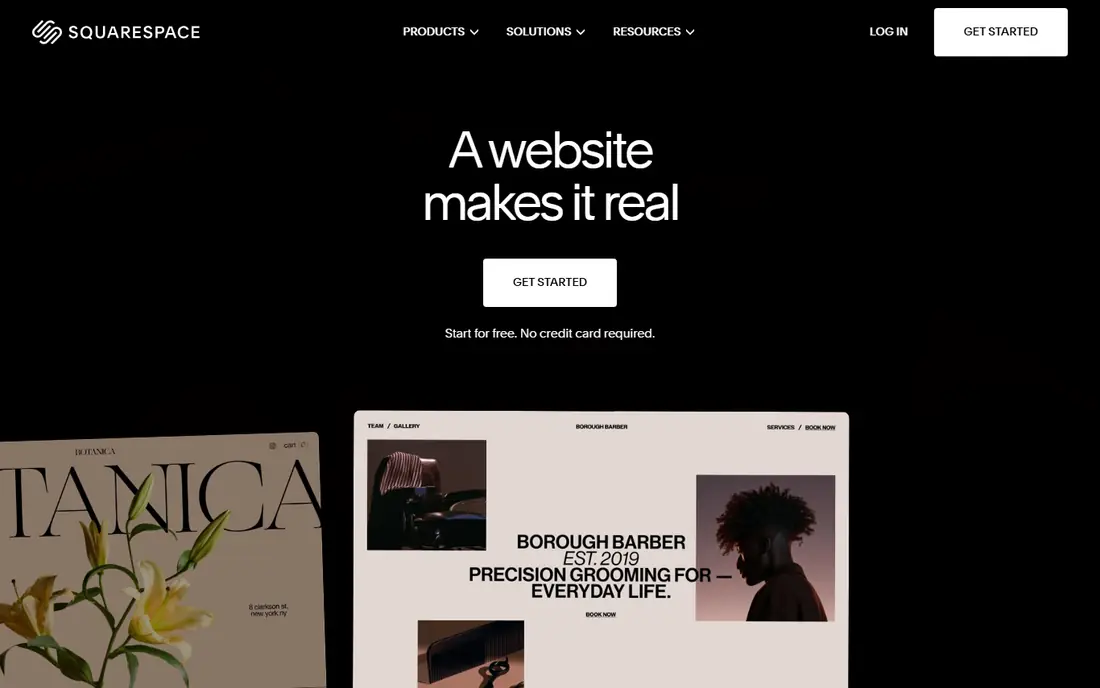
Squarespace is the pick we would suggest first to most creatives. Its templates were designed with visual work in mind, and layouts keep typography, spacing and image presentation coherent without much effort. Plans start at $16 per month billed annually, covering hosting, security, templates and selling tools, so prints, originals and commissions can be sold from the same site.
The honest catch is that Squarespace is a general website builder with portfolio strengths, not a photographer-specific platform. There is no client proofing workflow, no watermarking system and no print lab integration, so photographers with client work may feel those gaps. The 14-day trial is also short, so use it actively. For a portfolio that must look polished with minimum fuss, Squarespace is hard to beat.
- Refined portfolio templates
- Selling, scheduling and email tools built in
- Free custom domain for the first year on annual plans
- No permanent free plan, only a 14-day trial
- No client proofing or print lab workflow

Wix offers the most template choice in this list, plus an AI site builder that can draft a site from a few answers. A free plan lets a creative start without paying, though it shows Wix branding and uses a Wix subdomain. Paid plans start at $17 per month billed annually, adding a custom domain, more storage and removal of Wix ads.
Flexibility is both the strength and the risk. With so many templates, sections and apps, a portfolio can drift into a cluttered layout unless the owner keeps the design disciplined. Wix fits creatives who want choice and control, and who are happy to edit a site themselves rather than accept a fixed template structure.
- Widest template range
- Free plan to start
- AI site builder and large app market
- Free plan shows Wix branding
- Flexibility can lead to messy layouts without care
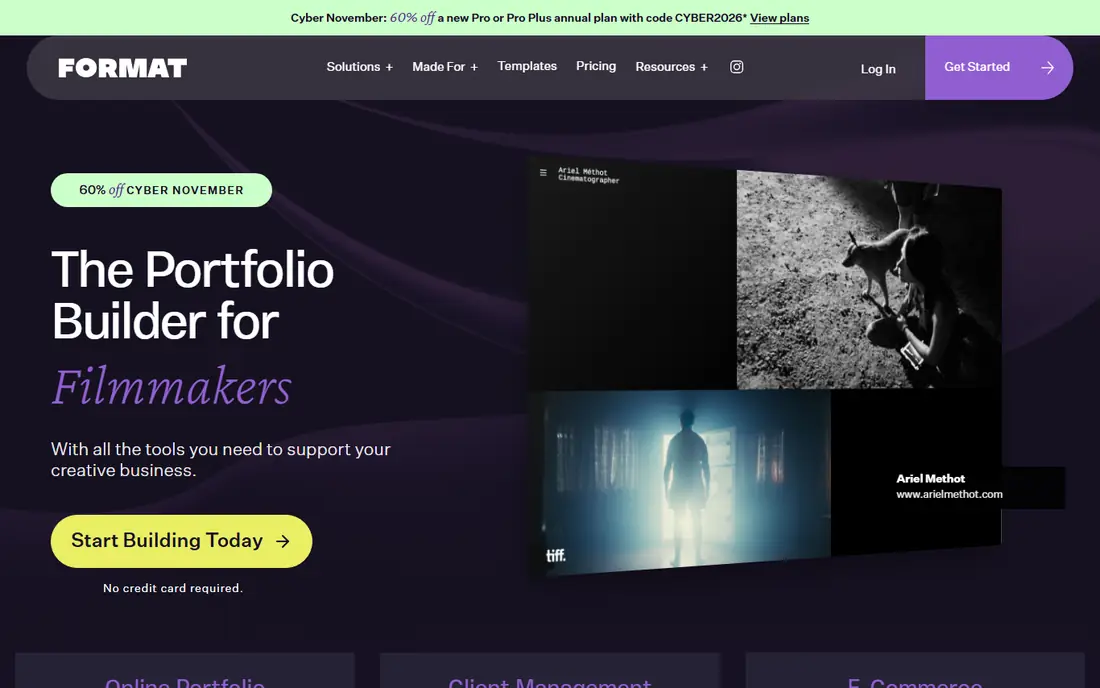
Format is built for photographers and filmmakers who need a portfolio plus client work tools. Its templates prioritise images, with gallery layouts, lightbox viewing and horizontal scroll options that suit photography. Client proofing lets a photographer share galleries for selection, and higher plans add store features and custom code options.
Pricing has varied across sources, so check the vendor pricing page for the current plan that fits your needs. Store limits on lower plans also matter for photographers who sell many products. Format fits photographers who want a professional portfolio with proofing, rather than a general website builder.
- Photographer-focused templates
- Client proofing and gallery tools
- Clean image presentation
- Pricing varies by plan and has changed over time
- Store features are limited on lower plans
Pixpa is the value pick for working creatives. Its Basic plan starts at $5.40 per month billed annually, and it combines portfolio templates, client galleries, a store with no commission, and a blog in one system. That all-in-one scope suits photographers, designers and artists who want to show work, deliver client galleries and sell prints without stitching tools together.
The trade-off is scale of community and resources. Pixpa has fewer third-party guides and templates than Squarespace or Wix, though its own template range is large. The 15-day trial is also short, so test with real galleries before buying. For a low-cost, complete portfolio platform, Pixpa is hard to ignore.
- Low entry price
- Many templates
- Client galleries, store and blog in one platform
- No commission on store sales
- Smaller community than Squarespace or Wix
- 15-day trial is short
Adobe Portfolio is included with paid Creative Cloud plans, which makes it effectively free for creatives already paying for Photoshop, Lightroom or other Adobe apps. It offers clean, minimalist layouts, a custom domain, unlimited pages and sync with Lightroom collections and Behance, so a photographer can publish work quickly.
The limits are scope and access. There is no standalone subscription, no native store, no blog engine and no complex forms beyond a contact form. If portfolio presentation is the whole job, Adobe Portfolio is the lowest-friction pick for Adobe users. If selling, blogging or complex site features matter, a full builder such as Squarespace or Pixpa fits better.
- Included with Creative Cloud plans
- Simple, clean layouts
- Lightroom and Behance sync
- No standalone subscription
- No native store
- Narrow feature set compared with full builders
Cargo suits artists and designers who want a portfolio that does not look like a template. Its editor allows freeform, editorial layouts with custom code, which suits experimental and art-directed work. Users can build for free and pay to publish, with plans starting at $13 per month, and commerce is available as an add-on.
The trade-off is guidance. Cargo offers fewer ready-made templates than Squarespace or Wix, so a user who wants a quick, polished result may find it slower. Commerce and some features also need add-ons. Cargo fits creatives who value design freedom over template speed.
- Editorial, art-directed layout freedom
- Free to build, pay to publish
- Custom code options
- Smaller template library
- Commerce is an add-on
- Learning curve for experimental layouts
Carbonmade is the simplest tool here, built only for portfolios. Its block-based builder lets a designer drop in projects, images and text and publish a clean site quickly, without learning a full website platform. That focus suits designers, illustrators and artists who want a portfolio and nothing else.
The limits follow from that focus. There is no blog, limited custom code and fewer features than Squarespace, Wix or Pixpa. Pricing has varied across sources, so check the vendor page for the current plan. Carbonmade fits creatives who want the fastest route to a simple, clean portfolio.
- Very simple block-based builder
- Purpose-built for designer portfolios
- Quick to launch
- Limited custom code and features
- No blog
- Smaller template range
Webflow gives designers control close to hand-coded sites, with layout, animation and CMS tools in a visual editor. A free Starter plan lets a user build on a Webflow subdomain, and paid site plans start at $14 per month for a basic site. CMS plans add blog and dynamic content, which suits designers who publish case studies regularly.
The learning curve is real. Webflow rewards designers who understand layout and spacing, and beginners may need tutorials before they work fast. Commerce is an add-on, not a core strength. Webflow fits designers who want full control and are willing to learn a professional tool.
- Developer-grade design control
- Free Starter plan
- CMS and blog on higher plans
- Clean code output
- Steeper learning curve
- Commerce is an add-on
- Overkill for a simple portfolio
SmugMug is built for photographers who sell prints and deliver galleries. Paid plans start at $20 per month billed annually, with unlimited photo storage and print lab fulfilment, so a photographer can sell prints without handling printing and shipping. Gallery and client delivery tools suit wedding, portrait and commercial photographers.
Design flexibility is narrower than Squarespace or Webflow, and SmugMug is less suited to designers or writers who need varied page types. For photographers whose main income is print sales and gallery delivery, SmugMug is a practical, focused platform.
- Strong gallery and print sales tools
- Unlimited photo storage on paid plans
- Client delivery options
- Less flexible for non-photography portfolios
- Design options are narrower than Squarespace
How we picked these
We compared official pricing pages, product documentation and public reviews, and we kept only platforms that build real portfolio websites and are available today. We mixed general builders, photographer platforms, design-led tools and a Creative Cloud option, so different creatives can find a fit. We did not claim hands-on testing, and we wrote "See website" where pricing varied or was not published clearly.
What to check before you choose
Start with your own work, not the template gallery. Upload a real project, check image quality on a phone and a desktop, and see how the layout handles long case studies or large galleries. A template that looks good with stock photos can fail with your actual images.
Next, check selling and client needs. If you sell prints, confirm print fulfilment, commissions and store limits. If you deliver client work, confirm proofing, download controls and gallery expiry. Finally, check the domain and renewal price. A low first-year price can rise on renewal, and a free plan with platform branding may not suit professional outreach.
Frequently asked questions
What is the best platform for a portfolio website?
For most creatives, Squarespace is the safest pick, thanks to polished templates and built-in selling tools. Wix suits those who want the most templates, Pixpa suits those who want low-cost all-in-one features, and Adobe Portfolio suits Creative Cloud subscribers. The best platform depends on your work type, selling needs and budget.
What is the best online portfolio platform for photographers?
Format, Pixpa and SmugMug are strong photographer picks. Format offers proofing and clean galleries, Pixpa combines galleries, store and blog at a low price, and SmugMug excels at print sales and delivery. Adobe Portfolio also suits photographers already using Lightroom and Creative Cloud.
What are the best portfolio platforms for designers?
Squarespace, Webflow and Cargo suit designers best. Squarespace offers polished templates with little effort, Webflow offers full layout control, and Cargo offers editorial freedom for experimental work. Carbonmade suits designers who want a simple portfolio-only site.
Is there a free portfolio website platform?
Yes. Wix offers a free plan with Wix branding, Webflow offers a free Starter plan on a subdomain, and Cargo lets users build for free before paying to publish. Adobe Portfolio is included with Creative Cloud, not free on its own. Free plans suit testing and early-career portfolios, but a paid plan is better for professional outreach.
How much does a portfolio website cost?
Entry prices range from free plans with Wix, Webflow and Cargo, to $5.40 per month with Pixpa, $13 with Cargo, $14 with Webflow, $16 with Squarespace, $17 with Wix and $20 with SmugMug, all billed annually where stated. Format, Adobe Portfolio and Carbonmade pricing should be checked on the vendor site, since they vary by plan or bundle.
Sources
See where you really rank - block by block
ProMapRanker scans Google Maps across a grid of your service area. Simple monthly plans from $19, white-label on every plan.
Start freeKeep reading
 zoro.to alternatives
Best Zoro.to Alternatives in 2026
We compare the best zoro.to alternatives in 2026, listing only legal licensed anime streaming services, from Crunchyroll to free options for fans today.
Read → zip alternatives
Best Zip Alternatives in 2026
We compare the best zip alternatives for buy now, pay later in 2026, covering pay-in-4 plans, fees, spending limits, and credit reporting options today.
Read → yesware alternatives
Best Yesware Alternatives in 2026
Compare the best yesware alternatives for sales email tracking, templates, and sequences, with current pricing and honest tradeoffs for small sales teams.
Read →