 ProMapRanker
Best Platform for Photographers in 2026


Portfolio, store, and bookings in one · Pricing starts at: $19 per month
Key takeaways
- Squarespace is our pick for most photographers who want a polished portfolio, store, and booking tools in one site.
- Format suits photographers whose portfolio must carry the brand, with templates built only for visual work.
- Pixieset is the best choice when client galleries, proofing, and delivery drive the business, especially for weddings and events.
- SmugMug and Zenfolio suit photographers who sell prints, with lab fulfillment and storage built in.
- Adobe Portfolio is the cheapest credible option for photographers who already pay for Creative Cloud.
Quick comparison
| Pick | Great for | Pricing starts at | Free tier | |
|---|---|---|---|---|
| Squarespace | Portfolio, store, and bookings in one | $19 per month | Free trial | Visit |
 Format | Portfolio built only for photos | $8 per month | Free trial | Visit |
 Pixpa | Budget portfolio plus store | See website | Free trial | Visit |
 SmugMug | Print sales and unlimited storage | $20 per month | Free trial | Visit |
 Adobe Portfolio | Creative Cloud users | See website | No | Visit |
 Pixieset | Client galleries and proofing | $10 per month | Yes | Visit |
 Zenfolio | Delivery plus print fulfillment | $7 per month | Free trial | Visit |
 Wix | Flexible builder with free start | $17 per month | Yes | Visit |
 ShootProof | Client galleries and sales for studios | See website | Free trial | Visit |
The best platform for photographers
We compared portfolio design, client galleries, print sales, booking, and pricing from official product pages and public pricing summaries. The platforms below all serve photographers today, and they differ in whether design, delivery, or sales leads the product.
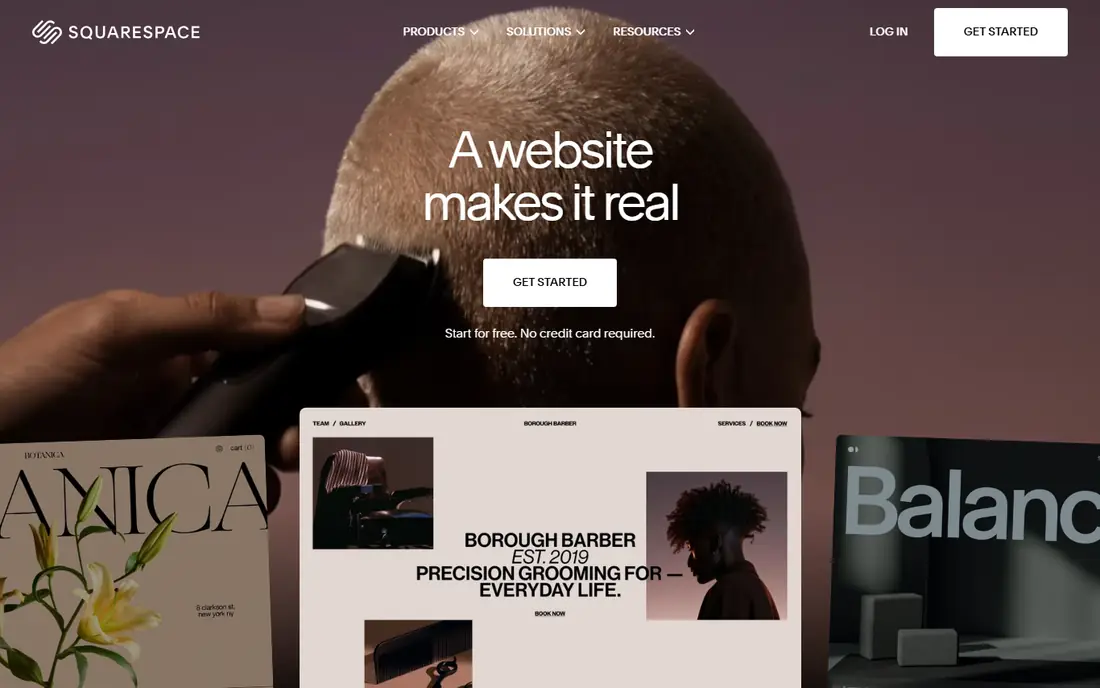
Squarespace is the safest pick for a photographer who needs one site to do several jobs. Templates are image-led and clean, with large photos, simple navigation, and mobile layouts that hold up on a phone. A store, blog, email marketing, and booking tools can sit on the same site, so a portrait photographer can show work, sell prints, and take bookings without stitching tools together. Pricing starts at $19 per month billed annually, with a 14-day free trial.
The limit is gallery depth. Squarespace galleries look good, but proofing, client favorites, and delivery workflows are less tailored than Pixieset or ShootProof. Print sales also need the photographer to handle printing or connect a print-on-demand service, rather than using a built-in lab. For a photographer whose main goal is a strong public portfolio plus bookings, Squarespace is hard to beat.
- Polished image-led templates
- Store, blog, and booking tools in one site
- Strong SEO and marketing tools
- Client gallery tools are less deep than Pixieset
- Print fulfillment needs third-party services
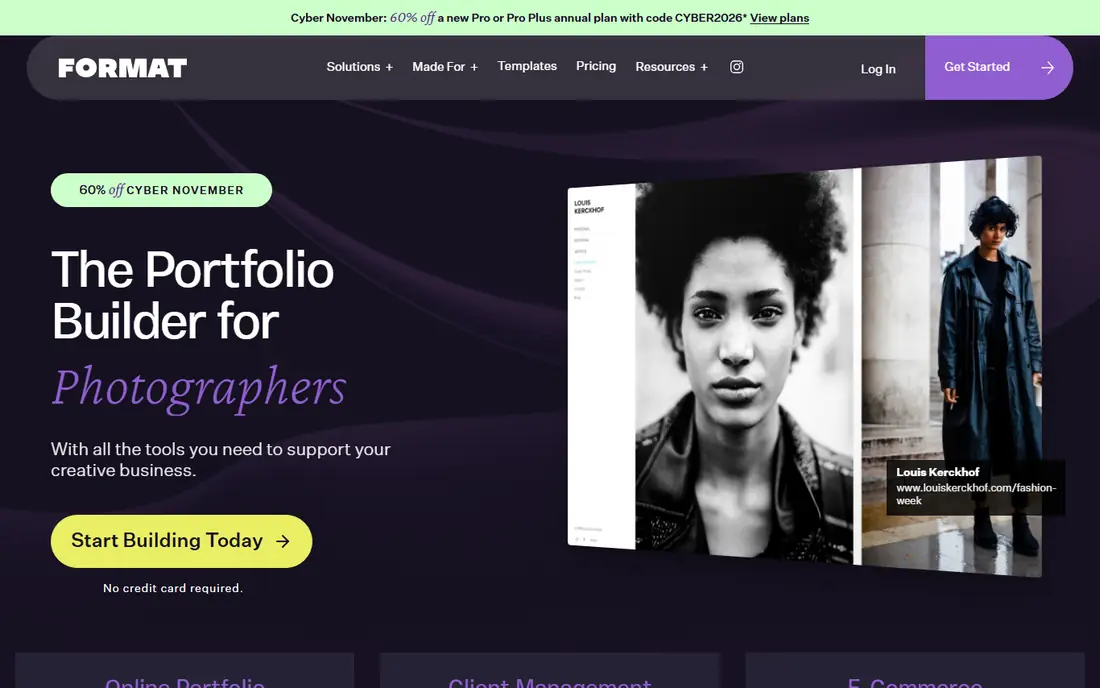
Format is built for photographers, not for general websites, and that focus shows in the templates. Layouts put photos first, with clean grids, full-screen views, and typography that stays out of the way. Client galleries, proofing, and a store sit beside the portfolio, so a working photographer can deliver work and sell prints without a second platform. Pricing in public summaries starts at $8 per month billed annually, with a 14-day free trial.
The trade-off is breadth. Format does not match Squarespace on general marketing, blogging, and booking depth, so a photographer who also runs workshops or a large blog may feel limits. Plan names and included features also change, so the vendor pricing page should be checked at purchase time. For a portfolio that must impress an art director or editor, Format is a strong pick.
- Templates designed only for visual portfolios
- Client galleries and store tools
- Lightroom integration for many users
- Fewer general business tools than Squarespace
- Pricing and plan details need checking on the vendor site
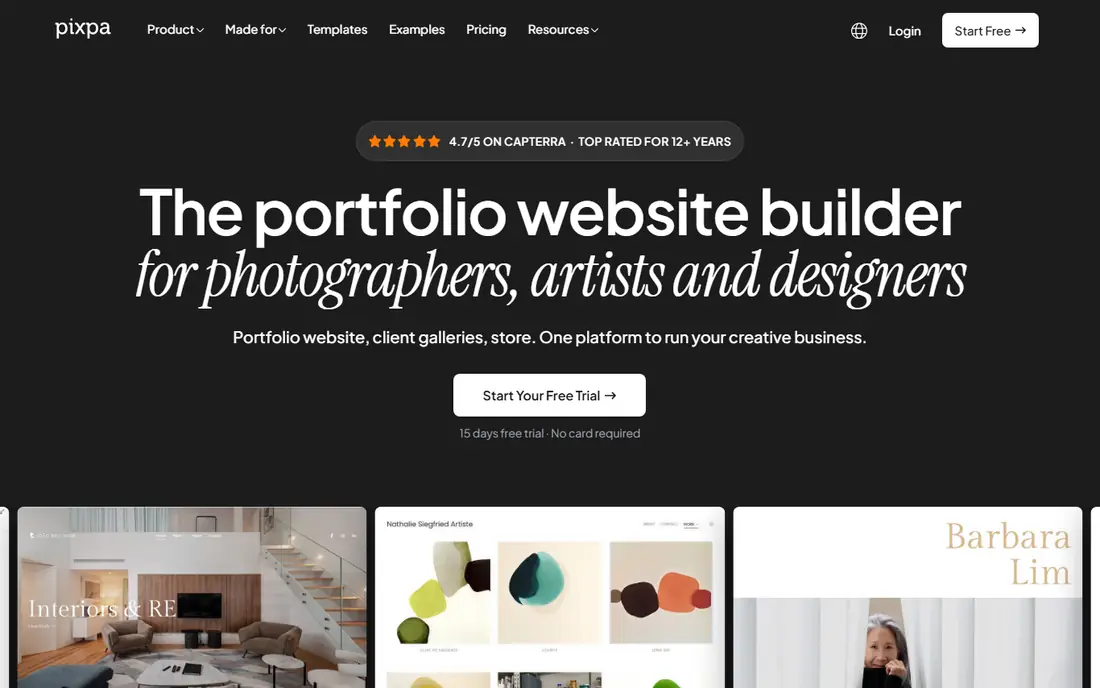
Pixpa suits photographers on a tight budget who still want a portfolio, client galleries, and a store in one place. The platform covers galleries, e-commerce, blogging, and SEO basics, with no commission on store sales in published summaries. That combination is rare at a low price, and it helps a photographer who sells prints or digital files without giving up a cut on each sale. A 15-day free trial lets a user build a real site before paying.
Template polish is the honest gap. Some Pixpa templates look less refined than Squarespace at first glance, though careful image selection and layout choices close much of that gap. Pricing also varies by plan and promotion, so we list it as See website and advise checking the vendor page. For value, Pixpa is one of the strongest options here.
- Portfolio, galleries, and store in one low-cost plan
- No commission on store sales in published summaries
- 15-day free trial
- Template polish is below Squarespace for some users
- Pricing varies by plan and promotion
SmugMug is for photographers whose revenue comes from prints and image sales. Every paid plan includes unlimited storage for photos and videos at full resolution, which removes storage worry for large archives. Print labs fulfill and ship orders, so a photographer can sell prints without handling printing or shipping. Watermarking, password protection, and download controls help protect work shared with clients.
The design trade-off is real. SmugMug sites can look less polished than Squarespace out of the box, and setup takes longer to learn. Pricing in public summaries starts at $20 per month billed annually, with a 14-day free trial. For a photographer who sells prints at volume, the storage and lab tools outweigh the design gap. For a portfolio-only photographer, Squarespace or Format may look better faster.
- Unlimited photo storage on paid plans
- Print lab fulfillment and sales tools
- Watermarking and download controls
- Website design is less polished than Squarespace
- Learning curve for site setup is longer
Adobe Portfolio is the cheapest credible portfolio for photographers who already pay for Creative Cloud. It is included with a Creative Cloud subscription, so the marginal cost is zero for current subscribers. Layouts are simple and clean, with large images and minimal text, and Lightroom collections can feed a portfolio with little extra work. For a photographer who already edits in Lightroom and Photoshop, that flow is convenient.
The limits are scope and independence. Adobe Portfolio has no standalone free plan, so non-subscribers need a Creative Cloud plan to use it. Store, booking, and client gallery tools are thinner than Squarespace or Pixieset. For a simple portfolio that shows work well, it is excellent. For a full studio business site, a dedicated platform fits better.
- Included with Creative Cloud subscriptions
- Simple clean layouts
- Easy sync from Lightroom collections
- No standalone free plan
- Fewer store and booking tools than Squarespace
- Limited template range
Pixieset is the best tool when client delivery drives the business. Galleries are clean, fast, and easy for clients to use, with favorites, proofing, and download controls that wedding and family photographers rely on. A store can sell prints and digital files from the same gallery, and studio tools cover bookings and contracts on higher plans. A free plan lets a new photographer deliver a first job without paying.
The public site side is less flexible than a full website builder. A photographer who wants a highly custom homepage with a blog and complex pages may prefer Squarespace for the public site and Pixieset for delivery. Pricing in public summaries starts at $10 per month, with a free tier available. For gallery-led businesses, Pixieset is the pick we suggest first.
- Clean client galleries with proofing and favorites
- Store and studio tools for bookings
- Free plan for starting out
- Public portfolio design is less flexible than Squarespace
- Higher tiers needed for larger gallery volume
Zenfolio suits photographers who handle volume work, such as schools, sports, and events, as well as portrait studios. Galleries, booking, and print fulfillment sit in one system, with tools for managing many clients and orders at once. Print labs fulfill orders, which saves a studio from packing and shipping. Pricing in public summaries starts at $7 per month billed annually, with a free trial.
Design is the trade-off. Zenfolio templates can feel less modern than Squarespace, though they are functional and client-friendly. Plan details also vary, so the vendor pricing page should be checked before purchase. For a studio that lives on gallery delivery and print orders, Zenfolio covers the full workflow in one place.
- Galleries, booking, and print sales in one studio system
- Volume photography tools for schools and events
- Lab fulfillment
- Template design is less modern than Squarespace for some users
- Pricing varies by plan
Wix suits photographers who want design freedom and a free starting point. The template library includes many photography options, and the drag-and-drop editor allows precise placement of images, text, and sections. A free plan lets a user build and publish a basic site, with paid plans from $17 per month billed annually in public summaries removing branding and adding features. For a photographer testing ideas, that free start is useful.
Gallery depth is the limit. Wix galleries look good, but proofing and delivery workflows are less tailored than Pixieset or ShootProof. The free plan also shows Wix branding and has limits that make it unsuitable as a long-term professional site. For a flexible portfolio with room to grow, Wix is a solid option, especially for users who like hands-on design.
- Large template library including photography templates
- Free plan to start
- Flexible drag-and-drop design
- Client gallery tools are less tailored than Pixieset
- Free plan shows Wix branding and limits
ShootProof is a studio tool first and a portfolio second. Client galleries support proofing, favorites, and sales, with contracts, invoices, and print lab fulfillment in the same system. That breadth helps a wedding or portrait studio run bookings, delivery, and sales without several separate tools. A free trial lets a studio run a real gallery before paying.
The public portfolio side is thinner than Squarespace or Format, so many studios pair ShootProof for delivery with a separate portfolio site. Pricing is not published as a simple entry figure here, so we list it as See website. For a studio whose income depends on gallery sales, ShootProof covers the business workflow well.
- Client galleries with sales and contracts
- Print lab fulfillment
- Studio tools for invoices and bookings
- Public portfolio design is thinner than Squarespace
- Pricing needs checking on the vendor site
How we picked these
We compared official feature pages, pricing pages, and public pricing summaries for platforms that serve photographers in October 2026. We kept platforms with a live portfolio or gallery product and a current homepage, and we dropped social-only sites that do not offer a real portfolio website. Prices are entry paid prices as published or summarized, and we wrote See website where pricing varies by plan or is not published as a simple figure. We did not claim hands-on testing, and we checked that each homepage below belongs to the named product.
Choosing a photography platform that fits your work
Start with how you earn money. If clients find you through your portfolio, design leads, and Squarespace or Format will serve you best. If clients pay you through galleries, delivery leads, and Pixieset, Zenfolio, or ShootProof will save time every week. If prints are the main income, SmugMug or Zenfolio with lab fulfillment will matter more than template polish. If you already pay for Creative Cloud and only need a simple portfolio, Adobe Portfolio costs nothing extra.
Test with your own images before paying. Upload a full gallery, including dark photos, bright photos, and detailed close-ups, and view the site on a phone, because most clients will first see your work there. Check load speed, color rendering, and how favorites and downloads work from a client view. Confirm storage limits, commission on sales, and whether your own domain is included or extra. A platform that shows your work well on a phone and makes buying easy will earn its price faster than a prettier site that clients struggle to use.
Frequently asked questions
What is the best platform to showcase photography?
Squarespace and Format are strong for showcasing photography, with image-led templates that put work first. Adobe Portfolio also showcases work cleanly for Creative Cloud users. The best showcase depends on whether you also need a store, bookings, or client galleries on the same site.
What are the best photography platforms for selling prints?
SmugMug and Zenfolio suit print sales, with lab fulfillment, watermarking, and download controls built in. Pixpa and Pixieset also sell prints and digital files from galleries, with no commission on Pixpa store sales in published summaries. Check lab options, print sizes, and commission before choosing.
What is the best platform for photography portfolios on a budget?
Pixpa offers strong value for a portfolio plus store, and Adobe Portfolio costs nothing extra for Creative Cloud subscribers. Wix offers a free plan to start, though paid plans remove branding and limits. Test two platforms with your own images before committing to a year.
Do photographers need a website in 2026?
A website still helps photographers own their audience, control how work is presented, and take bookings and sales directly. Social media helps with discovery, but reach depends on algorithms and posts fade quickly. A portfolio site gives a stable home for work, search visibility, and direct client contact.
Can I use one platform for portfolio and client galleries?
Yes, several platforms cover both, including Squarespace, Format, Pixpa, SmugMug, and Zenfolio. Pixieset and ShootProof lean more toward galleries and delivery, with a simpler public site. If galleries drive most income, pick a gallery-led tool first and add a portfolio site only if needed.
Sources
See where you really rank - block by block
ProMapRanker scans Google Maps across a grid of your service area. Simple monthly plans from $19, white-label on every plan.
Start freeKeep reading
 zoho inventory alternatives
6 Alternatives to Zoho Inventory, Compared on Price and Fit
Zoho Inventory alternatives: 6 tools compared on price, free plans and fit. Katana leads the list for manufacturers. Fit and flaws are laid out for each entry.
Read → zoho crm alternatives
Best Zoho CRM Alternatives (2026)
Need Zoho CRM alternatives? We compare 7 tools on cost, free access and who each suits. Every pick gets a straight assessment. Built for quick decisions.
Read → zelle alternatives
Best Zelle Alternatives in 2026
Compare the best Zelle alternatives for sending money to friends, paying sellers and moving funds abroad, with honest notes on fees, speed and safety in 2026.
Read →