 ProMapRanker
Best Platform for Online Worksheet Creation in 2026

Key takeaways
- Wizer.me and Liveworksheets are the purest worksheet tools here, with self-grading interactive sheets as their core job.
- Canva for Education is best for printable, good-looking sheets, while Quizizz suits worksheets that behave like quizzes and games.
- Twinkl Create and Education.com help teachers who want ready-made sheets to adapt rather than starting blank.
- TeacherMade and Genially extend the range, by turning PDFs into assignments and by adding interactive layers.
- Pure worksheet tools are thinner than general lesson tools, so this list mixes dedicated worksheet builders with creation tools that support taught work, and each entry says which kind it is.
Quick comparison
| Pick | Great for | Pricing starts at | Free tier | |
|---|---|---|---|---|
 Wizer.me | Interactive, self-grading worksheets | Free | Yes | Visit |
 Liveworksheets | Turning PDFs into interactive sheets | Free | Yes | Visit |
 Canva for Education | Printable, designed worksheets | Free | Yes | Visit |
 Quizizz | Worksheets as quizzes and games | Free | Yes | Visit |
 Twinkl Create | Custom sheets from a large resource library | See website | No | Visit |
 Education.com | Ready-made printable worksheets | Free | Yes | Visit |
 TeacherMade | Turning PDFs into auto-graded assignments | Free | Yes | Visit |
 Genially | Interactive worksheets and presentations | Free | Yes | Visit |
The best platforms for online worksheet creation
A worksheet can mean two different things, which are a printable page and an interactive online task. We compared official feature pages, pricing pages, template libraries, app store listings, and public reviews, and we marked each tool as worksheet-first or as a broader creation tool that supports worksheet work.
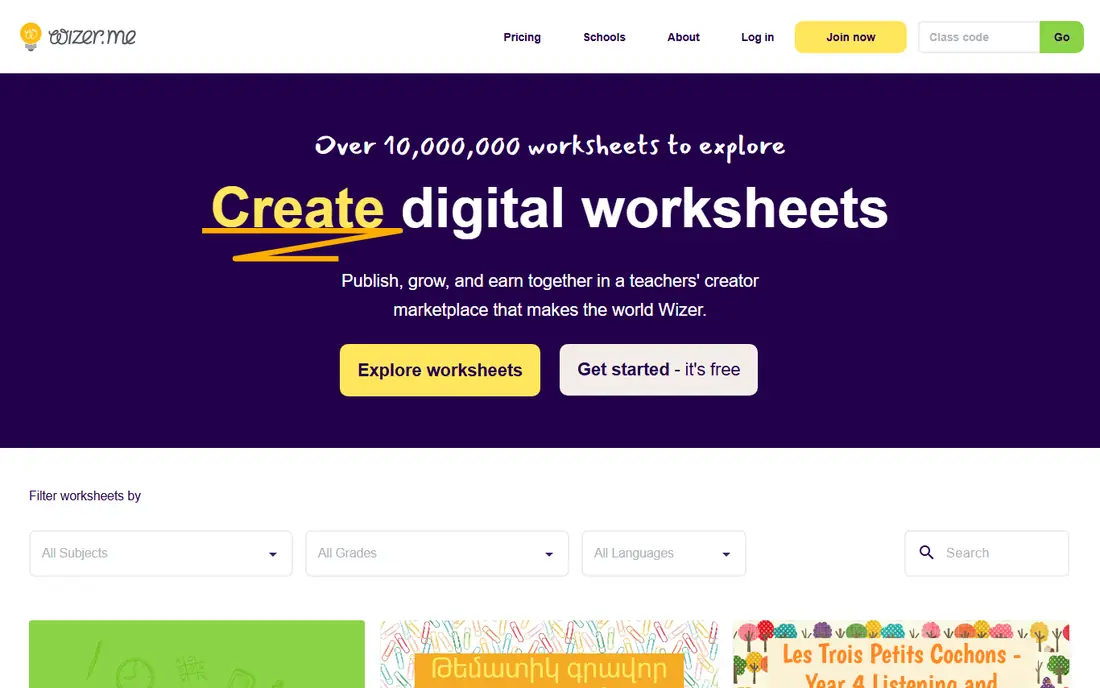
Wizer.me is a worksheet-first tool, built around one job, which is making interactive sheets that grade themselves. Teachers add multiple choice, fill-in, matching, sorting, open questions, and media, then assign the sheet and watch results arrive with grades attached. Audio instructions help younger students and language learners, and students can answer by voice where that fits.
The free plan covers unlimited question types and core creation, while Premium, listed at $5 per month billed annually on the vendor pricing page, adds private sheets, video instructions, scheduling, and fuller Google Classroom grade return. Design is functional rather than beautiful, so pair Wizer.me with Canva when print polish matters. For daily interactive practice, it is the strongest pure worksheet builder here.
- Many question types with automatic grading
- Audio instructions and student audio answers
- Large shared worksheet library
- Premium features sit behind a paid plan
- Design control is simpler than Canva
- Student accounts need classroom setup
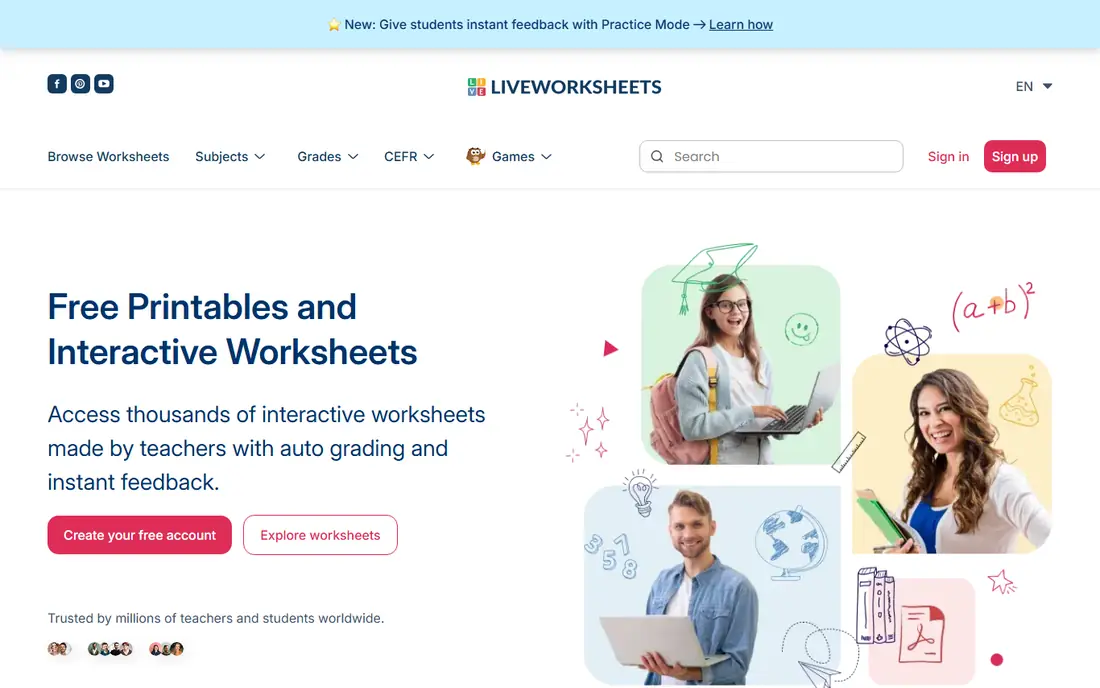
Liveworksheets starts from the sheets teachers already have. Upload a PDF or image, add drag-and-drop, multiple choice, fill-in, listening, and speaking boxes, and students complete the sheet online with instant correction. That conversion path saves teachers from rebuilding years of materials, and the community library means many common topics already have a shared version.
The trade is polish and consistency. The site is supported by advertising on the free tier, shared sheets vary in quality, and the editor takes a little learning. For a teacher with a folder of paper sheets to digitize, Liveworksheets is the fastest route, and its core features remain free.
- Converts existing PDF and image sheets into interactive tasks
- Self-correcting exercises with instant feedback
- Huge community library of shared sheets
- Interface feels older than newer rivals
- Quality of shared sheets varies
- Advanced features need a paid account for heavy use
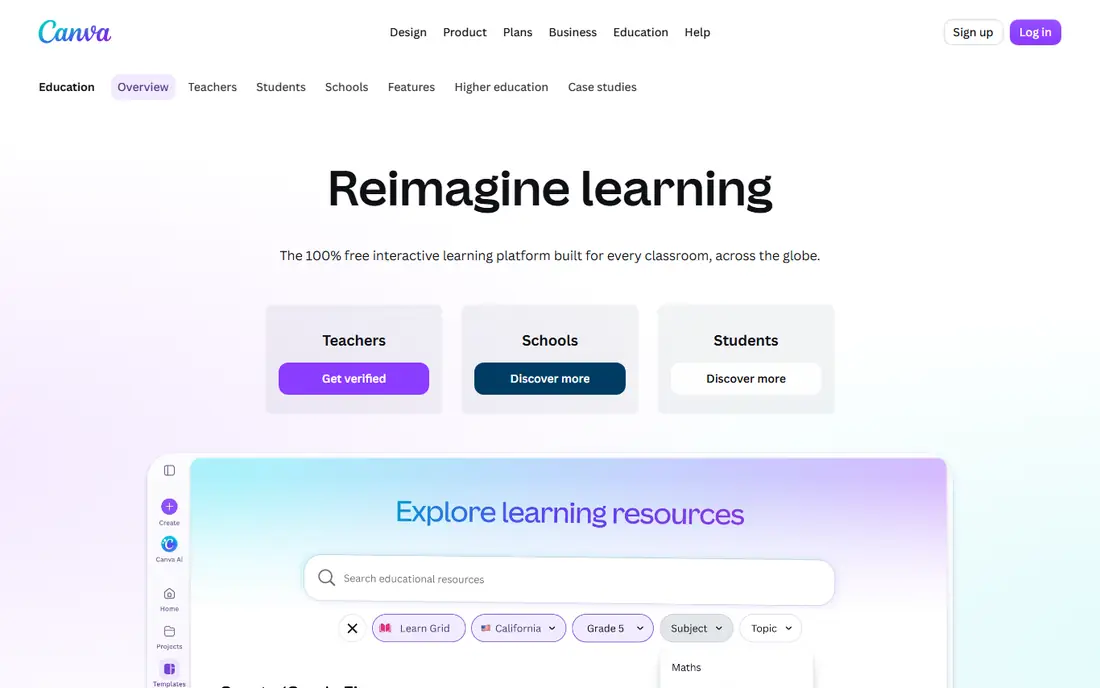
Canva for Education is a broader design tool, not a worksheet-first product, and we include it because printable worksheet design is where many teachers start. Verified K-12 teachers get most premium features free, including templates, images, and classroom sharing, and worksheet templates cover everything from math grids to reading logs. Sheets export cleanly for print or as PDFs.
Canva does not auto-grade answers, so a Canva sheet is a page to print or to complete by hand, not an interactive task with instant feedback. Verification also excludes some educators, such as many higher education staff, who need Canva Pro instead. For sheets that must look good on paper, Canva for Education is the best free option here.
- Free for verified K-12 teachers and their students
- Huge template and asset library
- Easy drag-and-drop design for print
- Not a self-grading worksheet tool by itself
- Education access needs verification
- Commercial use is not included
Quizizz, now often branded alongside Wayground, turns a set of questions into a quiz, a lesson, or a game that students complete live or at their own pace. Teachers can build from scratch, adapt shared content, add images and passages, and get graded results with item-level reports. That makes it a good fit for worksheets that are really practice sets with clear right answers.
Long-form writing, drawing, and open-ended tasks fit less well than in Wizer.me or TeacherMade, since the format favors quick, checkable answers. The free teacher plan covers core creation and play, with paid school plans adding more. For practice sheets that need grading without marking, Quizizz is fast and student-friendly.
- Turns questions into quizzes, lessons, and games
- Automatic grading and reports
- Large library of teacher-made content
- Quiz format suits short answers more than long writing
- Free plan limits some features
- Game layer can distract some students
Twinkl Create is a creation tool inside the Twinkl resource library, and it suits teachers who want to adapt rather than invent. Start from a ready-made sheet, change the words, numbers, or layout, and print or share the result. Coverage across early years, primary, and special education topics is wide, and the library saves time on routine topics like phonics, times tables, and handwriting.
Twinkl is a paid service for full access, and pricing varies by membership type, so check the vendor page for current US pricing. It is less suited to interactive self-grading than Wizer.me, since its strength is printable resources. For teachers who already use Twinkl, Create is the natural worksheet tool inside that library.
- Create tool builds on a very large resource library
- Ready-made sheets to adapt rather than start blank
- Covers many subjects and age ranges
- Full access is paid, with pricing that varies by plan
- Tool is tied to the Twinkl library
- US curriculum fit varies by topic
Education.com is mainly a library tool, included here for teachers and parents who need a good sheet fast. Worksheets cover math, reading, writing, and science, organized by grade and skill, and many can be printed free with limits. Guided lessons and games add structure for younger learners, and the site is easy to search when a topic comes up at short notice.
Creation is the limit. Education.com lets you use and print its sheets, but it does not offer the deep interactive building of Wizer.me or the design control of Canva. A free account covers limited downloads, with paid memberships for fuller access. For finding a solid printable sheet in minutes, it is a reliable shelf to check first.
- Large library of printable worksheets and games
- Organized by grade, subject, and skill
- Guided lessons for younger students
- Creation tools are lighter than dedicated builders
- Full access needs a paid membership
- Best range is pre-K through grade 5
TeacherMade is another conversion tool, closer to Liveworksheets than to Canva, and it deserves a place for its grading and classroom workflow. Upload a PDF, Google Doc, or slide, add answer boxes and question types, assign it through Google Classroom, and get graded results back. That path fits teachers who already have strong paper materials and want them online without rebuilding.
The free plan limits how many assignments can stay active, and complex sheets with many fields take time to set up well. Paid plans raise those limits. For a teacher whose materials live in PDFs and who grades in Google Classroom, TeacherMade is a clean, classroom-ready choice.
- Converts PDFs and documents into interactive assignments
- Auto-grades many question types
- Google Classroom integration
- Free plan limits active assignments
- Editor learning curve for complex sheets
- Best for documents you already own
Genially is a broader creation tool, included because interactive worksheets are one of its natural uses. Teachers build visual, clickable pages with images, video, quizzes, and layered information, then share a link for students to work through. Templates for infographics, escape games, and interactive images give a worksheet a life that paper cannot match.
The trade is focus. Genially does not auto-grade a full worksheet set the way Wizer.me does, and the free plan limits some downloads and premium features. It also tempts teachers to overbuild, adding animation where a plain question would do. For an interactive worksheet that teaches as well as tests, Genially is the most visual option here.
- Interactive, visual pages with hotspots, quizzes, and media
- Many education templates
- Sharing by link without student accounts for viewing
- Broader presentation tool, not worksheet-first
- Free plan limits downloads and features
- Interactivity can outweigh worksheet simplicity
How we picked these
We compared official feature pages, pricing pages, template libraries, app store listings, and public reviews, and we required each tool to support worksheet creation or adaptation in a real classroom sense. Where pure worksheet tools were thin, we mixed in app-supported creation tools and said so in each entry, rather than padding the list with tools that cannot make a worksheet at all. Prices are taken from vendor pages where published, and marked as See website where they vary by plan.
How to choose between printable and interactive sheets
Decide first how the sheet will be used. A printable sheet suits homework without devices, handwriting practice, and classrooms with weak internet, and Canva, Twinkl Create, and Education.com serve that need best. An interactive sheet suits instant feedback, auto-grading, and remote work, and Wizer.me, Liveworksheets, and TeacherMade serve that need best.
Many teachers need both, and that is normal. Build the printable master in Canva, then rebuild the graded version in Wizer.me or TeacherMade for the online class, rather than forcing one tool to do both jobs badly. Check student data handling too, since interactive tools collect answers and accounts, while a printed sheet collects nothing until you mark it.
Frequently asked questions
What is the best free worksheet maker?
Wizer.me and Liveworksheets are the best free worksheet-first options, with self-grading interactive sheets at no cost. Canva for Education is the best free option for printable design, for verified K-12 teachers. Start with the kind of sheet you need, printable or interactive, then pick the free tool that matches.
Can I turn a PDF worksheet into an interactive one?
Yes. Liveworksheets and TeacherMade both convert PDFs into interactive assignments with answer boxes and auto-grading for many question types. Upload the PDF, add the fields, check the answers, and assign it. Complex layouts with many small fields take more setup time than simple pages.
Do these tools grade worksheets automatically?
Wizer.me, Liveworksheets, Quizizz, and TeacherMade auto-grade closed question types such as multiple choice, matching, and fill-in. Open writing, drawing, and spoken answers usually need teacher review. Check the grading options for each question type before you assign a sheet that mixes both.
Are these platforms safe for student data?
Handling varies by vendor, so read the privacy policy and your district rules before rostering students. Interactive tools collect answers and sometimes accounts, while printable tools collect less. Use class codes or district rostering where available, and avoid asking students to share personal details in a worksheet.
Which tool is best for printable worksheets?
Canva for Education gives the most design control for free, for verified K-12 teachers, and Twinkl Create and Education.com give large ready-made printable libraries. For a sheet that must print cleanly and look good, start with Canva or a ready-made library sheet, not with an interactive builder.
Can students complete worksheets without an account?
It depends on the tool and the sharing setting. Some tools let students open a sheet by link and enter only a name, while others need accounts for grading and reports. Check the sharing options for your chosen tool, and test the student view before you assign it to a class.
Sources
See where you really rank - block by block
ProMapRanker scans Google Maps across a grid of your service area. Simple monthly plans from $19, white-label on every plan.
Start freeKeep reading
 worlds best local seo company
8 Worlds Best Local SEO Companies for Map Pack Growth in 2026
Compare the worlds best local seo company options for Google Business Profile work, citations, reviews, and multi-location rankings and reporting in 2026.
Read → world's best web hosting company
World's Best Web Hosting Company in 2026
Searching for the world's best web hosting company? We compared 10 hosts on price, renewal rates, speed, and support to help you choose well today in 2026.
Read → who's got the best nanny tax services
Who's Got the Best Nanny Tax Services in 2026
We answer who's got the best nanny tax services, comparing full filing, back taxes, software, and pricing so families can handle nanny taxes correctly.
Read →