 ProMapRanker
Best Platform for Creating Posters in 2026

Key takeaways
- Canva suits most users with its huge template library, team tools and print options, while Adobe Express suits users who want strong typography and Adobe fonts.
- PosterMyWall is best for recurring event and business posters, with category templates, video posters and social scheduling in one place.
- Venngage suits data and infographic posters, while Snappa and VistaCreate suit fast, simple designs with less learning time.
- Check export quality before paying. Free plans often limit downloads, resolution or print formats, which matters for large posters.
Quick comparison
| Pick | Great for | Pricing starts at | Free tier | |
|---|---|---|---|---|
 Canva | All-round posters | Free | Yes | Visit |
 Adobe Express | Typography and fonts | Free | Yes | Visit |
 PosterMyWall | Event posters | Free | Yes | Visit |
 VistaCreate | Animated posters | Free | Yes | Visit |
 Venngage | Infographic posters | Free | Yes | Visit |
 Snappa | Fast simple posters | Free | Yes | Visit |
 Fotor | Photo-led posters | Free | Yes | Visit |
 PicMonkey | Photo editing posters | See website | No | Visit |
The best platforms for creating posters
We compared official pricing pages, template libraries and export options for tools that design print and digital posters in a browser. Here are eight platforms that cover beginners, teams, events and data posters.
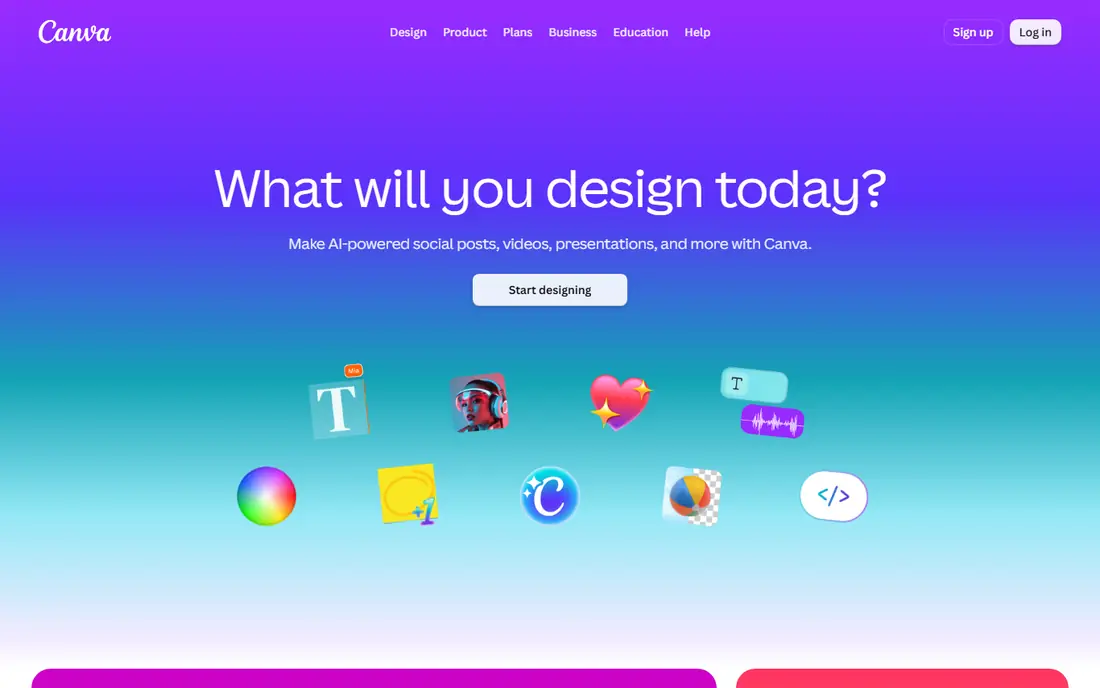
Canva is our pick for most poster makers because it covers the full job: pick a template, change text and images, resize for social or print, and share or order prints. Brand kits, folders and comments help teams keep posters consistent, and the free tier is enough for simple event or school posters.
Pro adds background removal, resize tools, premium stock and brand controls, which matter for regular business use. The risk with Canva is sameness, so change fonts, colors and layout enough that the poster does not look like every other template in the feed.
- Huge poster template library
- Drag-and-drop editor
- Team collaboration and print delivery
- Best features need Pro
- Templates can look generic without custom touches
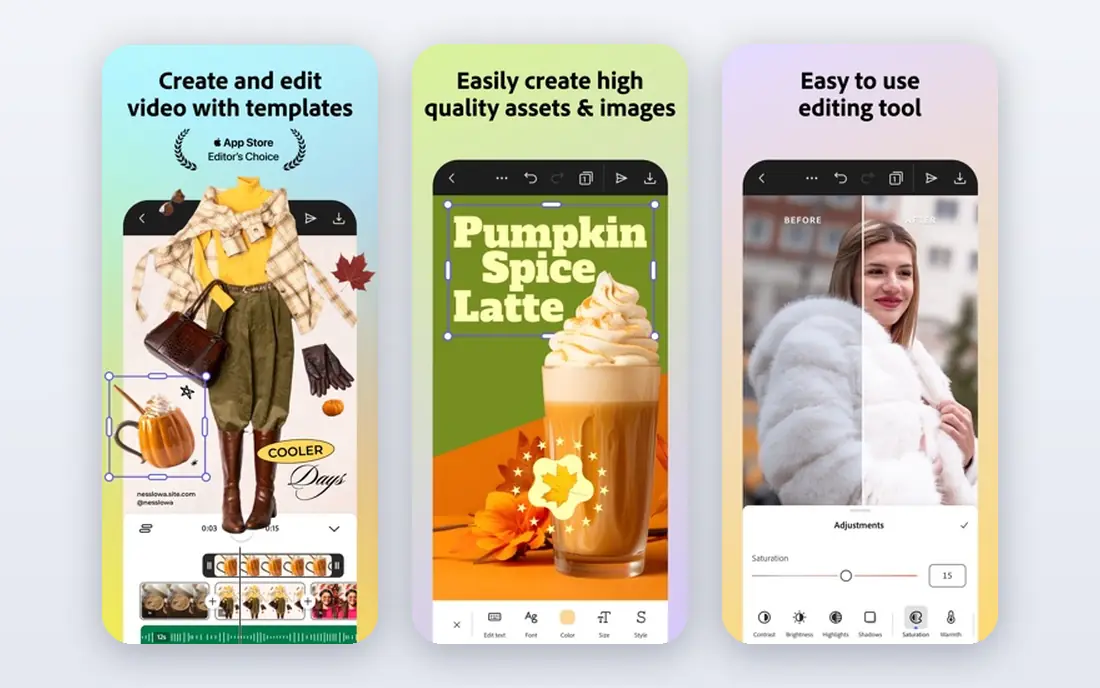
Adobe Express suits users who care most about type. Adobe Fonts gives posters a more refined look than many free font sets, and templates are clean and print-ready. Quick actions for background removal, resizing and animation help small teams finish a poster fast.
The library is smaller than Canva, and collaboration tools are less deep for large teams. For a single designer or small business that wants polished type and easy Adobe integration, Express is a strong, low-cost pick.
- Strong typography with Adobe Fonts
- Polished templates
- Firefly image tools
- Mobile app
- Template range is narrower than Canva
- Premium plan needed for full stock and brand tools
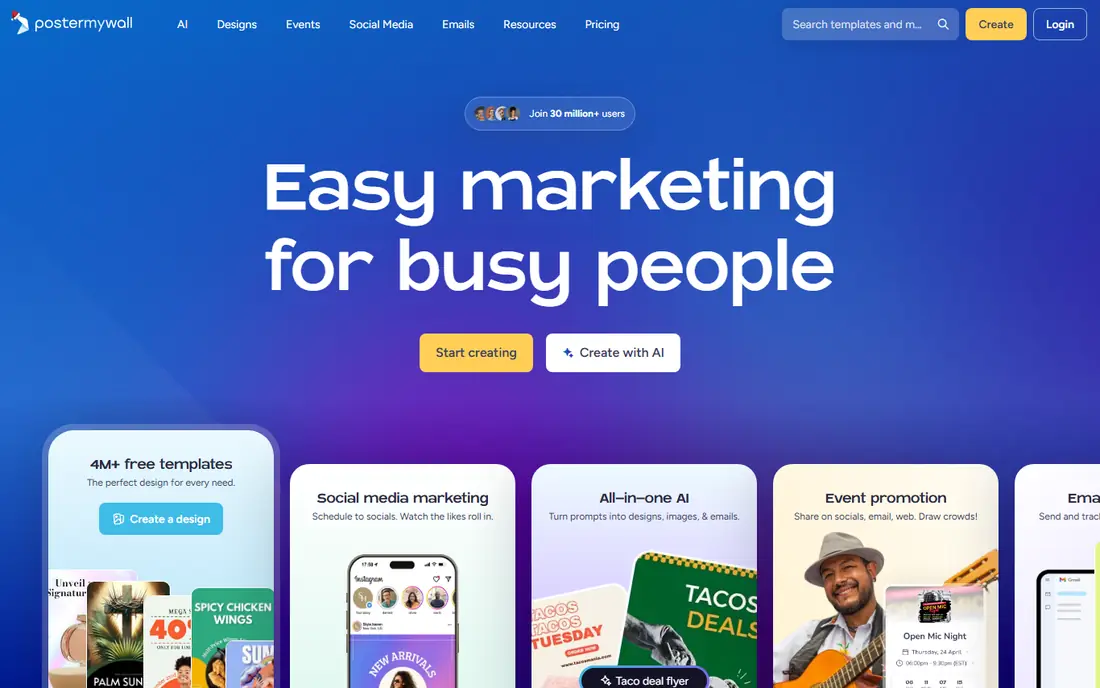
PosterMyWall is built for posters that follow a pattern: headline, date, offer and image. Templates for concerts, sales, classes, menus and community events make weekly posters fast, and video poster options suit social feeds. Social scheduling and email tools let a small business publish from the same account.
Free users can share by link, but downloads and high-resolution exports need a paid plan, with Premium listed from about $9.95 per month in public summaries. For recurring local posters, that cost is often worth the time saved.
- Category templates for events and business
- Video posters
- Social scheduling and email tools
- Free downloads are limited
- Full brand tools need the Business plan
VistaCreate, formerly Crello, suits creators who want posters with motion. Animated templates work well for social stories and digital screens, while static templates cover print events. Brand kits help freelancers keep colors and fonts consistent across clients.
The platform is less known than Canva, so template choice and third-party integrations are thinner. For social-first posters with a bold look, though, VistaCreate offers a fast route from blank page to finished design.
- Bold templates
- Animation and video options
- Brand kit tools
- Smaller community and template range than Canva
- Pro needed for full features
Venngage is the pick when a poster must explain data, not just announce an event. Charts, icons, maps and infographic layouts turn stats into a readable poster for schools, nonprofits and businesses. Brand kits and team folders help keep research posters consistent.
Photo editing and event templates are weaker than Canva or PosterMyWall, so it is not the best first tool for a concert flyer. For science, health, education and annual report posters, Venngage is the clear specialist here.
- Data widgets, charts and infographics
- Brand kits
- Team collaboration
- Free exports are limited
- Less suited to photo-heavy event posters
Snappa suits busy marketers who need a clean poster in minutes, not a design project. The editor is minimal, templates are easy to adapt, and resizing for different platforms takes one click. Buffer sharing helps users who post the same poster across social accounts.
Designers who want layers, fine type control or complex layouts will outgrow Snappa quickly. For simple, frequent posters where speed matters more than originality, it is a practical and low-cost tool.
- Very fast, simple editor
- One-click resizing
- Stock photos included
- Template range is smaller
- Advanced design controls are limited
Fotor suits posters built around a strong photo, such as product launches, travel events and portfolio pieces. Edit the image, remove a background, adjust color and place it in a poster template without switching apps. Batch editing helps when a series of posters shares one photo style.
Template choice for posters is thinner than the leaders, and AI credits limit free use. Use Fotor when the photo is the hero, and use Canva or PosterMyWall when the template and text layout matter more.
- Photo editing plus poster templates
- AI tools
- Collage and batch options
- Free AI use is limited
- Poster templates are fewer than Canva
PicMonkey gives more control than simple poster makers, with layers, photo retouching and brand tools for ecommerce and social teams. Users who want to adjust every element, from shadows to text effects, will appreciate the depth. Video and GIF support also suits animated social posters.
There is no free plan to rely on long term, so budget for a subscription. It suits brand managers and small teams who design often, not occasional users who need one poster a year.
- Layer-based editing
- Branding tools
- Video and GIF support
- No lasting free plan
- Learning curve is higher than Snappa
How we picked these
We compared official pricing, template libraries and export options, favoring browser tools that work in 2026, offer poster sizes and templates, and allow print or high-resolution downloads on paid plans. We kept a mix of all-round, event, data and photo-led tools, and we noted where free plans limit downloads. Prices marked See website reflect plans that vary by billing period.
Choosing the right poster platform
Start with print or screen
A printed poster needs high resolution, correct size and bleed settings, while a social poster needs the right pixel size and readable text at small sizes. Canva, Adobe Express and PosterMyWall all offer preset sizes, but check export resolution before printing large formats. A poster that looks sharp on screen can look soft at 24 by 36 inches.
Pick templates that fit your content
Event posters need date, venue and ticket details in a clear hierarchy. Data posters need charts and space for sources. Photo posters need a large image area and minimal text. Choose the platform whose templates already match your content, rather than forcing a generic template to fit.
Check brand and team needs
If several people make posters, brand kits, shared folders and approval comments save time and keep colors consistent. Canva and Venngage handle teams well, while Snappa and Fotor suit solo users. For recurring business posters, PosterMyWall Business adds brand kits and full export options.
Print a small test copy before a large run. Check headline size from a distance, text contrast, image sharpness and color on paper, since screens often flatter a design. Ask one other person to read the poster in five seconds and tell you the event, date and action. If they miss any of those, simplify the layout before you pay for printing or share it widely.
Keep a short checklist for your next use so the tool keeps working for you. Note the settings that worked, the limits you hit and the cost of the next tier, and review that note before renewing or upgrading. Small notes like these prevent repeat mistakes, save money on unused plans and make it easier to switch tools later without losing the workflow you already built.
Frequently asked questions
What is the best platform for creating posters?
Canva is best for most users, Adobe Express is best for typography, and PosterMyWall is best for recurring event posters. Venngage suits data posters, while Snappa suits fast, simple designs.
What are the best platforms for creating posters for free?
Canva, Adobe Express, PosterMyWall, VistaCreate and Venngage all offer free plans. Free plans often limit downloads, resolution or premium templates, so check export options before designing a large print poster.
Can I print posters made in Canva?
Yes. Canva offers print delivery for posters in many regions, and paid plans allow high-resolution downloads for local printing. Check size, bleed and file format with your printer before ordering a large run.
Is Adobe Express better than Canva for posters?
Adobe Express offers stronger typography through Adobe Fonts and a cleaner template style, while Canva offers a larger library, deeper team tools and print delivery. Pick Express for type-led posters and Canva for all-round poster work.
How do I make a poster without design experience?
Start with a template that matches your event or message, replace the text and image, keep fonts to two families, and leave white space around the headline. All the tools here use drag-and-drop editors, so no prior design training is needed.
Sources
See where you really rank - block by block
ProMapRanker scans Google Maps across a grid of your service area. Simple monthly plans from $19, white-label on every plan.
Start freeKeep reading
 vercel alternatives
Vercel Alternatives in 2026
Compare the best Vercel alternatives for static sites, full-stack apps and backends, with free tiers, current pricing and honest trade-offs for developers.
Read → best veterinary software
Best Veterinary Software in 2026
We compared the best veterinary software for clinics of every size, from cloud practice tools to desktop systems, with detailed pricing and trade-offs.
Read → best truck gps app
Best Truck GPS App in 2026: 8 Apps Compared
Best truck GPS app picks for truckers, with truck routing, low bridge warnings, parking and fuel tools, plus current prices and free options for US drivers.
Read →