 ProMapRanker
Best Platform as a Service in 2026


Low-ops teams that want a simple deploy flow · Pricing starts at: $5 per month
Key takeaways
- Render and Railway give small teams the closest modern replacement for the classic Heroku workflow, with clear entry prices at $7 and $5 per month.
- Heroku still works for teams that value its add-on catalog, but it no longer offers new Enterprise contracts, so growing teams should plan an exit path.
- Cloud platforms such as Google App Engine, Azure App Service and AWS Elastic Beanstalk charge mainly for the resources you use, which can beat fixed tiers at scale and surprise you on a quiet month.
- Fly.io stands out for apps that need to run close to users in several regions, while Vercel is strongest for front-end and web apps rather than long-running back-end services.
Quick comparison
| Pick | Great for | Pricing starts at | Free tier | |
|---|---|---|---|---|
| Heroku | Low-ops teams that want a simple deploy flow | $5 per month | No | Visit |
 Render | Small teams that want predictable pricing | $7 per month | Yes | Visit |
 Railway | Fast prototypes and many small services | $5 per month | Yes | Visit |
 Fly.io | Apps that need to run in several regions | See website | No | Visit |
 DigitalOcean App Platform | Teams already using DigitalOcean | $5 per month | Yes | Visit |
 Google App Engine | Apps built around Google Cloud | See website | Yes | Visit |
 Azure App Service | Teams built around Microsoft tools | See website | Yes | Visit |
 AWS Elastic Beanstalk | Teams built around AWS | See website | No | Visit |
 Vercel | Front-end and web applications | $20 per user per month | Yes | Visit |
The best platform as a service options
A platform as a service, usually shortened to PaaS, lets you push code and get a running app without managing servers yourself. We compared official pricing pages, feature documentation and public reviews to build this list, and we left out products that have closed or stopped accepting new customers.

Heroku remains the reference point for this category because its workflow is so plain: push code, pick a dyno size, add a database, and the app runs. For a small team without a dedicated operations person, that plainness still has real value, and the add-on marketplace covers Postgres, caching, logging and monitoring without separate vendor contracts. The trade-off is price and direction. The cheapest Eco dyno costs $5 per month and sleeps after inactivity, while a Basic dyno at $7 per month stays up, and production sizes climb quickly.
We would still pick Heroku for an existing Heroku app or a team that already knows its tooling. For a brand-new project, we would weigh Render or Railway first, because they offer more memory per dollar and a clearer growth path. Heroku announced in February 2026 that Enterprise Account contracts are no longer offered to new customers, while existing credit-card customers see no change to pricing or billing. That detail matters if you expect to need enterprise support later.
- Simple git-based deploys
- Large add-on catalog for databases and caching
- Clear dyno tiers
- No free tier
- New Enterprise contracts are no longer offered
- Memory per dollar is lower than newer rivals
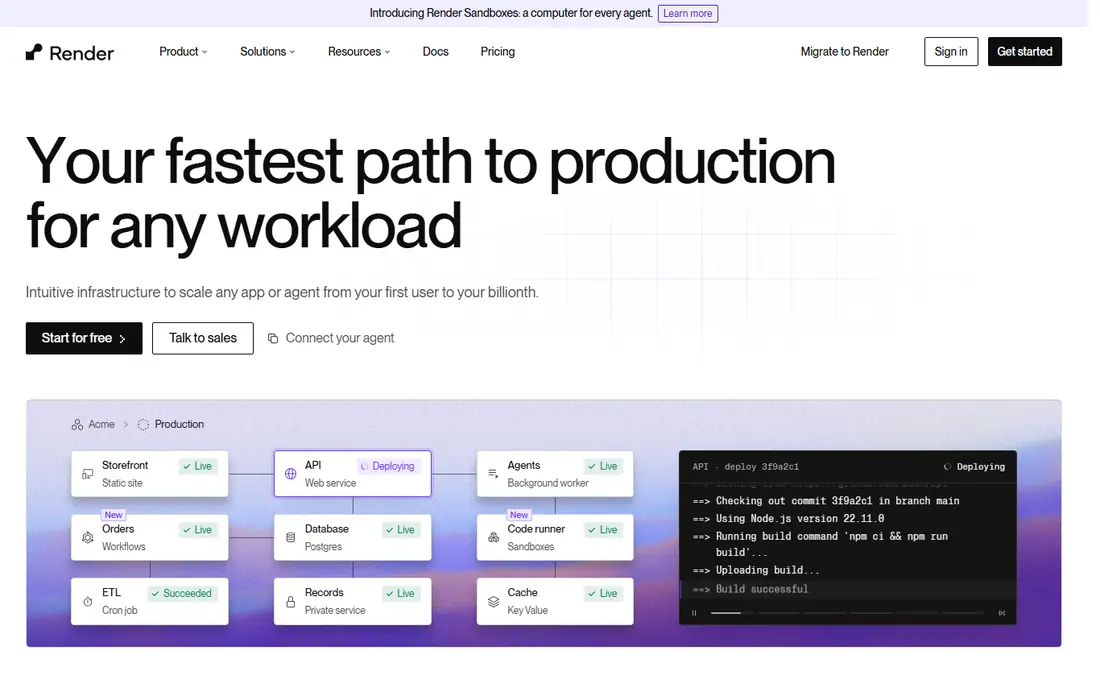
Render is the pick we would suggest first to most small teams moving off Heroku. A Starter web service starts at $7 per month, managed Postgres starts at $6 per month in recent pricing comparisons, and the dashboard keeps web services, workers, databases and background jobs in one place. That fixed instance pricing makes monthly bills easier to forecast than pure usage billing, which helps when a finance lead asks for a number in advance.
The catch is the workspace fee for teams. A Pro workspace adds a monthly charge on top of instance prices, so a two-person team should budget for that from the start. Free web services also spin down after 15 minutes idle, which is fine for a demo and poor for a production site. For a steady production app with one web service and one database, Render is hard to beat on clarity.
- Free web services for testing
- Managed Postgres included in the catalog
- Preview environments for pull requests
- Free services spin down after inactivity
- Team workspaces add a Pro fee
- Fewer regions than the big clouds
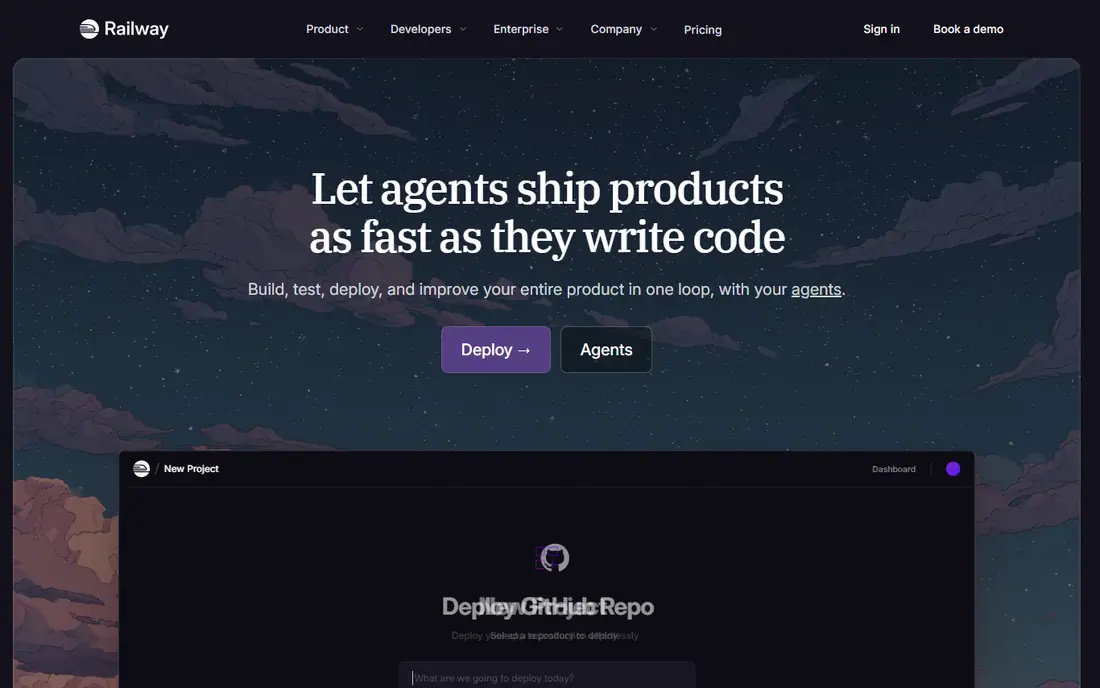
Railway wins on speed. You can connect a repository, add a Postgres or Redis service from a template, and have a working deployment in minutes, which is why it shows up so often for side projects and hackathon-style builds. The Hobby plan costs $5 per month and includes $5 of usage, and the free plan offers a small monthly usage allowance after a trial period. That structure suits spiky workloads that do not run hot all day.
The honest catch is that usage pricing rewards idle services and punishes always-on ones. A service that runs at full allocation all month can cost more than a fixed Render instance of similar size. Railway is our pick for prototypes, internal tools and a cluster of small services, provided someone watches the usage dashboard each week.
- Very fast setup from a template or repo
- Usage billed per second
- Templates cover databases and common stacks
- Usage bills can climb if services stay busy all month
- Less suited to strict compliance setups than a big cloud
- Pricing needs monitoring
Fly.io is built for a different problem from the other entries here: getting an app physically close to users. You deploy machines in chosen regions, scale them to zero when idle, and pay for the seconds they actually run. For a latency-sensitive app with users in North America and Europe, that control is a genuine advantage, and its smallest shared-CPU machine is inexpensive on its own.
The catch is the database bill. Managed Postgres on Fly.io starts at a higher monthly figure than Render or Railway, and it bundles high availability and backups into that price. Fly.io also expects more comfort with command-line tooling than Heroku does. Pick it when global placement matters more than a single-dashboard, fully managed database.
- Machines run close to users around the world
- Pay per second for machine time
- Strong Docker support
- Managed Postgres is comparatively expensive
- More hands-on than Heroku or Render
- Trial limits apply
DigitalOcean App Platform suits teams that already keep droplets, spaces or managed databases with DigitalOcean. App containers start at $5 per month, static sites can start free, and the platform handles builds, deploys and TLS certificates without a separate pipeline. Keeping the app next to existing DigitalOcean resources also simplifies networking and billing.
It is less polished than Heroku for pure developer experience, and features such as preview environments are more limited. Managed Postgres is priced separately, starting above $15 per month in recent comparisons, so the full-stack total is higher than the headline container price. If your team already lives in DigitalOcean, though, the convenience of one bill and one console is worth it.
- Containers from $5 per month
- Up to three free static-site apps
- Managed databases available as add-ons
- Fewer built-in conveniences than Heroku
- Managed database pricing is separate
- Preview environments are limited
Google App Engine is the oldest big-cloud PaaS on this list, and it still makes sense for teams committed to Google Cloud. It scales instances up and down with traffic, offers a free tier that covers small workloads, and connects cleanly to Cloud SQL, Firestore and Cloud Storage. For an app that already stores data in Google Cloud, App Engine removes a lot of glue work.
The two environment types are the main trap. The standard environment scales fast and suits request-driven apps, while the flexible environment runs custom runtimes in containers and bills differently. Newcomers should read the pricing page for their exact runtime before launch, because a busy app and a quiet app can produce very different bills. Pick App Engine when Google Cloud is already your home, not as a casual Heroku replacement.
- Automatic scaling built in
- Generous free tier for many workloads
- Deep ties to other Google Cloud services
- Usage pricing can be hard to forecast
- Standard and flexible environments behave differently
- Google Cloud learning curve
Azure App Service is the natural PaaS for teams that already use Microsoft 365, Entra ID or .NET. It supports Linux and Windows plans, offers a free tier for experiments, and plugs into Azure DevOps and GitHub Actions for deployment pipelines. For a .NET shop, the runtime support and identity integration alone can justify the choice.
The downside is complexity. Azure has many plan tiers, and the jump from a free or shared plan to a production plan is a real price step. The Azure portal also carries far more options than a small team needs, which slows down simple tasks. We would pick App Service for Microsoft-centered teams and skip it for a team that just wants the simplest possible deploy.
- Free tier for testing
- Strong .NET and Windows support
- Integrates with Azure DevOps and GitHub Actions
- Azure pricing tiers are complex
- Costs rise quickly at production tiers
- Portal can feel heavy for small teams
AWS Elastic Beanstalk charges no platform fee. You pay only for the AWS resources your app creates, such as EC2 instances, RDS databases and load balancers, which makes it the cheapest big-cloud PaaS on paper. It supports common languages and platforms, handles capacity provisioning and load balancing, and keeps your app inside your own AWS account, which compliance teams often prefer.
That freedom is also the cost. Beanstalk expects you to understand AWS concepts, and its defaults need review before a production launch. There is no separate free tier, so a small app still pays for the underlying resources it uses. Pick Beanstalk when your team already runs on AWS and wants PaaS convenience without leaving that account.
- No platform fee, you pay only for AWS resources
- Supports many languages
- Ties into RDS, load balancing and monitoring
- No free tier of its own
- AWS knowledge is expected
- Defaults need tuning for production
Vercel is included with a clear boundary: it is excellent for front-end and web apps, and it is not a drop-in replacement for a back-end service with workers and a database. Its Hobby plan is free for personal, non-commercial use, and the Pro plan costs $20 per user per month, with usage billed on top. Preview deployments for every pull request remain one of the best collaboration features in this category.
For a Next.js or other modern web front end, Vercel is often our first pick. For a Python or Ruby API with background jobs, pair it with Render, Railway or a big-cloud service instead. Judged on its own terms, Vercel is fast, polished and easy to reason about, provided you respect that boundary.
- Hobby plan free for personal, non-commercial use
- Fast global edge network
- Preview deployments for every pull request
- Not a general back-end PaaS
- Pro plan is per user
- Long-running workloads belong elsewhere
How we picked these
We compared official pricing pages, product documentation and public reviews for each platform, and we checked which products still accept new customers in October 2026. We favored platforms with a published entry price or a clear usage model, a managed database option or a clean way to add one, and a deploy flow a small team can run without a dedicated operations hire. We excluded Flowise, which reached end of life on 31 August 2026 with its repository archived, and we excluded platforms that have shut down to new sign-ups. Prices change, so we note where a figure is usage-based rather than a flat monthly rate.
What to check before you pick a platform
Start with where your app will live in six months, not just where it runs today. Count the web service, the worker, the database and the cache, then price that full stack on two platforms before you commit. A headline price for one container tells you almost nothing about the monthly total. Check whether free tiers sleep, whether team seats cost extra, and whether the database is included or billed separately.
Next, check the deploy and rollback story. Look for preview environments, one-command rollbacks, log access and alerting, and ask how a failed deploy is handled at 2 a.m. Finally, check the exit path. Prefer platforms that run standard containers or common runtimes, keep your data in a portable database, and let you export configuration. A PaaS should save you operations work, not lock your app into a shape only that vendor can run.
Frequently asked questions
What is the best platform as a service software for a small team?
For most small teams, Render or Railway is the best starting point, because both offer a low entry price, managed databases and a deploy flow close to Heroku. Heroku still works if your team already knows it, while a big-cloud option makes more sense once you need compliance controls or deep integration with that cloud.
What is the best platform as a service solution for a global app?
Fly.io is a strong choice when users sit in several regions, because you can place machines near them and scale to zero when idle. Vercel is also strong for a global front end on its edge network, but pair it with a back-end platform for APIs and workers.
Does Heroku still work in 2026?
Yes, Heroku still works for credit-card customers, and its pricing and billing for those customers have not changed under the February 2026 announcement. New Enterprise Account contracts are no longer offered, so teams that expect to need enterprise terms should confirm their path before building on Heroku.
Is a PaaS cheaper than managing my own servers?
It can be, once you count staff time, patching, monitoring and incident response alongside the server bill. A PaaS usually costs more in raw compute than a bare virtual server, but it removes a large share of operations work. Compare the full stack price, including databases, against the cost of the engineering time you would otherwise spend.
Can I move my app off a PaaS later?
Usually yes, if you build with portable pieces. Use a standard database such as Postgres, keep configuration in environment variables, and avoid vendor-only services for core logic. Moving still takes work, especially around networking and background jobs, so keep the exit path in mind from the first deploy.
Sources
See where you really rank - block by block
ProMapRanker scans Google Maps across a grid of your service area. Simple monthly plans from $19, white-label on every plan.
Start freeKeep reading
 zscaler alternatives
Best Zscaler Alternatives in 2026
Looking for zscaler alternatives? We compare 9 SASE and zero trust platforms on architecture, data protection, pricing, and fit for your network and team.
Read → zapier alternatives free
Best Zapier Alternatives Free in 2026
Nine automation tools for zapier alternatives free in 2026, all with genuinely free tiers, plus free plan limits, starting prices and upgrade paths explained.
Read → which platform is best for online reputation
Which Platform Is Best for Online Reputation in 2026
Wondering which platform is best for online reputation? We compare 8 review, listing, and response tools for small and multi-location businesses and agencies.
Read →