 ProMapRanker
Best Planner App for ADHD Free in 2026

Key takeaways
- The best free planner for ADHD reduces decisions, because a long list with no clear first step is where many days stall.
- Goblin Tools is the best fully free starting point for breaking a large task into small, concrete next actions.
- Todoist and TickTick offer the strongest free task managers, while Structured and Tiimo offer the strongest visual day views.
- A timer, a visual timeline or a three item daily list often helps more than a complex project system with many folders.
- This article is general information only, not medical advice, and no app replaces professional support for ADHD where that support is needed.
Quick comparison
| Pick | Great for | Pricing starts at | Free tier | |
|---|---|---|---|---|
 Todoist | Fast capture and simple projects | Free | Yes | Visit |
 TickTick | Tasks, calendar and timer in one | Free | Yes | Visit |
 Structured | Visual timeline day view | Free | Yes | Visit |
 Goblin Tools | Breaking tasks into steps | Free | Yes | Visit |
 Tiimo | Visual routines and timers | Free | Yes | Visit |
 Routinery | Routine timers and habits | Free | Yes | Visit |
 Microsoft To Do | Simple free lists | Free | Yes | Visit |
 Notion | Flexible free workspace | Free | Yes | Visit |
The best planner apps for ADHD free
ADHD planning is less about storing tasks and more about starting them, seeing time clearly, and not losing the day to a long, unstructured list. The eight apps below all offer a free tier or a free core, and they solve different parts of that problem, from task breakdown to visual timelines and routine timers.
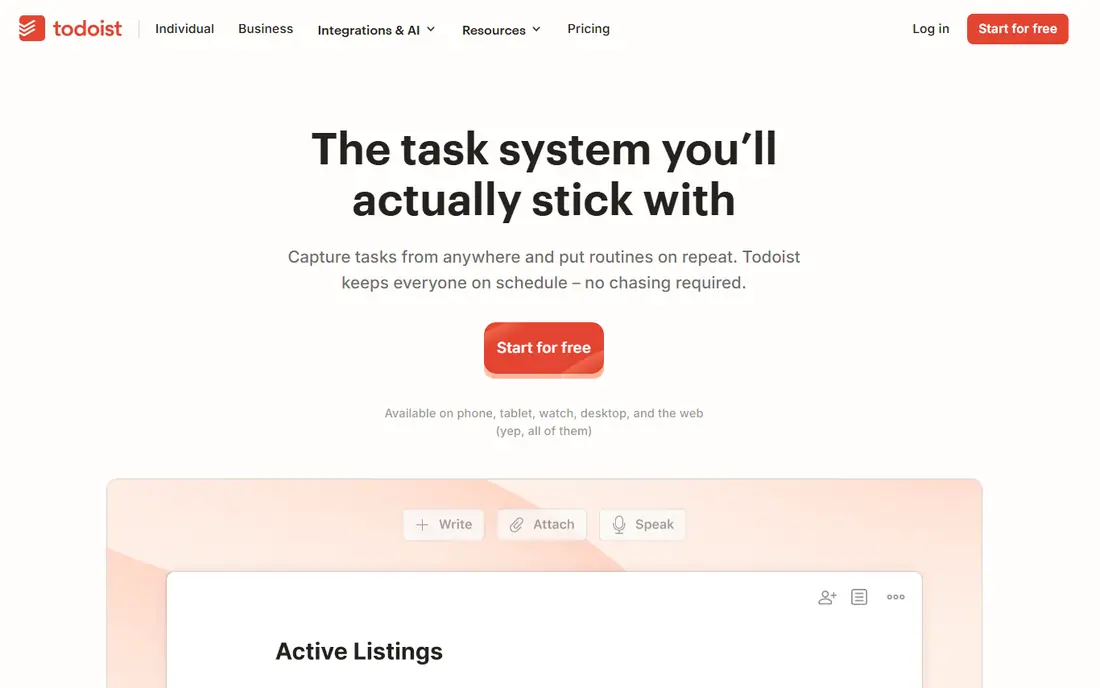
Todoist suits people who need to capture a task in seconds before it leaves their mind. Type a task in plain language with a date, and Todoist files it, which removes the friction of opening a project, picking a date and setting a priority for every small job. Projects, labels and priorities are available, but the interface stays clean enough that a short daily list does not feel overwhelming.
Free limits are the honest catch. Current comparisons place the free plan at five personal projects, with custom reminders and task durations on Pro, priced from about $5 to $7 per month depending on source and billing. That is still enough for a simple daily system, especially if you keep one project for today and one for later. For a low clutter, fast capture planner with a genuinely useful free tier, Todoist is our first pick for most people.
- Fast natural language task capture
- Clean, low clutter interface
- Reminders on free plan in current comparisons
- Free plan limits projects to five in current comparisons
- Custom reminders and durations need Pro
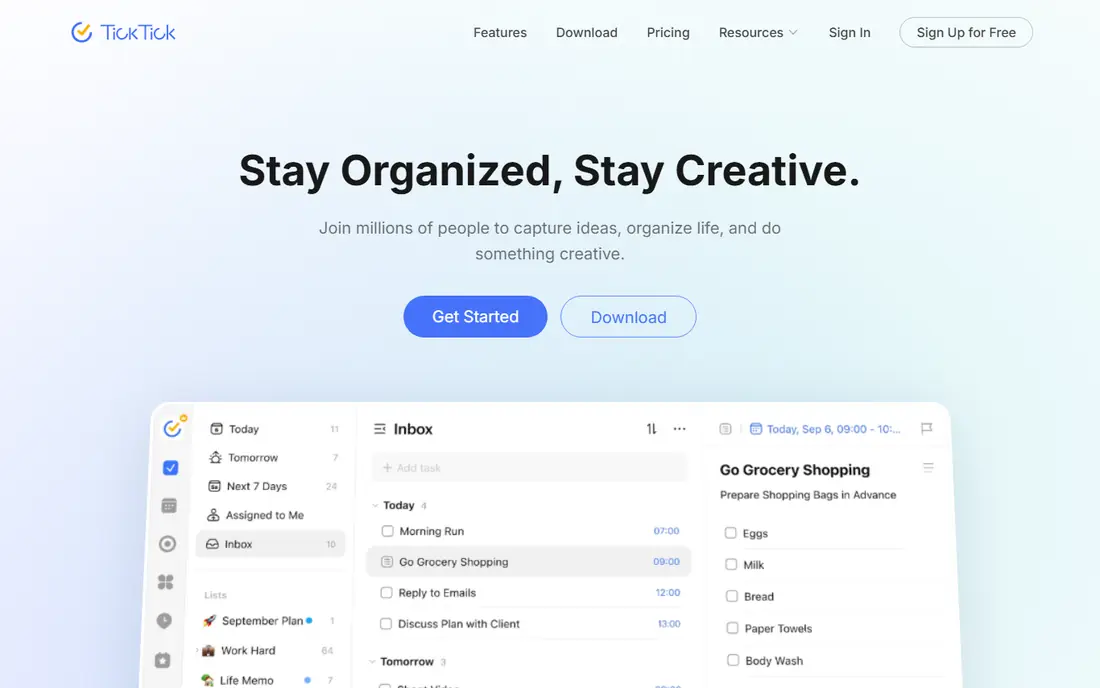
TickTick packs four ADHD useful tools into one free app: a task manager, a calendar view, a Pomodoro focus timer and a habit tracker. That combination matters for time blindness, because a task list alone does not show how long a day actually is, while a timer and a calendar view make time visible. The free tier includes unlimited tasks, several lists, calendar sync and the Pomodoro timer in current comparisons, which is unusually generous.
Breadth can become clutter if every feature is switched on at once. Start with tasks and the timer only, add habits later, and ignore advanced calendar views until the basic routine holds. Premium, reported around $3 to $5 per month depending on source, adds more filters and calendar modes. For a single free app that covers tasks, time and habits, TickTick is the strongest all in one pick here.
- Tasks plus calendar plus Pomodoro timer plus habits
- Strong free tier
- Calendar sync
- Feature breadth can feel busy
- Advanced calendar views need Premium

Structured suits visual thinkers, because it shows the day as a timeline of blocks rather than as a long list. Seeing a task as a block of time, with gaps and overlaps visible, helps with planning a realistic day and with noticing when a day is overbooked. Calendar sync brings existing events into the same view, so work, appointments and tasks sit together instead of in separate apps.
Platform coverage needs a check. Current comparisons highlight iOS and macOS, so Android and Windows users should confirm the current app availability before committing. Pro, reported around $5 to $7 per month depending on source, adds full features, but the free tier is useful for a basic timeline. For a visual day view that reduces the question of what to do next, Structured is a clear pick.
- Visual timeline that shows the whole day at a glance
- Calendar sync
- Minimal decision load
- IOS and macOS focus in current comparisons, with Android coverage more limited
- Pro needed for full features
Goblin Tools is not a full planner, and that is exactly why it belongs on this list. Its Magic To Do tool takes a task that feels too large to start, such as writing a report or cleaning a room, and breaks it into small, concrete actions that can be done in minutes. For task paralysis, that first small step matters more than another project folder, and Goblin Tools delivers it free on the web with no account needed.
Limits are clear. The free web version does not save lists between sessions in current comparisons, so a breakdown disappears if you close the tab, and there is no reminder or calendar system to carry the steps forward. A paid Pro tier, reported at $3 per month, adds sync and history, while mobile apps are a small paid download. Use Goblin Tools to start a stuck task, then move the steps into Todoist or TickTick to track them.
- Magic To Do breaks tasks into small steps
- Free web use with no account needed
- Neurodivergent friendly design
- Free web version does not save lists between sessions in current comparisons
- No full planner or reminder system
Tiimo builds the day around visual routines and timers, which suits people who lose track of time or who need a clear sequence for morning, work and evening routines. Colour, icons and a focus timer make each step visible, and gentle reminders nudge the next step without a harsh alarm. That routine first design is closer to how many ADHD days actually work than a project manager built for teams.
Free access is limited in current comparisons, with Pro pricing reported around $10 per month in some sources and shown at checkout in others, so check the current price before you rely on Tiimo as a sole planner. For a visual routine app that a younger user or a routine focused adult will actually open each morning, Tiimo is worth a trial, paired with a free task app for longer projects.
- Visual routines with gentle reminders
- Focus timer
- Neurodivergent first design
- Limited free version in current comparisons
- Paid Pro price is shown at checkout in some sources
Routinery turns a routine into a timed sequence, so a morning routine becomes a series of steps with a timer for each one, rather than a vague list that drifts. That visible timer directly addresses time blindness, because it shows how long each step should take and how much time remains. Habit tracking adds a streak view for routines that need to repeat daily, which helps a new routine survive its first two weeks.
Project work is not the strength here. Routinery will not manage a large work project with many deadlines, so pair it with Todoist or TickTick for project tasks and use Routinery for the routines that frame the day. The free tier covers basic routines, while paid plans add more routines and features. For a routine timer that keeps mornings and evenings on track, Routinery is a focused, useful pick.
- Routine builder with timers for each step
- Habit tracking
- Clear time visibility
- Routine focus means weaker project management
- Full features need a paid plan
Microsoft To Do is the simplest free planner on this list, and simplicity is a feature for ADHD days when a complex app becomes a distraction. Lists, due dates, reminders and a My Day view let you pick a short set of tasks for today and ignore the rest until tomorrow. That My Day discipline, choosing three to five tasks each morning, is a practical ADHD strategy that needs no paid tier.
ADHD specific tools are missing. There is no built in task breakdown, no Pomodoro timer and no visual timeline, so users who need those features should pair To Do with Goblin Tools for breakdown and a phone timer for focus. For a free, stable, no cost list app that works on phone and desktop with a Microsoft account, To Do is the low friction pick.
- Completely free
- Simple lists with reminders
- My Day view for a short daily list
- No task breakdown or timer
- Fewer ADHD specific features than TickTick or Tiimo
Notion offers a free plan for individuals with pages, databases, templates and task views that can be shaped into almost any planner. That flexibility suits people who want one workspace for notes, tasks, habits and projects, and who enjoy building a system that matches their own thinking. Templates for daily planning, habit tracking and task lists give a starting point without building from a blank page.
Flexibility is also the risk. An ADHD user can spend hours perfecting a Notion setup instead of doing the tasks inside it, which is a well known trap with customisable tools. Set a rule before you start: pick one template, use it unchanged for two weeks, and only then adjust it. For a free workspace that combines notes and planning, Notion is powerful, provided the setup stays simple.
- Free plan for individuals
- Flexible pages, databases and templates
- Calendar and task views
- Setup can become a project in itself
- No built in timer or routine focus
How we picked these
We compared current ADHD planner comparisons, vendor pricing pages and free tier terms for apps that are live in October 2026. We kept only apps with a real free plan or a free core, and we favoured apps that reduce decisions, break tasks down, show time visually, or add a timer. We excluded paid only planners from the main list, because the keyword asks for a free planner, and we noted where a free tier is limited rather than full.
Building a free ADHD planner routine that lasts
Pick one capture app, one day view and one timer, and stop there. Capture every task in Todoist or TickTick the moment it appears, move the steps for a stuck task through Goblin Tools, and view the day in Structured or in a short My Day list. Run a Pomodoro timer from TickTick or Routinery for focus work, with a visible break after each block, so time stays concrete instead of vague.
Keep the system small
Limit the daily list to three to five tasks, put the hardest task first while energy is highest, and set one reminder per task rather than several. Review the list once at night for tomorrow, not ten times during the day, and archive completed tasks so the list does not grow into a guilt pile. If a system needs more than five minutes of setup each morning, simplify it, because a planner that takes longer to maintain than the tasks it holds will be abandoned.
Frequently asked questions
What is the best free planner app for ADHD?
Goblin Tools is the best fully free tool for breaking tasks down, Todoist and TickTick offer the strongest free task managers, and Structured offers the strongest free visual day view. The best combination for many people is Goblin Tools for starting stuck tasks plus Todoist or TickTick for tracking them.
Is Todoist free plan enough for ADHD?
For a simple daily system, yes. The free plan covers fast capture, projects and reminders in current comparisons, with a five project limit. If you need custom reminders, task durations or many projects, Pro is the upgrade, but most users should test the free tier for two weeks first.
Does a planner app help with ADHD?
A planner can help by externalising working memory, reducing decisions about what to do next, and making time visible through timelines and timers. It works best alongside other strategies and, where appropriate, professional support. No app replaces clinical treatment for ADHD, and this article is general information only, not medical advice.
What is time blindness and how do timers help?
Time blindness describes a weak internal sense of how much time has passed, which makes it easy to lose track during a task. A visible timer or timeline gives an external signal for elapsed time, which helps a person judge when to switch tasks or take a break.
Should I use one app or several for ADHD planning?
Most people do best with two tools, not one complex system. Use a task app for capture and tracking, plus a second tool for the specific bottleneck, such as Goblin Tools for task breakdown, Structured for a visual day, or Routinery for routines. Adding a third app should only happen when a clear gap remains.
Are these apps free on both iPhone and Android?
Todoist, TickTick, Tiimo, Routinery, Microsoft To Do and Notion offer iOS and Android apps, while Goblin Tools works free on the web with paid mobile apps. Structured has an iOS and macOS focus in current comparisons, so Android users should check current availability before choosing it as a sole planner.
Sources
- https://todoist.com
- https://ticktick.com
- https://structured.app
- https://goblin.tools
- https://www.tiimoapp.com
- https://routinery.app
- https://todo.microsoft.com
- https://www.notion.so
- https://www.saner.ai/blogs/best-adhd-task-management-apps?ref=blog.saner.ai
- https://lifestack.ai/blog/apps-for-executive-functioning
- https://3things.day/best-to-do-apps-for-adhd/
See where you really rank - block by block
ProMapRanker scans Google Maps across a grid of your service area. Simple monthly plans from $19, white-label on every plan.
Start freeKeep reading
 zyte alternatives
Best Zyte Alternatives in 2026
These zyte alternatives cover managed scraping APIs, proxy networks and no code tools for lawful collection from your own or consented sources only in 2026.
Read → zerto alternatives
Best Zerto Alternatives in 2026
Compare the best zerto alternatives for disaster recovery and replication, with recovery targets, cloud options and honest trade-offs for teams in 2026.
Read → zerofox alternatives
Best ZeroFox Alternatives in 2026
We compared 9 zerofox alternatives for brand protection, phishing takedowns, dark web monitoring, and social impersonation, with clear coverage notes.
Read →