 ProMapRanker
Best Planner App in 2026: 8 Apps Compared


Simple daily planning with fast capture · Pricing starts at: $5 per month, billed annually for Pro
Key takeaways
- Todoist and TickTick are the safest daily planners for most people, because they are fast, cross-platform, and cheap enough to keep using.
- Sunsama suits people who want a calm, guided daily ritual, while Motion suits people who want a calendar that plans itself.
- Notion is best when your planner also needs to hold notes, projects, and databases in one workspace.
- Google Calendar is still the best free planner for meeting-heavy days, especially when tasks are simple and dates matter most.
Quick comparison
| Pick | Great for | Pricing starts at | Free tier | |
|---|---|---|---|---|
| Todoist | Simple daily planning with fast capture | $5 per month, billed annually for Pro | Yes | Visit |
 Notion Notion | Custom planning inside a notes and project workspace | $10 per month, billed annually for Plus | Yes | Visit |
 TickTick TickTick | Tasks, calendar, habits, and focus timers in one app | $49.99 per year for Premium | Yes | Visit |
 Sunsama Sunsama | Mindful daily planning with a guided ritual | $17 per month, billed annually | No | Visit |
 Motion Motion | AI scheduling for overloaded calendars | $29 per month, billed annually | No | Visit |
 Google Calendar Google Calendar | Free calendar-first planning for meeting-heavy days | Free | Yes | Visit |
 Structured Structured | Visual timeline planning for the day ahead | $29.99 per year for Pro | Yes | Visit |
 Fantastical Fantastical | Calendar-first planning on Apple devices and Windows | $6.99 per month for Premium | Yes, limited | Visit |
The best planner apps
A planner app should answer one question at the start of the day: what will you do, and when will you do it. Some apps answer with a task list. Others answer with a calendar. The best choice depends on which view you actually open each morning.
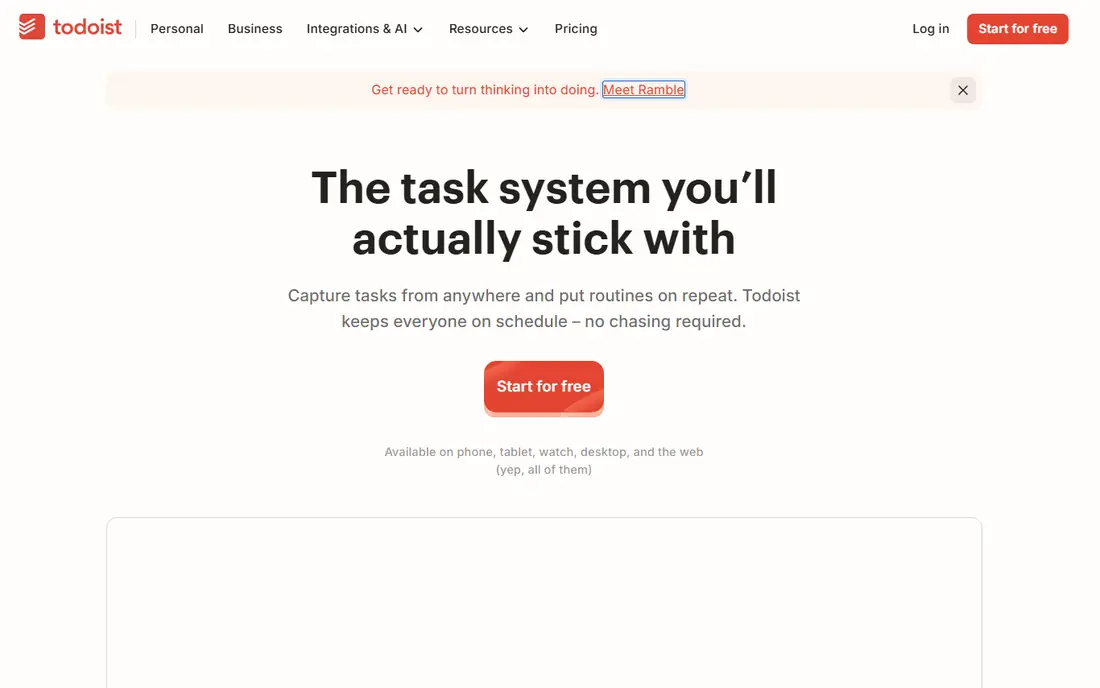
Todoist wins by staying out of the way. Type a task in plain words, add a date, and it lands in the right project with the right priority. That speed matters, because a planner you do not open is useless, and Todoist opens fast on phone, desktop, and web. Projects, labels, and filters let you organise work without building a system first. The limit is time. Todoist lists what to do, but it does not block time on your calendar by itself. You can sync with a calendar app or use a separate time-blocking tool for that step. If your day is driven by tasks rather than meetings, Todoist is enough. If your calendar is the main constraint, pair it with Google Calendar or try Sunsama or Motion instead.
- Fast natural-language input, projects and priorities, works on every major platform
- No built-in calendar time blocking, reminders and advanced filters need Pro
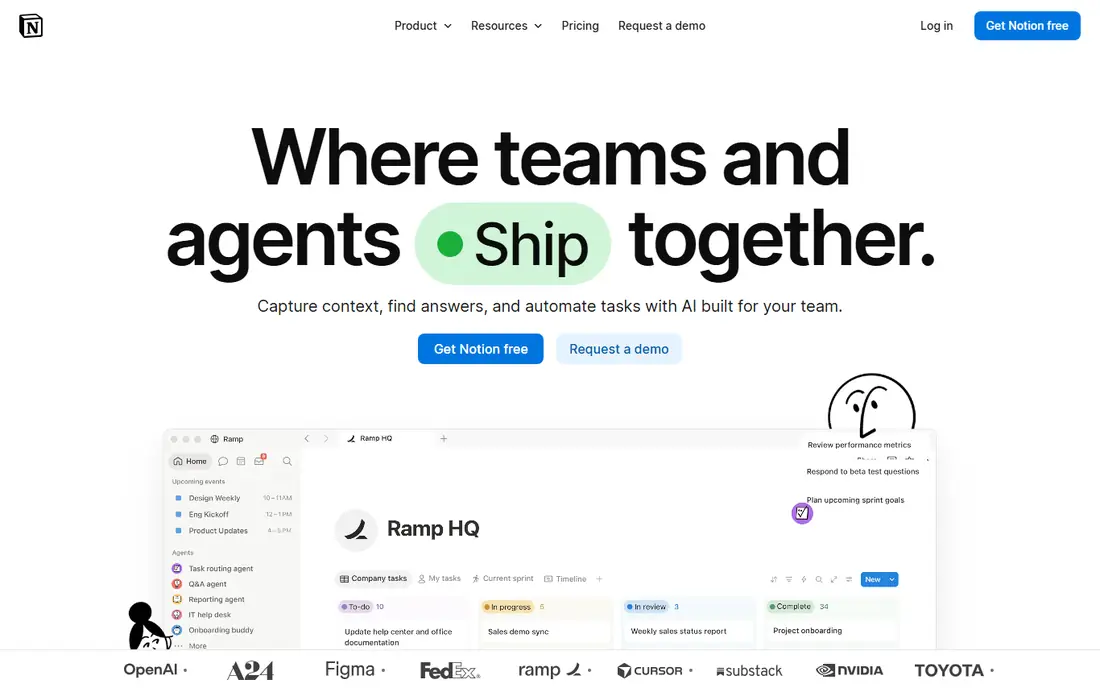
Notion is a planner you build, not a planner you open. You can create a daily page, link tasks to projects, add notes and files, and view the same work as a list, board, or calendar. For students, freelancers, and small teams who already keep notes and projects in Notion, that shared workspace saves switching between apps. The cost is setup time. A blank Notion workspace does not plan your day for you, and a simple to-do list can feel buried under databases and templates. Start with one simple daily template and add structure only when a real need appears. If you only want a fast task list, Todoist or TickTick will serve you better.
- Databases, pages, templates, calendar views, strong for projects and notes together
- Setup takes time, can feel heavy for a simple daily list, mobile capture is slower than Todoist
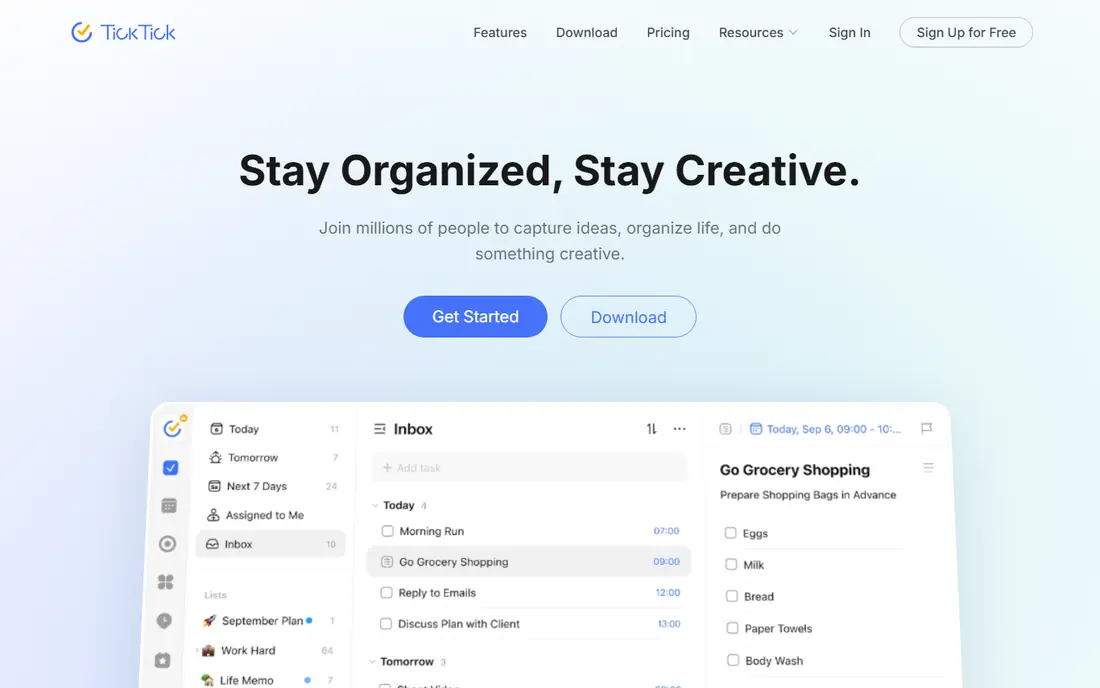
TickTick is the best value all-in-one planner in this list. Tasks, a calendar view, habit tracking, and a Pomodoro timer sit in one app, so you do not need separate tools for routine and focus. The calendar view helps you move tasks into time slots, and habits keep daily routines visible next to work tasks. The free tier is usable but capped, with limits on lists, tasks per list, and reminders per task. Premium at $49.99 per year removes those caps and is still cheaper than many rivals. If you want one app for planning, habits, and focus, TickTick is the most complete budget pick here.
- Built-in calendar, habit tracking, Pomodoro timer, good value for the feature set
- Free tier caps lists and reminders, interface can feel busy
Sunsama plans your day the way a good paper planner would, but with your real tasks pulled in. Each morning, you review tasks from connected tools, choose what fits today, and place each item into a time box. That ritual forces a choice: if the day is full, something must wait until tomorrow. For people who overcommit, that honesty is the main benefit. The price is the main barrier. At $17 per month billed annually, Sunsama costs more than Todoist and TickTick combined, and there is no free plan to test the ritual long-term. A trial helps, but you should test it for at least a full work week before paying. If you already plan carefully in a simpler app, Sunsama may feel like an expensive wrapper around a habit you already have.
- Guided daily planning flow, time boxing, imports from task tools, calm interface
- No free plan, price is high for a single-user planner, no full project management
Motion takes the opposite approach from Sunsama. Instead of asking you to plan the day, it builds the day for you, placing tasks around meetings, deadlines, and priorities. When a meeting moves, Motion reshuffles the plan. For managers, founders, and anyone whose calendar changes daily, that automation saves the replanning time that manual tools cannot. The price and the loss of control are the trade-offs. At $29 per month billed annually, Motion is a serious subscription, and some users will dislike an algorithm moving their tasks. Try it during a busy week, not a quiet one, because its value shows up when plans change. If your days are stable, a manual planner will be cheaper and calmer.
- Automatic task scheduling, calendar optimisation, project views, deadline handling
- No free plan, high price, less control than manual planning for some users
Google Calendar
Great for: Free calendar-first planning for meeting-heavy days
Google Calendar is the planner many people already use, and for good reason. It is free, it syncs everywhere, and it handles meetings, shared calendars, and reminders without setup. Paired with Google Tasks, it covers simple daily planning well enough for many users, especially when most of the day is already booked with events. Its weakness is task depth. Google Tasks is basic compared with Todoist or TickTick, with fewer projects, priorities, and filters. If your work is mostly meetings plus a short task list, Google Calendar is enough and costs nothing. If your work is mostly tasks with few meetings, a task-first planner will serve you better.
- Free, fast, reliable, strong sharing, works with Gmail and Google Tasks
- Task management is basic, no guided daily ritual, limited project features
Structured shows your day as a timeline, not as a list. You see each task in its time slot, with gaps and overlaps visible at a glance. That visual layout helps people who think in hours rather than in checkboxes, and it makes an overloaded day obvious before the day starts. Structured is not a project manager. It does not replace Notion for projects or Todoist for large task lists. Use it as a daily planning layer on top of a task app, or as your main planner if your days are simple and time-based. The Pro price is modest, and the free plan is enough to test whether a timeline view changes how you plan.
- Clear hour-by-hour timeline, simple input, good on mobile and desktop
- No full project management, fewer integrations than larger planners
Fantastical is a calendar app that feels like a planner. Type an event in plain words, and it creates the event with the right date, time, and details. Tasks and events sit together, so you can see work and meetings in one view without switching apps. Apple users will find it fits naturally with their devices. The free version covers basic calendar use, but Premium adds the features that make Fantastical worth paying for. Windows support has improved, but the experience is still strongest on Apple platforms. If you live in Apple Calendar and want a smarter front end for it, Fantastical is a strong upgrade. If you live in Google Calendar, Google Calendar itself may be enough.
- Natural-language event input, clean calendar views, tasks and events together
- Best experience is on Apple devices, Premium needed for full features
How we picked these
We compared official feature pages, pricing pages, app store listings, and public reviews, and we kept only planners that work in October 2026. We looked for fast capture, a clear daily view, calendar or task strength, and a price that fits the value offered. We did not include planners that are only a paper template or a single-platform novelty, because a daily planner must work where you work. Where a price depends on annual billing, we noted it in the table and the write-up.
How to choose a planner app
Match the app to how your day actually breaks down, not to the feature list that looks most impressive.
If your day is task-driven
Choose Todoist or TickTick. Both capture tasks fast, work on every platform, and cost little. Add a calendar view in TickTick if you want to time-block, or keep Google Calendar alongside Todoist if you prefer separate tools.
If your day is meeting-driven
Choose Google Calendar or Fantastical. Your calendar is already the plan, so a task layer on top is enough. Motion is worth testing only if meetings move often and replanning eats your time each week.
If you overcommit
Choose Sunsama for a guided daily ritual that forces you to pick what fits today. The ritual matters more than the features, so test it for a full week. If the ritual feels like extra work, a simpler planner with a daily review habit will serve you better.
If you plan projects and notes together
Choose Notion, and build one simple daily template first. Do not build a complex system on day one. Add databases and views only when a real project needs them, or the planner will become a project of its own.
Frequently asked questions
What is the best daily planner app?
Todoist is the best daily planner app for most people, because it is fast, simple, and cross-platform. TickTick is close behind and adds a calendar, habits, and a focus timer for a similar price. Sunsama is better if you want a guided daily ritual, and Notion is better if your planner must also hold notes and projects.
What is the best planner app for time blocking?
Sunsama is the best guided time-blocking planner in this list, because its daily ritual places each task into a time slot. Motion automates time blocking with AI scheduling, while TickTick and Structured offer simpler calendar and timeline views. Choose Sunsama for control, Motion for automation, and TickTick or Structured for a lower price.
Is there a good free planner app?
Yes. Google Calendar is the best free planner for meeting-heavy days, Todoist and TickTick have useful free tiers for task planning, and Structured has a free plan for visual timeline planning. Free tiers usually limit reminders, projects, or advanced features, so check those limits before relying on them for work.
What is the best planning app for students?
TickTick and Notion are strong student picks. TickTick covers tasks, habits, and focus timers in one cheap app, while Notion covers notes, projects, and deadlines in one workspace. Todoist is also a good student pick when you want the simplest possible daily list without setup time.
Can a planner app replace a paper planner?
It can, if you open it each morning and review it each evening. Digital planners add reminders, sync, and calendar integration that paper cannot match. Paper still wins for some people who focus better without a screen, so the best test is a two-week trial: if you open the app daily, keep it; if you forget it, paper or a simpler app may suit you better.
Do I need Motion or Sunsama if I already use Todoist?
Not necessarily. Todoist covers task capture and daily lists well. Sunsama adds a guided planning ritual and time boxing, while Motion adds automatic scheduling when your calendar changes often. Try either one only if a specific pain, such as overcommitting or constant replanning, is costing you time each week.
Sources
See where you really rank - block by block
ProMapRanker scans Google Maps across a grid of your service area. Simple monthly plans from $19, white-label on every plan.
Start freeKeep reading
 youtube alternatives
Best YouTube Alternatives in 2026
Looking for youtube alternatives in 2026? We compare Vimeo, Dailymotion, Twitch, Rumble, and more on price, audience, monetization, control and privacy.
Read → what's the best ai tool for photo editing
What Is the Best AI Tool for Photo Editing in 2026
What is the best AI tool for photo editing? We compare ten tools for 2026, from Photoshop and Lightroom to Luminar, Topaz, Canva and mobile editors today.
Read → twitter alternatives
Best Twitter Alternatives in 2026
Compare the best twitter alternatives for 2026, from Bluesky, Threads, and Mastodon to Reddit, Tumblr, and Micro.blog, with free plans and audience notes.
Read →