 ProMapRanker
Best Photo Clean Up App in 2026

Key takeaways
- Clever Cleaner is our pick for iPhone users, because it groups duplicates and similar photos, works on device and offers a useful free tier.
- Files by Google is the best free starting point on Android, because it finds duplicate files, old chat media and large files without a subscription.
- Slidebox suits users who prefer to review photos one by one with swipes, rather than trusting bulk deletion.
- Always back up photos before a bulk clean, and review suggested deletions, since similar photo tools can flag a keeper by mistake.
- A cleaner cannot speed up a phone by itself, but freeing storage can stop full storage warnings and failed photo saves.
Quick comparison
| Pick | Great for | Pricing starts at | Free tier | |
|---|---|---|---|---|
 Clever Cleaner | iPhone duplicate cleanup | Free | Yes | Visit |
 Files by Google | Android storage cleanup | Free | Yes | Visit |
 Slidebox | Swipe review cleanup | Free | Yes | Visit |
 Gemini Photos | Mac photo library cleanup | See website | No | Visit |
 Duplicate Photos Fixer Pro | Cross device duplicates | See website | Free trial | Visit |
 Remo Duplicate Photos Remover | Simple iPhone duplicates | Free | Yes | Visit |
 Cleaner Guru | iPhone all in one cleanup | See website | Yes | Visit |
 Slean | Private on device cleanup | Free | Yes | Visit |
 Smart Cleaner | iPhone contacts and photos | See website | Yes | Visit |
The best photo clean up app
A photo library grows in ways that are easy to miss: burst shots, near duplicates, screenshots, saved chat media and long videos. A good clean up app finds those groups, shows you what it plans to delete, and lets you keep the best version. A bad one deletes in bulk without a clear review step, which is risky for family photos and travel memories. We compared official app store listings, developer pages and feature pages for the apps below, and we focused on duplicate detection, review controls, privacy and price. Back up your library to cloud storage or a computer before any bulk deletion, and check the Recently Deleted folder after a clean.
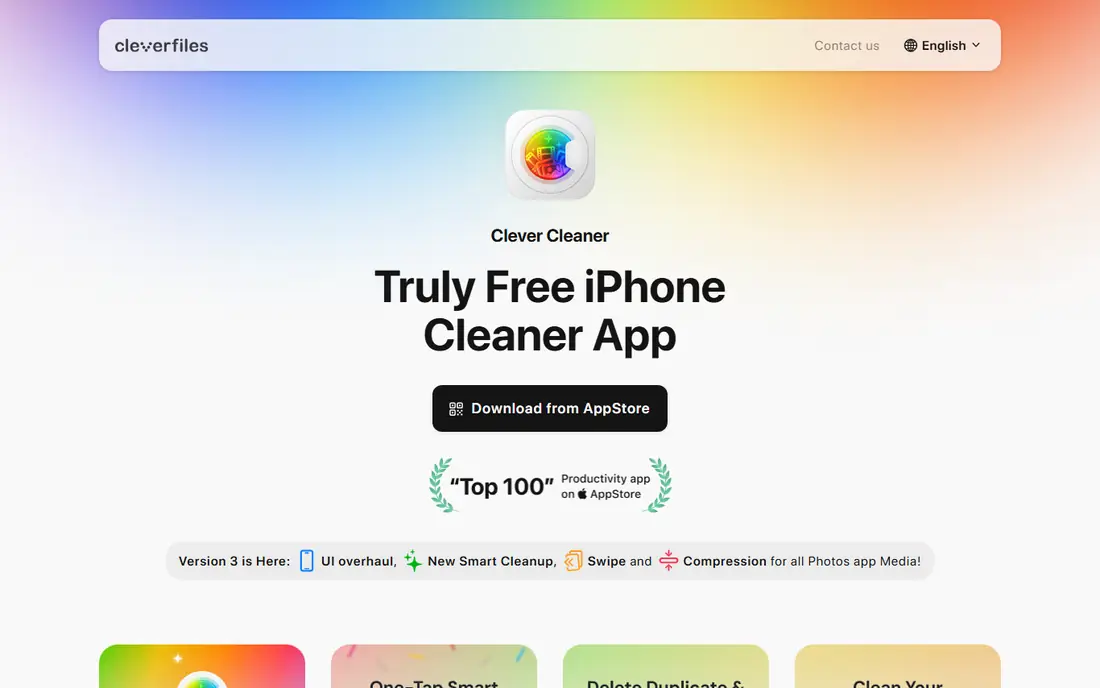
Clever Cleaner is made for iPhone by CleverFiles, the company behind Disk Drill, and it focuses on the exact problem most iPhone users have: too many similar photos and not enough space. It groups exact duplicates and near identical shots, marks the best photo in each group, and lets you change the selection before you delete. Screenshots, large videos and Live Photos are grouped too, so you can compress or delete the heaviest items first.
The free tier is useful, with daily cleanup limits and an unlimited swipe mode, and no ads in the listing we reviewed. A Premium plan removes the daily limit, with prices shown in the app store. Clever Cleaner is iPhone only, so Android users need a different tool below. For iPhone users who want a careful, review first cleaner, this is our pick.
- Groups duplicates and similar photos
- On device processing
- No ads on the free tier
- IPhone only
- Daily free cleanup limits apply
- Premium needed to remove those limits
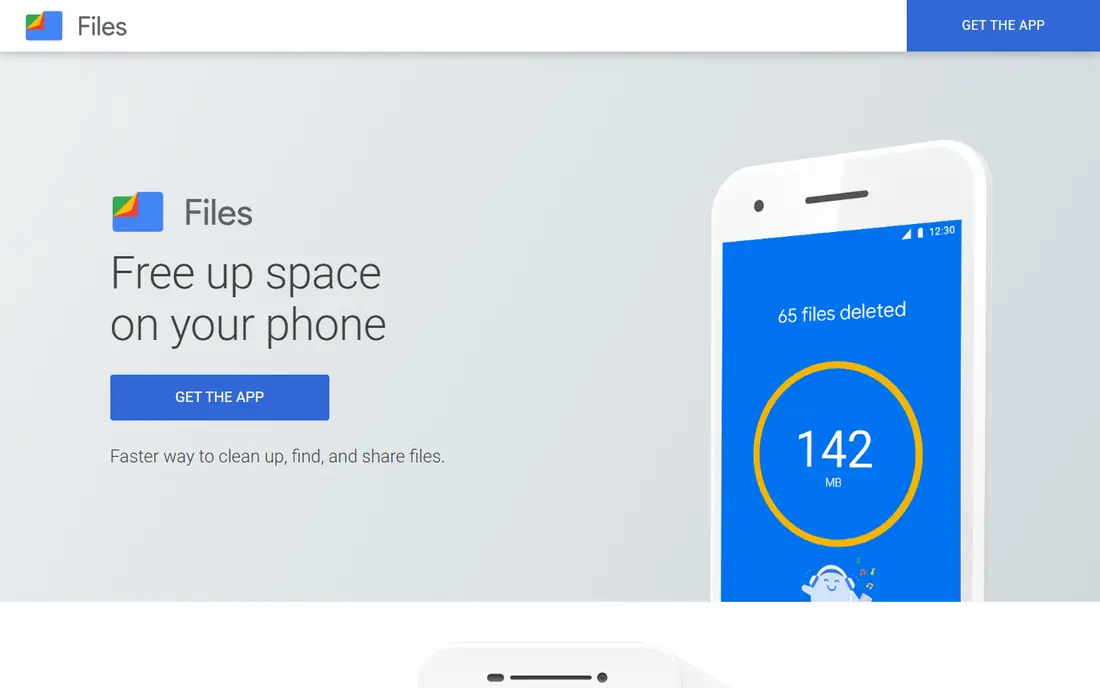
Files by Google is a file manager from Google, and it is the best free starting point on Android because it does more than photo cleanup. It shows free space on the device, finds duplicate files, old photos from chat apps and cache you can delete, and lets you sort files by size to spot the largest videos and downloads. You can also move files to Google Drive or an SD card, which frees space without losing a file you might need later.
Photo grouping is less detailed than a dedicated photo cleaner, since Files by Google works across all file types, not just the photo library. For Android users who want a free, ad free clean without a subscription, start here before you pay for a specialist app.
- Free with no ads
- Finds duplicate files and old chat media
- Sorts files by size
- Android only
- Photo specific grouping is less detailed than dedicated cleaners
- Needs storage permission
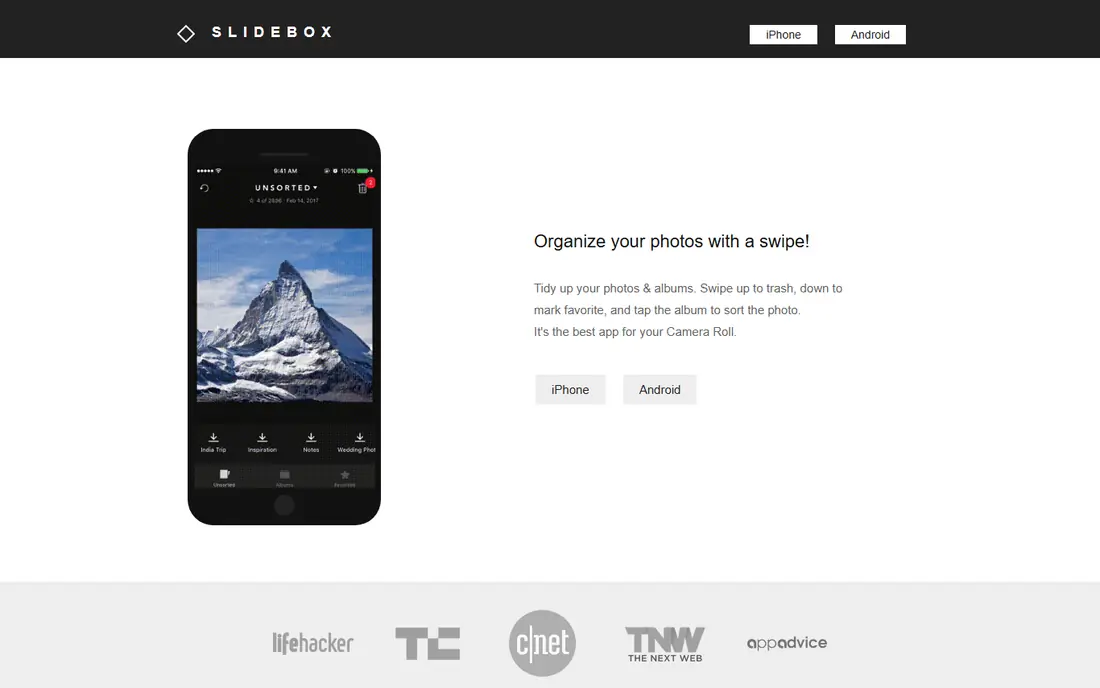
Slidebox takes a different approach: instead of auto selecting deletions, it lets you review photos by month and swipe to keep, delete or upload. That gesture based review makes a large clean feel manageable, and it reduces the risk of bulk deleting a photo you wanted to keep, because you see each photo full screen before you decide. Album sorting helps you organize keepers as you go, rather than just deleting.
The trade off is time and subscription limits. Reviewing one by one takes longer than accepting an auto generated list, and photos older than two years are locked behind a subscription in the information we reviewed. Slidebox works on Android and iOS, with a free tier for basic use. If you prefer control over speed, and you mainly clean recent photos, Slidebox is a good fit.
- Fast swipe review for photos
- Simple album sorting
- Free tier covers basic sorting and deletion
- Photos older than two years need a subscription for full access
- Less automatic duplicate detection
- Review takes time for large libraries
Gemini Photos, from MacPaw, is the Mac counterpart to a phone cleaner, for users whose main photo library lives on a computer. It scans a photo library or folders for duplicates and similar photos, groups them for review, and offers smart selection that learns which version you tend to keep. That learning helps over time, since it starts to match your preference for sharper, better framed or higher resolution versions.
Gemini Photos is not a free phone app, so check the current MacPaw pricing page before you buy, since purchase and subscription terms have changed over time. It also suits a workflow where photos are imported to a Mac for backup and editing, rather than a phone only library. For Mac users with a large, messy library, Gemini Photos is a strong, review focused choice.
- Finds duplicates and similar photos on Mac
- Smart selection learns your choices
- Handles photo library and folders
- Mac focused
- Subscription or purchase needed
- Check current pricing on the vendor site
Duplicate Photos Fixer Pro, from Systweak, is a utility style cleaner for users who have duplicates spread across folders, drives and devices, not just a phone camera roll. It scans selected folders, groups exact matches and visually similar images, and lets you review groups before deleting. That folder based approach helps photographers and office users who have copies in downloads, backups and shared folders.
The experience is less polished than a phone first app, and pricing varies by platform and store, so check the vendor page for your device before you buy. Scanning a very large library also takes time, and you should still back up before a bulk delete. For a cross device duplicate problem, rather than a phone only problem, Duplicate Photos Fixer Pro is a practical tool.
- Finds exact and similar photos across folders
- Works on several platforms
- Review before deletion
- Interface is more utility than photo app
- Pricing varies by platform
- Large libraries take time to scan
Remo Duplicate Photos Remover focuses on one job: find duplicate photos in your gallery and let you delete them with a preview first. That simplicity suits beginners who do not want contact cleaning, calendar cleaning or file management in the same app. Smart scanning looks for identical and near identical images, and metadata inspection helps you decide which copy to keep when two photos look the same.
The main drawback is speed on very large libraries, where scanning can take a while, especially on older phones. Remo also offers fewer extra tools than Cleaner Guru or an all in one cleaner, so users who want video sorting and compression may need a second app. For a simple, free iPhone duplicate clean, Remo is an easy starting point.
- Simple interface for beginners
- Preview before deletion
- Finds identical and near identical photos
- Scanning can be slow on very large libraries
- Fewer extra tools than all in one cleaners
- Check in app purchase terms
Cleaner Guru is an all in one iPhone cleaner that covers duplicate photos, similar photos, large videos and junk files, plus a secure folder for private photos. Filtering by date helps you target a specific period, such as a holiday or a busy month, rather than cleaning the whole library at once. That date filter is useful when you know exactly when duplicates piled up.
The free version is limited, and subscription pricing has varied in app store listings, with monthly and yearly options and a trial in some cases. Read the trial and renewal terms in the app store before you start a trial, and cancel promptly if you do not want to keep it. For iPhone users who want one app for photos, videos and files, Cleaner Guru is worth a trial, with careful attention to the subscription price.
- Duplicate and similar photo tools
- Video and file cleanup
- Secure folder for private photos
- Free version is limited and ad supported in some listings
- Subscription pricing varies
- Check trial terms carefully
Slean is a newer photo cleaner built around privacy: sorting, duplicate detection, similar photo detection, filtering and compression all run on the device, with no account, no sign in and no advertising trackers in the design we reviewed. It also lets you sort the whole library by file size, filter by screenshots, albums, dates and media type, and review everything full screen before deleting. That combination of privacy and review control is rare in free cleaners.
The trade off is maturity. Slean is newer and smaller than Clever Cleaner or Files by Google, and it only works with your photo library, without claiming to clean app caches or boost performance. For privacy conscious users on iPhone, iPad and Android, Slean is a strong free choice.
- All processing on device
- No account or ads
- Duplicate, similar and size tools in one app
- Newer and smaller than rivals
- Photo library only, no cache cleaning claims
- Some tools are newer and still maturing
Smart Cleaner is a general iPhone cleanup app that covers photos beside contacts and other phone clutter. Duplicate photo detection, similar photo grouping and large file sorting help free space, while duplicate contact merging helps users whose contacts have also grown messy over years of syncing. A single dashboard shows what can be cleaned, which suits a user who wants one tidy pass rather than several specialist apps.
Photo tools are less detailed than Clever Cleaner or Slean, so a photographer with thousands of similar shots may prefer a specialist. Subscription pricing varies by store and trial terms, so check the app store listing before you pay. For a general iPhone tidy that covers photos and contacts together, Smart Cleaner is a practical final option on this list.
- Photo cleanup plus duplicate contacts
- Simple cleanup dashboard
- Useful for a general phone tidy
- Photo tools are less detailed than specialist cleaners
- Subscription pricing varies
- Check free limits in the store
How we picked these
We looked for apps that are live in October 2026, that clean photos specifically rather than claiming to boost speed or battery, and that offer a review step before deletion. We compared official app store listings, developer pages and feature pages, and we noted where pricing is free, trial based or shown only in the store. Where a price could not be confirmed on a vendor page, we wrote See website rather than repeating a store estimate as a vendor price.
We weighted on device processing and review controls above bulk speed, because a cleaner that deletes without review is risky for personal photos. Free tier usefulness also mattered, since many users only need one clean, not a permanent subscription. That is why free tools such as Files by Google, Clever Cleaner and Slean rank highly here, beside paid Mac and utility tools for larger libraries.
What to check before you choose
Start with a backup, every time. Turn on cloud photo backup or copy your library to a computer, then run a scan and review the first 20 suggested deletions by hand. Check whether the app kept the sharpest, highest resolution version, and whether it flagged a burst sequence where you actually want two different frames. If the first 20 suggestions look wrong, stop and try a different app, rather than accepting a full list.
Next, check privacy and permissions. A photo cleaner needs access to your photo library, but it does not need your contacts, location or browsing history to find duplicates. Prefer apps that process on device, show a clear privacy policy and do not require an account for basic cleaning. Finally, check the subscription trap. Many cleaners offer a short trial that renews automatically, so set a reminder to cancel if you only need one clean, and keep the app only if you clean monthly and use its extra tools.
Frequently asked questions
What is the best photo clean up app?
Clever Cleaner is the best photo clean up app for iPhone users, because it groups duplicates and similar photos with on device processing and a useful free tier. Files by Google is the best free starting point on Android. The best choice depends on your phone, since iPhone and Android cleaners work differently.
What are the best apps to clean up photos on iPhone?
Clever Cleaner, Slidebox, Remo Duplicate Photos Remover, Cleaner Guru, Slean and Smart Cleaner are all strong iPhone options. Clever Cleaner leads for duplicate detection, Slidebox leads for swipe review, and Slean leads for privacy. Try a free tier first, and back up before any bulk deletion.
What is the best app to clean up photos on Android?
Files by Google is the best free app to clean up photos and files on Android, with duplicate detection, chat media cleanup and size sorting at no cost. Slidebox and Slean also work on Android for photo review and on device cleanup. Avoid paid Android cleaners until you have tried Files by Google, since it covers most basic needs free.
Is it safe to use a photo cleaner app?
It is safe if you back up first, review suggested deletions and choose an app with on device processing and a clear privacy policy. Avoid apps that delete without review, ask for unrelated permissions or upload your full library without explaining why. Deleted photos usually go to a Recently Deleted folder first, which gives you time to restore a mistake.
How do photo cleaner apps find duplicates?
Most cleaners compare image content, file data and metadata to group exact duplicates and visually similar photos, such as burst shots and near identical frames. They then suggest one keeper, usually the sharpest or largest version, and list the rest for deletion. Always review the suggestion, since a similar photo is not always a duplicate you want to lose.
Can a photo cleaner app speed up my phone?
No, not by itself. A cleaner frees storage, which can stop full storage warnings and allow new photos and updates to save. It does not fix a slow processor, a weak battery or a full system cache. If your phone is slow after freeing storage, check battery health, software updates and background apps, rather than buying another cleaner.
Sources
See where you really rank - block by block
ProMapRanker scans Google Maps across a grid of your service area. Simple monthly plans from $19, white-label on every plan.
Start freeKeep reading
 zscaler alternatives
Best Zscaler Alternatives in 2026
Looking for zscaler alternatives? We compare 9 SASE and zero trust platforms on architecture, data protection, pricing, and fit for your network and team.
Read → zapier alternatives free
Best Zapier Alternatives Free in 2026
Nine automation tools for zapier alternatives free in 2026, all with genuinely free tiers, plus free plan limits, starting prices and upgrade paths explained.
Read → which platform is best for online reputation
Which Platform Is Best for Online Reputation in 2026
Wondering which platform is best for online reputation? We compare 8 review, listing, and response tools for small and multi-location businesses and agencies.
Read →