 ProMapRanker
Best Photo Booth App in 2026: 9 Apps Compared

Key takeaways
- LumaBooth gives DSLR quality at a low monthly price, while Darkroom Booth and Sparkbooth use one-time licenses instead of subscriptions.
- Simple Booth and Booth.Events suit iPad setups where fast setup matters more than deep camera control.
- Touchpix is the clearest pick for 360 video booths, and Snappic covers the widest mix of booth types.
- Check camera support before you pay, because iPad apps and Windows DSLR tools do not accept the same hardware.
- Print quality, offline capture and sharing options matter more at a live event than a long feature list.
Quick comparison
| Pick | Great for | Pricing starts at | Free tier | |
|---|---|---|---|---|
 Snappic | Operators running many booth types | See website | Free trial | Visit |
 LumaBooth | Budget DSLR booths | $17 per month | Free trial | Visit |
 Simple Booth HALO | iPad rentals and one-off events | $24 per week | Free trial | Visit |
 Touchpix | 360 video booths | See website | Free trial | Visit |
 Darkroom Booth | Windows booths with printing | $295 one-time | Free trial | Visit |
 Sparkbooth | Simple DIY booths | $149 one-time | Free trial | Visit |
 Booth.Events | Modern iPad booth operations | See website | Free trial | Visit |
 Curator | Video-first booths | See website | Free trial | Visit |
 Breeze Booth | Brand work needing deep control | See website | No | Visit |
The best photo booth apps
We compared official feature pages, pricing pages and public operator reviews for these picks. The list mixes iPad apps, Windows DSLR software and 360 specialists, so start with your camera and booth type.
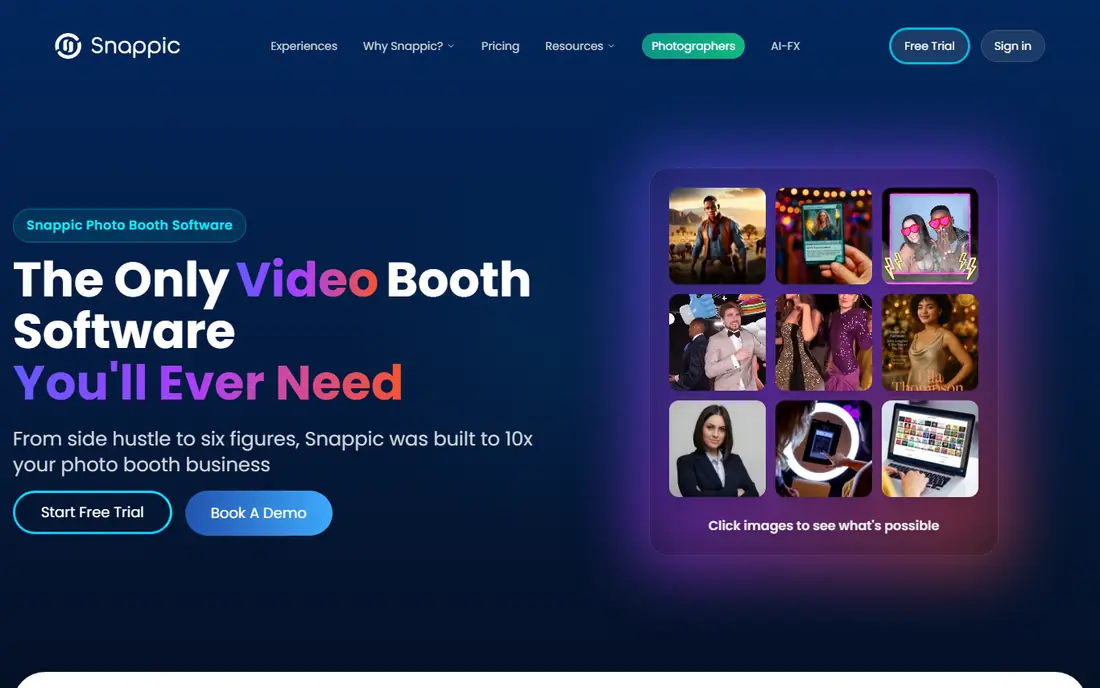
Snappic covers photo, video, GIF, 360 and mirror-style booths in one platform, which helps if you run different setups across events. Guests can share by text, email or QR code, and operators can brand screens, overlays and galleries. That breadth makes it a practical choice for rental companies that do not want a separate app for each booth style.
The trade-off is complexity. A first-time operator may need time to learn templates, event settings and sharing rules before a paid event. Pricing also varies by booth type and plan, so ask for a quote that matches your exact setup. For a busy rental business, the range is worth it. For a single home party, a simpler app may be enough.
- Wide booth support
- AI effects and sharing tools
- Strong support options
- Pricing is not simple to compare at a glance
- Some features need higher plans
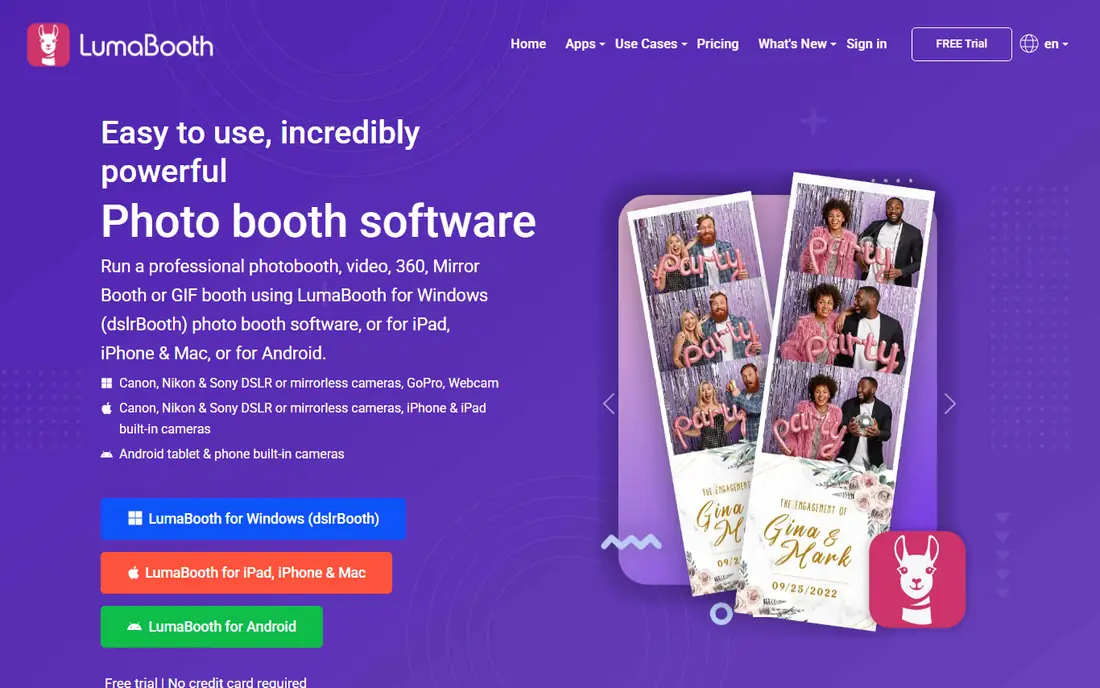
LumaBooth, formerly known as dslrBooth, is our pick for most people who want DSLR quality without a large monthly bill. It works on Windows, iPad and Android, and it supports photo, GIF, video, boomerang and 360 capture. That mix covers weddings, parties and small rental jobs without forcing you into one device type.
The low price is the main draw, but do not expect the same cloud management depth as larger platforms. Remote setup and multi-booth control are more limited, so plan to configure events on site. If you run one or two booths and value price over fleet tools, LumaBooth is hard to beat.
- Low entry price
- DSLR and iPad support
- Photo, video and 360 modes
- Cloud tools are thinner than some rivals
- Setup still needs care with cameras
Simple Booth HALO is built for iPad booths, and that focus shows in its clean screens and quick setup. Operators can create branded events, capture guest contact details, and share photos by text or email without a long learning curve. The app also supports Canon DSLR cameras in recent versions, which lifts image quality above a tablet camera alone.
Weekly pricing suits a single event or a short rental season. Full-time operators should compare the yearly device price before committing, because weekly billing adds up fast. If you want a booth that staff can learn in an afternoon, HALO is a strong shortlist pick.
- Polished iPad design
- Fast event setup
- Lead capture and sharing built in
- Weekly pricing adds up for full-time use
- DSLR support is narrower than Windows tools
Touchpix started as a 360 specialist, and it remains the first name to check for spinning video booths. It connects to GoPro cameras, supports slow motion and video effects, and runs on iOS, Android, macOS and Linux. That cross-platform reach helps operators who mix tablets, phones and computers across events.
If your main work is still photos and prints, Touchpix may feel video-first. Its photo tools are solid, but print-heavy operators may prefer Darkroom Booth or Breeze Booth. For 360 rentals, brand activations and social video, Touchpix earns its place.
- Strong 360 and video focus
- Works across iOS, Android and desktop
- GoPro support
- Less suited to print-heavy photo booths
- Pricing needs a quote for some plans
Darkroom Booth is a long-running Windows program for professional photo booths, and its one-time price appeals to owners who dislike subscriptions. It supports tethered DSLR capture, green screen, GIFs and video, plus a large template library for prints. For weddings and galas where printed strips still matter, that print focus is a real strength.
The interface is not as modern as newer iPad apps, and setup takes patience, especially with printers and cameras. Once configured, though, it runs reliably at events. If you want to buy once and print well, Darkroom Booth is a sensible pick.
- One-time license
- More than 75 print templates
- Strong DSLR and printer support
- Interface looks dated
- Windows only
- Setup can feel clunky at first
Sparkbooth keeps things simple, which is exactly why schools, community events and DIY hosts like it. You can run it on a laptop with a webcam or a DSLR, add a basic layout, and let guests take photos, GIFs and boomerangs. There is no steep setup process and no monthly bill to track.
Advanced operators will miss the deeper branding, 360 video and fleet tools found in Snappic or Touchpix. Sparkbooth is not trying to win that contest. It is for people who want a dependable booth at a party without learning a complex platform.
- One-time price
- Very easy to learn
- Works with webcams and DSLRs
- Fewer advanced effects
- Limited 360 and video options
Booth.Events offers a modern iPad platform for photo, GIF, slow motion, boomerang and 360 spinner booths. Events are easy to brand, galleries are easy to share, and the support team gets good marks from operators in public reviews. It suits rental businesses that standardize on iPad hardware.
The main drawback is pricing transparency, since some plans require a quote. That makes direct comparison harder than with LumaBooth or Simple Booth. If you already run iPad booths and want a current, well-supported platform, Booth.Events deserves a trial.
- Modern iPad design
- Photo, GIF and 360 modes
- Good operator support
- Pricing is not fully public
- IPad-first, so DSLR choice is narrower
Curator focuses on video booths, with slow motion, face morphing, effects and branded sharing. That makes it a good fit for brand activations and parties where guests want a short video clip more than a printed photo. It also supports multiple booth types, so operators can mix video and photo events.
Because pricing depends on the plan and booth type, you should confirm costs before a busy season. Print-focused operators may also prefer a dedicated photo tool. For video-first work, Curator is one of the more complete options on this list.
- Strong video and slow-motion tools
- Face effects and morphing
- Multi-booth support
- Pricing varies by plan
- Photo printing is not its main strength
Breeze Booth, from Breeze Systems, gives operators deep control over capture, layouts, printing and branding. Agencies and brand teams use it when a standard template is not enough and every screen must match a campaign. It supports DSLR cameras, green screen and a wide range of printers.
That control comes with a learning curve and a price that can rise with devices and features. Casual hosts will find it more than they need. For professional activations where customization is the job, Breeze Booth is a proven tool.
- Deep customization
- Strong DSLR and printer control
- Good for brand activations
- Steeper learning curve
- Higher cost for some setups
- Windows focus
How we picked these
We compared official feature pages, pricing pages and app store listings, plus public operator reviews, and we kept only tools that are live and clearly support photo booth work in October 2026. We favored a mix of iPad apps, Windows DSLR software and 360 specialists, and we checked camera support, sharing, printing and pricing model for each one. Where a vendor does not publish a clear price, we wrote See website rather than guessing.
Choosing the right photo booth software
Start with hardware. If you own a DSLR and a Windows laptop, LumaBooth, Darkroom Booth, Breeze Booth or Sparkbooth fit best. If you want an iPad booth you can set up fast, Simple Booth, Booth.Events and Snappic are easier starting points. For 360 video, Touchpix and Curator should lead your shortlist.
Check sharing and printing before the event
Test text sharing, email sharing and QR galleries with a real phone before guests arrive. If you promise prints, test your printer, paper and template sizes at home, not at the venue. A short trial event with friends will reveal slow sharing, camera disconnects and confusing screens while you still have time to fix them.
Match pricing to how often you run events
One-time licenses suit owners who run booths all year and dislike monthly bills. Weekly or monthly plans suit one-off events and seasonal rentals. Add up a full year of weekly billing before you assume a cheap weekly rate is the cheapest option.
Frequently asked questions
What is the best photo booth software for a wedding?
Simple Booth HALO and LumaBooth are good starting points, because both offer polished guest screens and easy sharing. Darkroom Booth suits weddings where printed strips are a priority. Pick based on your camera and whether prints matter more than video.
What is the best 360 photo booth software?
Touchpix is the strongest 360 specialist on this list, with GoPro support and slow-motion video tools. Snappic, LumaBooth, Booth.Events and Curator also support 360 modes, so compare their pricing and camera support before you choose.
What is the best app for a 360 photo booth on iPad?
Simple Booth, Booth.Events, Snappic and Touchpix all run on iPad hardware for 360-style events, though the exact 360 rig and camera setup varies. Confirm that your spinner hardware and camera are supported on a trial before you book a paid event.
Is there free photo booth software?
Most professional tools offer a free trial rather than a free plan, and Curator has a free tier in some listings. Sparkbooth and Darkroom Booth use one-time licenses, which can cost less over time than a subscription. Free trials are the best way to test capture and sharing before you pay.
Do I need a DSLR for a photo booth?
No, an iPad or webcam booth can work well for casual events. A DSLR gives better low-light results and sharper prints, which matters for paid rentals and large prints. If you buy a DSLR tool, confirm your exact camera model is supported.
Sources
See where you really rank - block by block
ProMapRanker scans Google Maps across a grid of your service area. Simple monthly plans from $19, white-label on every plan.
Start freeKeep reading
 zoho inventory alternatives
6 Alternatives to Zoho Inventory, Compared on Price and Fit
Zoho Inventory alternatives: 6 tools compared on price, free plans and fit. Katana leads the list for manufacturers. Fit and flaws are laid out for each entry.
Read → zoho crm alternatives
Best Zoho CRM Alternatives (2026)
Need Zoho CRM alternatives? We compare 7 tools on cost, free access and who each suits. Every pick gets a straight assessment. Built for quick decisions.
Read → zelle alternatives
Best Zelle Alternatives in 2026
Compare the best Zelle alternatives for sending money to friends, paying sellers and moving funds abroad, with honest notes on fees, speed and safety in 2026.
Read →