 ProMapRanker
Best Photo Animation App in 2026

Key takeaways
- Motionleap suits still-photo motion best, with brush controls for water, sky, and other moving elements in a single image.
- StoryZ and Vimage suit quick cinemagraphs and overlays, where only part of the photo moves and the rest stays still.
- Canva, Adobe Express, and CapCut suit creators who want animation plus text, music, and social formats in one editor.
- Free plans vary on watermarks, export quality, and asset access, so check exports before you pay.
- Only animate your own photos, or photos you have permission to use, and do not animate images of people without their consent.
Quick comparison
| Pick | Great for | Pricing starts at | Free tier | |
|---|---|---|---|---|
 Motionleap | Still-photo motion effects | Free | Yes | Visit |
 StoryZ | Cinemagraphs and overlays | Free | Yes | Visit |
 Loopsie | 3D-style photo motion | See website | Yes | Visit |
 Vimage | Cinemagraphs on mobile | See website | Yes | Visit |
 Canva | Animated social designs | Free | Yes | Visit |
 Adobe Express | Quick animated posts | Free | Yes | Visit |
 CapCut | Animated video edits | Free | Yes | Visit |
 ImgPlay | Animated photo loops | See website | Yes | Visit |
The best photo animation app
Photo animation covers two different jobs: adding motion to a still photo, and turning photos into short animated videos. The apps below cover both, from single-image cinemagraphs to full social edits with text and music. We list only legitimate creative tools, and we leave out face-swap and similar tools that can be used to animate people without consent.
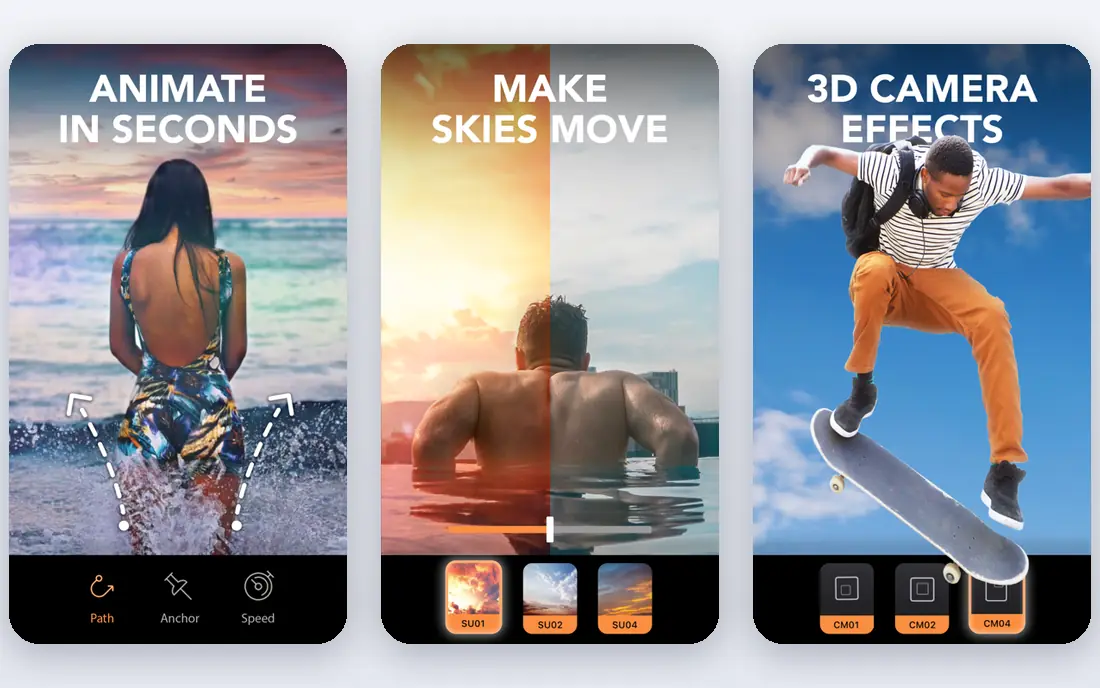
Motionleap, formerly Pixaloop and made by Lightricks, is the most focused still-photo animator here. Paint arrows to set motion direction, mask the areas that should stay still, and add sky effects or overlays to finish the scene. Water, clouds, and hair move, while buildings and faces stay put, which gives a cinemagraph feel without video editing skills.
The app is mobile only, and the full asset library needs a paid plan. Brush masking also needs patience on detailed photos, since motion can bleed into areas you meant to freeze. For a single striking animated photo, though, Motionleap is our first pick.
- Brush controls for motion direction
- Sky replacement and overlays
- Exports as video for social posts
- Mobile only
- Some features and assets need a paid plan
- Brush masking needs care on detailed photos
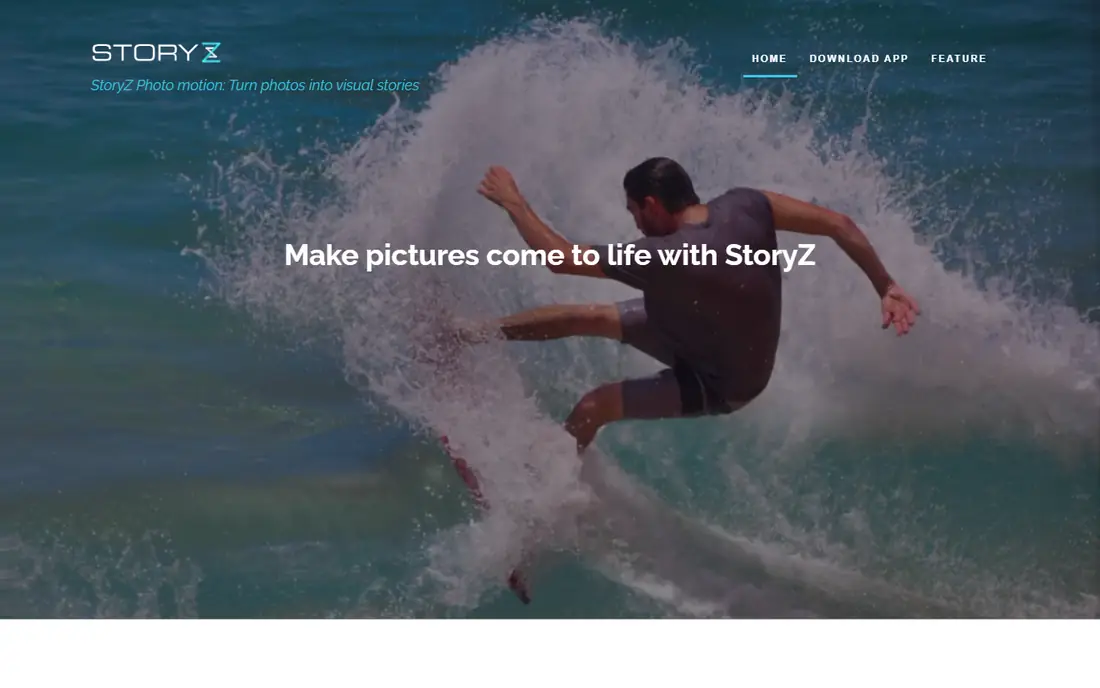
StoryZ suits creators who want a quick cinemagraph without learning a full editor. Add motion to part of a photo, layer an overlay such as rain or light, and export a short looping video. The workflow is short, which suits social posts and stories where speed matters.
Precision is the trade-off. Masking and overlay controls are simpler than Motionleap, so fine edits on a busy photo can frustrate you. StoryZ is best for simple scenes, such as a scene with moving water, rather than a detailed portrait with many moving parts.
- Motion and ripple tools for stills
- Overlay effects for rain, snow, and light
- Simple mobile workflow
- Some overlays need a paid plan
- Masking controls are less precise than Motionleap
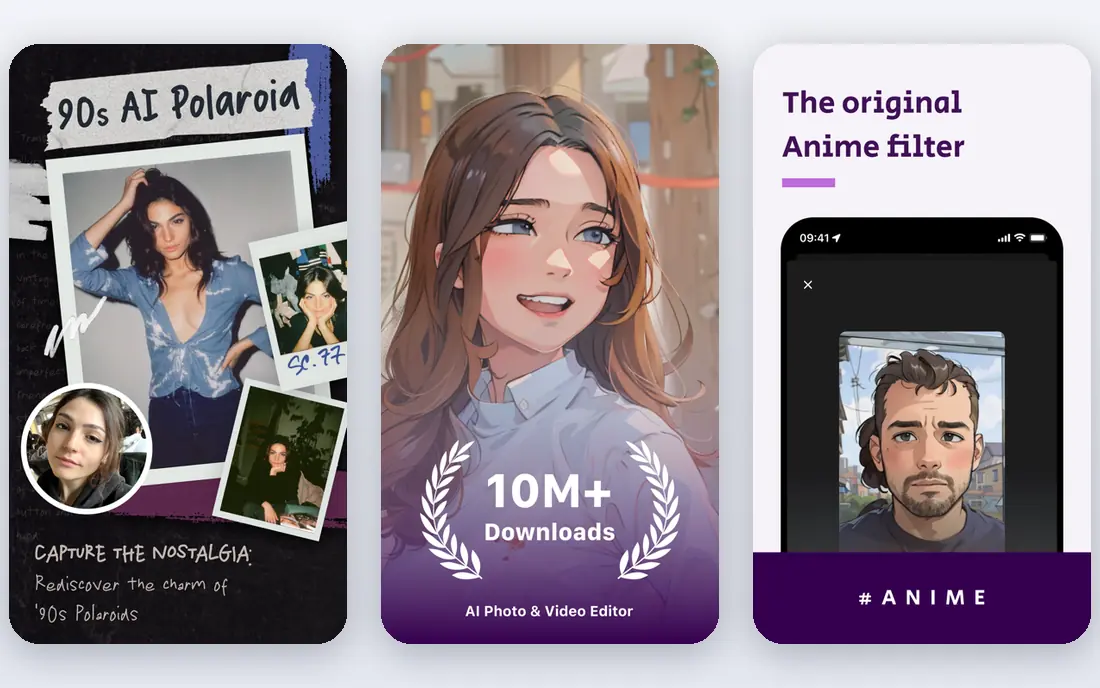
Loopsie focuses on eye-catching photo motion, including 3D-style effects that give a still image depth and movement. Capture or import a photo, apply an effect, and export a looping clip for social feeds. The short workflow suits creators who post often and want a consistent look.
It is not a full video editor, so text, music, and multi-clip timelines need another app. Loopsie suits a single animated photo with a strong effect, not a longer edited video with many scenes.
- 3D-style photo effects
- Looping video exports
- Simple capture and edit flow
- Effect range is narrower than a full editor
- Some effects need a paid plan
Vimage is another mobile cinemagraph app, with presets that make it easy to add motion to a nature scene, a product shot, or a travel photo. Overlays, filters, and sound options help finish a short loop for social posts, without a desktop editor.
The free version covers basic use, while some presets and higher-quality exports need a paid plan. Vimage suits short loops best, so creators who want a longer story should move to CapCut or Canva after the cinemagraph is done.
- Cinemagraph tools with presets
- Overlays and filters
- Free version to try
- Some presets and exports need a paid plan
- Best for short loops, not long videos
Canva suits creators who want animation as part of a design, not as a standalone photo trick. Animate text, photos, and graphics in a template, add music, and export for Instagram, TikTok, or YouTube. The template range saves time when you post in many formats.
For precise photo motion, such as moving only the water in a nature scene, Canva is less exact than Motionleap. Use Canva when the goal is a polished social post with text and branding, and use a dedicated photo animator when the motion itself is the star.
- Animation for text, photos, and graphics
- Many social templates
- Easy sharing and scheduling
- Photo motion is less precise than Motionleap
- Best features need a paid plan
Adobe Express is a fast route to animated posts for people who already use Adobe tools or stock. Pick a template, add a photo, animate text and elements, and resize the result for each social platform. The Adobe font and stock range gives posts a polished look with little effort.
The free plan limits some premium assets, and complex video editing still needs Premiere or another editor. Adobe Express suits quick, branded social posts, not long-form video projects or precise cinemagraph work.
- Quick animation templates
- Adobe stock and fonts
- Easy resize for social formats
- Free plan limits some assets
- Deeper editing needs other Adobe apps
CapCut suits creators who turn photos into short videos, not just single animated images. Build a timeline, add transitions, text, and music, and use templates to match social trends. For a photo slideshow with motion, zooms, and captions, CapCut covers the whole job in one app.
Single-photo motion is less precise here than in Motionleap, since CapCut is a video editor first. Use it when you want a finished video with several photos and sound, and use a cinemagraph app when one moving photo is enough.
- Full timeline for photo videos
- Transitions, text, and music
- Templates for social trends
- Photo-only motion tools are less precise
- Some effects and exports need a paid plan
ImgPlay is a simple loop maker. Turn a set of photos, or a live photo, into a GIF or short video, adjust frame speed and order, and share it directly. That simplicity suits quick loops for messages, stories, and social posts, where a full editor would slow you down.
The effect range is smaller than Motionleap, and it does not offer the same brush-based motion control. ImgPlay suits short loops from existing photos, not detailed cinemagraphs where only one part of a scene should move.
- Turns photos and live photos into GIFs and videos
- Frame controls
- Simple sharing
- Smaller effect range than Motionleap
- Some features need a paid plan
How we picked these
We compared official app pages, app store listings, and recent reviews, and favoured apps that are still maintained and that cover a distinct animation job. We left out face-swap tools and any tool marketed for animating people without consent, and we kept the focus on cinemagraphs, photo motion, and animated social designs. We did not claim hands-on testing.
How to choose a photo animation app
Start with the output you want. A single moving photo suits Motionleap, StoryZ, or Vimage. A short loop from several photos suits ImgPlay or Loopsie. A branded social post suits Canva or Adobe Express. A longer photo video with music suits CapCut.
Then check exports before you pay. Free plans differ on watermarks, resolution, and length, and those limits decide whether a clip is usable for your feed. Finally, only animate photos you own or have permission to use, and get consent before animating images of identifiable people, even for a fun post.
Frequently asked questions
What is the best photo animation app?
Motionleap suits still-photo motion best, thanks to its brush controls and overlays. StoryZ and Vimage suit quick cinemagraphs, while Canva and CapCut suit animated social posts and photo videos. Pick by output: one moving photo, a loop, or a full video edit.
What is the best free photo animation app?
Motionleap, StoryZ, Canva, Adobe Express, and CapCut all offer free plans, with different limits on assets and exports. Motionleap suits free photo motion, Canva suits free social designs, and CapCut suits free photo videos. Test exports on the free plan before you pay.
Can I animate a photo on my phone?
Yes. Motionleap, StoryZ, Loopsie, Vimage, and ImgPlay are built for mobile, and Canva, Adobe Express, and CapCut also offer strong mobile apps. For precise motion in a single photo, start with Motionleap or StoryZ on your phone.
How do I make a cinemagraph from a photo?
Pick a photo with a clear moving element, such as water or clouds, and mask everything else so it stays still. Add motion only to that element, keep the loop short, and export as a video for social platforms. Motionleap, StoryZ, and Vimage all support this workflow on mobile.
Is it safe to animate photos of people?
Only animate photos of people with their consent, and only use photos you own or have permission to use. Do not use animation tools to create misleading images of real people, and do not share animated images of someone who has not agreed to it. When in doubt, use nature scenes, products, or your own photos instead.
Sources
See where you really rank - block by block
ProMapRanker scans Google Maps across a grid of your service area. Simple monthly plans from $19, white-label on every plan.
Start freeKeep reading
 zscaler alternatives
Best Zscaler Alternatives in 2026
Looking for zscaler alternatives? We compare 9 SASE and zero trust platforms on architecture, data protection, pricing, and fit for your network and team.
Read → zapier alternatives free
Best Zapier Alternatives Free in 2026
Nine automation tools for zapier alternatives free in 2026, all with genuinely free tiers, plus free plan limits, starting prices and upgrade paths explained.
Read → which platform is best for online reputation
Which Platform Is Best for Online Reputation in 2026
Wondering which platform is best for online reputation? We compare 8 review, listing, and response tools for small and multi-location businesses and agencies.
Read →