 ProMapRanker
Best Phone Security App in 2026


Best overall Android protection · Pricing starts at: See website
Key takeaways
- Bitdefender Mobile Security is our pick for most Android users, with strong protection and a light footprint.
- Norton 360 suits households that want identity monitoring, VPN, and multi-device cover in one plan.
- Avast Mobile Security offers a useful free tier for Android, with ads and upsells as the trade-off.
- iPhone users get less from antivirus scanning, so scam blocking, VPN, and privacy tools matter more on iOS.
Quick comparison
| Pick | Great for | Pricing starts at | Free tier | |
|---|---|---|---|---|
| Bitdefender Mobile Security | Best overall Android protection | See website | Free trial | Visit |
 Norton 360 | Identity plus multi-device cover | See website | Free trial | Visit |
 McAfee Mobile Security | Unlimited device households | See website | Free trial | Visit |
 Avast Mobile Security | Free Android protection | Free | Yes | Visit |
 Malwarebytes Mobile Security | Simple, light scanning | See website | Free trial | Visit |
 Kaspersky Mobile Security | Strong detection on Android | See website | Free trial | Visit |
 ESET Mobile Security | Light impact on older phones | See website | Free trial | Visit |
 Avira Mobile Security | Free privacy tools | Free | Yes | Visit |
 Trend Micro Mobile Security | Scam and web protection | See website | Free trial | Visit |
The best phone security apps
Phone threats in 2026 are mostly scam texts, fake sites, and risky apps, not classic viruses alone. We compared official feature pages, pricing, and app store listings for security apps that are live on Android and iOS today, with attention to what each platform actually allows.
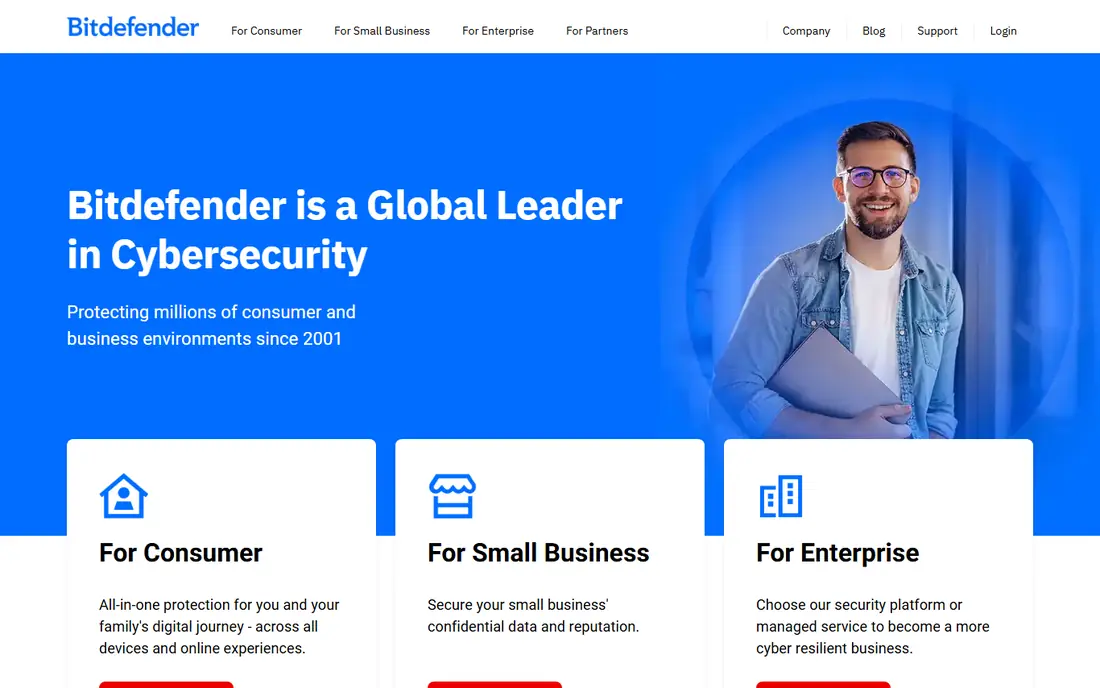
Bitdefender Mobile Security is a good default for Android because it covers the main risks without asking for much attention. It scans apps, blocks malicious sites, and adds anti-theft tools such as remote locate and lock. On Android, that combination matches how most infections actually arrive, through sideloaded apps and phishing links.
The limits are platform-based. iOS does not allow the same deep scanning, so iPhone users get web protection, scam alerts, and VPN tools rather than full antivirus. The bundled VPN also has a daily data cap on base plans, so heavy VPN users will need an upgrade or a separate service.
- Malware scanning and web protection
- Anti-theft tools
- Light battery impact on Android
- VPN data is limited on base plans
- IOS features are narrower than Android
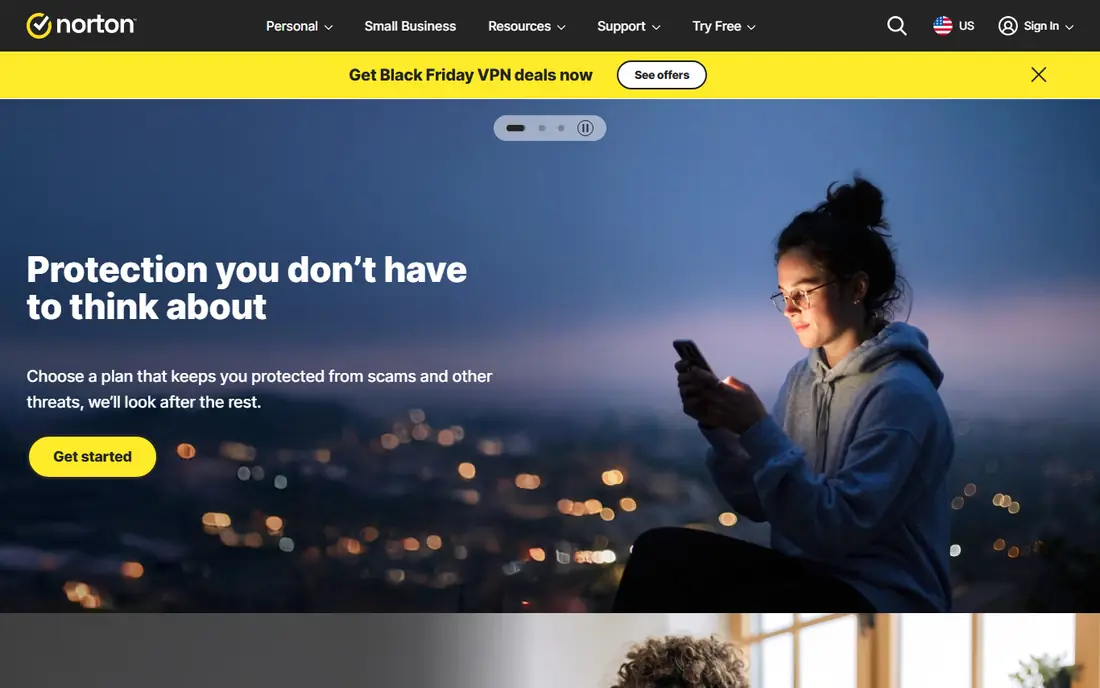
Norton 360 is the pick for people who want phone security as part of a wider identity plan. Dark web monitoring, a password manager, and an unlimited VPN sit alongside malware protection, so one subscription can cover a phone, a laptop, and identity alerts. That breadth suits households that already use Norton on desktop.
Check the plan before you buy a mobile-only license. A mobile-only plan covers one device, while a 360 multi-device plan may already include the phone app. Buying both by mistake is an easy way to pay twice for the same protection.
- Dark web monitoring
- Unlimited VPN on 360 plans
- Password manager included
- Higher renewal prices
- Mobile-only plan covers one device
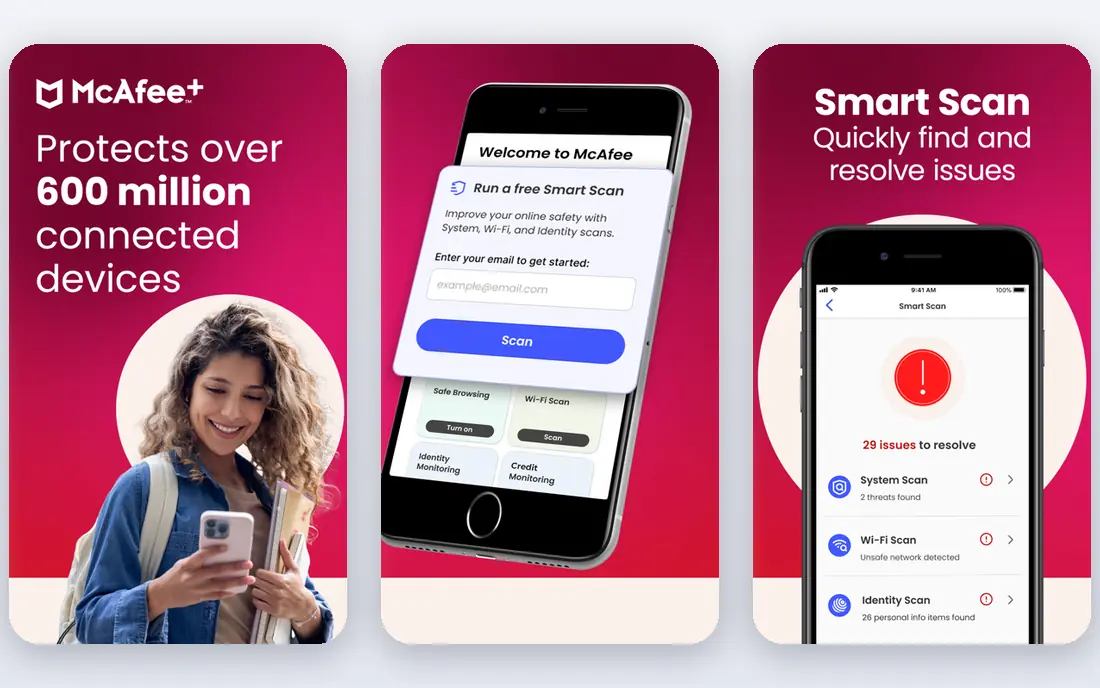
McAfee suits households with many phones, tablets, and computers, since its main plans cover unlimited devices. Mobile features include malware scanning on Android, scam detection for texts and links, and Wi-Fi safety checks. Identity monitoring and VPN are included on higher tiers, which keeps the family plan simple.
On a single phone, McAfee may cost more than a mobile-only rival, and the app is not the lightest on older Android devices. It makes most sense when you can spread the cost across a household rather than paying for one device alone.
- Unlimited device cover on main plans
- Scam detector
- Identity monitoring on higher tiers
- App can feel heavy on older phones
- Pricing varies by tier and promotion
Avast Mobile Security is the strongest free option for Android users who do not want to pay yet. The free tier includes malware scanning, web protection, and basic privacy tools, which is a clear step up from relying on default protections alone. Paid tiers add VPN, app locking, and photo vault features.
The free version shows ads and prompts to upgrade, which some users will find annoying. iPhone users should also expect a narrower feature set, since iOS limits what a security app can scan. For a free Android layer, though, it is hard to fault the core protection.
- Genuine free tier on Android
- Malware scanning and web shield
- App insights
- Ads in the free version
- Premium upsells
- IOS version is more limited
Malwarebytes keeps phone security simple, which is a plus for users who do not want a suite full of extras. It scans for malware and potentially unwanted apps on Android, checks app permissions in its privacy audit, and blocks malicious sites. The interface stays out of the way, and battery impact is low.
If you want a VPN, password manager, and identity monitoring in one app, Malwarebytes will feel thin. It is best as a focused scanner, paired with separate tools for VPN or identity protection if you need them.
- Simple interface
- Light performance impact
- Privacy audit for Android apps
- Fewer extra features than full suites
- VPN is a separate product in many regions
Kaspersky has a long record of strong detection scores in independent lab tests for Android. Its mobile app adds anti-theft tools, app locking, and call filtering on Android, plus web protection against phishing sites. For pure detection strength, it remains a serious contender.
Availability is the main caveat. Store and regional availability has varied, and some organizations restrict its use. Check that the app is available in your app store and that it meets any employer or school policy before you rely on it.
- Strong malware detection history
- Anti-theft and app lock on Android
- Web protection
- Availability varies by region and store
- Some users prefer a US or EU vendor
ESET Mobile Security is a good choice for older or budget Android phones, where a heavy security app can slow everything down. Its scanning and anti-theft tools cover the basics without a large battery cost, and payment protection adds a layer when you bank or shop on the phone.
The design is functional rather than polished, and identity monitoring is thinner than in full suites. If your phone struggles with heavier apps, that trade is worth it. If you want identity cover, pair it with a separate monitoring service.
- Very light performance impact
- Anti-theft tools
- Payment protection features
- Interface feels dated
- Fewer identity features than Norton or McAfee
Avira offers a free mobile app with privacy and device tools, plus a VPN option for safer public Wi-Fi use. Setup is quick, and the free tier is useful for users who mainly want privacy checks, a VPN for occasional use, and basic device protection without a subscription.
Paid plans add fuller antivirus and web protection, so free users should not assume they have the same cover as a paid suite. Avira suits casual users who want a free privacy layer, with an upgrade path if they later want deeper scanning.
- Free tier with privacy tools
- VPN option
- Simple setup
- Full protection needs a paid plan
- Android features exceed iOS features
Trend Micro focuses on the scam problem that now dominates phone threats. Its scam check tools help flag suspicious texts, links, and messages before you tap, which matters more than traditional virus scanning for many users. Web protection and parental controls round out the family use case.
As with most rivals, Android users get more than iPhone users, since iOS restricts background scanning. Trend Micro is a solid pick for families and for users who get a lot of spam texts, provided you check the current price for your region.
- Scam check for texts and links
- Web protection
- Parental controls on some plans
- Android-first feature set
- Pricing varies by region
How we picked these
We compared official vendor pages, pricing, and app store listings for mobile security apps live in October 2026. We kept only real products with current Android or iOS apps, and we noted where iOS limits scanning. We did not list apps we could not confirm in the major app stores, and we avoided invented detection scores.
What to check before you pay
Start with the platform you actually use. Android allows fuller scanning, anti-theft, and app locking, while iOS security apps focus on web protection, scam alerts, VPN, and privacy tools. An app that looks strong on Android may offer far less on an iPhone, so read the iOS feature list, not just the headline.
Next, check whether you already own cover. Many desktop suites include the mobile app, and some phone or bank plans bundle security. Paying for a separate mobile-only license on top of a multi-device plan is a common waste.
Finally, set up the basics that no app replaces. Use a strong lock screen, keep the operating system updated, install apps only from official stores, and turn on two-factor authentication for email and banking. A security app adds a layer on top of those habits, it does not replace them.
Frequently asked questions
What is the best phone security app overall?
Bitdefender Mobile Security is our pick for most Android users, thanks to strong protection with low battery impact. Norton 360 is better if you also want identity monitoring and a full VPN in one plan.
Do I need a security app on iPhone?
iPhones need less traditional antivirus scanning, since iOS sandboxes apps and reviews store apps. A security app can still help with scam blocking, web protection, VPN, and password management, but it cannot scan the system the way Android apps can.
Is there a good free phone security app?
Avast Mobile Security and Avira offer useful free tiers on Android, with ads or limited features as the trade-off. Google Play Protect is already on Android, but a free third-party app adds scanning and web protection on top of it.
Does a phone security app slow down my phone?
Light apps such as Bitdefender, Malwarebytes, and ESET have low impact in most use. Heavier suites can slow older phones, so pick a light app if your phone is a few years old and test battery use after install.
Can a security app stop scam texts?
No app blocks every scam, but scam check tools from Trend Micro, McAfee, and others flag many suspicious links and messages. Do not tap links in unexpected texts, even if an app has not flagged them yet.
Should I buy mobile-only or a multi-device plan?
Buy multi-device if you also need laptop cover or have several phones in the household. Buy mobile-only only if you truly need one phone covered and no desktop protection.
Sources
See where you really rank - block by block
ProMapRanker scans Google Maps across a grid of your service area. Simple monthly plans from $19, white-label on every plan.
Start freeKeep reading
 zoho inventory alternatives
6 Alternatives to Zoho Inventory, Compared on Price and Fit
Zoho Inventory alternatives: 6 tools compared on price, free plans and fit. Katana leads the list for manufacturers. Fit and flaws are laid out for each entry.
Read → zoho crm alternatives
Best Zoho CRM Alternatives (2026)
Need Zoho CRM alternatives? We compare 7 tools on cost, free access and who each suits. Every pick gets a straight assessment. Built for quick decisions.
Read → zelle alternatives
Best Zelle Alternatives in 2026
Compare the best Zelle alternatives for sending money to friends, paying sellers and moving funds abroad, with honest notes on fees, speed and safety in 2026.
Read →