 ProMapRanker
Best Phishing Simulation Tools in 2026


Large template library and training · Pricing starts at: $2.40 per user per month
Key takeaways
- KnowBe4 suits teams that want a large template library and published pricing, while Hoxhunt suits teams focused on behaviour change.
- Proofpoint and Cofense suit organisations that already run email security and incident response workflows.
- Microsoft Attack Simulation Training is the natural choice for teams already licensed for Microsoft 365 E5 or Defender for Office 365 Plan 2.
- GoPhish suits technical teams that can self-host, while paid platforms suit teams that need training, reporting, and audit records.
- Simulations in this guide are for authorised staff training only, with employee notice and company authorisation, never for real attacks.
Quick comparison
| Pick | Great for | Pricing starts at | Free tier | |
|---|---|---|---|---|
| KnowBe4 | Large template library and training | $2.40 per user per month | Free trial | Visit |
 Hoxhunt | Adaptive behaviour-focused training | See website | No | Visit |
 Proofpoint ZenGuide | Threat-intel driven simulations | See website | No | Visit |
 Cofense PhishMe | Simulations plus incident triage | See website | No | Visit |
 Infosec IQ | Customisable training and simulations | See website | No | Visit |
 Microsoft Attack Simulation Training | Microsoft 365 environments | See website | Free trial | Visit |
 NINJIO | Short video-led awareness training | See website | No | Visit |
 Sophos Phish Threat | Sophos customers and managed teams | See website | Free trial | Visit |
 GoPhish | Self-hosted open-source simulations | Free | Yes | Visit |
The best phishing simulation tools
Phishing simulation tools send safe, clearly authorised test messages to your own staff, measure clicks and reports, and deliver training when it helps most. We compared official feature pages, pricing pages, and public reviews. Every tool here is a legitimate security awareness product for use with employee consent and company authorisation, and none is a tool for running real phishing attacks.
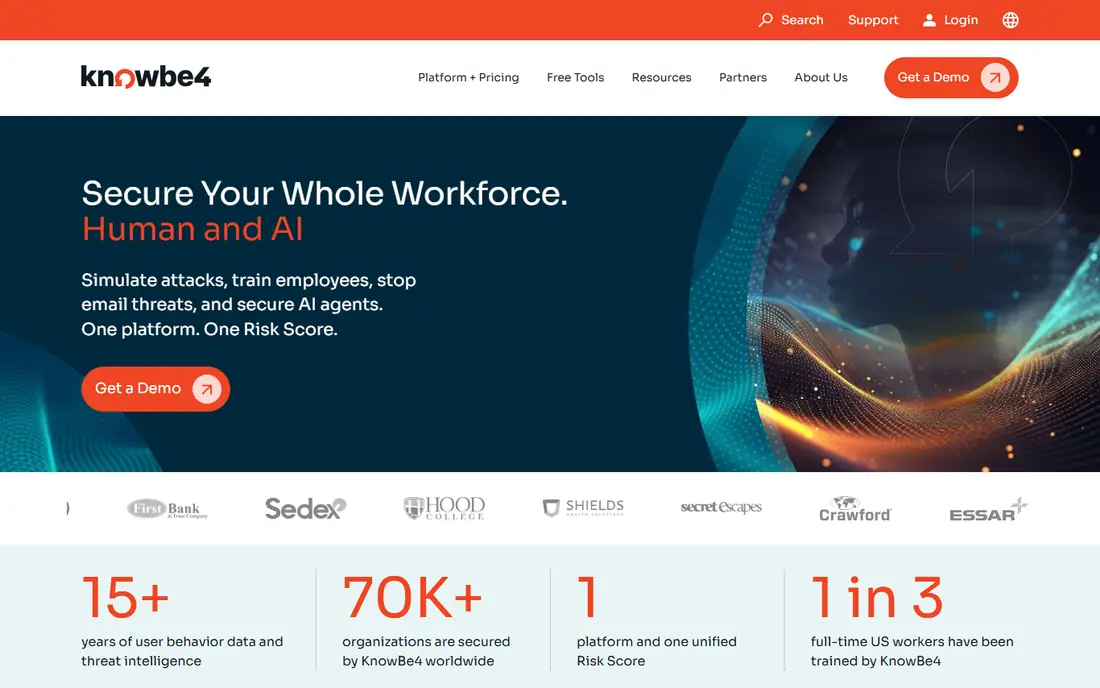
KnowBe4 is the most widely adopted security awareness platform in this list, and its strength is breadth. It offers a large library of phishing templates, training modules, and reporting tools, so security teams can run email, QR-code, and voice-style simulations alongside compliance training. The Phish Alert Button makes reporting easy for staff, which matters because reporting rate is often more useful than click rate alone.
Published pricing starts at $2.40 per user per month for the Foundation tier on a three-year term at smaller seat counts, with Advanced tiers higher, so budgeting is more transparent than with quote-only rivals. Advanced AI and risk features sit on higher tiers, so check which tier includes the capability you want. KnowBe4 is our pick for most organisations that need a complete, auditable awareness program.
- Very large template and training library
- Published list pricing
- One-click report button
- Higher tiers needed for advanced AI features
- Admin setup takes planning at scale
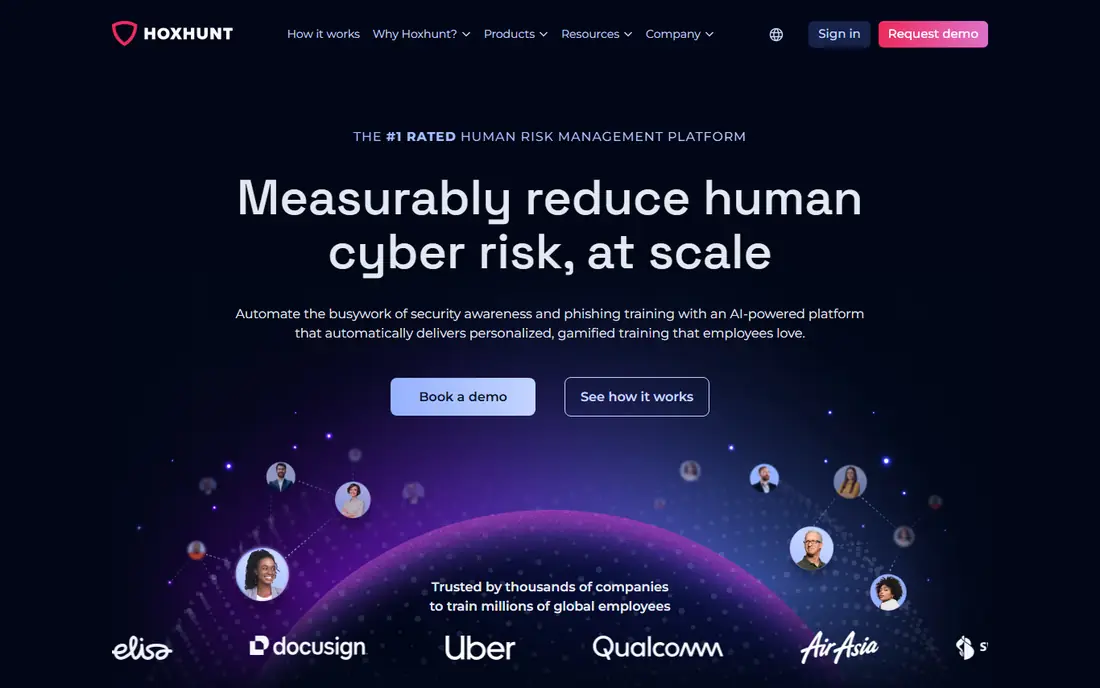
Hoxhunt takes a different approach from calendar-based campaigns, by adapting simulation difficulty to each employee based on past performance. Staff who spot attacks get harder tests, while staff who struggle get coaching and easier steps first. Simulations cover email, Teams, SMS, and voice-style scenarios, which reflects how real attacks now reach people.
That behaviour focus comes with quote-only pricing and a scoping process, so small teams may find it harder to budget. The compliance training catalog is also narrower than KnowBe4, so teams that need deep regulatory modules should check coverage. Choose Hoxhunt when your goal is measurable change in reporting and clicking, not just completed training.
- Adaptive difficulty per employee
- Gamified training
- Multi-channel simulations
- Quote-only pricing
- Compliance content library is narrower than KnowBe4

Proofpoint ZenGuide, formerly Proofpoint Security Awareness, builds simulations from real threat patterns seen by Proofpoint, so training reflects current attack styles rather than generic templates. It integrates with Proofpoint email security, and reporting helps security teams see human risk alongside technical controls. The Report Suspicious button feeds reports into security workflows.
Pricing is by quote and the platform is sold inside wider Proofpoint bundles, so standalone buyers should confirm what is included. Organisations that already use Proofpoint email security will get the most value. Pick ZenGuide when threat relevance and email security integration matter more than a standalone training catalog.
- Simulations based on live threat intelligence
- Strong email security integration
- Human risk reporting
- Quote-only pricing
- Best value inside Proofpoint estates
Cofense PhishMe pairs simulations with reporting and triage, so an employee report can reach the security team quickly and be assessed in one workflow. Simulations cover email, smishing, vishing, and QR-code attacks, which helps teams train for more than inbox phishing. Competency reporting looks at behaviour over time, rather than only training completion.
Cofense suits organisations with a security operations process ready to handle reports, because the triage value depends on follow-up. Pricing is by quote. Choose PhishMe when simulation data should feed incident response, not just a training dashboard.
- Email, SMS, voice, and QR simulations
- One-click reporting into triage
- Competency reporting
- Quote-only pricing
- Setup suits mature security teams
Infosec IQ offers a broad training library plus phishing simulations that can be tailored by industry and role. Adaptive learning adjusts training based on performance, so staff who need more help get it without repeating material they already know. Users often note that its simulations feel realistic, which helps training transfer to real inboxes.
Admin work, especially managing who is included in campaigns, can feel less smooth than in KnowBe4. Pricing is by quote, with Standard and Enterprise plans. Infosec IQ fits teams that want tailored content and realistic tests, and that are willing to spend admin time on campaign setup.
- Highly customisable content and campaigns
- Adaptive learning paths
- Realistic simulations
- Quote-only pricing
- Campaign roster management can feel clunky
Microsoft Attack Simulation Training is built into Microsoft Defender for Office 365, so organisations already on Microsoft 365 E5 or the Plan 2 add-on can run simulations without buying a separate platform. It supports credential harvest, malware attachment, link, and QR-style simulations, with reporting inside the Microsoft security portal. That native fit reduces integration work and keeps data in one security console.
Teams on lower Microsoft tiers get only a trial subset, so check licence coverage before planning a program. It is also less useful for organisations that do not run Microsoft 365 email. Choose Microsoft Attack Simulation Training when your email, identity, and security tooling already live in Microsoft 365.
- Included with Microsoft 365 E5 or Defender for Office 365 Plan 2
- Native Microsoft integration
- Useful reporting
- Full features need higher Microsoft licences
- Less suited outside Microsoft 365
NINJIO uses short, story-led video episodes to teach staff about phishing and social engineering, paired with simulations that test what they learned. The format suits staff who ignore long slide decks, because episodes are brief and memorable. Monthly content keeps training fresh, rather than repeating the same annual course.
NINJIO is less of an incident triage platform than Cofense or Proofpoint, so teams that need deep SOC workflows should pair it with their existing security tools. Pricing is by quote. Pick NINJIO when engagement and completion are your main problems, and your security team already handles reports elsewhere.
- Short engaging video episodes
- Simulations paired with training
- Easy staff experience
- Quote-only pricing
- Less deep incident triage than Cofense
Sophos Phish Threat lets teams run phishing simulations and awareness training from Sophos Central, alongside other Sophos security products. Automated campaigns reduce admin work, and reporting shows click and report trends by group. For organisations already using Sophos endpoint or email protection, keeping simulations in the same console simplifies management.
Standalone buyers should check bundle pricing, because Phish Threat is often sold with wider Sophos packages. It is less suited to teams that want a large standalone training catalog. Choose Sophos Phish Threat when your security stack is already Sophos-based and you want simulations in the same place.
- Integrated with Sophos Central
- Automated campaigns
- Useful reporting for managed teams
- Quote and bundle pricing
- Best value inside Sophos estates
GoPhish is an open-source phishing simulation framework that technical teams can self-host at no licence cost. It includes campaign scheduling, template editing, landing pages, and click tracking, with an API for integration. That control suits security teams that want custom scenarios, internal hosting, or a low-cost way to benchmark click rates.
GoPhish does not include a maintained training library, auto-enrolled remediation courses, or audit-ready reporting in the way paid platforms do, so teams must build those parts themselves. It must only be used for authorised internal training, with clear employee notice, proper approvals, and safe handling of any test data. Pick GoPhish when you have the technical skill to run it safely and you mainly need simulation, not a full training program.
- Free and open source
- Full campaign control
- Template and landing page editor
- No built-in training library
- Self-hosting and maintenance needed
- Admin skill required
How we picked these
We compared official feature and pricing pages, public reviews, and licence coverage, and we kept only legitimate security awareness products that are live in October 2026. We excluded phishing kits and tools designed for real attacks, and we did not claim hands-on testing. Where pricing was quote-based, we wrote See website, and where a tool was included in a wider licence, we said so rather than inventing a standalone price.
How to run simulations responsibly
Get authorisation and tell staff
Run simulations only with company authorisation, a clear program owner, and employee notice that safe test messages may arrive. Staff should know how to report a suspicious message, and they should never be punished in a way that discourages reporting. A program that surprises staff without a training purpose will damage trust and reduce reporting.
Measure reporting, not just clicks
Click rate alone can mislead, because a low click rate may mean filters blocked tests rather than staff improved. Track report rate, time to report, and repeat behaviour for people who need extra coaching. Use those measures to improve training, not to shame individuals or teams.
Follow a click with coaching, not just a score
The most useful moment is right after a staff member clicks or reports a test. Short, specific coaching that explains the clue they missed works better than a generic course weeks later. Keep coaching brief, respectful, and focused on one or two signs to check next time.
Keep test data safe and scoped
Use test messages that do not collect real passwords or sensitive personal data, and keep simulation data inside your security systems. Review templates for fairness, avoid targeting protected characteristics, and stop any scenario that could cause distress or confusion about real incidents. If in doubt, simplify the test.
Frequently asked questions
What is the best phishing simulation platform?
The best phishing simulation platform depends on your stack and goal. KnowBe4 suits most teams that need breadth and published pricing, Hoxhunt suits behaviour change, and Microsoft Attack Simulation Training suits Microsoft 365 E5 teams. Cofense suits teams that want triage, while GoPhish suits technical self-hosted teams.
What is the best phishing simulation software for small businesses?
Small businesses often do best with KnowBe4 for a complete program, or Microsoft Attack Simulation Training if they already hold the right Microsoft licence. GoPhish is free for technical teams, but it needs hosting and admin time, and it lacks a built-in training library.
Which phishing simulation platform is best for behaviour change?
Hoxhunt is the strongest behaviour-focused choice in this list, because it adapts difficulty per employee and uses gamified coaching. KnowBe4 and Infosec IQ also support behaviour tracking, but Hoxhunt is designed around reporting and repeat performance rather than completion alone.
What is the top phishing simulation software for incident response?
Cofense PhishMe and Proofpoint ZenGuide stand out for incident response, because reports feed triage and threat workflows. Microsoft Attack Simulation Training also helps Microsoft-centred teams, because results sit inside Defender. Choose based on where your security team already works.
Are phishing simulations legal and safe to run?
Yes, when they are run as authorised internal training with employee notice, company approval, and safe test messages that do not harvest real credentials. Never use simulation tools to attack other people, other companies, or personal accounts. Keep test data scoped, secure, and separate from real incident data.
Sources
- https://www.knowbe4.com
- https://www.hoxhunt.com
- https://www.proofpoint.com
- https://www.cofense.com
- https://www.infosec.com
- https://www.microsoft.com
- https://www.ninjio.com
- https://www.sophos.com
- https://www.getgophish.com
- https://hoxhunt.com/blog/best-phishing-simulation-tools
- https://startupstash.com/best-security-awareness-phishing-simulation-platforms/
See where you really rank - block by block
ProMapRanker scans Google Maps across a grid of your service area. Simple monthly plans from $19, white-label on every plan.
Start freeKeep reading
 zscaler alternatives
Best Zscaler Alternatives in 2026
Looking for zscaler alternatives? We compare 9 SASE and zero trust platforms on architecture, data protection, pricing, and fit for your network and team.
Read → zapier alternatives free
Best Zapier Alternatives Free in 2026
Nine automation tools for zapier alternatives free in 2026, all with genuinely free tiers, plus free plan limits, starting prices and upgrade paths explained.
Read → which platform is best for online reputation
Which Platform Is Best for Online Reputation in 2026
Wondering which platform is best for online reputation? We compare 8 review, listing, and response tools for small and multi-location businesses and agencies.
Read →