 ProMapRanker
Best Personal Task Management Apps in 2026

Key takeaways
- Todoist is the best all-round pick for most people, with fast capture and apps on almost every platform.
- TickTick offers the best value when you also want a calendar, habit tracker, and focus timer in one app.
- Things 3 and Apple Reminders suit Apple-only users, with Things offering a one-time purchase and Reminders costing nothing extra.
- Microsoft To Do and Google Tasks are the best free options if you already live in Microsoft or Google tools.
Quick comparison
| Pick | Great for | Pricing starts at | Free tier | |
|---|---|---|---|---|
 Todoist | Fast capture on any device | $4 per month | Yes | Visit |
 TickTick | Tasks, calendar, and habits | $3.99 per month | Yes | Visit |
 Things 3 | Apple users, one-time purchase | $9.99 one-time | No | Visit |
 Microsoft To Do | Microsoft 365 users | Free | Yes | Visit |
 Any.do | Daily planning with calendar | $7.99 per month | Yes | Visit |
 OmniFocus | Serious GTD users on Apple | See website | Free trial | Visit |
 Google Tasks | Simple lists in Google tools | Free | Yes | Visit |
 Apple Reminders | Built-in Apple lists | Free | Yes | Visit |
 Notion | Tasks inside a wider workspace | Free | Yes | Visit |
The best personal task management apps
A good personal task app is one you will actually open each morning. We compared capture speed, reminders, platforms, and price, and we weighted everyday personal use over team project features.
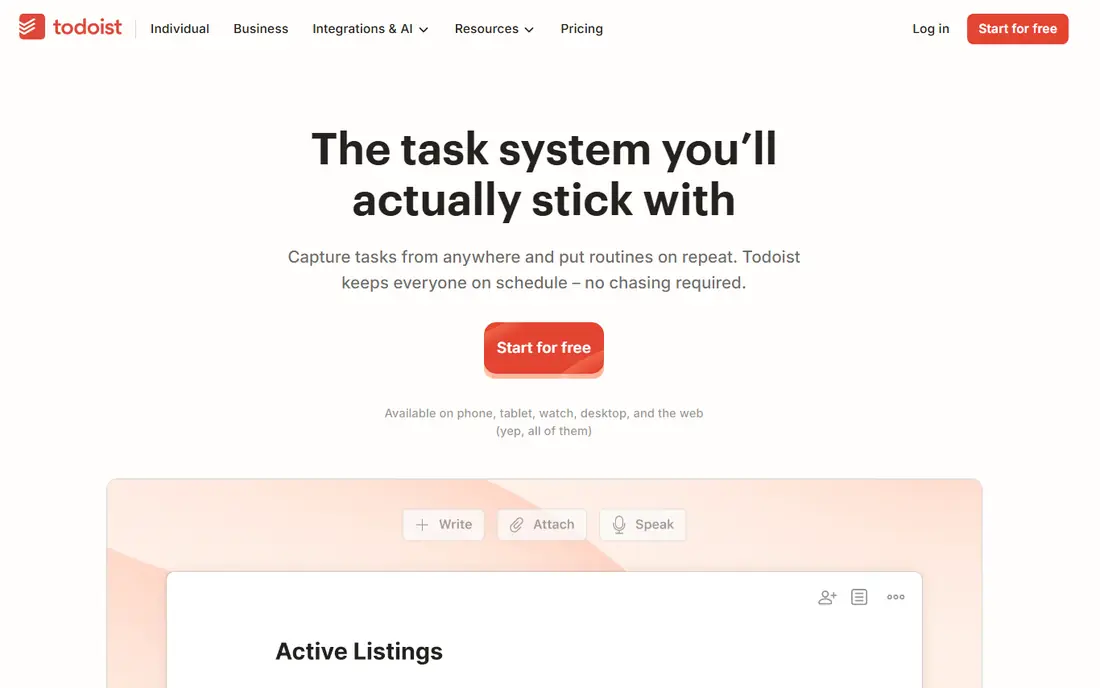
Todoist is our pick for most people because adding a task takes seconds. Type a sentence with a date and time, and Todoist parses it into a scheduled task with a priority. That speed matters, since a system you do not feed quickly is a system you abandon.
Pro costs about $4 per month billed annually and adds unlimited projects, reminders, calendar views, and file attachments. The free plan is enough for a simple personal setup, but anyone with many projects will hit its limits soon.
- Natural language input
- Apps on phones, desktop, web, and watches
- Strong filters and recurring tasks
- Free plan limits projects to five
- Calendar layout needs Pro
- No built-in time blocking
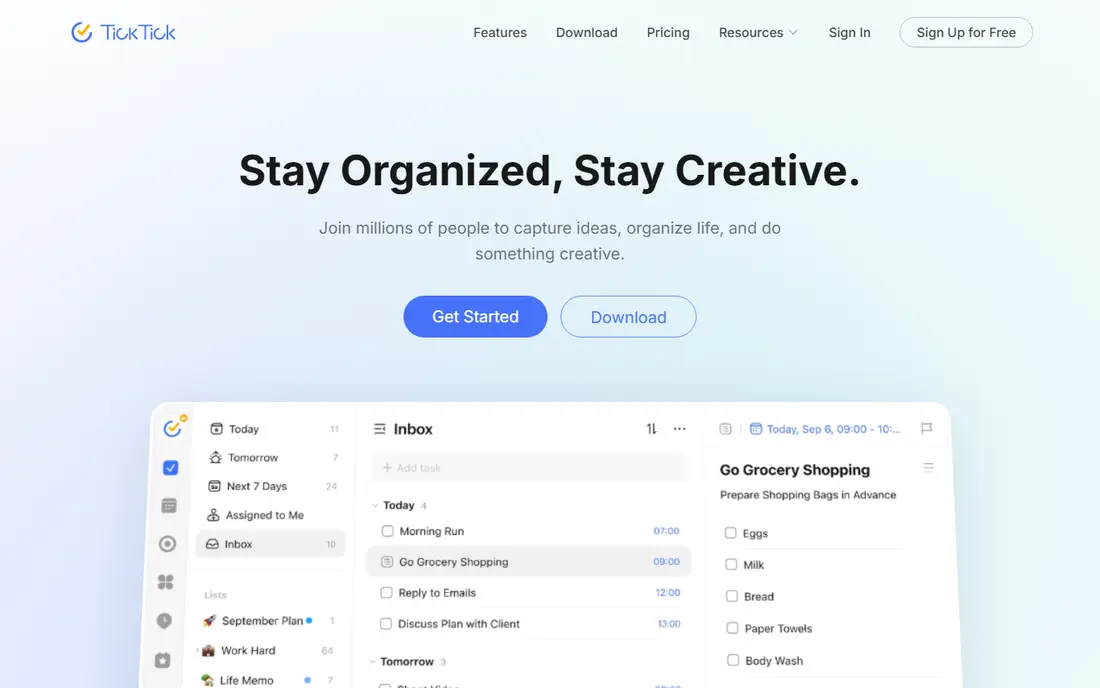
TickTick is the best value pick when you want more than a list. Tasks sit beside your calendar in one view, habits track daily routines, and a built-in Pomodoro timer helps with focused work. For many people, that bundle replaces two or three separate apps.
Premium costs $3.99 per month billed annually, or about $35.99 to $49.99 per year depending on current offers. If you prefer a minimal look, Todoist may suit you better, but TickTick wins on features per dollar.
- Calendar, habits, and Pomodoro timer included
- Generous free tier
- Fast capture
- Interface feels busier than Todoist
- Some sync quirks reported
- Design is less calm
Things 3 is the nicest task app to use on Apple devices, and its one-time purchase model appeals to people who dislike subscriptions. The iPhone app starts at $9.99, iPad at $19.99, and Mac at $49.99, each bought once. Its Today view, with an evening section for tomorrow, helps you plan a realistic day.
The limit is platform. If you ever switch to Android or Windows, or need a web app at work, Things cannot follow you. For Apple-only personal use, though, few apps feel as considered.
- Beautiful, calm design
- One-time purchase per device
- Excellent Today and Upcoming views
- Apple only
- Buy each platform separately
- No web or Android app
- Collaboration is limited
Microsoft To Do is the sensible free pick for anyone already in Outlook or Microsoft 365. Tasks sync with Outlook, flagged emails can become tasks, and the My Day view gives a clean daily shortlist. It replaced Wunderlist, and it keeps that simple list spirit.
It will not satisfy a power user who wants custom filters, complex projects, or time blocking. For straightforward personal lists, shared household lists, and work tasks in Microsoft tools, it is hard to beat for the price, which is free.
- Free with a Microsoft account
- Syncs with Outlook tasks and flagged email
- Simple shared lists
- Limited filtering and project depth
- Basic recurring rules
- Fewer power features
Any.do stands out for its daily planning ritual. Each morning, Plan My Day walks through your tasks and asks what belongs today, which helps people who forget to open their task app. A calendar view keeps tasks and appointments in one place.
Premium costs about $7.99 per month. That price is harder to justify against TickTick unless the daily review is the feature that actually keeps you on track. Try the free plan first and see if the ritual sticks for two weeks.
- Plan My Day daily review
- Calendar view
- WhatsApp reminders on some plans
- Premium is pricier than Todoist or TickTick
- Free tier limits some features
- Fewer integrations
OmniFocus is for people who run a full Getting Things Done system and want custom perspectives, defer dates, and project reviews. Its Forecast view shows tasks and calendar events together, and its review mode prompts you to revisit projects regularly. Power users on Apple platforms often stay with it for years.
Beginners may find it overwhelming, and the price reflects its depth, with a subscription around $99.99 per year or a higher one-time purchase in some stores. Choose it only if you already think in projects, contexts, and weekly reviews.
- Deep Getting Things Done support
- Powerful perspectives and forecasting
- Strong Apple integration
- Apple only for full use
- Steep learning curve
- Subscription or higher one-time cost
Google Tasks is the simplest pick here, and that is its strength. If your life already runs in Gmail and Google Calendar, Tasks adds lists without a new account or a learning curve. You can create a task from an email, set a date, and see it in Calendar.
It lacks projects, labels, and the filtering that Todoist and TickTick offer. For grocery lists, errands, and a handful of personal reminders, it is enough. For a larger personal system, it will feel thin quickly.
- Free with a Google account
- Built into Gmail and Google Calendar
- Very simple to use
- No projects or tags
- Limited reminders and repeats
- No desktop app beyond the web
Apple Reminders is the free Apple counterpart to Google Tasks, but with a bit more depth. Location reminders, smart lists, and Siri capture make it easy to add a task by voice, and shared lists work well for households. It is already on your iPhone, iPad, and Mac, so there is nothing to install.
Its limits show when you want custom views or cross-platform access. If everyone in your household uses Apple devices and your lists are simple, Reminders may be all you need, at no extra cost.
- Free on Apple devices
- Siri and location reminders
- Shared lists for households
- Apple only
- Limited filtering
- No web app as full as rivals
Notion suits people who want tasks next to notes, plans, and reference material in one workspace. You can build a task database with your own fields, views, and filters, and link tasks to project pages or meeting notes. The free personal plan covers most individual use.
Capture speed is the trade-off. Adding a quick task in Notion takes more taps than in Todoist, and the flexibility can tempt you to redesign the system instead of doing the tasks. Use Notion when tasks are part of a larger personal system, not when you need the fastest list.
- Tasks alongside notes, docs, and databases
- Flexible views
- Free personal plan
- Slower capture than Todoist
- Can become a workspace project itself
- Offline use is limited
How we picked these
We compared official pricing pages, app store listings, and public reviews for personal task apps that are live in October 2026. We kept apps built for individual use, not team project suites, and we weighted capture speed, reminders, platform coverage, and price. Where prices varied by store or billing period, we used the vendor's published starting figure and marked uncertain cases as See website.
Choosing the best app for personal task management
Start with your devices. Apple-only users can choose Things 3, OmniFocus, or free Apple Reminders. Microsoft or Google users should start with the free tool already in their ecosystem. Everyone else should test Todoist and TickTick first, since both work almost everywhere.
Next, test capture for a week. Add tasks the way you actually think of them, on the go, by voice, and from email, and note which app you reach for. The fastest capture wins, because a task app only works when entry is effortless.
Finally, keep the system small. One app, a daily review, and a short Today list beat a complex setup you avoid. If you add habits or time blocking, let TickTick or a calendar handle them, and review your app choice after a month of real use, not after a day of setup.
Frequently asked questions
What is the best personal task management app?
Todoist is the best all-round personal task management app for most people, thanks to fast capture and broad platform support. TickTick is the best value alternative when you also want calendar, habits, and a focus timer in one app.
What is the best app for personal task management on Apple devices?
Things 3 is the best paid Apple-only choice, with a calm design and a one-time purchase per device. Apple Reminders is the best free Apple choice, and OmniFocus suits serious Getting Things Done users on Apple platforms.
Is there a free personal task management app that is good enough?
Yes. Microsoft To Do, Google Tasks, and Apple Reminders are all free and good enough for simple personal lists. Todoist and TickTick also offer free plans with limits, which suit many people before any paid upgrade.
What is the best personal task management app for habits and focus?
TickTick leads here, since it bundles habit tracking and a Pomodoro timer with tasks and a calendar. Todoist and Things 3 focus on tasks alone, so you would need a separate habit or timer app alongside them.
Should I use Notion for personal tasks?
Notion works well when tasks sit inside a larger personal workspace of notes and projects. If you only need a fast task list, Todoist or TickTick will feel quicker and simpler day to day.
Sources
See where you really rank - block by block
ProMapRanker scans Google Maps across a grid of your service area. Simple monthly plans from $19, white-label on every plan.
Start freeKeep reading
 zscaler alternatives
Best Zscaler Alternatives in 2026
Looking for zscaler alternatives? We compare 9 SASE and zero trust platforms on architecture, data protection, pricing, and fit for your network and team.
Read → zapier alternatives free
Best Zapier Alternatives Free in 2026
Nine automation tools for zapier alternatives free in 2026, all with genuinely free tiers, plus free plan limits, starting prices and upgrade paths explained.
Read → which platform is best for online reputation
Which Platform Is Best for Online Reputation in 2026
Wondering which platform is best for online reputation? We compare 8 review, listing, and response tools for small and multi-location businesses and agencies.
Read →