 ProMapRanker
Best Personal Finance Software in 2026


Household money dashboard · Pricing starts at: $14.99 per month
Key takeaways
- Monarch Money is our pick for most households, because it combines budgeting, bills, investments, and net worth in one dashboard.
- YNAB suits people who want a strict method and are willing to learn it, while Quicken Simplifi suits people who want automatic tracking at a lower price.
- Empower is the best free starting point for net worth and investment tracking, though it is not a full budgeting tool.
- This is not financial advice. These tools help you track money, but they do not replace advice from a qualified professional for debt, tax, or investing decisions.
- Bank syncing quality varies by bank, so use the trial to test your own accounts before you commit to a year.
Quick comparison
| Pick | Great for | Pricing starts at | Free tier | |
|---|---|---|---|---|
| Monarch Money | Household money dashboard | $14.99 per month | Free trial (7 days) | Visit |
 YNAB YNAB | Strict zero-based budgeting | $14.99 per month | Free trial (34 days) | Visit |
 Quicken Simplifi Quicken Simplifi | Low-cost automatic tracking | $5.99 per month | Free trial | Visit |
 Copilot Money Copilot Money | Apple users who value design | $95 per year | Free trial | Visit |
 Rocket Money Rocket Money | Subscription tracking | Free | Yes | Visit |
 EveryDollar EveryDollar | Simple zero-based budgeting | Free | Yes | Visit |
 Goodbudget Goodbudget | Envelope budgeting | Free | Yes | Visit |
 PocketGuard PocketGuard | Safe-to-spend number | $12.99 per month | Yes | Visit |
 Empower Empower | Free net worth tracking | Free | Yes | Visit |
 Tiller Money Tiller Money | Spreadsheet budgeting | $79 per year | Free trial (30 days) | Visit |
The best personal finance software
Personal finance software falls into two camps: tools that help you plan every dollar, and tools that show you where your money already went. The best pick depends on whether you need discipline, a clear dashboard, or a spreadsheet you control.
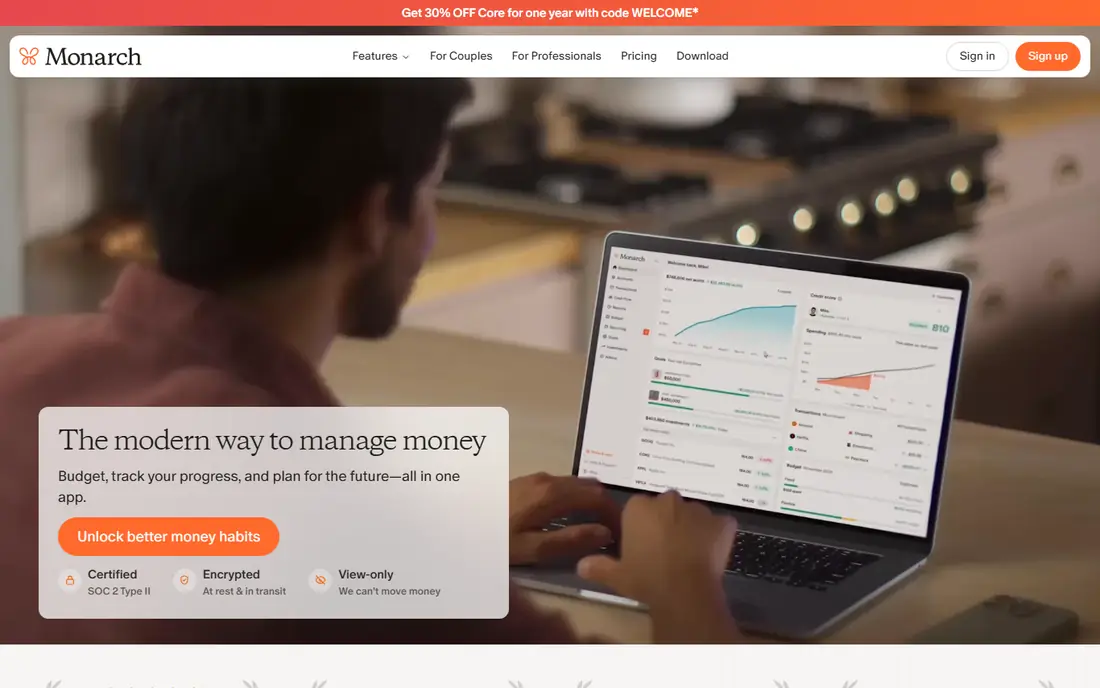
Monarch Money is our pick for most households. It pulls accounts together into a clean dashboard, tracks spending against a budget, and shows investments and net worth without needing a second app. Couples can share a budget while keeping some views private, which is a practical detail many tools miss.
The main drawback is price and trial length. Seven days is not long to test bank connections and build a budget, so use that week actively. If you want one app for the whole household picture, Monarch is still the strongest all-rounder here.
- Budgeting, bills, investments, and net worth in one place
- Shared views for couples and households
- Custom categories and reports
- Trial period is short at seven days
- Annual price is higher than Simplifi or Goodbudget
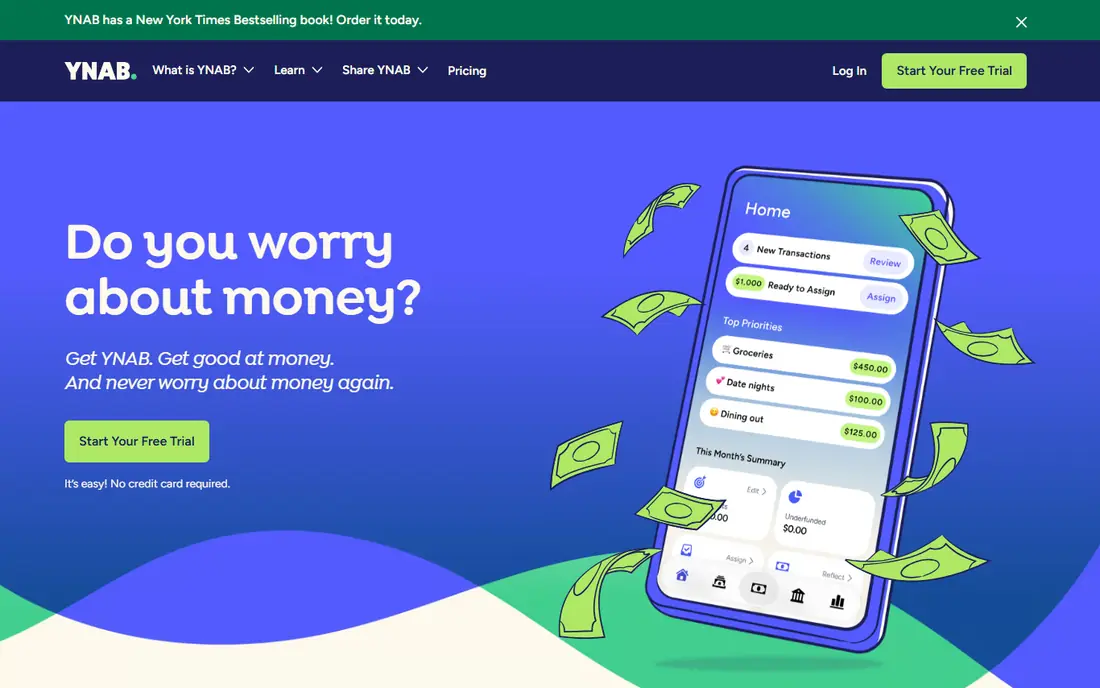
YNAB, short for You Need A Budget, is less a dashboard and more a method. You give every dollar a job before you spend it, age your money over time, and adjust when plans change. People who stick with it often say it changes how they think about spending, not just how they record it.
That method takes work. The first weeks feel like homework, and the price is at the top end of this list. If you want automatic tracking with little effort, Simplifi or Monarch will suit you better. If you want a system that forces a decision about every dollar, YNAB is the standard to beat.
- Clear zero-based method that assigns every dollar a job
- Strong debt payoff and goal tools
- Generous trial and free year for eligible students
- Learning curve in the first two weeks
- No full investment tracking like Monarch or Empower
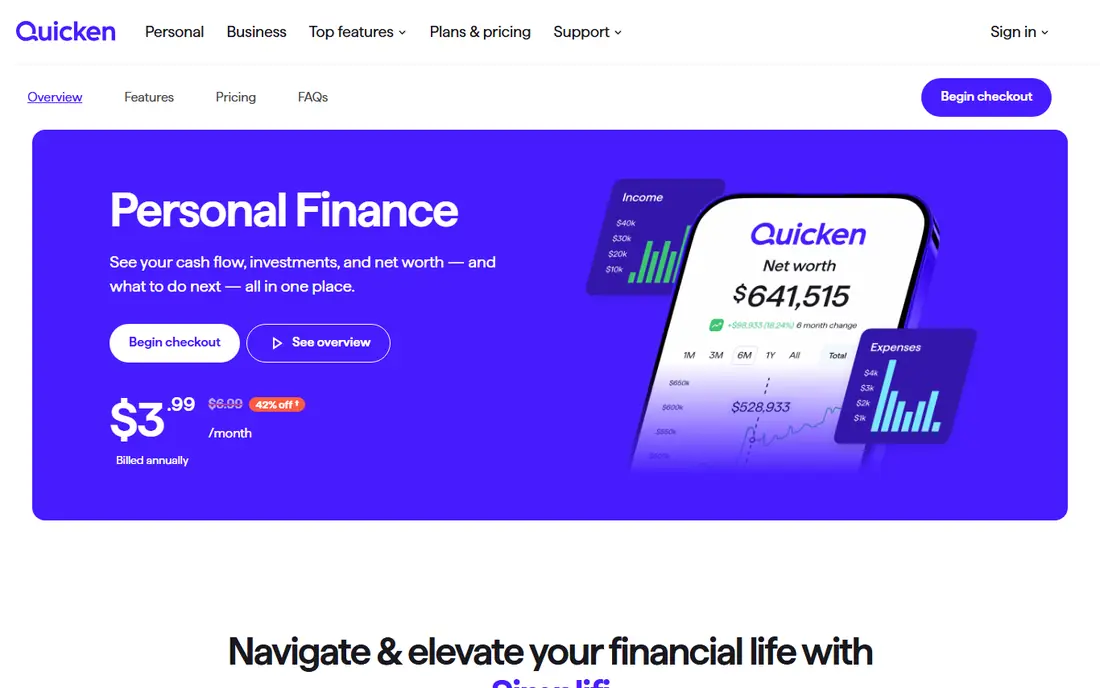
Quicken Simplifi is our pick for value. It syncs accounts, categorises spending, and shows a spending plan that reflects upcoming bills, all for less than most rivals. For a household that wants automatic tracking without paying for a full suite, that price gap matters over a year.
It is not a replacement for Quicken Classic if you manage rental property or complex investments. For everyday budgeting, bills, and goals, Simplifi covers the core job well and stays out of the way.
- Automatic syncing and categorisation at a lower price
- Spending plan and cash-flow view
- Bill tracking and savings goals
- Less deep than Quicken Classic for investments and rental property
- Annual billing applies on the standard plan
Copilot Money is the best-looking app on this list, and that matters more than it sounds. A budget you enjoy opening is a budget you will actually check. It syncs accounts, categorises transactions, flags recurring charges, and tracks net worth in a calm, readable layout.
The limit is platform. If anyone in your household uses Android or Windows as a primary device, Copilot will not fit. Apple households, on the other hand, get a polished tracker at a yearly price below Monarch and YNAB on a monthly basis.
- Clean Apple-native design on iPhone, iPad, and Mac
- Automatic categorisation and subscription detection
- Investment and net worth tracking
- No Android app
- No free plan beyond the trial
Rocket Money is best when forgotten subscriptions are the problem. Connect an account, and it lists recurring charges so you can cancel the ones you no longer use. That single feature can save more than a full budgeting system you never open.
It also offers premium features on a pay-what-you-choose basis, plus a bill negotiation service. Check the fee terms for negotiation before you use it, and treat Rocket Money as a tracker and subscription helper, not as a strict budgeting method.
- Free tools for account syncing and subscription detection
- Bill negotiation service for some bills
- Budget and savings features
- Budgeting is simpler than YNAB or Monarch
- Bill negotiation takes a fee from first-year savings where it applies
EveryDollar suits people who like YNAB method but want a simpler start. The free version lets you build a zero-based budget by hand, which forces you to look at each category. That manual step is a drawback for some, and a useful discipline for others.
Premium adds bank syncing and costs $17.99 per month or $79.99 per year in recent pricing. If you want automatic syncing at a lower price, Simplifi is cheaper. If you want a simple, Ramsey-style budget and you are happy to enter transactions by hand, the free version is enough.
- Free manual version for zero-based budgeting
- Simple, uncluttered layout
- Premium adds automatic bank syncing
- Bank syncing requires the paid Premium plan
- Investment tracking is limited
Goodbudget turns the old cash-envelope method into an app. You divide income into envelopes for groceries, rent, transport, and other categories, then record spending against each envelope. That visual limit helps people who overspend in one area without noticing.
The free plan is genuinely useful, with a limited set of envelopes and accounts. Paid Plus adds more envelopes and bank syncing. If you do not want to link a bank at all, Goodbudget is one of the few tools here that works well with manual entry alone.
- Digital envelope method that is easy to understand
- Free plan for basic envelope budgeting
- Good for couples who share envelopes
- Bank syncing requires the paid Plus plan in the US
- Free plan limits envelopes, accounts, and devices
PocketGuard answers one question well: after bills, goals, and savings, how much can I spend safely? That single number is useful for people who do not want to manage dozens of categories. It still syncs accounts, tracks bills, and shows subscriptions, so you are not flying blind.
If you want detailed category budgets, investment reports, or household sharing, Monarch will serve you better. If you want a simple daily spending guardrail, PocketGuard is a strong, focused choice.
- Clear In My Pocket figure after bills and goals
- Automatic syncing and categorisation
- Bill tracking and subscription view
- Budgeting depth is lighter than Monarch or YNAB
- Monthly price is higher than Simplifi
Empower, formerly Personal Capital, is the best free tool for seeing your whole financial picture. Link accounts, and it shows net worth, investment allocation, and cash flow in one dashboard. For someone focused on investments and retirement planning, that free view is hard to beat.
It is not a replacement for a budgeting app. Spending categories and budget tracking exist, but they are lighter than YNAB or Monarch. Use Empower for net worth and investments, and pair it with a budgeting tool if daily spending control is your main goal. Note that Empower may offer its paid advisory service, which is optional and separate from the free dashboard.
- Free dashboard for accounts, net worth, and investments
- Retirement and investment planning tools
- No subscription for core tracking
- Not a full budgeting tool
- Paid advisory services are separate and may be offered to you
Tiller Money is for people who love spreadsheets and dislike being locked into an app layout. It feeds bank transactions into Google Sheets or Excel automatically, then lets you build your own budget, reports, and charts. That control is exactly what spreadsheet users want, and no app dashboard can match it.
The trade-off is effort and presentation. You build the system yourself, and the mobile experience is a spreadsheet, not a designed app. If that sounds like freedom, Tiller is worth the yearly price. If it sounds like work, choose Simplifi or Monarch instead.
- Automatic bank feeds into Google Sheets or Excel
- Full control over formulas, charts, and categories
- Good for people who already live in spreadsheets
- No polished mobile app experience like rivals
- Requires comfort with spreadsheets to get full value
How we picked these
We compared official feature pages, pricing pages, and recent vendor-checked roundups, and kept software that is live in October 2026 and that truly tracks personal money. We covered budgeting methods, dashboards, free tools, and spreadsheet options, so readers with different habits can find a fit. Prices are starting prices from vendor pages or recent roundups, and trials are listed as published. This is not financial advice, and prices change, so check the vendor pricing page before you subscribe.
How to choose personal finance software
Start with your main problem. If subscriptions leak money, start with Rocket Money. If spending runs ahead of income, start with a budgeting method like YNAB, EveryDollar, or Goodbudget. If you mainly want to see everything in one place, start with Monarch, Empower, or Copilot.
Next, test bank syncing during the trial. Connect every account you actually use, including credit cards and savings, and check whether transactions categorise sensibly. A tool that fails on your main bank will frustrate you daily, no matter how good its reports look in a demo.
Finally, set a review habit before you pay for a year. A weekly 15-minute check, where you categorise new spending and look at the next bills, matters more than the app you choose. If an app makes that check easy, keep it. If it makes it feel like admin, try a simpler option before the trial ends.
Frequently asked questions
What is the best personal finance software for most people?
Monarch Money is our pick for most households, because it combines budgeting, bills, investments, and net worth in one dashboard. Quicken Simplifi is a strong lower-cost option if you mainly want automatic tracking.
What is the best money management software that is free?
Empower is the best free option for net worth and investment tracking, while Google-style free budgeting is covered by EveryDollar and Goodbudget free plans. Rocket Money also offers useful free subscription tracking. No single free tool matches a paid all-rounder on every feature.
What is the best personal finance app for couples?
Monarch Money suits couples, because it offers shared views and household budgeting in one place. Goodbudget also works well for couples who prefer envelope budgeting and shared envelopes.
What is the best finance software for budgeting by hand?
Goodbudget and the free version of EveryDollar both suit manual budgeting. Goodbudget uses envelopes, while EveryDollar uses a zero-based plan. Manual entry takes more time, but it helps many people notice spending patterns faster.
Is it safe to link my bank to a finance app?
Reputable apps use bank-level security and read-only connections through aggregation providers, but no connection is risk-free. Use a strong, unique password, turn on two-factor authentication, and check your bank statements regularly. If you are uncomfortable linking a bank, choose Goodbudget or a manual spreadsheet option like Tiller with manual entry.
Do I need to pay for personal finance software?
No. Free tools like Empower, Rocket Money, and the free versions of EveryDollar and Goodbudget cover tracking and basic budgeting. Paid tools are worth it when you want automatic syncing, household sharing, deeper reports, or a specific budgeting method with support and education.
Sources
- https://monarchmoney.com/pricing
- https://ynab.com/pricing
- https://www.quicken.com/simplifi
- https://copilot.money/pricing
- https://rocketmoney.com/pricing
- https://www.ramseysolutions.com/ramseyplus/everydollar
- https://goodbudget.com/pricing
- https://pocketguard.com/pricing
- https://www.empower.com
- https://tiller.com/pricing
See where you really rank - block by block
ProMapRanker scans Google Maps across a grid of your service area. Simple monthly plans from $19, white-label on every plan.
Start freeKeep reading
 youtube alternatives
Best YouTube Alternatives in 2026
Looking for youtube alternatives in 2026? We compare Vimeo, Dailymotion, Twitch, Rumble, and more on price, audience, monetization, control and privacy.
Read → what's the best ai tool for photo editing
What Is the Best AI Tool for Photo Editing in 2026
What is the best AI tool for photo editing? We compare ten tools for 2026, from Photoshop and Lightroom to Luminar, Topaz, Canva and mobile editors today.
Read → twitter alternatives
Best Twitter Alternatives in 2026
Compare the best twitter alternatives for 2026, from Bluesky, Threads, and Mastodon to Reddit, Tumblr, and Micro.blog, with free plans and audience notes.
Read →