 ProMapRanker
Best Personal Finance Apps for Budgeting in 2026

Key takeaways
- YNAB suits hands-on budgeters, while Monarch suits households that want budgeting plus net worth in one view.
- Copilot is the strongest pick for Apple users, but it has no Android app.
- Rocket Money, Goodbudget, and EveryDollar offer free starting points, with paid tiers adding bank sync.
- Bank support varies, so check that your banks connect before paying for a year.
Quick comparison
| Pick | Great for | Pricing starts at | Free tier | |
|---|---|---|---|---|
 YNAB | hands-on zero-based budgeting | $14.99 per month | Free trial (34 days) | Visit |
 Monarch Money | household budgeting plus net worth | $14.99 per month | Free trial (7 days) | Visit |
 Copilot Money | Apple users who value design | $13 per month | Free trial (1 month) | Visit |
 Rocket Money | finding subscriptions and simple budgets | Free | Yes | Visit |
 PocketGuard | a simple safe-to-spend number | $12.99 per month | Yes | Visit |
 EveryDollar | simple zero-based budgeting | Free | Yes | Visit |
 Goodbudget | digital envelope budgeting | Free | Yes | Visit |
 Quicken Simplifi | low cost all-round budgeting | $5.99 per month | Free trial | Visit |
 Empower | free net worth and spending view | Free | Yes | Visit |
The best best personal finance apps for budgeting
This is not financial advice. A budgeting app should help you see where money goes and plan what happens next, without adding confusion. We compared apps that sync accounts, support a clear method, and show a full money picture.
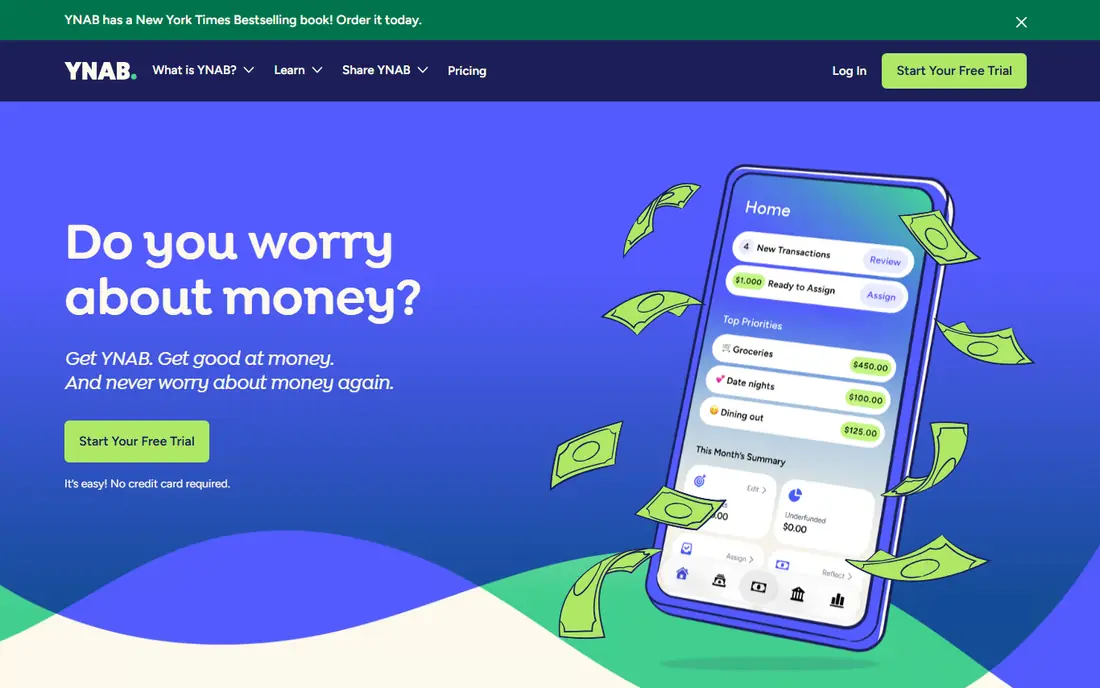
If hands-on zero-based budgeting is the main job, YNAB stands out for a zero-based method that asks you to assign every dollar a job, which changes spending habits over time. In our comparison of official feature pages and pricing, that combination stood out because it answers the core job without forcing a separate tool for every step.
That strength shows up in daily use, not only on a feature page. The plan limits and the way the tool handles real work matter, so check trial terms, user limits, and what happens when you outgrow the entry tier. A tool that fits the first month but blocks the sixth month is a poor buy.
The catch is that there is no permanent free plan, and the hands-on method takes time to learn. Before you commit, run a real task in the trial or free tier, check the plan limits, and confirm the tool fits the team that will use it every day. That short test usually reveals more than a feature list.
- Zero-based method with clear rules
- Bank sync
- Strong learning resources
- No permanent free plan
- Hands-on method takes time to learn
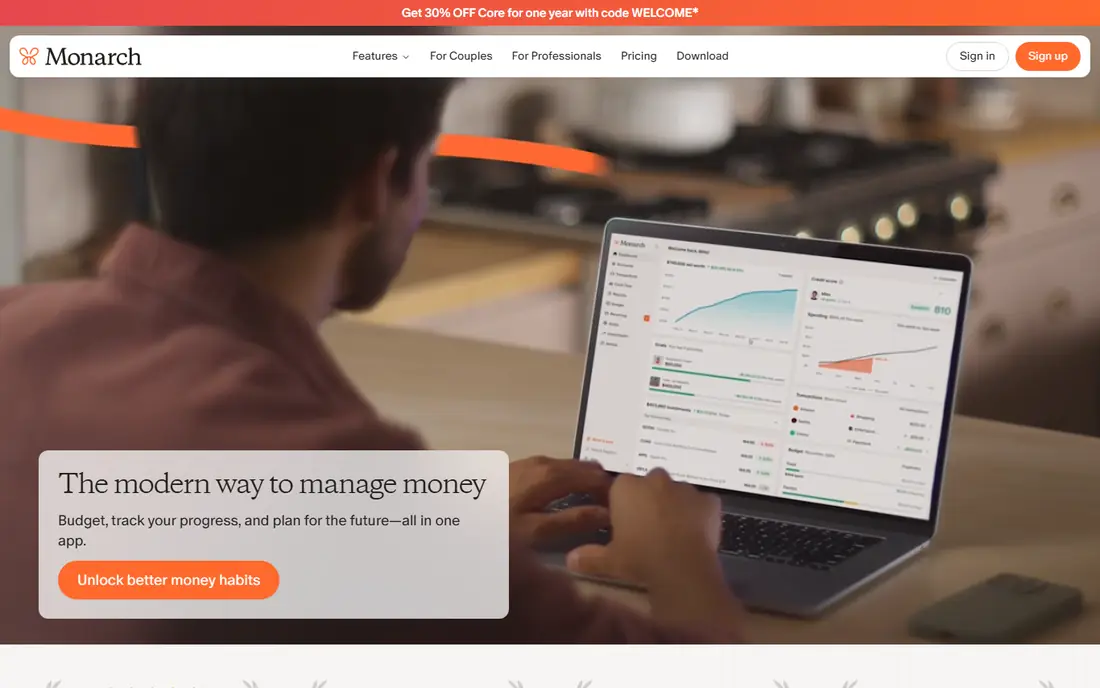
For teams focused on household budgeting plus net worth, Monarch Money stands out for budgeting, net worth, and investments in one dashboard, with partner access for households. In our comparison of official feature pages and pricing, that combination stood out because it answers the core job without forcing a separate tool for every step.
Pricing and limits shape the real cost. Check what the entry plan includes, what sits on higher tiers, and whether extra users, volume, or add-ons change the bill. A clear plan page is a good sign, while vague pricing usually means a sales call and a custom quote.
The catch is that there is no free tier, and the trial is short, so test it in a focused week. Before you commit, run a real task in the trial or free tier, check the plan limits, and confirm the tool fits the team that will use it every day. That short test usually reveals more than a feature list.
- Budgeting, net worth, investments, and partner access in one dashboard
- Flexible budgets
- No free tier
- Trial is short, so testing needs a focused week
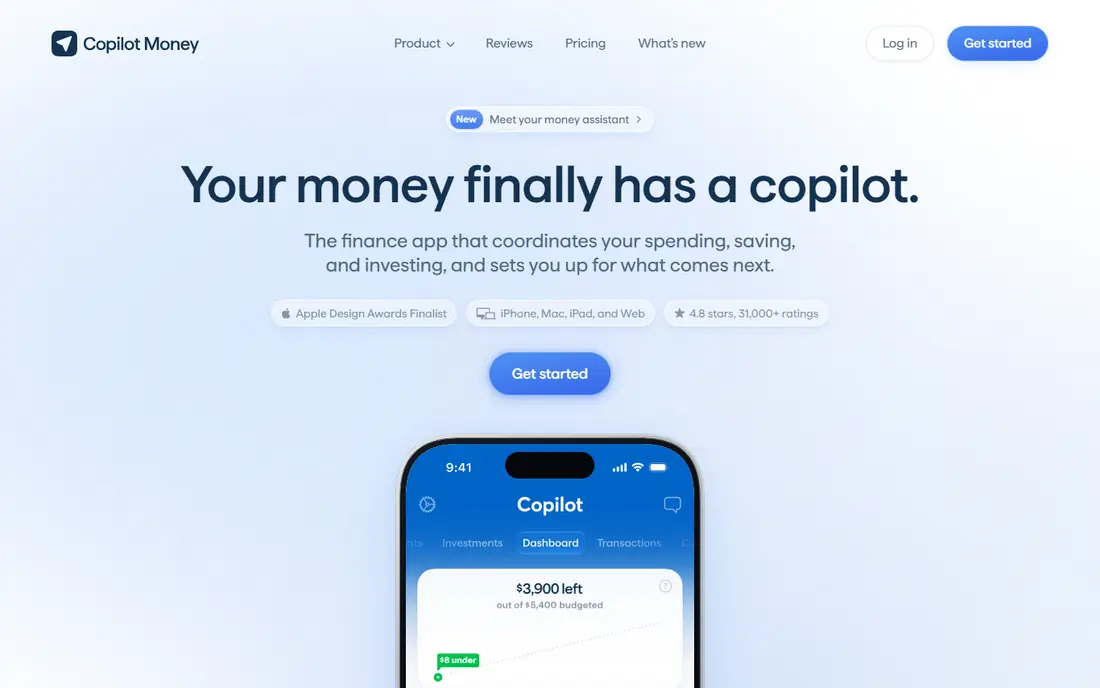
When apple users who value design matters most, Copilot Money stands out for a clean design and smart categorisation make daily money checks pleasant on Apple devices. In our comparison of official feature pages and pricing, that combination stood out because it answers the core job without forcing a separate tool for every step.
Daily workflow is where a tool earns its place. Look at how quickly a new user can complete the core job, how clear errors and reports are, and how well the tool connects to the rest of your stack. A strong feature that is hard to find rarely gets used.
The catch is that there is no Android app, so Android households should look elsewhere. Before you commit, run a real task in the trial or free tier, check the plan limits, and confirm the tool fits the team that will use it every day. That short test usually reveals more than a feature list.
- Clean design, smart categorisation, and strong Apple app and web support
- No Android app
- Price is paid only, with no free tier
If your priority is finding subscriptions and simple budgets, Rocket Money stands out for free tools that surface subscriptions and spending, which can save money before any paid upgrade. In our comparison of official feature pages and pricing, that combination stood out because it answers the core job without forcing a separate tool for every step.
Support and docs matter when work stalls. Check the help centre, community, and update history before you commit. A tool with clear docs and recent updates is easier to trust than one with a polished landing page and thin guidance.
The catch is that premium pricing varies, and bill negotiation takes a share of savings where that service is used. Before you commit, run a real task in the trial or free tier, check the plan limits, and confirm the tool fits the team that will use it every day. That short test usually reveals more than a feature list.
- Free tools for subscriptions and spending
- Premium adds budgeting and bill help
- Premium price varies by plan choice
- Bill negotiation takes a share of savings where used
For buyers who need a simple safe-to-spend number, PocketGuard stands out for a safe-to-spend figure after bills and goals, which answers the daily question of what can be spent. In our comparison of official feature pages and pricing, that combination stood out because it answers the core job without forcing a separate tool for every step.
That strength shows up in daily use, not only on a feature page. The plan limits and the way the tool handles real work matter, so check trial terms, user limits, and what happens when you outgrow the entry tier. A tool that fits the first month but blocks the sixth month is a poor buy.
The catch is that the free tier is limited, so full bank sync and features need the paid plan. Before you commit, run a real task in the trial or free tier, check the plan limits, and confirm the tool fits the team that will use it every day. That short test usually reveals more than a feature list.
- Safe-to-spend figure after bills and goals
- Simple setup
- Bank sync on paid plans
- Free tier is limited
- Full sync and features need the paid plan
When the brief is simple zero-based budgeting, EveryDollar stands out for simple zero-based budgets that are easy to start, with a free manual version. In our comparison of official feature pages and pricing, that combination stood out because it answers the core job without forcing a separate tool for every step.
Pricing and limits shape the real cost. Check what the entry plan includes, what sits on higher tiers, and whether extra users, volume, or add-ons change the bill. A clear plan page is a good sign, while vague pricing usually means a sales call and a custom quote.
The catch is that bank sync needs the premium plan, which costs more than some rivals. Before you commit, run a real task in the trial or free tier, check the plan limits, and confirm the tool fits the team that will use it every day. That short test usually reveals more than a feature list.
- Simple zero-based budgets
- Free manual version
- Premium adds bank sync
- Bank sync needs premium
- Premium price is higher than some rivals for the feature set
If digital envelope budgeting tops your list, Goodbudget stands out for digital envelopes that mirror cash budgeting, with shared budgets for households. In our comparison of official feature pages and pricing, that combination stood out because it answers the core job without forcing a separate tool for every step.
Daily workflow is where a tool earns its place. Look at how quickly a new user can complete the core job, how clear errors and reports are, and how well the tool connects to the rest of your stack. A strong feature that is hard to find rarely gets used.
The catch is that bank sync needs premium and is limited to United States banks, and free envelopes are capped. Before you commit, run a real task in the trial or free tier, check the plan limits, and confirm the tool fits the team that will use it every day. That short test usually reveals more than a feature list.
- Digital envelopes that mirror cash budgeting
- Shared budgets
- Free tier for a small setup
- Bank sync needs premium and is limited to United States banks
- Envelope count is capped on free tier
For work centred on low cost all-round budgeting, Quicken Simplifi stands out for a spending plan and cash-flow forecast at a lower price than many rivals. In our comparison of official feature pages and pricing, that combination stood out because it answers the core job without forcing a separate tool for every step.
Support and docs matter when work stalls. Check the help centre, community, and update history before you commit. A tool with clear docs and recent updates is easier to trust than one with a polished landing page and thin guidance.
The catch is that the interface is less polished than some rivals, and investment tools are more basic. Before you commit, run a real task in the trial or free tier, check the plan limits, and confirm the tool fits the team that will use it every day. That short test usually reveals more than a feature list.
- Spending plan, cash-flow forecast, and account tracking at a lower price than many rivals
- Interface is less polished than some rivals
- Investment features are more basic
When you need free net worth and spending view most, Empower stands out for a free dashboard for accounts, net worth, and spending, which is useful as a full money view. In our comparison of official feature pages and pricing, that combination stood out because it answers the core job without forcing a separate tool for every step.
That strength shows up in daily use, not only on a feature page. The plan limits and the way the tool handles real work matter, so check trial terms, user limits, and what happens when you outgrow the entry tier. A tool that fits the first month but blocks the sixth month is a poor buy.
The catch is that budgeting is more basic than dedicated apps, and wealth service offers appear in the product. Before you commit, run a real task in the trial or free tier, check the plan limits, and confirm the tool fits the team that will use it every day. That short test usually reveals more than a feature list.
- Free dashboard for accounts, net worth, and spending
- Useful alongside a budgeting app
- Budgeting is more basic than dedicated budgeting apps
- Wealth service upsells appear in the product
How we picked these
We compared official pricing pages, app store listings, and feature pages for budgeting apps that work in the United States in October 2026. We kept apps with a clear budgeting method, account sync or a workable manual option, and current pricing. We left out apps that only track investments or only offer cash advances, because they do not cover the budgeting job. We compared official feature pages, pricing, and app store listings where relevant, plus public reviews. We did not claim hands-on testing that did not happen, and we kept only products that exist and work today.
What to check before you buy
Pick a method first, then an app
Zero-based budgeting suits people who want to assign every dollar a job. Envelope budgeting suits people who want strict category limits. A simple spending plan suits people who want low effort and a clear safe-to-spend number.
Check bank sync and sharing
Confirm your banks, credit cards, and loan accounts connect, and check whether a partner can share the same budget. A good app that cannot see your main accounts will not help much.
Use the trial to test real life
Link your accounts, set one month of categories, and check transactions for a week. If categorisation takes daily fixing, or the app misses accounts, try another option before paying.
Frequently asked questions
Which budgeting app is best for personal finance?
For hands-on budgeting, YNAB is our pick. For a full household view with net worth and investments, Monarch is a strong choice. For a low cost start, Quicken Simplifi covers a lot for less, while Rocket Money and Goodbudget offer free tiers.
What is the best personal finance budgeting app for couples?
Monarch and Goodbudget both support shared budgets and household views. Monarch adds net worth and investment tracking, while Goodbudget keeps envelope budgeting simple and shared. Check whether both partners can use the app on their devices.
Are free budgeting apps safe?
Reputable apps use bank-level connection services and read-only access where possible, but you should still read the privacy policy and enable two-factor sign-in. Never share your bank password directly with an app that asks for it outside a trusted connection flow.
Do budgeting apps work without bank sync?
Yes. Goodbudget and the free version of EveryDollar support manual entry. Manual entry takes more time, but it can build awareness and works well for cash spending or accounts that do not connect.
How much do budgeting apps cost?
Prices in this list range from free to $14.99 per month, with annual plans lowering the monthly cost. Check whether the price covers bank sync, partner access, and investment tracking, because some features sit on higher tiers.
Sources
See where you really rank - block by block
ProMapRanker scans Google Maps across a grid of your service area. Simple monthly plans from $19, white-label on every plan.
Start freeKeep reading
 zoho inventory alternatives
6 Alternatives to Zoho Inventory, Compared on Price and Fit
Zoho Inventory alternatives: 6 tools compared on price, free plans and fit. Katana leads the list for manufacturers. Fit and flaws are laid out for each entry.
Read → zoho crm alternatives
Best Zoho CRM Alternatives (2026)
Need Zoho CRM alternatives? We compare 7 tools on cost, free access and who each suits. Every pick gets a straight assessment. Built for quick decisions.
Read → zelle alternatives
Best Zelle Alternatives in 2026
Compare the best Zelle alternatives for sending money to friends, paying sellers and moving funds abroad, with honest notes on fees, speed and safety in 2026.
Read →