 ProMapRanker
9 Best Personal Budgeting Apps in 2026

Key takeaways
- YNAB suits people who want a hands-on, zero-based plan and are willing to spend time on it weekly.
- Monarch Money and Copilot Money suit households that want a clear dashboard across accounts.
- Rocket Money and Empower suit people who mainly want spending visibility, subscriptions, and net worth tracking.
- Goodbudget suits envelope budgeting fans who want a simple, shareable system.
- Free plans vary widely, so check whether bank sync, history, and joint access are included before paying.
Quick comparison
| Pick | Great for | Pricing starts at | Free tier | |
|---|---|---|---|---|
 YNAB | Zero-based budgeting | $14.99 per month | Free trial | Visit |
 Monarch Money | Household dashboard | $14.99 per month | Free trial | Visit |
 Rocket Money | Subscriptions and bills | Free | Yes | Visit |
 Empower Personal Dashboard | Free spending and net worth tracking | Free | Yes | Visit |
 Quicken Simplifi | Automated spending plan | $5.99 per month | Free trial | Visit |
 Copilot Money | Design-led tracking for Apple users | $13 per month | Free trial | Visit |
 Goodbudget | Envelope budgeting | Free | Yes | Visit |
 PocketGuard | Simple safe-to-spend view | Free | Yes | Visit |
 EveryDollar | Simple paycheck planning | Free | Yes | Visit |
The best personal budgeting apps
This is not financial advice. A budgeting app can help you see spending and plan savings, but it cannot replace advice tailored to your debts, taxes, or retirement goals. The apps below cover different budgeting styles, from hands-on planning to automatic tracking, and we compared official pricing pages, feature lists, and app store descriptions to build this list.
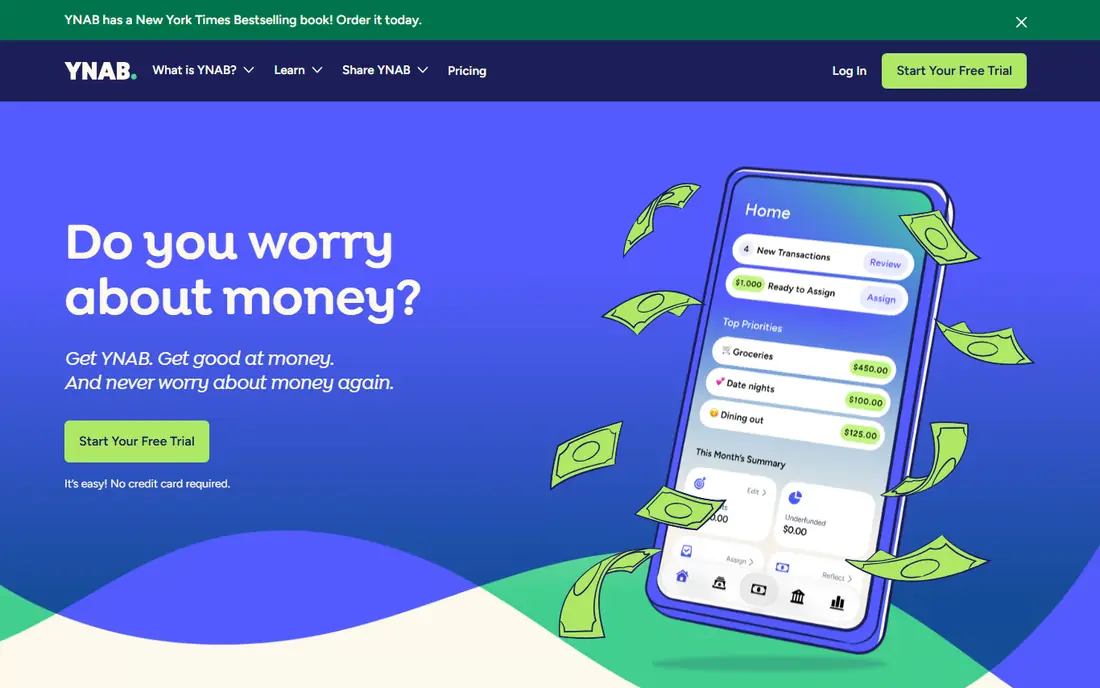
YNAB, short for You Need A Budget, is the most disciplined app here. Its method asks you to give every dollar a job before you spend it, which forces a clear choice between categories. That structure helps people who overspend by habit, because the app shows the trade-off in real time rather than at month end. Goal tracking, debt payoff tools, and reports support the same habit.
The cost is time and money. YNAB charges $14.99 per month or $109 per year, with a trial but no free tier, and it works best when you check it weekly and adjust categories. People who want a passive tracker may find it too hands-on. If you want behavior change, not just charts, YNAB is still the strongest pick in this category.
- Clear zero-based method that assigns every dollar a job
- Strong goal and debt tools
- Helpful guides and community
- No permanent free plan
- $109 per year on annual billing
- Learning curve and weekly attention needed
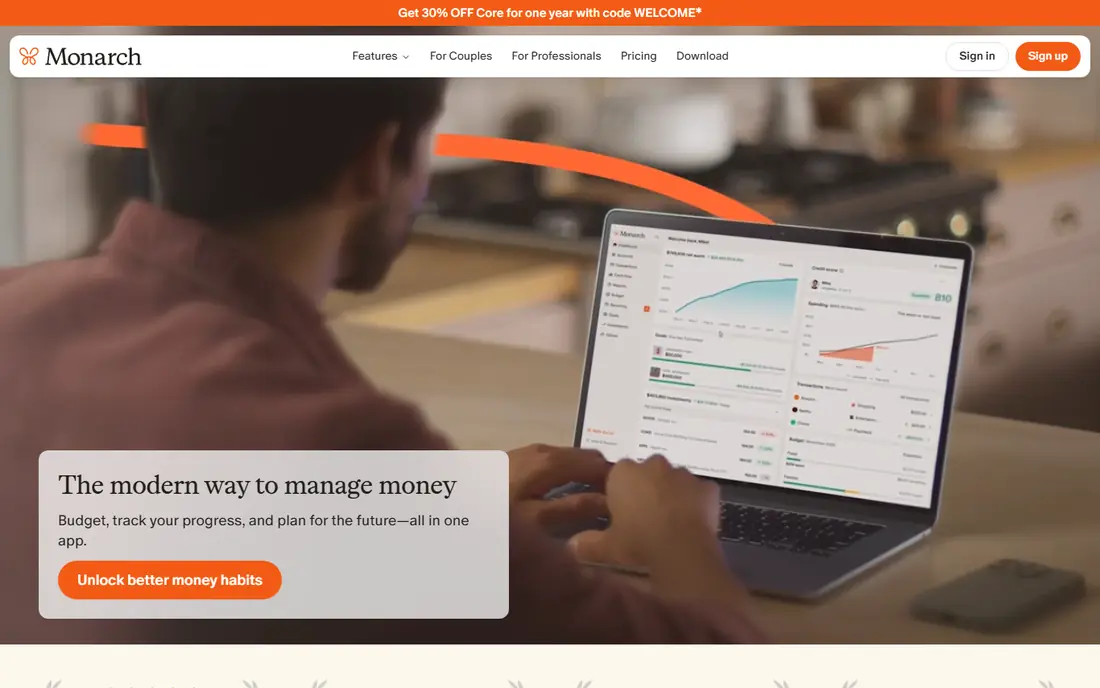
Monarch Money is built for households that want everything in one view. It connects bank, credit card, investment, and loan accounts into a dashboard that shows spending, net worth, and goals together. Couples can share access, set a joint budget, and track progress without passing spreadsheets back and forth. Custom categories and reports make it flexible for different household styles.
The drawback is price and sync dependence. Monarch is paid-only after a trial, with Core at $99.99 per year on annual billing, and its value depends on reliable bank connections. If an institution syncs poorly, you will spend time fixing transactions. For a household that wants a polished, shared dashboard and will use it weekly, Monarch is a strong choice.
- Broad account connections and household dashboard
- Flexible budgets and goals
- Good for couples and families
- Paid-only after trial
- $99.99 per year for Core on annual billing
- Bank sync quality varies by institution
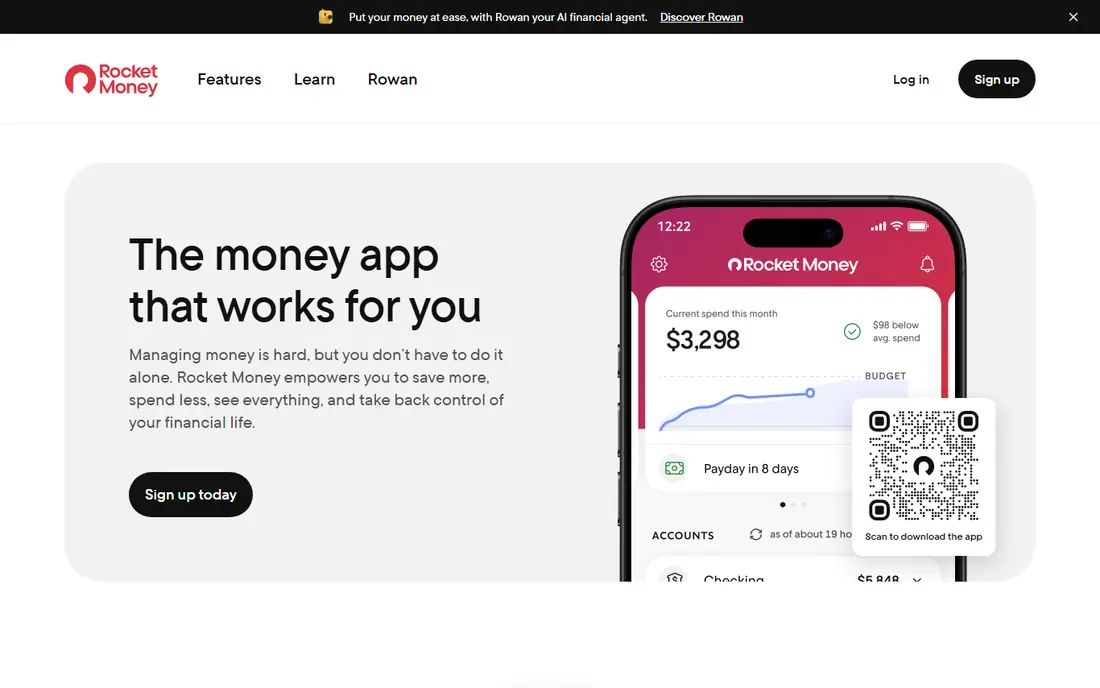
Rocket Money is best for people whose main problem is subscriptions and recurring charges. It finds recurring payments, flags price changes, and helps you cancel services you no longer use. The free tier covers basic spending tracking, while Premium adds more features, with pricing that varies by signup and is often shown as a monthly range.
Budgeting itself is lighter than YNAB or Monarch. Rocket Money shows spending clearly, but it does not force the same hands-on planning. Bill negotiation can also take a share of first-year savings, so read those terms before using it. If subscriptions are eating your budget, Rocket Money is the most direct fix here.
- Free tier with spending tracking
- Subscription detection and cancellation help
- Bill negotiation service on premium
- Premium pricing varies by signup
- Bill negotiation takes a share of savings
- Budgeting tools are lighter than YNAB
Empower Personal Dashboard, formerly Personal Capital, is the best free overview tool here. It aggregates accounts, tracks spending, and shows net worth, investments, and retirement projections in one place. For people who want to see the whole financial picture without paying a subscription, it is hard to beat.
The limit is budgeting depth. Empower shows where money went, but it does not guide daily category decisions in the way YNAB does. It also offers optional wealth management services, which are separate from the free dashboard. If your goal is visibility and long-term tracking, start with Empower. If you need strict monthly planning, pair it with a budgeting app or choose YNAB or Monarch instead.
- Free dashboard for spending, accounts, and net worth
- Investment and retirement views
- No subscription for the core dashboard
- Not a strict zero-based budgeting tool
- Wealth management services are separate and paid
- Interface favors overview over daily budgeting
Quicken Simplifi focuses on one clear question: how much can you spend right now without breaking your plan. Its Spending Plan subtracts bills, savings goals, and planned spending from income, leaving a safe-to-spend figure. That view suits people who want automation without a complex budgeting philosophy, and it updates as transactions arrive.
Simplifi is less strict than YNAB, which is a strength for some and a weakness for others. If you want to assign every dollar manually, you may find it too automatic. Standard pricing is $5.99 per month billed annually, which makes it one of the cheaper paid options here. For low-effort, automated budgeting, Simplifi is a practical middle ground.
- Spending Plan shows what is safe to spend
- Automatic categorization
- Bill and subscription tracking
- Web and mobile access
- Not a strict envelope system
- Pricing is billed annually on the standard plan
- Some users prefer more manual control
Copilot Money is the design-led pick, especially for Apple users. Its interface makes spending review feel simple, with clear categories, trends, and monthly summaries. Automatic tracking means you spend less time entering transactions, and the app is built for iPhone, iPad, and Mac, which suits people already in the Apple ecosystem.
The main limit is platform. There is no Android app, so Android users should choose another tool here. Copilot costs $13 per month or $95 per year, with a trial but no permanent free tier. If you use Apple devices and want a beautiful, low-effort tracker, Copilot is a strong choice. If you need Android or a strict budgeting method, look elsewhere.
- Clean design and clear spending review
- Automatic tracking and categorization
- Good for iPhone, iPad, and Mac users
- No Android app
- $95 per year on annual billing
- Web experience is still developing compared with mobile
Goodbudget turns the classic envelope method into an app. You divide income into virtual envelopes for groceries, rent, transport, and other categories, then spend from each envelope until it is empty. That visible limit helps people who overspend in specific categories, and shared envelopes let couples manage the same budget together.
The free plan is limited in envelope count and history, and bank sync requires Premium at $10 per month or $80 per year. Manual entry is part of the method, which some users like and others find tedious. If envelope budgeting already makes sense to you, Goodbudget is the clearest digital version of it.
- Digital envelopes match cash budgeting habits
- Free plan for basic use
- Shared envelopes for couples and families
- Free plan limits envelopes and history
- Bank sync requires Premium
- Manual entry suits some users more than others
PocketGuard answers the same simple question as Simplifi: after bills and savings, what can you safely spend. Its In My Pocket view is easy to read at a glance, which helps people who want a quick daily check rather than a detailed budget meeting. The free tier covers basic tracking, while Plus adds more accounts, categories, and bill features.
The trade-off is depth. PocketGuard is not a full zero-based planner, and its paid plan costs $12.99 per month or $74.99 per year. If you want a simple, low-effort app that stops overspending without a complex system, PocketGuard is a good fit. If you want detailed planning, YNAB or Monarch will serve you better.
- Clear In My Pocket figure after bills and goals
- Free basic tier
- Subscription and bill tracking
- Plus features require $12.99 per month or $74.99 per year
- Budgeting depth is lighter than YNAB
- Some features vary by plan
EveryDollar, from Ramsey Solutions, offers a simple zero-based budget built around your paycheck. You plan income and expenses for the month, track spending against each category, and adjust as you go. The free version covers manual budgeting, which suits people who prefer to enter spending themselves or who follow Ramsey-style budgeting principles.
Bank sync and other premium features require a paid plan, with annual pricing lower than monthly billing, so check the current plan page before subscribing. EveryDollar also offers fewer investment and net worth views than Monarch or Empower. If you want a simple, paycheck-based plan without a complex dashboard, EveryDollar is a clear and focused choice.
- Simple zero-based planning by paycheck
- Free basic version
- Clear monthly budget view
- Bank sync and premium features require a paid plan
- Premium pricing is higher on monthly billing
- Fewer investment views than Monarch or Empower
How we picked these
We compared official pricing pages, feature lists, and app descriptions for personal budgeting apps live in October 2026. We favored apps with clear US availability, bank connections or manual budgeting options, and distinct budgeting styles. We excluded apps that have shut down, that lack a clear budgeting function, or that focus mainly on investing or credit, because they do not meet the core budgeting job.
What to check before you choose
Start with your budgeting style, not with price alone. Hands-on planners should choose YNAB, Goodbudget, or EveryDollar. Automatic trackers should choose Simplifi, PocketGuard, Copilot, or Empower. Households should test Monarch first for shared dashboards. Next, check bank sync for your specific banks during the trial, because a poor connection will undermine even the best app.
Also check what the free plan actually includes. Some free tiers cover full budgeting, while others only cover basic tracking or manual entry. Finally, set a review habit before you pay. A budgeting app only helps if you open it weekly, adjust categories, and check progress toward savings goals. Pick the app you will actually use, even if another app looks more powerful on paper.
Frequently asked questions
What is the best app for personal budgeting overall?
YNAB is the best choice for serious, hands-on budgeting, while Monarch Money is the best household dashboard. For a simple free start, Empower Personal Dashboard offers strong spending and net worth tracking at no cost, and PocketGuard offers a clear safe-to-spend view.
What is the best free personal budgeting app?
Empower Personal Dashboard is the strongest free option for tracking spending and net worth. Goodbudget, PocketGuard, Rocket Money, and EveryDollar also offer free tiers, but each limits some features, such as bank sync, envelope count, or premium reports.
Is YNAB worth the price?
YNAB is worth the price if you use its zero-based method weekly and want behavior change, not just charts. At $14.99 per month or $109 per year, it costs more than many rivals, so test the trial and check whether the hands-on method fits your habits before committing.
Which budgeting app is best for couples?
Monarch Money is the best couples pick here, because it offers a shared household dashboard, joint budgets, and broad account connections. Goodbudget also works well for couples who prefer envelope budgeting and shared envelopes.
Do budgeting apps need my bank login?
Most automatic apps use a third-party connection service to sync transactions, and you should check the privacy policy and security page before connecting accounts. If you prefer not to connect banks, choose an app with strong manual entry, such as Goodbudget or the free version of EveryDollar.
Can a budgeting app help me save money?
A budgeting app can help by showing spending patterns, flagging subscriptions, and setting savings goals, but results depend on acting on what you see. Use the app weekly, set a realistic savings target, and review categories that consistently run over budget.
Sources
See where you really rank - block by block
ProMapRanker scans Google Maps across a grid of your service area. Simple monthly plans from $19, white-label on every plan.
Start freeKeep reading
 zoro.to alternatives
Best Zoro.to Alternatives in 2026
We compare the best zoro.to alternatives in 2026, listing only legal licensed anime streaming services, from Crunchyroll to free options for fans today.
Read → zip alternatives
Best Zip Alternatives in 2026
We compare the best zip alternatives for buy now, pay later in 2026, covering pay-in-4 plans, fees, spending limits, and credit reporting options today.
Read → yesware alternatives
Best Yesware Alternatives in 2026
Compare the best yesware alternatives for sales email tracking, templates, and sequences, with current pricing and honest tradeoffs for small sales teams.
Read →