 ProMapRanker
Best Performing Database Software for Enterprise in 2026

Key takeaways
- Performance depends on workload, data shape and query patterns, so no single database wins every enterprise job.
- Transactional systems, analytical warehouses and document stores solve different problems, and mixing them up is a common source of slow performance.
- Cloud and distributed options add scale, but they also add cost and operational complexity that must be planned for.
- We discuss performance only in qualitative terms here, because vendor benchmark numbers are rarely comparable across different workloads.
Quick comparison
| Pick | Great for | Pricing starts at | Free tier | |
|---|---|---|---|---|
 Oracle Database | Enterprise transactional scale | See website | Free trial | Visit |
 Microsoft SQL Server | Microsoft-based enterprises | See website | Free trial | Visit |
 PostgreSQL | Open source enterprise use | Free | Yes | Visit |
 MySQL | Web and application data | Free | Yes | Visit |
 Snowflake | Cloud analytics | See website | Free trial | Visit |
 MongoDB | Flexible document data | See website | Yes | Visit |
 CockroachDB | Distributed transactions | See website | Yes | Visit |
 SingleStore | Fast transactional and analytical work | See website | Free trial | Visit |
 ClickHouse | High-speed analytics | See website | Yes | Visit |
The best performing database software for enterprise
Enterprise database performance is not a single speed score. It is how well a system handles the organisation's real workload: many small transactions, large analytical queries, mixed reads and writes, or data spread across regions. We compared official product documentation and architecture descriptions, and we discuss performance qualitatively, because a benchmark on one workload does not predict results on another.
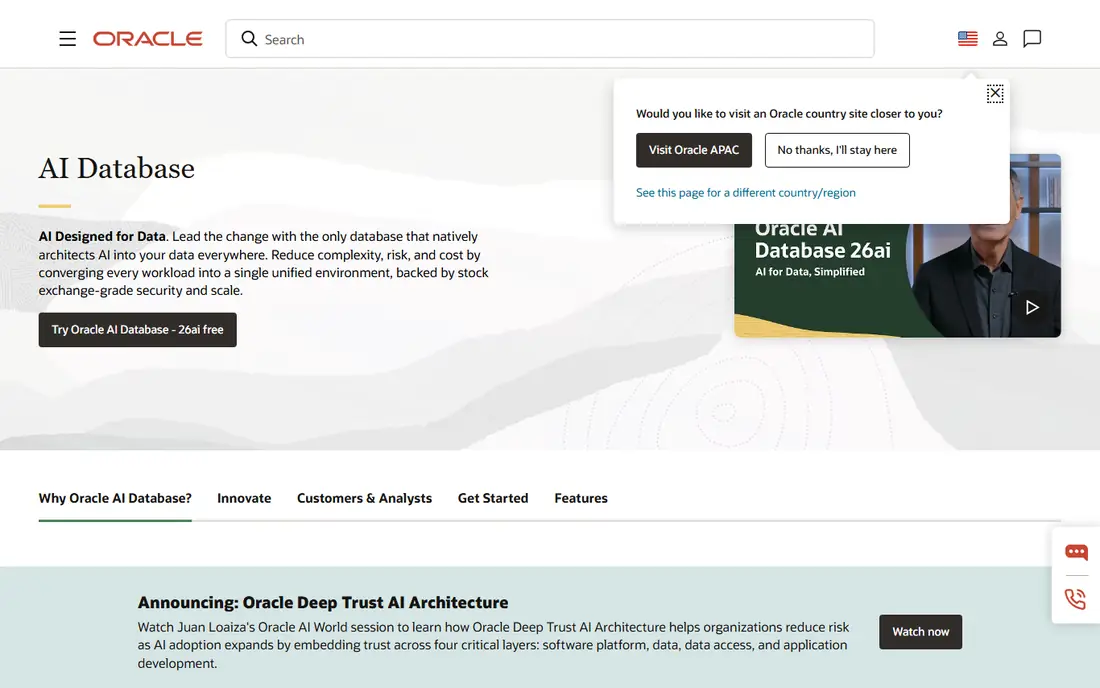
Oracle Database remains a default choice for large enterprises running critical transactional systems. Its strengths are maturity, high-availability features, partitioning, advanced security and a deep set of tuning tools that experienced database teams can use to shape performance for a specific workload. For core banking, telecom billing and other systems where downtime or data loss is costly, that track record matters.
The trade-offs are cost and complexity. Licensing is quote-based and famously detailed, and getting the best performance often requires specialist knowledge. Oracle suits an enterprise that already runs Oracle, has a dedicated database team, and needs proven transactional scale. A smaller team without that expertise may get better results from a simpler system.
- Mature enterprise features
- Strong high-availability options
- Deep tuning tools
- Quote-based pricing
- Complex licensing
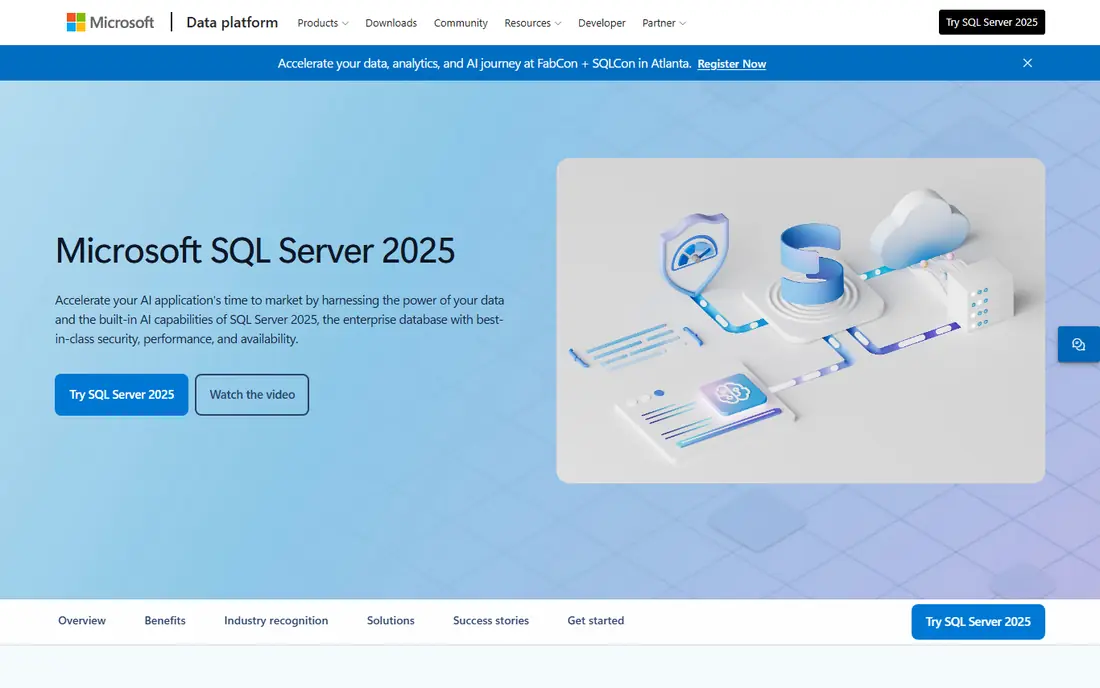
Microsoft SQL Server fits enterprises built around Windows, .NET and Azure. It integrates closely with Microsoft business intelligence, reporting and application tools, and its management tooling is familiar to many IT teams. In-memory tables and columnstore indexes give teams options to speed specific workloads, such as fast lookups or large analytical scans, without changing the whole system.
Licensing varies by edition and deployment, with a free trial available, so confirm the edition needed for the features planned. SQL Server performs best where the wider Microsoft stack is already in place. An enterprise running mainly Linux and open source tools may find less advantage and should compare PostgreSQL or MySQL on total cost and team skill.
- Strong Microsoft integration
- Good tooling
- In-memory options for speed
- Licensing is complex
- Full value inside Microsoft stack
PostgreSQL is the open source database most enterprises trust for serious transactional work. It offers strong data correctness, a rich type system, indexing options and extensibility through extensions for search, geographic data and analytics. Its performance for typical application workloads is strong, and its cost advantage is real, because there is no licence fee for the core database.
Scaling to very large or globally distributed workloads needs planning, including read replicas, partitioning and connection management. Support is available from commercial vendors and the community, but there is no single vendor support desk unless one is bought. PostgreSQL suits an enterprise that wants control, a large hiring pool and a proven transactional engine without licence lock-in.
- Free and open source
- Strong correctness and extensibility
- Wide ecosystem
- Scaling needs planning
- Support comes from vendors or community
MySQL is widely used for web and application data, and its simplicity is part of its performance story. For read-heavy application workloads with straightforward queries, MySQL can be fast and easy to operate, and its replication options support read scaling. A huge ecosystem of hosting, tooling and developer knowledge makes hiring and deployment easier.
The community edition is free, while enterprise features, support and advanced tooling are paid. MySQL is less suited to complex analytical workloads or advanced data types than PostgreSQL or a dedicated warehouse. Choose MySQL when the workload is a web application with well-understood queries and the team already knows the platform, and look to a warehouse for heavy analytics.
- Free community edition
- Wide web application use
- Simple replication
- Enterprise features are paid
- Advanced analytics is limited
Snowflake is designed for analytical work in the cloud, not for running an online transaction system. Its architecture separates storage from compute, so a team can scale query power up for a large report and down afterwards, and different teams can run workloads without blocking each other. That elasticity is why many enterprises use Snowflake as a central analytics platform fed by operational systems.
Cost control is essential, because usage-based pricing means poorly written queries or always-on warehouses can generate large bills. A free trial is available for evaluation. Snowflake suits an enterprise that needs fast, scalable analytics across many data sources. It should sit alongside a transactional database, not replace one.
- Elastic cloud analytics
- Separation of storage and compute
- Easy sharing
- Usage-based cost needs control
- Not a transactional database
MongoDB stores data as flexible documents, which suits applications where data shapes change often, such as product catalogues, content systems and user profiles. Developers can evolve the schema without a painful migration, and horizontal scaling through sharding supports large datasets and high write volumes. Its query language and aggregation tools cover many application needs directly.
Flexibility is not freedom from design. Poor document design, missing indexes or unbounded arrays can still hurt performance, and heavy analytics may be better in a warehouse. A free tier is available on MongoDB Atlas, with paid plans quote-based or usage-based depending on deployment. MongoDB suits an enterprise application team that needs speed of development and scale for document-shaped data.
- Flexible document model
- Horizontal scaling
- Strong developer experience
- Schema design still matters
- Analytics needs care
CockroachDB is a distributed SQL database built for applications that must stay available across regions while keeping transactional consistency. It spreads data across nodes, survives node failure, and offers PostgreSQL compatibility that eases migration for many applications. For a global service that cannot accept downtime in one region, that resilience is the main performance story, because availability under failure matters as much as raw query speed.
Distributed transactions add latency, especially when data must be coordinated across distant regions, so placement and schema design need care. A free tier is available, with paid plans for larger deployments. CockroachDB suits an enterprise building a global, always-on transactional service. A single-region application will usually get simpler performance from PostgreSQL or MySQL.
- Distributed consistency
- Multi-region resilience
- PostgreSQL compatibility
- Operational complexity
- Latency depends on region placement
SingleStore is designed for workloads that need both fast transactions and fast analytics on the same data, without waiting for a separate warehouse load. Its architecture combines row and column storage and in-memory options, which helps applications such as real-time dashboards, fraud checks and operational analytics where fresh data matters. SQL familiarity also eases adoption for teams coming from relational databases.
Pricing is quote-based, with a free trial for evaluation, and the ecosystem is smaller than those of Oracle, SQL Server or PostgreSQL. SingleStore suits an enterprise with a clear real-time analytics need on operational data. For a standard application or a traditional nightly warehouse, a more common database may be simpler and cheaper to staff.
- Combined transactional and analytical design
- In-memory speed options
- SQL familiarity
- Quote-based pricing
- Smaller ecosystem than leaders
ClickHouse is a columnar analytical database known for very fast scans and aggregations over large datasets. It suits log analytics, product telemetry, advertising data and business dashboards where queries read many rows but few columns. Its open source core and cloud offering give teams a choice between self-management and a managed service, with a free tier available on the cloud.
ClickHouse is not a transactional database, so it should not run an online ordering or banking system. Updates and deletes are possible but are not its strength, and operating it at scale needs skill in partitioning and query design. For an enterprise analytics workload that must answer large questions quickly, ClickHouse is a strong specialist choice alongside a transactional system.
- Very fast analytical queries
- Columnar design
- Open source core
- Not for heavy transactions
- Operational skill needed at scale
How we picked these
We compared official product documentation and architecture descriptions, and we chose databases still sold and supported in October 2026 that cover the main enterprise patterns: transactional, analytical, document and distributed. We discuss performance only in qualitative terms, because vendor benchmarks use different hardware, data and queries and do not transfer reliably to another organisation. Where a vendor does not publish a starting price, we wrote See website rather than presenting an estimate as a vendor price.
How to choose an enterprise database
Start with the workload, not the vendor. List the main queries, the read and write mix, the data volume, the freshness needed and the failure tolerance. A transactional system, a warehouse and a document store optimise for different answers, and choosing the wrong pattern will hurt performance more than any tuning can fix.
Then test with realistic data and queries, including peak load and failure cases. Measure latency, throughput and cost together, because a fast system that costs too much to run is not a good enterprise choice. Finally, check team skill, support and exit options, since a database is a long-term commitment that outlives most application code.
Frequently asked questions
What is the fastest enterprise database?
There is no single fastest database, because speed depends on workload. A transactional system may be fastest for many small updates, while a columnar warehouse may be fastest for large analytical scans. Test with your own queries and data before choosing.
Should an enterprise use one database for everything?
Usually not. Most enterprises use a transactional database for applications, a warehouse or analytical database for reporting, and sometimes a document or search system for flexible data. The cost is integration, but the benefit is that each workload runs on a system designed for it.
Is open source suitable for enterprise databases?
Yes, PostgreSQL, MySQL and ClickHouse all run enterprise workloads, with commercial support available where needed. The decision should weigh licence cost, support, hiring and operational skill, not just whether the software is open source.
What is the difference between SQL and NoSQL databases?
SQL databases use tables and a fixed schema with strong consistency, while NoSQL databases such as MongoDB use flexible documents or other models that suit changing data shapes and horizontal scaling. Many enterprises use both, choosing by workload rather than by category loyalty.
How important are indexes for database performance?
Indexes are often the largest single factor in query speed, because they let a database find rows without scanning a whole table. Poor or missing indexes slow queries, while too many indexes slow writes, so index design should be reviewed as workloads change.
Sources
See where you really rank - block by block
ProMapRanker scans Google Maps across a grid of your service area. Simple monthly plans from $19, white-label on every plan.
Start freeKeep reading
 what’s the best risk software for enterprises
What Is the Best Risk Software for Enterprises in 2026
We compared what’s the best risk software for enterprises on risk registers, controls, third-party risk, and reporting, with pricing notes for large teams.
Read → what's the best pam software for enterprises
What is the Best PAM Software for Enterprises in 2026
Find what's the best pam software for enterprises, with vaulting, session recording, just in time access and pricing compared for large enterprise IT teams.
Read → what’s the best grc software
What Is the Best GRC Software in 2026
We compared what’s the best grc software on risk, compliance, audit and vendor risk, so teams can pick a platform that fits their frameworks and budget.
Read →