 ProMapRanker
Best PDM Software in 2026: 8 Tools Compared


SOLIDWORKS-based engineering teams · Pricing starts at: See website
Key takeaways
- SOLIDWORKS PDM and Autodesk Vault suit teams already committed to those CAD families.
- Windchill, Teamcenter and Aras suit large firms that need lifecycle and change control, not just file storage.
- OpenBOM and Bild suit growing teams that want cloud access without a server project.
- Published pricing is rare for enterprise PDM, so get implementation and licence costs in one written quote.
Quick comparison
| Pick | Great for | Pricing starts at | Free tier | |
|---|---|---|---|---|
| SOLIDWORKS PDM | SOLIDWORKS-based engineering teams | See website | Free trial | Visit |
 Autodesk Vault | Autodesk design teams | $840 per year | Free trial | Visit |
 PTC Windchill | Enterprise product lifecycle and PDM | See website | Free trial | Visit |
 Siemens Teamcenter | Large manufacturing organisations | See website | Free trial | Visit |
 Aras Innovator | Customisable product data platforms | See website | Free trial | Visit |
 OpenBOM | Cloud PDM and BOM for growing teams | $30 per user per month | Yes | Visit |
 Upchain | Cloud PDM for Autodesk users | See website | Free trial | Visit |
 Bild | Browser-based CAD collaboration | See website | Free trial | Visit |
The best PDM software
We compared product data management software that controls CAD files, revisions, BOMs and release workflows. Enterprise tools are mostly quote-only, so we marked those as See website rather than guessing a price.
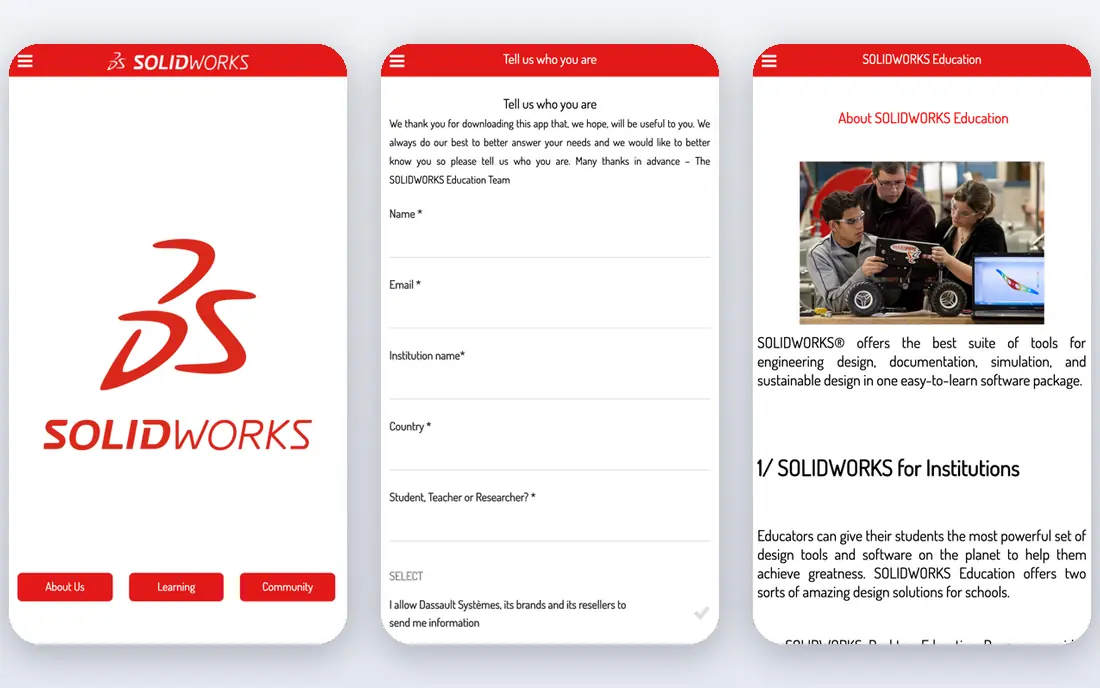
SOLIDWORKS PDM is the natural choice for teams already designing in SOLIDWORKS. It fits engineering firms that manage CAD files, revisions and approvals inside the SOLIDWORKS workflow. We compared its public feature pages, pricing and user reviews rather than claiming hands-on testing, and the pattern that stood out was how clearly it states who it serves. Its deep integration means version, revision and approval data travel with the CAD file, rather than living in a separate spreadsheet. That focus matters in daily use, because a tool that tries to cover every hiring, lab, editing or filing need at once often makes the common task harder to find. It needs reseller and IT setup, and pricing is not published, so a small team should get a written quote and an implementation estimate first. Before you commit, run a short trial with real work from your own team, check the renewal price in writing, and confirm that export, support and permission controls meet your needs.
- Deep SOLIDWORKS integration
- Version and revision control
- Workflow approvals
- Needs reseller and IT setup
- Cost is high for small teams
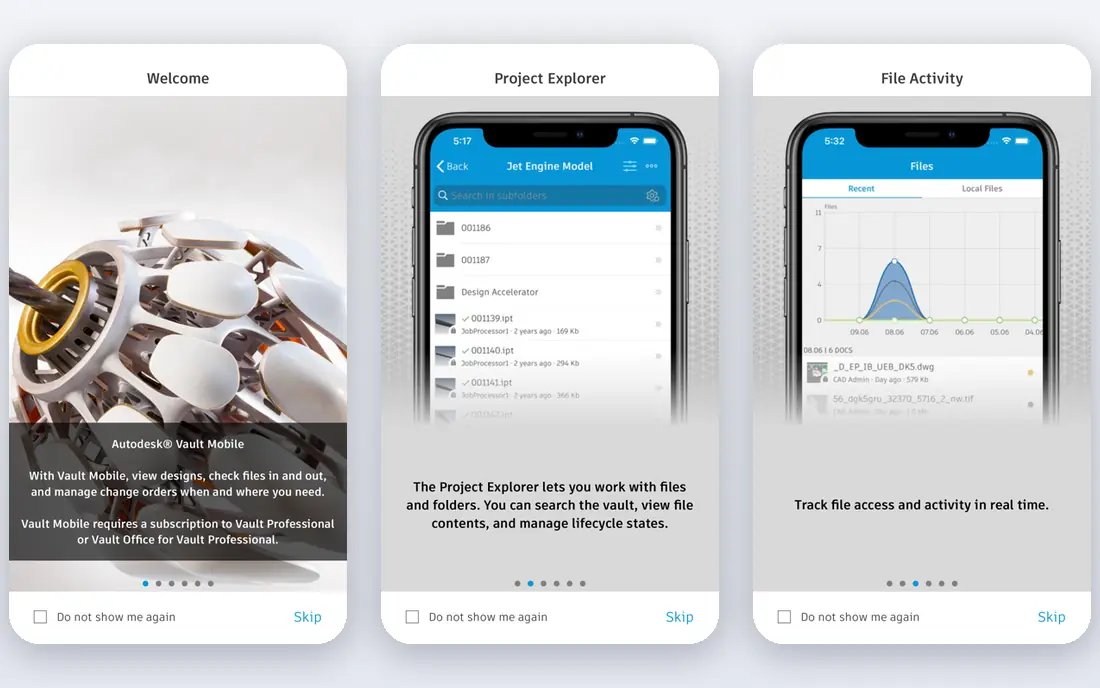
Autodesk Vault suits teams that design mainly in Inventor and AutoCAD and need one central data store. It fits engineering and manufacturing teams that reuse design data across projects and want controlled release workflows. We compared its public feature pages, pricing and user reviews rather than claiming hands-on testing, and the pattern that stood out was how clearly it states who it serves. Its central vault keeps everyone working from the same revision, which cuts rework from outdated drawings and duplicate files. That focus matters in daily use, because a tool that tries to cover every hiring, lab, editing or filing need at once often makes the common task harder to find. Server setup and administration take IT effort, and teams using many non-Autodesk CAD tools should test those integrations before committing. Before you commit, run a short trial with real work from your own team, check the renewal price in writing, and confirm that export, support and permission controls meet your needs.
- Strong Inventor and AutoCAD integration
- Central design data
- Workflow tools
- Server setup needed
- Weaker for non-Autodesk CAD by default
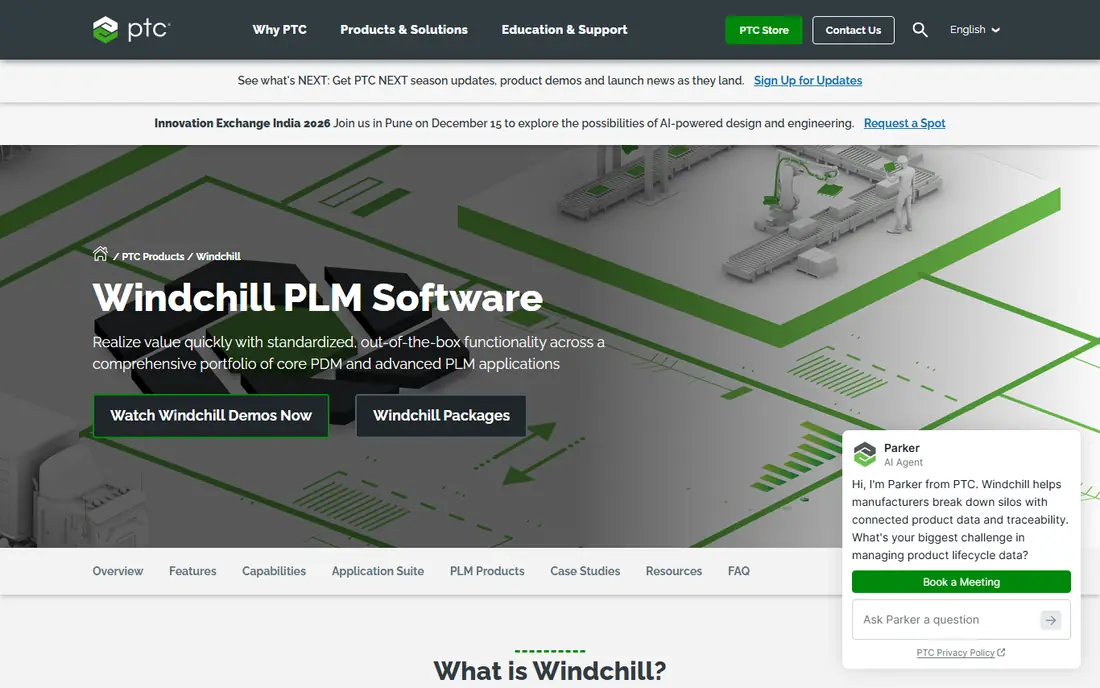
PTC Windchill suits large manufacturers that need PDM inside a wider product lifecycle system. It fits enterprises managing complex products, change processes and supplier collaboration across sites. We compared its public feature pages, pricing and user reviews rather than claiming hands-on testing, and the pattern that stood out was how clearly it states who it serves. Its change management and lifecycle tools link design data to approvals, quality and manufacturing steps, not just file storage. That focus matters in daily use, because a tool that tries to cover every hiring, lab, editing or filing need at once often makes the common task harder to find. Enterprise cost and implementation effort make it a poor fit for a small team that only needs version control for CAD files. Before you commit, run a short trial with real work from your own team, check the renewal price in writing, and confirm that export, support and permission controls meet your needs.
- Enterprise PLM plus PDM
- Change management
- Broad CAD support
- Enterprise cost and implementation
- Heavy for small teams
Siemens Teamcenter suits large manufacturers with global teams and complex product structures. It fits organisations that manage CAD, BOMs, change and supplier data across plants and partners. We compared its public feature pages, pricing and user reviews rather than claiming hands-on testing, and the pattern that stood out was how clearly it states who it serves. Its multi-CAD support and global collaboration tools suit firms where several CAD systems and sites must share one product record. That focus matters in daily use, because a tool that tries to cover every hiring, lab, editing or filing need at once often makes the common task harder to find. Pricing is quoted on request and implementation can be long, so it suits firms with a dedicated PLM team, not a team seeking a quick cloud signup. Before you commit, run a short trial with real work from your own team, check the renewal price in writing, and confirm that export, support and permission controls meet your needs.
- Enterprise PDM and PLM
- Multi-CAD support
- Global collaboration
- Quote-only enterprise pricing
- Long implementation for large deployments
Aras Innovator suits organisations that need a product data platform shaped to their own processes. It fits firms whose change, quality and configuration processes do not fit a fixed PDM template. We compared its public feature pages, pricing and user reviews rather than claiming hands-on testing, and the pattern that stood out was how clearly it states who it serves. Its low-code customisation lets teams model their own workflows, data and approvals rather than bending processes to the tool. That focus matters in daily use, because a tool that tries to cover every hiring, lab, editing or filing need at once often makes the common task harder to find. That flexibility needs skilled setup, and total cost depends on scope, so buyers should price implementation, not just licences. Before you commit, run a short trial with real work from your own team, check the renewal price in writing, and confirm that export, support and permission controls meet your needs.
- Highly customisable platform
- PLM and PDM in one
- Low-code options
- Customisation needs skilled setup
- Total cost depends on scope
OpenBOM suits growing engineering teams that want cloud PDM and BOM management without a server project. It fits manufacturers and product teams that manage items, BOMs, revisions and suppliers in the cloud. We compared its public feature pages, pricing and user reviews rather than claiming hands-on testing, and the pattern that stood out was how clearly it states who it serves. Its spreadsheet-like interface lowers the learning curve, and ERP integrations move BOM and vendor data into business systems without manual re-entry. That focus matters in daily use, because a tool that tries to cover every hiring, lab, editing or filing need at once often makes the common task harder to find. CAD add-ins cost extra on some tiers, and it offers less enterprise depth than Windchill or Teamcenter for very large deployments. Before you commit, run a short trial with real work from your own team, check the renewal price in writing, and confirm that export, support and permission controls meet your needs.
- Cloud-native BOM and PDM
- Spreadsheet-like ease
- ERP integrations
- CAD add-ins cost extra on some tiers
- Less enterprise depth than Windchill or Teamcenter
Upchain suits Autodesk-centred teams that want cloud PDM without running a server. It fits product teams that design in Autodesk tools and want version control, BOMs and supplier sharing in the cloud. We compared its public feature pages, pricing and user reviews rather than claiming hands-on testing, and the pattern that stood out was how clearly it states who it serves. Its cloud design removes server administration, and Autodesk ties keep CAD data close to the design workflow. That focus matters in daily use, because a tool that tries to cover every hiring, lab, editing or filing need at once often makes the common task harder to find. Pricing is quoted on request, and its CAD focus is narrower than enterprise PLM platforms, so mixed-CAD teams should test integrations first. Before you commit, run a short trial with real work from your own team, check the renewal price in writing, and confirm that export, support and permission controls meet your needs.
- Cloud PDM with Autodesk ties
- Version control
- Supplier collaboration
- Quote-only pricing
- Narrower CAD focus than enterprise PLM
Bild suits fast-growing hardware teams that want to share and review CAD in a browser. It fits startups and product teams that review designs with suppliers and partners without installing heavy desktop tools. We compared its public feature pages, pricing and user reviews rather than claiming hands-on testing, and the pattern that stood out was how clearly it states who it serves. Its browser-based viewing and sharing make design review fast, since partners can open a model without a CAD licence. That focus matters in daily use, because a tool that tries to cover every hiring, lab, editing or filing need at once often makes the common task harder to find. Platform pricing is high for a tiny team, and its PDM depth is lighter than enterprise tools for firms needing deep change and lifecycle control. Before you commit, run a short trial with real work from your own team, check the renewal price in writing, and confirm that export, support and permission controls meet your needs.
- Browser-based CAD viewing
- Fast sharing
- Modern interface
- Platform pricing is high for tiny teams
- PDM depth is lighter than enterprise tools
How we picked these
We compared official feature pages, pricing pages and public user reviews for tools that are live in October 2026, and we kept only products that truly fit the topic. We favoured clear pricing, a usable free plan or trial where one is offered, and honest limits over broad marketing claims. We did not claim hands-on testing that did not happen, and where a price was quoted only on request or varied by plan, we wrote See website rather than guessing a figure.
Choosing the right option for your team
Start with the job you will do most often, not the longest feature list. A product that handles that core task cleanly will save more time than a larger platform whose best features sit behind setup work your team will not finish. Check the total cost at your real team size, including add-ons, storage, seats and renewal rates. Ask what happens to your data if you cancel, how exports work, and whether support replies come from people who know the product. Run a short pilot with real files, real candidates, real documents or real projects before you move a whole team. The pilot should test permissions, sharing, search and the one workflow you cannot afford to break.
Frequently asked questions
What is PDM software?
Product data management software controls engineering files, versions, revisions, BOMs and release approvals in one place. It stops teams working from outdated drawings and duplicate CAD files, and it records who approved each change.
PDM or PLM?
PDM focuses on design data, versions and BOMs. PLM covers the wider product lifecycle, including change, quality, supplier and manufacturing processes. Large firms often need PLM, while smaller teams may only need PDM.
Which PDM suits a small engineering team?
OpenBOM and Bild suit many small teams because they are cloud based and start quickly. SOLIDWORKS PDM and Autodesk Vault suit teams already using those CAD tools, even though setup takes more effort.
Why is enterprise PDM so costly?
Licences are only part of the cost. Implementation, data migration, CAD integration, training and administration add up, especially for Windchill, Teamcenter and Aras. Ask for implementation cost in the same quote as licences.
Can PDM handle non-CAD files?
Most PDM tools also store documents, PDFs and related files, but CAD integration is the core strength. If your main need is general document storage, a simpler document system may cost less.
Sources
- https://www.solidworks.com/product/solidworks-pdm
- https://www.autodesk.com/products/vault/overview
- https://www.ptc.com/en/products/windchill
- https://www.sw.siemens.com/en-US/technology/teamcenter/
- https://www.aras.com/en/products/aras-innovator
- https://www.openbom.com
- https://www.upchain.com
- https://www.bild.co
See where you really rank - block by block
ProMapRanker scans Google Maps across a grid of your service area. Simple monthly plans from $19, white-label on every plan.
Start freeKeep reading
 what’s the best risk software for enterprises
What Is the Best Risk Software for Enterprises in 2026
We compared what’s the best risk software for enterprises on risk registers, controls, third-party risk, and reporting, with pricing notes for large teams.
Read → what's the best pam software for enterprises
What is the Best PAM Software for Enterprises in 2026
Find what's the best pam software for enterprises, with vaulting, session recording, just in time access and pricing compared for large enterprise IT teams.
Read → what’s the best grc software
What Is the Best GRC Software in 2026
We compared what’s the best grc software on risk, compliance, audit and vendor risk, so teams can pick a platform that fits their frameworks and budget.
Read →