 ProMapRanker
Best PCB Design Software in 2026

Key takeaways
- KiCad is free and open source with no size limits, and it now handles professional boards that once needed commercial software.
- Altium Designer remains the standard for complex, high-speed boards, with the deepest libraries and supply chain links.
- EasyEDA is the fastest path from a browser design to a manufactured board, thanks to linked fabrication ordering.
- Pick by board complexity and team size first, then check library quality and how easily you can export your work later.
Quick comparison
| Pick | Great for | Pricing starts at | Free tier | |
|---|---|---|---|---|
 KiCad | Free professional-grade design | Free | Yes | Visit |
 Altium Designer | Complex professional boards | $325 per month | Free trial | Visit |
 EasyEDA | Browser design and fast ordering | Free | Yes | Visit |
 Autodesk Fusion | Electronics inside mechanical products | $680 per year | Free trial | Visit |
 OrCAD X | Schematic design with simulation | $2,088 per year | Free trial | Visit |
 DipTrace | Affordable perpetual licences | $75 one-time | Yes | Visit |
 Siemens PADS | Mid-size teams and signal work | See website | Free trial | Visit |
 DesignSpark PCB | Free simple board design | Free | Yes | Visit |
The best PCB design software
These tools cover schematic capture and board layout, from free hobbyist tools to enterprise suites. Prices are US rates reported in October 2026, and enterprise tools often sell through quotes, so check the vendor site for your team size.
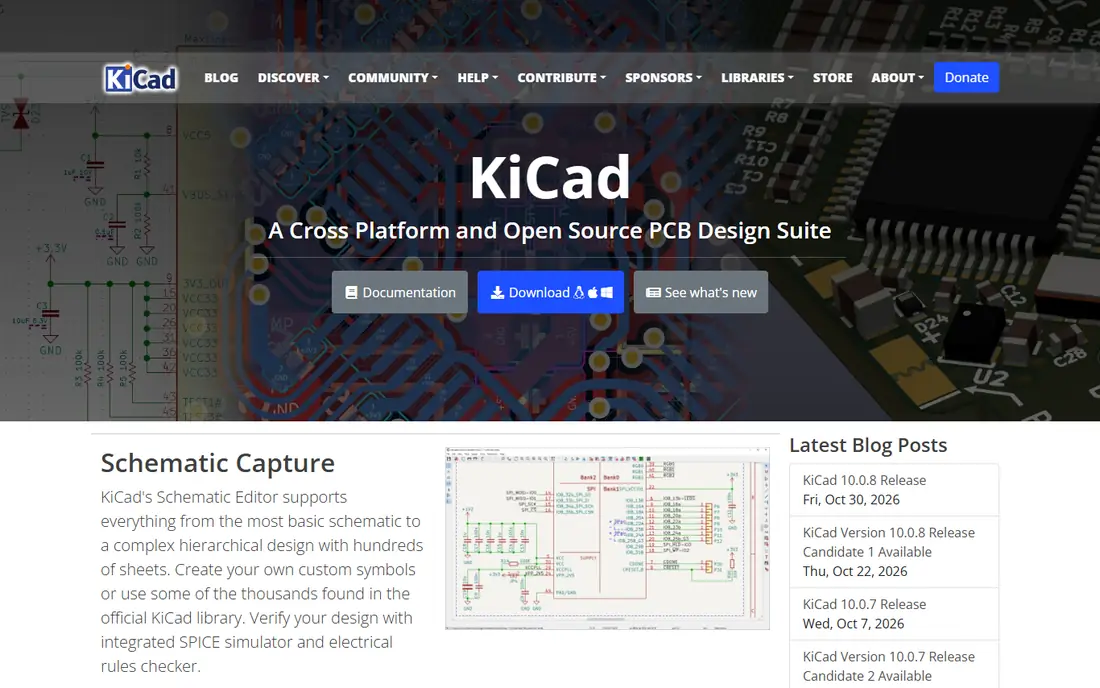
KiCad is our pick for most people, and the reason is simple: it is free, open source, and has no board size or layer limits. It includes schematic capture, board layout, a SPICE simulator, and a 3D viewer, so you can go from idea to a manufacturable board without paying for a licence. The community library and forum support are also strong, which helps when you hit a tricky footprint or routing problem.
The learning curve is real, especially if you come from a simpler browser tool. The interface is less polished than Altium, and some advanced team features need manual setup. For hobbyists, startups, and small teams, though, KiCad now handles professional-grade boards that once required commercial software, and that makes it hard to beat on value.
- Free and open source with no size limits
- Schematic, layout, and 3D viewer in one suite
- Large community libraries
- Learning curve for beginners
- Interface feels less polished than Altium
Altium Designer is the industry standard for complex boards, and it earns that place with depth. Its libraries, live supply chain data, and high-speed routing tools, including length matching and differential pair control, suit dense boards where signal integrity matters. Team features and Altium 365 cloud collaboration help larger hardware teams work on the same design without version chaos.
The cost is the main barrier. Subscription pricing starts at $325 per month in recent roundups, and the full cost grows with team size and add-ons. It runs on Windows only, and the learning curve is steep. For simple boards, KiCad or EasyEDA will do the job for far less. For complex, high-speed work, Altium is the safer professional choice.
- Deepest libraries and supply chain links
- Advanced high-speed routing
- Strong team and cloud features
- High subscription cost
- Windows only
- Steep learning curve
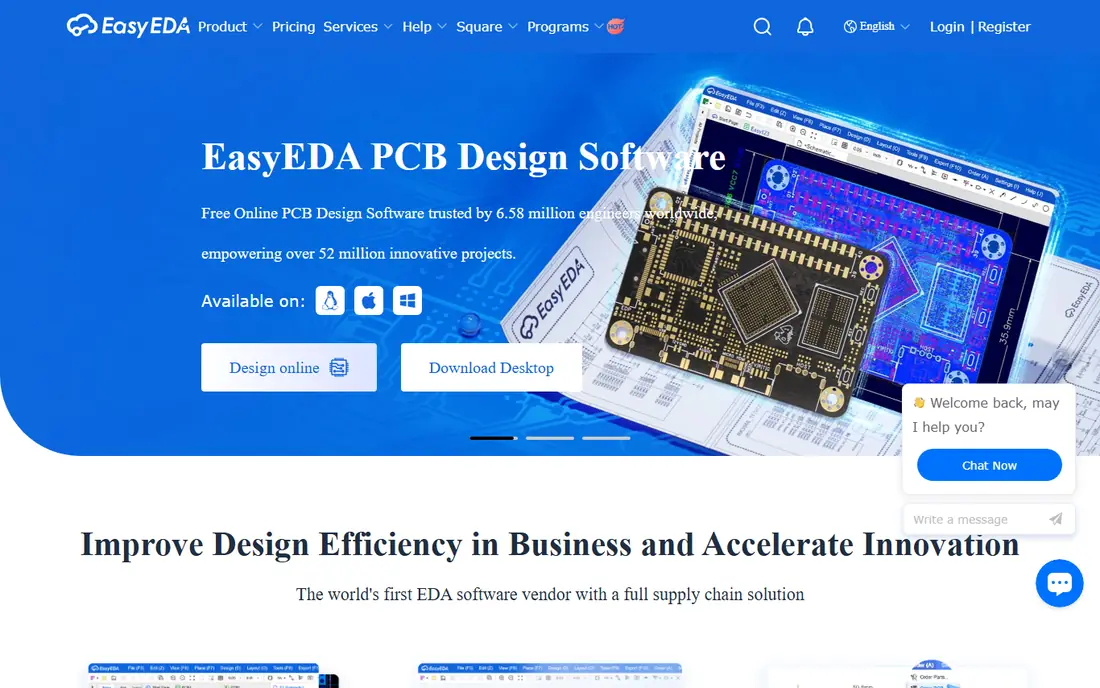
EasyEDA is the fastest path from a design to a physical board. It runs in a browser, so there is nothing to install, and its component library links to live stock and pricing. When the design is ready, one-click ordering to JLCPCB removes the usual Gerber export and fab setup steps, which is a real time saver for prototypes.
The trade-off is depth. EasyEDA is weaker for dense, high-speed boards than Altium or KiCad, and a web-dependent workflow may not suit teams with strict offline or data rules. A Pro plan is available for larger design areas and extra features. For quick prototypes and learning, EasyEDA is an excellent starting point.
- Free and browser-based
- Large component library with stock links
- One-click ordering to JLCPCB
- Weaker for dense, high-speed boards
- Web-dependent workflow
Autodesk Fusion suits teams that design electronics inside a physical product. You can design the board and the enclosure in the same model, check mechanical fit in 3D, and avoid the export errors that come from separate tools. Fusion replaces the retired EAGLE, and its PCB tools cover schematic capture and layout for most product boards.
PCB depth is less than Altium, so very dense high-speed boards may still need a specialist tool. The price is $680 per user per year in recent roundups, with a free personal use option for qualifying users. If mechanical fit is a core part of your product, Fusion is a strong combined choice.
- PCB design inside mechanical CAD
- Enclosure and board in one model
- Replaces retired EAGLE
- PCB tools are less deep than Altium
- Subscription cost adds up
OrCAD X is the pick for schematic-driven design with simulation. Its schematic capture is mature, and built-in SPICE simulation lets you test analog and mixed-signal circuits before layout. That front-end strength suits teams that spend more time on circuit design than on board routing, and it fits into wider Cadence flows for larger projects.
The price is high, at $2,088 per year in recent roundups, and the learning curve is real. OrCAD X makes most sense inside a Cadence workflow or for teams that need its simulation depth. For simple boards, KiCad offers simulation and layout at no cost, so OrCAD X needs a clear schematic or ecosystem reason to justify it.
- Strong schematic capture
- Built-in SPICE simulation
- Cadence ecosystem for larger flows
- High yearly price
- Learning curve
- Best value inside Cadence workflows
DipTrace suits small shops that want to buy once and own the licence. The Starter edition starts at $75 one-time, with a free edition limited to 300 pins, and higher editions add more pins and features without a subscription. It covers schematic capture, layout, and a SPICE simulator, with push-and-shove routing and differential pair support for many practical boards.
The library ecosystem is smaller than Altium, so you may need to create or import more footprints. High-speed tools are also less deep than enterprise suites. For a small team that dislikes subscriptions and works on moderate boards, DipTrace offers a calm, affordable middle ground between free tools and enterprise pricing.
- Perpetual licence, no subscription
- Free edition for small boards
- Push-and-shove routing
- Smaller library ecosystem than Altium
- High-speed tools are less deep
Siemens PADS suits mid-size engineering groups that need integrated design, layout, and signal integrity analysis in one Windows workflow. It covers the full flow from schematic to layout, with tools for high-speed constraints and manufacturing output. That integration helps teams that have outgrown free tools but do not need a full enterprise suite.
Pricing is quote-based, so budgeting needs a vendor conversation, and PADS runs on Windows only. The learning curve is also a factor for teams moving from a simpler tool. If your team works on Windows, needs signal integrity checks, and wants a supported commercial tool, PADS is a solid mid-market choice.
- Integrated schematic, layout, and signal integrity
- Strong for mid-size engineering groups
- Windows workflow
- Quote-based pricing
- Windows only
- Learning curve for new users
DesignSpark PCB is a free, easy-to-learn tool for simple boards. It covers schematic capture and layout without a licence cost, which makes it a good first tool for beginners, students, and small hobby projects. The interface is approachable, and you can get a first board done faster than with a deeper tool.
Advanced features are limited, so dense or high-speed boards will outgrow it quickly. The community is also smaller than KiCad, so help and libraries are thinner. If you want a gentle free start and your boards are simple, DesignSpark PCB fits. If you plan to grow into complex work, starting with KiCad may save a later switch.
- Free for simple boards
- Easy to learn
- Good for beginners and small projects
- Limited advanced features
- Smaller community than KiCad
How we picked these
We compared official product pages, pricing pages, and recent October 2026 roundups of PCB tools. We kept only live tools that cover schematic capture and board layout, with a clear free, trial, or paid route for a new user. We left out pure viewers, Gerber-only tools, and retired products such as standalone EAGLE, which Autodesk has folded into Fusion.
What to check before you choose
Start with board complexity. Simple two-layer prototypes suit EasyEDA, DesignSpark PCB, or KiCad, while dense high-speed boards need Altium, OrCAD X, or PADS. Check library coverage for the parts you actually use, since a missing footprint costs more time than any licence saving. Check export formats too, since Gerber, ODB++, and STEP support affect fab and mechanical handoff.
Also check licence model and platform. KiCad is free on Windows, macOS, and Linux, DipTrace is a perpetual purchase, and Altium, Fusion, and OrCAD X are subscriptions. Try a real board, not just a demo, and route it to a fab quote before committing. That test reveals library gaps, routing limits, and export problems that a feature list will not show.
Frequently asked questions
What is the best free PCB design software?
KiCad is our pick for free PCB design, since it is open source, has no size limits, and handles professional boards. EasyEDA and DesignSpark PCB are also free and easier to learn, but they suit simpler boards.
What is the best PCB design software for beginners?
EasyEDA is the easiest start, thanks to its browser workflow and linked ordering. DesignSpark PCB is also gentle for simple boards, while KiCad is the best free choice if you want room to grow into complex work.
Is Altium Designer worth the cost?
Altium is worth it for complex, high-speed, or team boards where libraries, supply chain data, and routing depth save real time. For simple boards, KiCad or DipTrace will do the job for far less money.
Can I design a PCB in a browser?
Yes. EasyEDA runs in a browser and links directly to fabrication ordering. Browser tools suit prototypes and learning, but dense high-speed boards usually need a desktop tool such as KiCad or Altium.
What is the best PCB layout software for small teams?
KiCad suits most small teams at no licence cost, while DipTrace suits teams that want a perpetual licence. Autodesk Fusion suits teams that also design enclosures, since board and mechanical work sit in one model.
Does KiCad work for professional boards?
Yes. KiCad is used for professional boards, with schematic capture, layout, simulation, and 3D viewing in one free suite. Teams should still check library coverage and fab export for their specific board type.
Sources
- https://www.kicad.org
- https://www.altium.com
- https://easyeda.com
- https://www.autodesk.com/products/fusion-360/overview
- https://www.cadence.com
- https://diptrace.com
- https://eda.sw.siemens.com
- https://www.rs-online.com/designspark/pcb-software
- https://rankite.com/blog/best-pcb-design-software
- https://rankite.com/blog/top-10-pcb-design-software
See where you really rank - block by block
ProMapRanker scans Google Maps across a grid of your service area. Simple monthly plans from $19, white-label on every plan.
Start freeKeep reading
 outreach alternatives
Outreach Alternatives in 2026
Compare outreach alternatives for 2026, from Salesloft and Apollo to HubSpot and Lemlist, with pricing, channels, features, limits, and honest trade-offs.
Read → best web conference tools
Best Web Conference Tools in 2026
Compare the best web conference tools for meetings, webinars and team calls, with current pricing, free plans and honest limits for each option here today.
Read → best voice cloning tools
Best Voice Cloning Tools in 2026
Compare the best voice cloning tools in 2026, from ElevenLabs and Descript to Resemble and Cartesia, with consent rules, pricing, licenses, and limits.
Read →