 ProMapRanker
Best PC Cleaning Software in 2026


best-known PC cleaner with scheduled cleaning · Pricing starts at: $44.95 per year
Key takeaways
- CCleaner remains the best-known cleaner, while BleachBit is the best free open source option.
- Microsoft PC Manager is the safest free start for most Windows users.
- Paid tools earn their price through automation, not through deeper cleaning alone.
- Registry and driver changes should be backed up before any cleaner runs them.
Quick comparison
| Pick | Great for | Pricing starts at | Free tier | |
|---|---|---|---|---|
| CCleaner | best-known PC cleaner with scheduled cleaning | $44.95 per year | Yes | Visit |
 BleachBit | privacy-minded users wanting free open source cleaning | Free | Yes | Visit |
 Glary Utilities | users wanting many tools for the price | $39.95 per year | Yes | Visit |
 Wise Care 365 | quiet automatic maintenance | $29.95 per year | Yes | Visit |
 IObit Advanced SystemCare | users wanting maximum automation | $29.99 per year | Yes | Visit |
 Ashampoo WinOptimizer | buyers preferring a one-time licence | $30 one-time | Free trial | Visit |
 System Mechanic | households with several Windows PCs | $54.95 per year | Free trial | Visit |
 AVG TuneUp | users trusting antivirus brands for maintenance | $64.95 per year | Free trial | Visit |
 Microsoft PC Manager | Windows users wanting an official free cleaner | Free | Yes | Visit |
Best PC Cleaning Software
PC cleaning software removes junk files, browser data and unneeded startup items, and it can free disk space on a cluttered Windows machine. It will not turn an old PC into a new one, and it cannot fix failing hardware. The best computer cleaning software is the one that cleans safely, runs quietly and does not push risky changes.
This list mixes free, open source and paid tools. Free tools suit manual cleanup. Paid tools suit automatic maintenance. All of them should be used with care around registry cleaning and driver updates, which deserve a backup first.
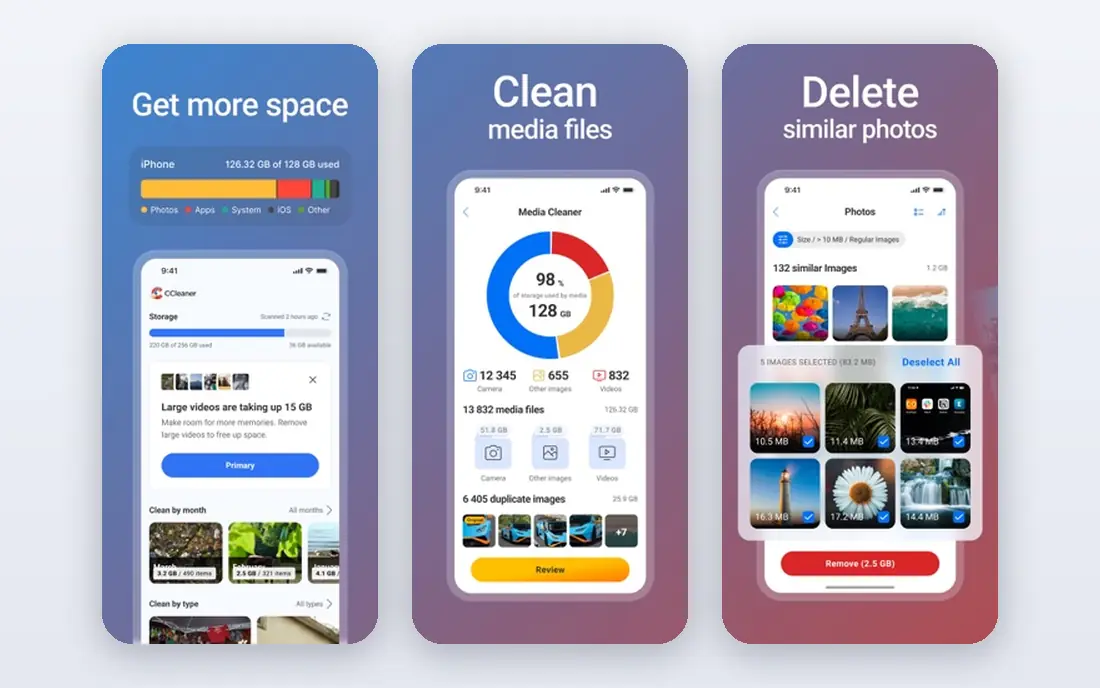
CCleaner is the name most PC owners know, and it still does the core jobs well: junk file cleanup, browser data removal, startup management and scheduled automatic cleaning on paid plans. The free edition is genuinely usable for manual cleanups, which is why it stays installed on so many machines.
The honest catch is the business model around it. The free version nudges toward paid tiers, and prices shift with region and promotions, so check the checkout total. It is a competent cleaner, just no longer the obvious default it was ten years ago.
- Junk file and browser cleanup
- Startup management
- Scheduled cleaning and updaters on paid plans
- Free version shows ads and upsells
- Checkout prices vary with promotions
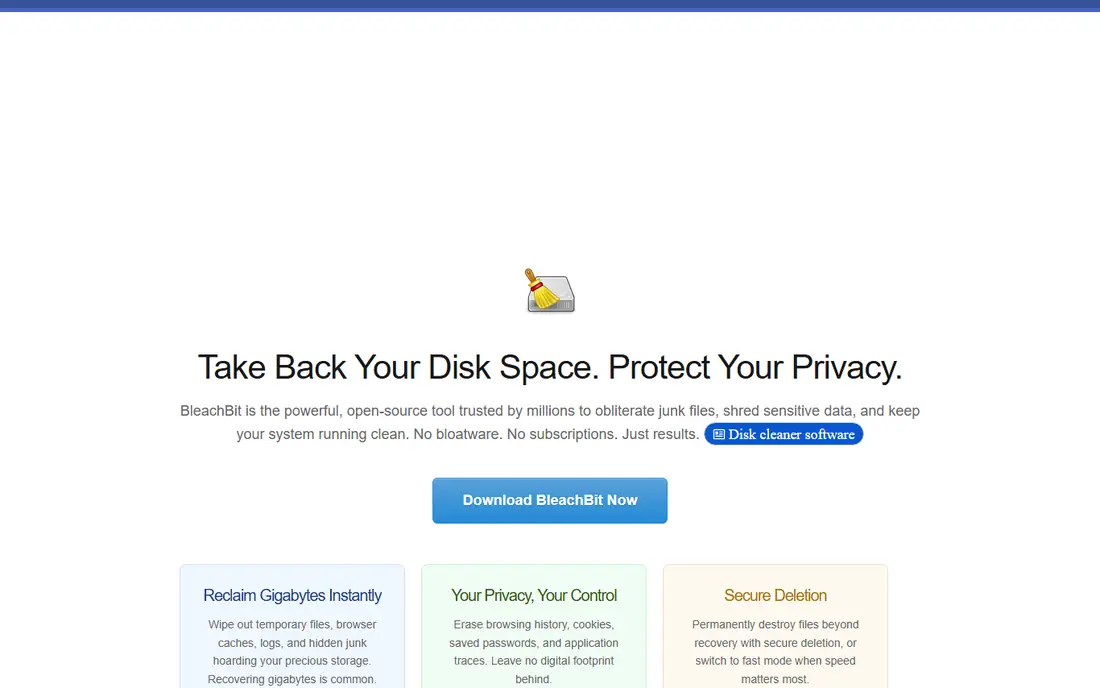
BleachBit suits users who want a free, open source cleaner without ads, upsells or account signups. It cleans junk files, caches and browser data, and it is a strong pick for privacy-minded users who prefer software they can inspect and run offline.
The trade-off is polish and automation. The interface is plain, and it lacks the scheduled optimisation, driver updates and support of paid tools. Users comfortable with manual cleaning will like it. Users who want set-and-forget maintenance should look at a paid option.
- Free and open source
- Junk and browser data cleanup
- No subscription or ads
- Interface is plain
- Fewer automation and updater features than paid tools
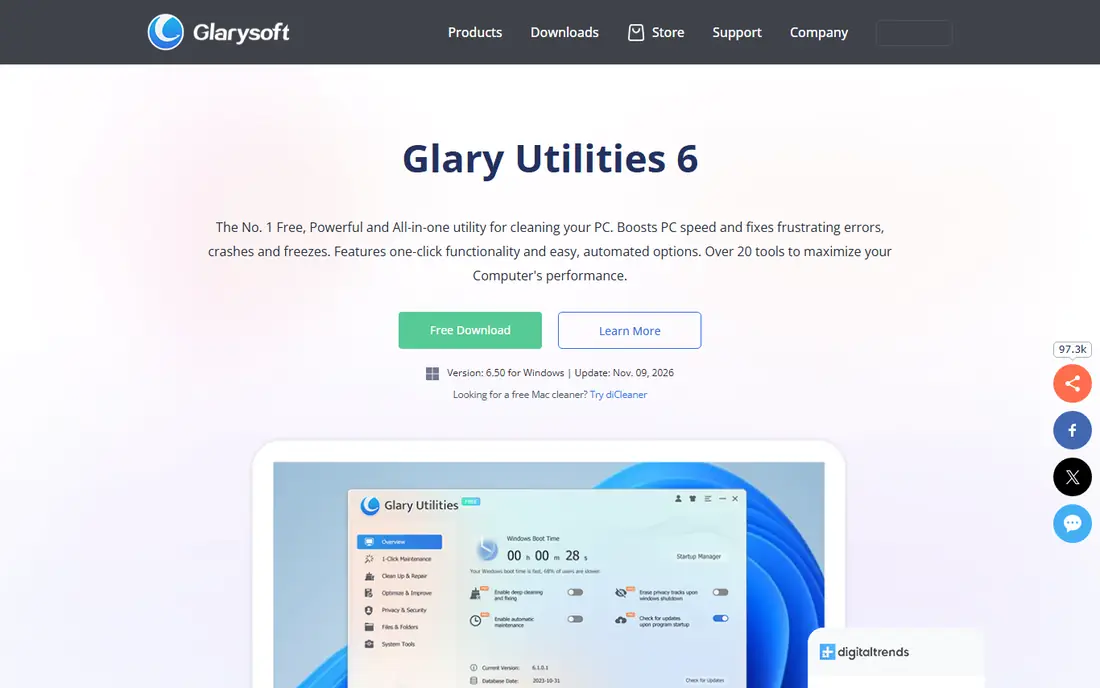
Glary Utilities offers the most tools per dollar in this list. Cleanup, startup management, disk analysis, uninstall and one-click maintenance sit in one package, which suits users who like to tinker and fix small Windows issues themselves. The free edition covers many core jobs.
The toolkit can feel crowded, and some tools duplicate what Windows already does through Storage Sense and Settings. It is best for users who will actually use several tools, not for someone who only needs occasional junk cleanup.
- Large toolkit including cleanup, startup and disk tools
- One-click maintenance
- Free edition available
- Interface feels crowded
- Some tools overlap with built-in Windows features
Wise Care 365 suits users who want quiet automatic maintenance. Once set up, it can clean junk, manage startup items and run scheduled checks without constant prompts. The free edition handles manual cleaning, while the Pro edition adds automation and deeper tools.
The limit is that full automation sits behind the paid plan, and the interface is functional rather than polished. It is a steady, low-drama choice rather than a feature showcase, which is exactly what many home users want.
- Automatic cleaning and optimisation
- Privacy and system tools
- Free edition for manual use
- Paid features are needed for full automation
- Interface is functional rather than modern
IObit Advanced SystemCare is built for users who want one click to do most of the work. It combines junk cleanup, startup management, privacy sweep and system optimisation in a single scan, which suits users who do not want to manage separate tools.
The free version includes upsells, and some features overlap with built-in Windows maintenance. It is still a useful automation tool for users who want a guided routine, provided they check what each scan will change before it runs.
- One-click optimisation
- Junk cleanup and startup tools
- AI-assisted cleaning on paid plans
- Free version includes upsells
- Some features overlap with Windows tools
Ashampoo WinOptimizer appeals to buyers who prefer a one-time licence over a subscription. It offers cleanup, tuning, privacy and system analysis tools in a single Windows package, and the one-time model suits users who dislike yearly renewals.
The catch is version scope. A one-time licence usually covers that version, so major upgrades may cost extra. Check what the licence includes, and whether support and updates cover the period you expect to use it.
- One-time licence option
- Cleanup, tuning and privacy tools
- System analysis features
- One-time licence covers a version, not endless upgrades
- Windows-only focus
System Mechanic suits households with several Windows PCs, because some plans cover multiple machines. It offers cleanup, startup management, privacy tools and automated maintenance, which helps a family keep several PCs tidy without buying a licence per machine.
Check renewal pricing carefully, because first-year prices often differ from renewal prices. It is also Windows-focused, so Mac or mixed households will need another tool for non-Windows machines.
- Multi-PC coverage on some plans
- Cleanup, startup and privacy tools
- Automated maintenance
- Renewal pricing can differ from first-year pricing
- Windows-focused
AVG TuneUp comes from an antivirus brand, which reassures users who prefer a known security company for system maintenance. It offers automatic cleanup, a sleep mode for background apps, and disk and browser tools that keep a PC tidy without manual scans.
The price is higher than many rivals, and renewal pricing should be checked at checkout. It is best for users who already trust AVG or want maintenance and security from one vendor, rather than the cheapest cleaner alone.
- Automatic maintenance and sleep mode for background apps
- Disk and browser cleanup
- Antivirus brand support
- Higher yearly price than many rivals
- Renewal pricing needs checking
Microsoft PC Manager
Great for: Windows users wanting an official free cleaner
Microsoft PC Manager is the official free option for Windows users who do not want a third-party cleaner. It handles junk cleanup, startup management and basic health checks in a lightweight package, and it comes from Microsoft itself, which reduces trust concerns.
The feature set is smaller than paid cleaners. There are no deep tuning suites, driver updaters or multi-PC licences. For basic cleanup on a modern Windows PC, that simplicity is enough. For deeper optimisation, a paid tool may add value.
- Official Microsoft tool
- Junk cleanup and startup management
- Lightweight and free
- Fewer features than paid cleaners
- Windows-only and newer Windows versions
How we picked these
We compared official vendor pages and pricing pages, and we cross-checked recent PC cleaner roundups for consistency. We favoured tools clearly operating in October 2026 that clean Windows PCs as a core function. Where a price could not be verified, we wrote See website rather than inventing a figure.
We also weighed free versus paid value, automation, safety and multi-PC coverage. That mix gives manual users, privacy-focused users and households different sensible starting points.
How to choose PC cleaning software without harming your PC
Start with Windows tools first
Windows Storage Sense, Disk Cleanup and Settings already handle much routine cleanup. A third-party cleaner should add value beyond those tools, such as scheduled cleaning, startup control or browser cleanup across browsers. If it does not, the built-in tools may be enough.
Be careful with registry and driver tools
Registry cleaning rarely speeds up a modern PC and can cause problems if it removes needed entries. Driver updaters can also install wrong drivers. Back up before using either feature, and skip them unless you have a specific problem they address.
Check renewal pricing
Many cleaners advertise a low first-year price and renew higher. Check the renewal price, device limit and cancellation terms before buying. A one-time licence, like Ashampoo, avoids renewals but may not include major upgrades.
Frequently asked questions
What is the best PC clean up software?
CCleaner is the best-known all-round cleaner, BleachBit is the best free open source cleaner, and Microsoft PC Manager is the best official free start. The best cleaning software for a given user depends on whether automation, price or privacy matters most.
Is free PC cleaning software safe?
Free tools from known vendors, including BleachBit and Microsoft PC Manager, are generally safe for junk and browser cleanup. Avoid unknown cleaners from ads or popups, and back up before any tool changes the registry or drivers.
Does PC cleaning software speed up a computer?
It can free disk space and reduce startup clutter, which helps a cluttered PC feel faster. It cannot fix slow hardware, low memory or malware. If a PC stays slow after cleanup, check storage, memory and background apps before buying more software.
How often should I clean my PC?
For most users, a monthly junk and browser cleanup is enough, with startup checks a few times a year. Daily aggressive cleaning adds little value and increases the chance of removing something useful.
Is CCleaner still good in 2026?
Yes, for its core jobs. CCleaner still cleans junk, browser data and startup items well, and paid plans add scheduling and updaters. The free version includes ads and upsells, so users who dislike those should consider BleachBit or Microsoft PC Manager.
Sources
See where you really rank - block by block
ProMapRanker scans Google Maps across a grid of your service area. Simple monthly plans from $19, white-label on every plan.
Start freeKeep reading
 zscaler alternatives
Best Zscaler Alternatives in 2026
Looking for zscaler alternatives? We compare 9 SASE and zero trust platforms on architecture, data protection, pricing, and fit for your network and team.
Read → zapier alternatives free
Best Zapier Alternatives Free in 2026
Nine automation tools for zapier alternatives free in 2026, all with genuinely free tiers, plus free plan limits, starting prices and upgrade paths explained.
Read → which platform is best for online reputation
Which Platform Is Best for Online Reputation in 2026
Wondering which platform is best for online reputation? We compare 8 review, listing, and response tools for small and multi-location businesses and agencies.
Read →