 ProMapRanker
Best Payroll Time Clock Software in 2026

Key takeaways
- Homebase is the best free starting point for hourly teams, with scheduling and time tracking free for a small single-location team and payroll as a paid add-on.
- Gusto is best if you want time tracking inside a full payroll system, while QuickBooks Time is best if you already run QuickBooks payroll.
- Buddy Punch and OnTheClock lead on verified clock-ins, with photo, GPS, and geofencing tools that cut buddy punching.
- Check whether time tracking is built in or an add-on, since that one detail changes the real monthly price.
Quick comparison
| Pick | Great for | Pricing starts at | Free tier | |
|---|---|---|---|---|
 Homebase | Free scheduling plus time clock | Free | Yes | Visit |
 Gusto | Time tracking inside payroll | $49 per month | No | Visit |
 Rippling | HR, time, and payroll in one system | See website | No | Visit |
 QuickBooks Time | QuickBooks payroll users | $20 per month | Free trial | Visit |
 Deputy | Compliance-heavy shift teams | $5 per user per month | Free trial | Visit |
 Buddy Punch | Verified clock-ins | $19 per month | Free trial | Visit |
 When I Work | Shift scheduling on a budget | $2.50 per user per month | Free trial | Visit |
 Connecteam | Mobile-first crew app | Free | Yes | Visit |
 OnTheClock | GPS-verified punches | $5 per month | Free trial | Visit |
The best payroll time clock software options
We compared official pricing pages, feature pages, and recent pricing summaries for tools that combine a time clock with payroll or payroll-ready exports. The best time clock app with payroll for you depends on whether you need full payroll in the same system, or just clean time data to send to your payroll provider.
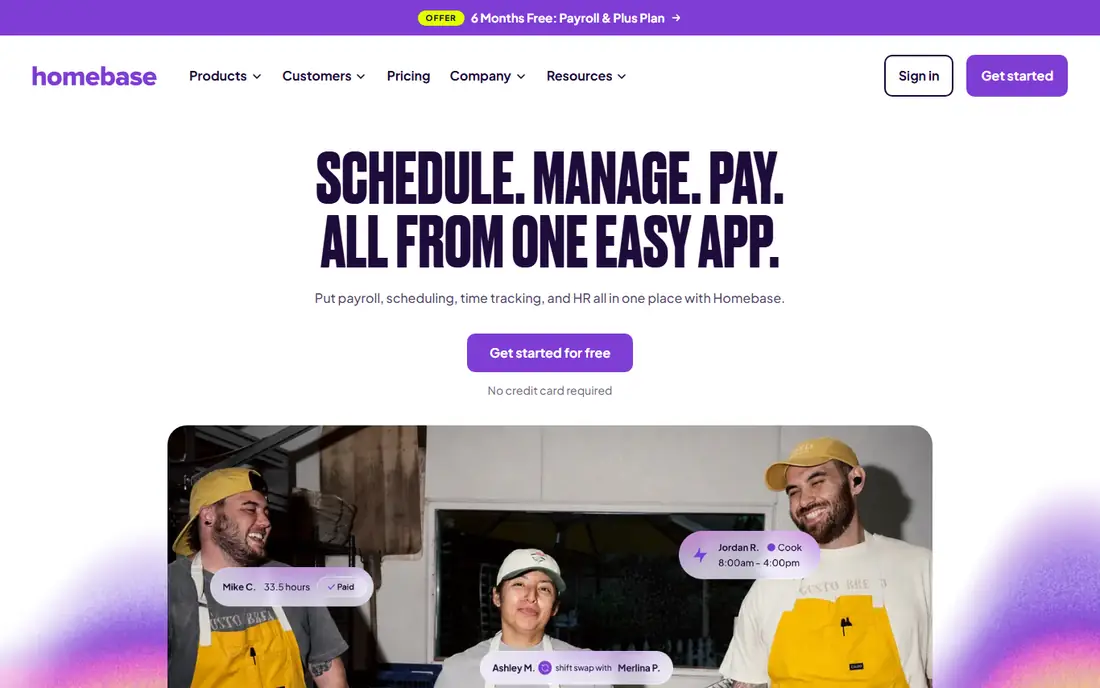
Homebase is built for hourly teams in restaurants, retail, salons, and service businesses. Staff clock in from a phone or tablet with PIN and optional photo verification, managers build schedules, and labor costs are visible as shifts run. Time data can flow into Homebase payroll or export to other payroll tools.
Recent summaries put the free Basic plan at one location with up to 10 employees for scheduling and time tracking, with paid plans from around $24 per location per month on annual billing and payroll from $49 per month plus $6 per person in some summaries. Check the current vendor page, since per-location pricing adds up for multi-site teams. For a single-location hourly team, Homebase is the easiest free start.
- Free scheduling and time clock for a small team
- GPS and photo-verified clock-ins
- Payroll add-on for US teams
- Payroll is a paid add-on, not included free
- Higher tiers bill per location
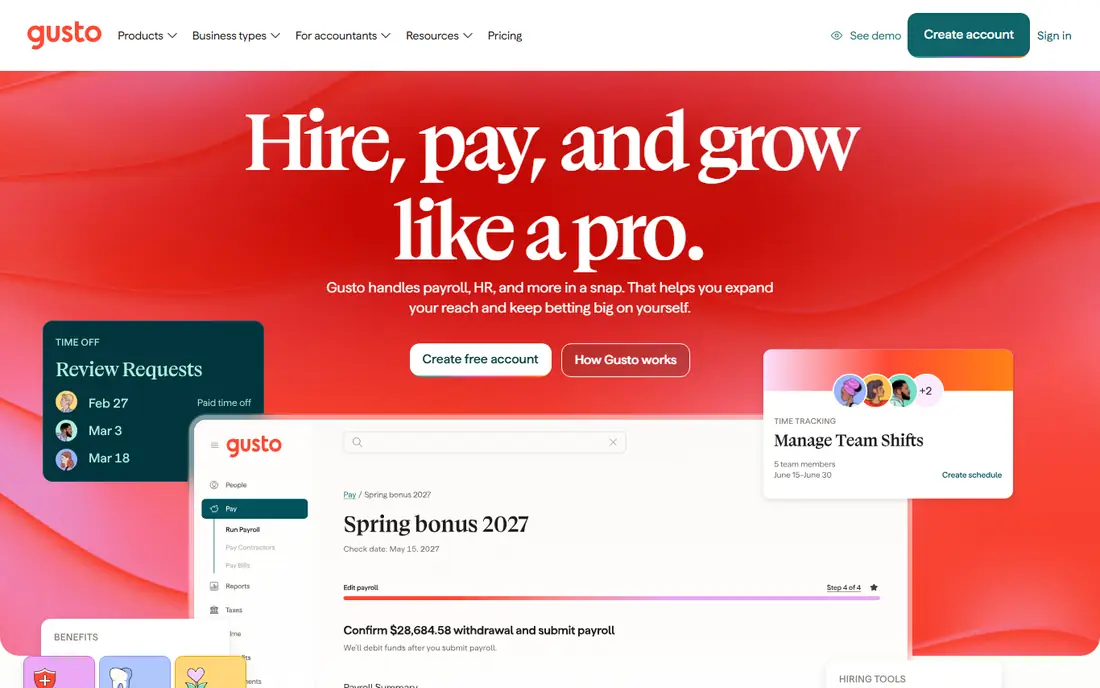
Gusto suits a small business that wants payroll, HR, and time tracking in one account rather than stitching tools together. Employees can track time, managers approve timesheets, and approved hours flow into payroll without re-entry. Benefits, onboarding, and compliance tools sit in the same system, which helps a mixed salaried and hourly team.
Recent summaries put Simple payroll from $49 per month plus $6 per person, with time tracking on Plus or as an add-on, so check the current plan details. That per-person price adds up for a large hourly team, but for a team under 25 it is often worth it for the saved admin time. If you only need a clock and not full payroll, Homebase or Buddy Punch will be cheaper.
- Full US payroll with tax filing
- Time tracking and benefits in one system
- Simple onboarding for new hires
- Time tracking needs a higher tier or add-on in some summaries
- Price rises per person as you grow
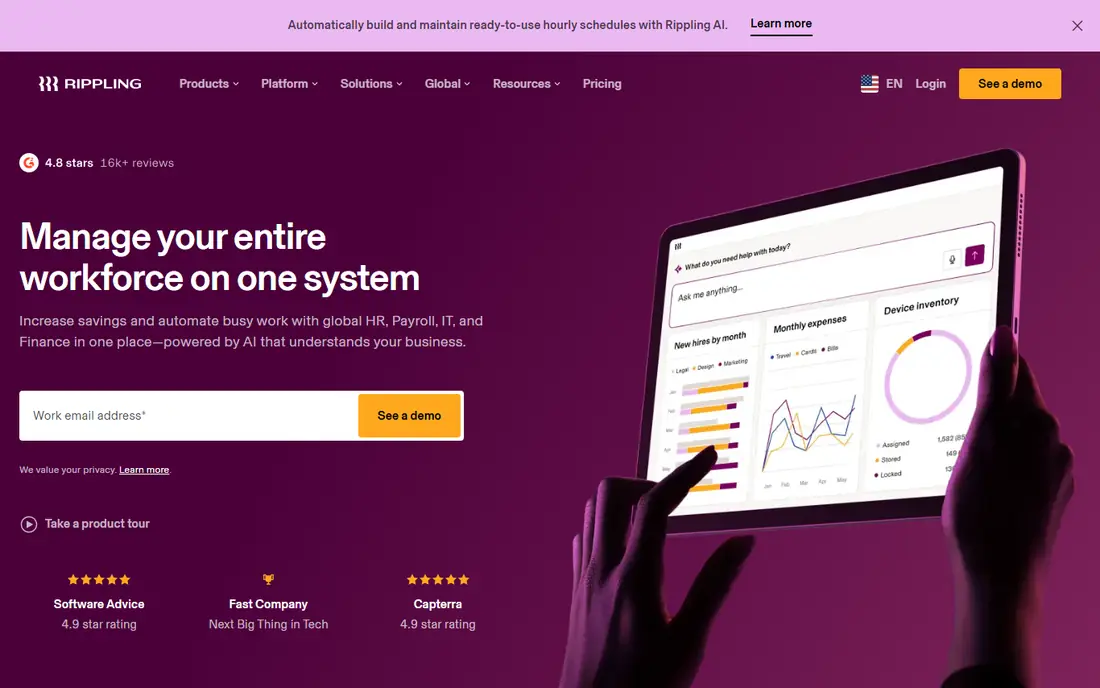
Rippling is for a growing business that wants to consolidate HR, payroll, time tracking, and device management in one platform. When a hire starts, payroll, benefits, and system access can be set up together, and time data feeds payroll without manual exports. That consolidation saves time once you pass a certain headcount.
The downside is price transparency and scope. Recent summaries note that Rippling pricing is quoted, with a public starting figure around $8 per user per month in some older summaries, so request a quote for your team. A small single-location team will likely find Homebase or Gusto simpler and cheaper. A fast-growing team that also needs IT and HR tools will get more value from Rippling.
- Unified HR, payroll, time, and IT tools
- Strong automation for onboarding and offboarding
- Good for fast-growing teams
- Pricing is quoted, not public in recent summaries
- More system than a small hourly team needs
QuickBooks Time, formerly TSheets, is the natural pick if you already run QuickBooks for accounting or payroll. Staff clock in from a phone, managers approve time, and hours flow into QuickBooks payroll and job costing. GPS tracking and geofencing help field teams prove where work happened.
Recent summaries put pricing from $20 per month plus $10 per user per month, with a 30-day trial. That per-user cost is high for a large hourly team, but it can still be cheaper than fixing payroll errors by hand. If you do not use QuickBooks, a standalone clock such as Buddy Punch or OnTheClock will be a better fit.
- Clean time data for QuickBooks payroll
- GPS and geofencing tools
- Mobile clock-ins for field teams
- Needs QuickBooks for full value
- Per-user price adds up for large teams
Deputy suits hospitality, retail, and healthcare teams with complex shift rules. It handles scheduling, time tracking, leave, and compliance alerts for overtime and breaks, and it integrates with payroll providers so approved hours move across cleanly. The mobile app lets staff view schedules, swap shifts, and clock in from approved locations.
Recent summaries put pricing from $5 per user per month, with a 31-day trial in some summaries. Payroll itself is not a full built-in service in the same way as Gusto, so check the integration for your payroll provider. If compliance and shift complexity are your main risks, Deputy is a strong pick.
- Strong scheduling and compliance tools
- Mobile clock-ins with location checks
- Payroll integrations
- Payroll is through integrations, not built-in full payroll for all users
- Setup needs care for complex rules
Buddy Punch is built to stop buddy punching, where one employee clocks in for another. It offers facial recognition on clock-in, GPS location checks, and geofencing, plus overtime alerts and payroll-ready reports. That verification matters for field teams and for businesses where time theft has been a problem.
Recent summaries put pricing at $19 per month plus $4.99 per user per month on annual billing, with a 14-day trial. It integrates with payroll tools rather than replacing them, so you still need a payroll provider. If verified punches are your top need, Buddy Punch leads this list on that feature.
- Facial recognition and geofencing options
- GPS-verified punches
- Payroll integrations and overtime alerts
- Base fee plus per-user fee
- Full payroll is not built in
When I Work is a budget pick for shift-heavy teams. Scheduling is simple, staff can view shifts, swap, and pick up open shifts from a phone, and managers can message the team in the app. That simplicity helps a restaurant or retail team that needs schedules out fast without a long setup.
Recent summaries put the starting price at $2.50 per user per month, with time tracking as an add-on, so check the current plan before you compare totals. Payroll is handled through integrations, not as a full built-in service. If your main need is cheap, clear scheduling with a clock, When I Work is a good trial.
- Low starting price
- Simple scheduling and shift swaps
- Mobile app staff actually use
- Time tracking is an add-on in some summaries
- Payroll is through integrations, not built in
Connecteam is an all-in-one mobile app for deskless teams, such as field crews, cleaners, and delivery staff. It combines a time clock, scheduling, forms, checklists, and team chat, so staff need only one app for daily work. The free plan covers a small team, and paid plans start around $29 per month for the first 30 users on annual billing in recent summaries.
Payroll is not a full built-in service, so you will export time data to your payroll provider. That is fine for many small teams, and the mobile-first design is a real benefit for staff who never sit at a desk. If you want payroll and time in one system, Gusto or Rippling will fit better.
- Free plan for small teams
- Time clock, scheduling, forms, and chat in one mobile app
- Good for deskless teams
- Payroll is through integrations
- Advanced features need paid plans
OnTheClock is a focused time clock for small businesses that want verified punches without a large HR system. Staff clock in from a phone or web, GPS checks confirm location, managers approve timesheets, and reports export to payroll providers. The interface is simple, which helps teams that do not want to learn a full workforce platform.
Recent summaries put pricing at $5 per month plus $4 per employee per month, with a 30-day trial. Scheduling and HR depth are thinner than Homebase or Deputy, so a team that needs complex scheduling should look there first. For a clean, verified clock at a low price, OnTheClock is a solid pick.
- GPS-verified clock-ins
- Simple pricing
- Payroll-ready reports and integrations
- Fewer scheduling and HR features than Homebase or Deputy
- Small base fee plus per-employee fee
How we picked these
We compared official pricing pages, feature pages, and recent pricing summaries, and we only included tools with a real time clock and either built-in payroll or payroll-ready exports in October 2026. We checked clock verification, scheduling, overtime alerts, mobile apps, and whether time tracking was built in or an add-on. Tools that only track time without payroll links were left out.
What to check before you choose
Decide if you need payroll in the same system
If payroll errors and re-entry are your main pain, Gusto or Rippling will save the most time. If you already like your payroll provider, a focused clock such as Buddy Punch, OnTheClock, or Deputy with a good export may be cheaper and simpler.
Test clock-ins in real conditions
Have staff clock in from the actual work site, not just the office. Check GPS accuracy, photo verification speed, and what happens when signal is weak. A clock that fails on site will create more disputes than it solves.
Check overtime and break rules for your state
Overtime, meal break, and minor work rules vary by state and industry. Confirm the tool can alert you before overtime hits and can handle your break rules, and confirm payroll filing covers your states.
Price the add-ons, not just the headline
Time tracking, payroll, and scheduling are often on different tiers. Add the base fee, per-person fee, payroll fee, and any time tracking add-on together, and compare that total across tools before you sign up.
Frequently asked questions
What is the best time clock app with payroll?
Homebase is best for a small hourly team starting free, with payroll as an add-on. Gusto is best if you want time tracking and full payroll in one system. QuickBooks Time is best if you already use QuickBooks payroll. The right pick depends on team size and your current payroll setup.
Is there a free payroll time clock software option?
Homebase offers a free plan for scheduling and time tracking for a small single-location team, with payroll paid separately. Connecteam also offers a free plan for time clock and team tools. Full-service payroll itself is rarely free, so expect to pay for payroll filing.
How does a time clock prevent buddy punching?
Tools such as Buddy Punch use facial recognition, photo verification, GPS location, and geofencing to confirm the right person is at the right place when they clock in. PIN-only clocks are easier to abuse, so choose a verified clock if time theft has been an issue.
Does QuickBooks Time work without QuickBooks payroll?
Yes, QuickBooks Time can track time on its own, but it works best when paired with QuickBooks payroll or accounting, since hours flow directly into payroll and job costing. Without QuickBooks, a standalone clock may be simpler and cheaper.
What should I check before switching time clock software?
Export your current timesheets, check that the new tool handles your overtime and break rules, test mobile clock-ins on site, and confirm the payroll export or integration works with your provider. Run both systems for one pay period if you can, so errors surface before payroll day.
Sources
See where you really rank - block by block
ProMapRanker scans Google Maps across a grid of your service area. Simple monthly plans from $19, white-label on every plan.
Start freeKeep reading
 zscaler alternatives
Best Zscaler Alternatives in 2026
Looking for zscaler alternatives? We compare 9 SASE and zero trust platforms on architecture, data protection, pricing, and fit for your network and team.
Read → zapier alternatives free
Best Zapier Alternatives Free in 2026
Nine automation tools for zapier alternatives free in 2026, all with genuinely free tiers, plus free plan limits, starting prices and upgrade paths explained.
Read → which platform is best for online reputation
Which Platform Is Best for Online Reputation in 2026
Wondering which platform is best for online reputation? We compare 8 review, listing, and response tools for small and multi-location businesses and agencies.
Read →