 ProMapRanker
Best Payroll Solutions for HR Companies in 2026

Key takeaways
- Gusto and OnPay suit small HR teams that want clear published pricing, while ADP, Paychex and Paylocity suit larger, more complex employers.
- Rippling and Deel are strongest when payroll must sit alongside HR, IT or global hiring in one system.
- Tax filing, benefits handling and multi-state support separate good payroll tools from basic ones, so check those features for your states.
- Published starting prices cover the base plan only, so ask for a full quote including add-ons, implementation and per-employee fees.
Quick comparison
| Pick | Great for | Pricing starts at | Free tier | |
|---|---|---|---|---|
 Gusto | Small HR teams | $49 per month plus $6 per person | No | Visit |
 Rippling | HR, IT and payroll together | $8 per user per month | No | Visit |
 ADP Workforce Now | Large employers | See website | No | Visit |
 Paychex Flex | Compliance-heavy employers | See website | No | Visit |
 Paylocity | Mid-market HR and payroll | See website | No | Visit |
 Deel | Global payroll and hiring | $49 per contractor per month | No | Visit |
 UKG Ready | Hourly and frontline teams | See website | No | Visit |
 Paycor | Mid-market payroll and HR | See website | No | Visit |
 OnPay | Simple full-service payroll | $49 per month plus $6 per person | No | Visit |
 Square Payroll | Square users needing payroll | $35 per month plus $6 per person | No | Visit |
The best payroll solutions for HR companies
We compared solutions on payroll accuracy, tax filing, benefits, HR features, global coverage and pricing transparency, using vendor pricing pages and public payroll comparisons.
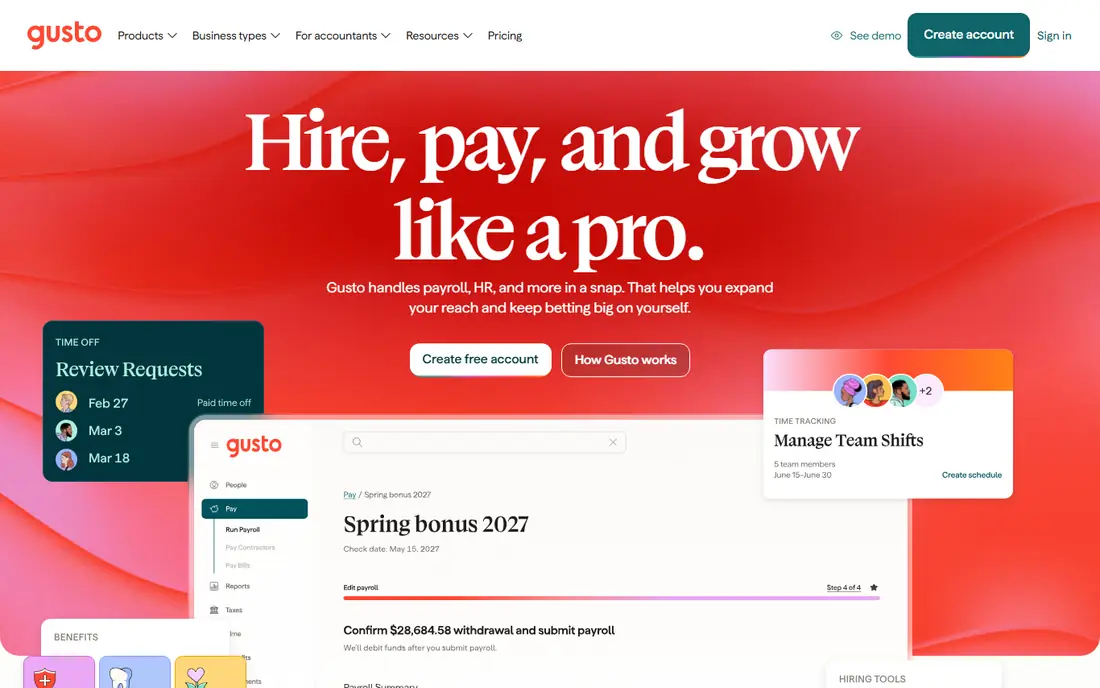
Gusto is the easiest payroll choice for a small HR team that wants payroll, benefits and basic HR without a sales process. The Simple plan at $49 per month plus $6 per person covers full-service federal and state tax filing, direct deposit, contractor payments and employee self-service onboarding. Plus and Premium plans add multi-state payroll, time tracking and HR support.
The limits are scale and geography. Simple covers a single state, so multi-state employers need Plus, and global hiring needs a separate solution. For a US team of roughly 5 to 100 people, Gusto remains a strong default.
- Clear published pricing
- Full-service tax filing
- Strong onboarding and benefits tools
- Simple plan covers one state only
- Global payroll is limited to contractors and partners
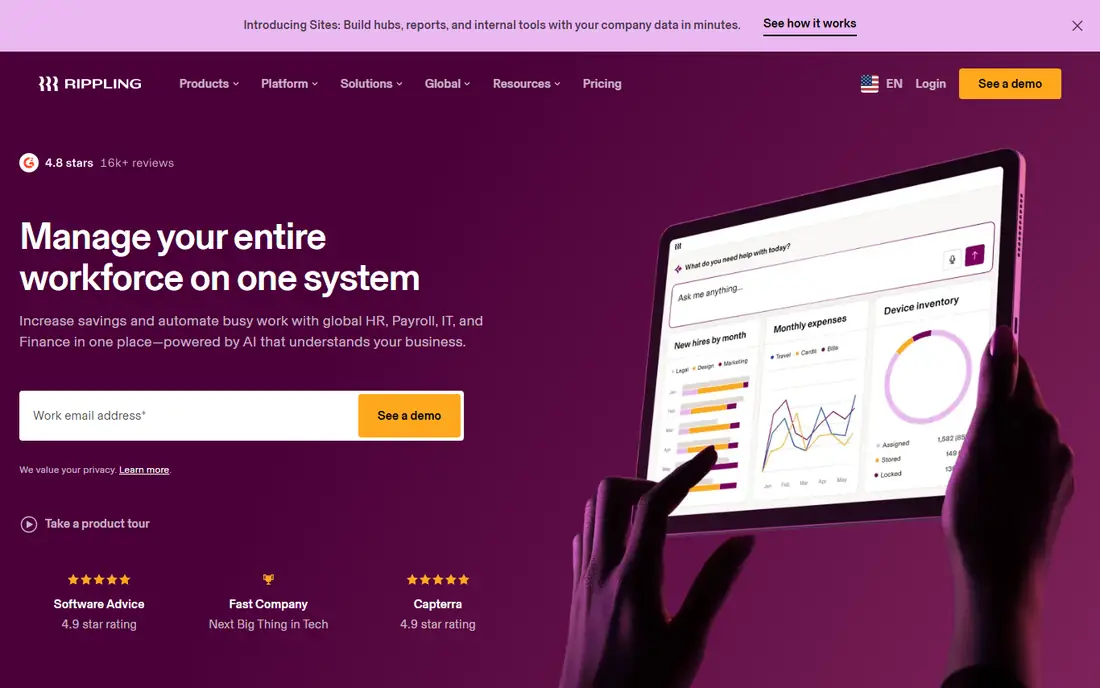
Rippling suits HR teams that also manage devices, apps and spend, since payroll sits in the same system as HR and IT. A new hire can be onboarded, paid, given benefits and provisioned with apps and a laptop from one workflow, which cuts duplicate entry. Global payroll and contractor payments extend that model to international teams.
Pricing is the honest drawback. The $8 per user per month base is only the platform start, and payroll and other modules add cost. Ask for a complete quote for your headcount, states and country mix, and confirm which payroll features are included at each tier.
- Unified HR, payroll, IT and finance data
- Strong automation
- Global payroll add-ons
- Modular pricing makes total cost hard to predict
- Implementation needs planning
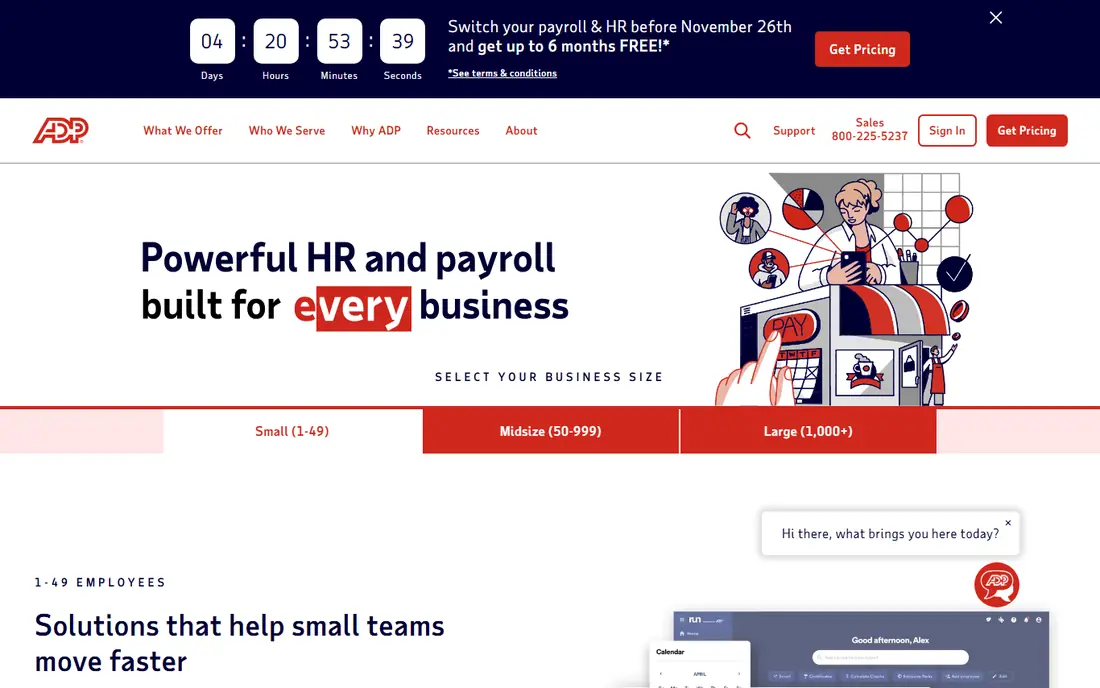
ADP Workforce Now is built for mid-sized to large employers that need payroll, HR, benefits and time management at scale. Its tax filing expertise and compliance support are deep, and its analytics help HR teams benchmark pay and track workforce trends. Companies planning to grow from hundreds to thousands of employees often choose ADP for stability.
ADP pricing is custom, and implementation takes time and planning. Smaller teams may find Gusto or Rippling simpler and cheaper. ADP earns its fee when payroll complexity, multi-state rules or large headcount make accuracy and compliance the top priority.
- Deep payroll and tax expertise
- Large employer scale
- Strong benefits and analytics
- Quote-based pricing
- Interface and setup can feel heavy for small teams
Paychex Flex suits established small to mid-sized employers in compliance-heavy industries such as healthcare, construction and hospitality. It covers payroll, tax filing, HR, benefits and retirement, with dedicated support and a PEO option for companies that want co-employment benefits. Multi-state payroll and complex pay rules are handled well.
Paychex pricing requires a sales quote for most plans, which makes comparison slower than with Gusto. Its interface is also less modern than Rippling or Gusto. If reliability, support and compliance matter more than design polish, Paychex is a strong contender.
- Strong tax and compliance support
- 24/7 support reputation
- PEO option for smaller employers
- Pricing is quote-based
- Interface feels less modern than newer rivals
Paylocity is a strong mid-market choice for HR teams that want payroll, HR, talent and employee engagement in one modern platform. Its Community and Employee Voice tools help with internal communication and feedback, while payroll validations and audit checks aim to catch errors before pay runs. Self-service for employees and managers is a genuine strength.
Pricing is custom, and global payroll is limited, so international employers will need a partner. Paylocity fits companies with roughly 50 to 1,000 employees that want a full HR suite without enterprise complexity.
- Integrated HR, payroll and engagement tools
- Strong self-service
- Good mid-market fit
- Quote-based pricing
- Global payroll is limited compared with Deel or Rippling
Deel is the clearest choice when an HR team must pay people in many countries, whether as contractors, through global payroll or through employer of record services. Contractor management starts at $49 per contractor per month in published pricing, while global payroll starts at $29 per employee per month in several comparisons, and EOR starts at $599 per employee per month. That published range makes early modelling easier than with quote-only rivals.
Deel is more than a US HR team needs if its workforce is domestic, and EOR costs add up quickly at scale. For distributed teams, however, Deel combines hiring, payroll and compliance in a way that few US-first tools match.
- Global payroll, contractor and EOR coverage
- Published starting prices
- Strong compliance workflows
- EOR fees are high per employee
- US-only teams may not need its global depth
UKG Ready suits HR teams with large hourly, shift-based or frontline workforces, where scheduling, time tracking and pay rules are as important as payroll itself. It combines HR, payroll, time and talent in one platform, with tools for attendance, overtime and labour compliance. Retail, healthcare, manufacturing and hospitality employers often choose UKG for that reason.
Implementation and pricing are enterprise-style, with custom quotes and longer setup times. Smaller office-based teams may find Gusto, Rippling or Paylocity simpler. UKG earns its place when workforce scheduling complexity is the core payroll problem.
- Strong time, scheduling and hourly workforce tools
- Integrated HR and payroll
- Large employer scale
- Quote-based pricing
- Implementation can be lengthy for complex workforces
Paycor serves mid-sized employers that need payroll, HR, recruiting, time and analytics in one system. Its strength lies in handling varied pay rules, shift differentials and rotating schedules, which matters for healthcare, manufacturing and service businesses. HR teams value its reporting and its focus on frontline and hourly workers.
Paycor pricing is custom, and global coverage is limited compared with Deel or Rippling. For a US mid-market employer with complex schedules, Paycor is a strong shortlist option. For a global team, pair it with a global payroll partner or choose a global-first platform.
- Strong mid-market HR and payroll
- Good scheduling and time tools
- Solid analytics
- Quote-based pricing
- Global payroll is limited
OnPay is a good fit for HR teams that want simple, full-service payroll without tier confusion. One plan at $49 per month plus $6 per person includes payroll, tax filing, benefits administration and multi-state support, with no feature tiers to compare. That simplicity appeals to small businesses that just need payroll done correctly.
HR depth is the trade-off. OnPay covers core HR needs but lacks the broader talent, engagement and IT features of Rippling, Paylocity or ADP. If payroll is the main job and HR needs are modest, OnPay offers strong value.
- One flat feature set
- Transparent pricing
- Multi-state payroll included
- HR features are lighter than Gusto or Rippling
- Fewer integrations
Square Payroll suits small businesses already using Square for payments or point of sale, since payroll integrates with the tools they already use. At $35 per month plus $6 per person in published comparisons, it is competitively priced for small teams, and it handles employee and contractor pay with automatic tax calculations and filings.
Square Payroll is not a full HR suite, and larger employers with complex benefits, multi-entity or global needs will outgrow it. For a small Square-based business that needs payroll without a separate HR platform, it is a practical and affordable choice.
- Simple setup for Square users
- Contractor and team payroll
- Automatic tax filing
- HR features are limited
- Less suited to large or complex employers
How we picked these
We compared vendor pricing pages and public payroll comparisons, and we weighted tax filing, benefits, multi-state support, HR depth and pricing transparency. Where vendors publish starting prices, we list them. Where pricing is quote-based, we use See website rather than inventing a figure. Payroll prices and plan features change, so confirm the current plan details with each vendor before you buy.
What HR teams should check before choosing payroll
Start with your payroll facts: employee count, states, pay types, overtime rules, benefits and contractor mix. A tool that handles your current mix may still fail on a new state, a new pay rule or a benefits change, so test those cases in a demo with real examples.
Then check tax and compliance handling in detail. Confirm which federal, state and local filings are included, who pays penalties if the vendor makes an error, and how year-end forms are handled. Those answers matter far more than dashboard design when a filing deadline approaches.
Finally, plan migration and support. Ask how historical payroll data is imported, how long setup takes, and what support hours and response times apply during pay runs. A payroll change is disruptive enough without discovering support limits on your first live run.
Frequently asked questions
What is the best payroll software for a small HR team?
Gusto and OnPay are strong starting points for small teams because of clear pricing and full-service tax filing. Rippling suits small teams that also need IT and device management, while Square Payroll suits businesses already using Square.
How much does payroll software cost per month?
Small business plans often start around $35 to $49 per month plus $6 per person, while mid-market and enterprise tools are quote-based and cost more per employee. Add implementation, benefits administration and extra modules to the base price before comparing.
Does payroll software handle tax filing automatically?
Most full-service payroll tools calculate, file and pay federal and state payroll taxes automatically, and produce year-end forms. Confirm exactly which filings are included for your states, and who is responsible if a filing is late or incorrect.
Can payroll software handle contractors and international workers?
Many tools handle US contractors well, but international payroll needs a global platform such as Deel or Rippling, or a payroll partner. Check contractor payment, tax form and currency support for each country you pay in.
Should HR and payroll be in one system?
One system reduces duplicate entry and keeps HR, pay and benefits data consistent, which helps as headcount grows. Separate systems can work for small teams, but integration, data accuracy and support become more important with scale.
Sources
See where you really rank - block by block
ProMapRanker scans Google Maps across a grid of your service area. Simple monthly plans from $19, white-label on every plan.
Start freeKeep reading
 worlds best local seo company
8 Worlds Best Local SEO Companies for Map Pack Growth in 2026
Compare the worlds best local seo company options for Google Business Profile work, citations, reviews, and multi-location rankings and reporting in 2026.
Read → world's best web hosting company
World's Best Web Hosting Company in 2026
Searching for the world's best web hosting company? We compared 10 hosts on price, renewal rates, speed, and support to help you choose well today in 2026.
Read → who's got the best nanny tax services
Who's Got the Best Nanny Tax Services in 2026
We answer who's got the best nanny tax services, comparing full filing, back taxes, software, and pricing so families can handle nanny taxes correctly.
Read →