 ProMapRanker
Best Payroll Software That Includes Scheduling in 2026


Hourly teams wanting scheduling and payroll together · Pricing starts at: Free
Key takeaways
- The best combined tools turn scheduled shifts and clocked hours into pay without retyping, which cuts errors for hourly teams.
- Homebase leads for small hourly teams, while Rippling and Paychex Flex fit larger teams that need HR depth beside payroll.
- Scheduling depth varies: test shift swaps, overtime alerts, and labor cost views, not only the schedule builder.
- This article is general information only, not tax or legal advice, and wage, overtime, and break rules should be checked for your state.
Quick comparison
| Pick | Great for | Pricing starts at | Free tier | |
|---|---|---|---|---|
| Homebase | Hourly teams wanting scheduling and payroll together | Free | Yes | Visit |
 Square Payroll | Square POS teams wanting shifts and pay | $35 per month | No | Visit |
 Rippling | Growing teams wanting HR, IT, scheduling, and payroll | See website | No | Visit |
 Deputy | Compliance-focused shift teams with payroll | See website | Free trial | Visit |
 7shifts | Restaurants wanting scheduling plus payroll | See website | Free trial | Visit |
 Toast Payroll | Restaurants already using Toast POS | See website | No | Visit |
 Paychex Flex | Mid-size teams wanting HR and payroll depth | See website | No | Visit |
 ADP RUN | Small businesses planning to scale payroll | See website | No | Visit |
 isolved | Mid-size teams wanting HR, scheduling, and payroll | See website | No | Visit |
The best payroll software that includes scheduling
We compared tools live in October 2026 that offer both payroll and scheduling in one system or as a tightly linked product, not tools that only export hours to a separate payroll vendor. Each entry notes scheduling depth and payroll scope.
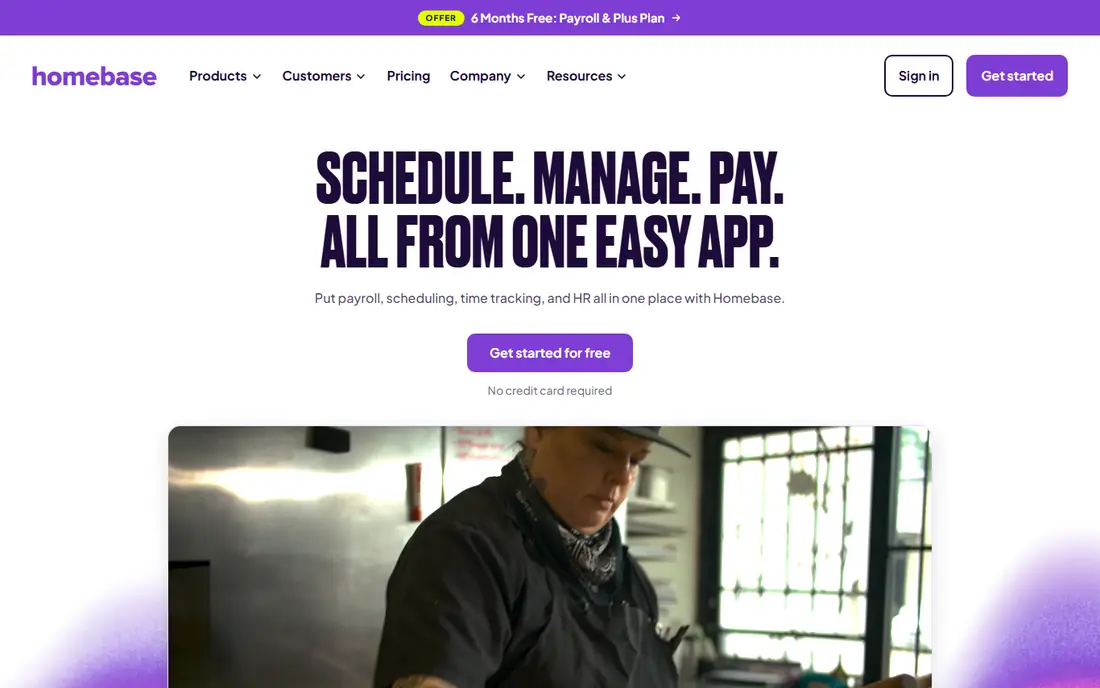
Homebase is built for hourly teams first, with scheduling, time tracking, team messaging, and payroll in one app. Managers build schedules from templates, staff swap shifts in the app, and clocked hours flow into payroll without manual entry. Labor cost as a share of sales can be tracked as schedules are built, which helps restaurants and retailers control overtime.
Scheduling and time tracking are free for one location with up to 10 employees, while payroll is a paid add-on starting near $49 per month plus $6 per employee in public listings. That split is fair for small teams, but buyers should confirm the full payroll price for their headcount. For a small hourly team, Homebase is the clearest combined pick.
- Scheduling, time tracking, and payroll in one app
- Free tier for one location up to 10 employees
- Labor cost tracking
- Payroll is a paid add-on
- Advanced HR features sit on higher tiers
- Larger enterprise needs may outgrow it

Square Payroll fits retail and restaurant teams already running Square point of sale. Payroll starts at $35 per month plus $6 per person in public listings, covering W-2 and 1099 workers in one run. Tip pooling tied to POS sales and team scheduling tools keep sales, shifts, and pay close together for Square shops.
Scheduling is an extension of the POS system, not a scheduling-first product, so teams with complex shift rules should test it against Homebase or Deputy. Per-employee pricing also grows with headcount. For a Square shop that wants pay and shifts near its sales data, Square Payroll is a natural choice.
- Payroll for W-2 and 1099 workers
- Tip handling tied to POS sales
- Scheduling tools for Square teams
- Scheduling depth is lighter than Homebase
- Per-employee pricing adds up
- Best value inside Square POS
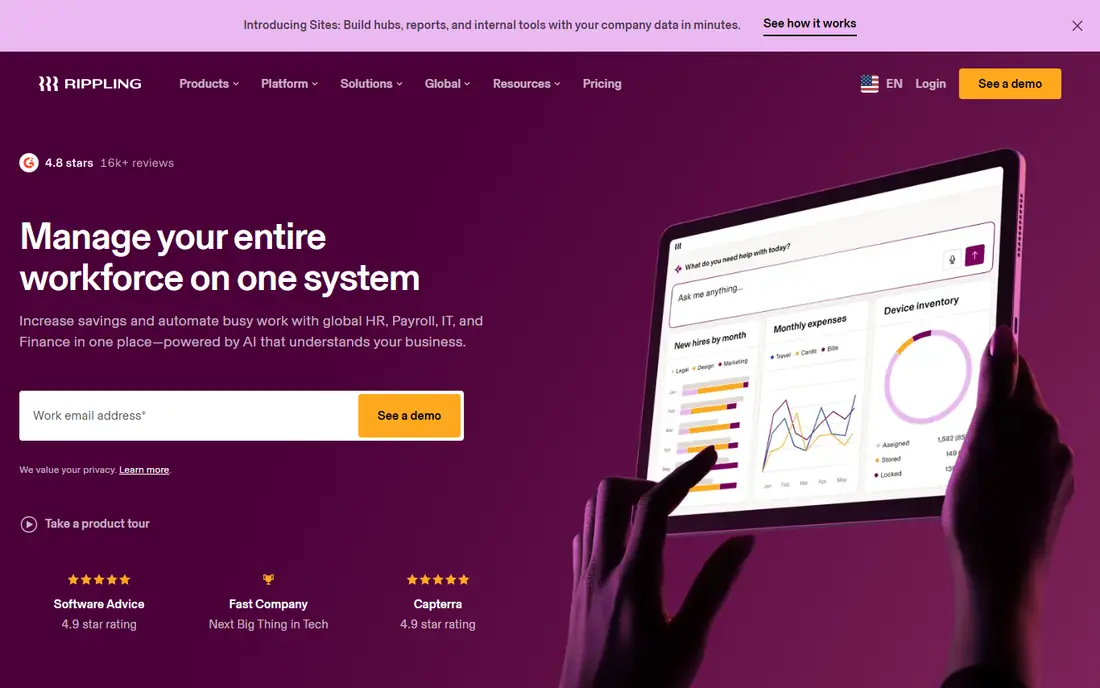
Rippling combines HR, payroll, IT, and workforce scheduling in one system built on a single employee record. A schedule change, time record, or role change can flow into payroll and app access without duplicate entry, which helps growing teams with mixed hourly and salaried staff. The modular setup lets a team add benefits, time, and scheduling as needs grow.
Pricing is quoted by module, so the combined cost needs a direct quote. Scheduling depth for pure shift teams is also part of a broader suite, not a specialist scheduling product. For a growing company that wants HR and payroll depth beside scheduling, Rippling is a strong all-in-one pick.
- One employee record for HR, payroll, and scheduling
- Many integrations
- Modular growth path
- Pricing is modular and quoted
- Scheduling is part of a broader suite
- Small hourly teams may find it broad
Deputy is a scheduling-first tool with time tracking, compliance alerts, and payroll connections, plus payroll products in several regions. Managers build schedules around availability, roles, and labor rules, staff swap shifts in the app, and hours flow toward pay. Multi-location teams benefit from consistent scheduling rules and overtime alerts.
Payroll scope varies by country, so US buyers should confirm whether Deputy payroll or a linked payroll partner fits their needs. Pricing is also quoted in many cases. For a team where labor compliance and multi-location scheduling matter most, Deputy is a serious combined option.
- Strong scheduling and compliance tools
- Time tracking and payroll links
- Multi-location support
- Pricing is quoted in many regions
- Payroll availability varies by country
- Setup needs care for complex rules
7shifts started as restaurant scheduling and now offers its own payroll product, which makes it a true combined pick for restaurants. Scheduling, time tracking, labor cost tracking, and payroll sit in one restaurant workflow, with tip handling and shift communication built for restaurant teams. Managers can see labor cost against sales as they build schedules.
The focus is restaurants, so retailers, clinics, or field teams may find it narrow. Pricing is quoted by location and features. For a restaurant group that wants scheduling and payroll from one restaurant vendor, 7shifts is a strong fit.
- Restaurant-focused scheduling
- Own payroll product
- Labor cost and tip tools for restaurants
- Pricing is quote-based
- Best suited to restaurants
- Non-restaurant teams may find it narrow
Toast Payroll serves restaurants that already use Toast point of sale, with payroll, scheduling, time tracking, and hiring tools linked to sales and labor data. Tips, hours, and labor costs flow from the restaurant system into payroll, which cuts manual entry for restaurant managers. The combined view helps a restaurant track labor cost against daily sales.
The value drops sharply outside Toast, since the system is built around Toast POS. Pricing is quoted. For a Toast restaurant that wants payroll and scheduling beside its POS, Toast Payroll is the natural combined choice.
- Payroll linked to Toast POS and scheduling
- Tip and labor reporting for restaurants
- Restaurant hiring tools
- Pricing is quote-based
- Value is highest inside Toast
- Non-restaurant teams should look elsewhere
Paychex Flex combines full-service payroll, tax filing, HR, benefits, and workforce scheduling in one platform for small to mid-size businesses. Payroll taxes, filings, and payments are handled by the service, while scheduling and time tracking feed hours into pay. Dedicated support options suit teams that want a payroll specialist to call.
Pricing is quoted, and the breadth can feel heavy for a tiny hourly team. Teams should confirm which scheduling features sit on their tier, since Paychex Flex has many modules. For a mid-size team that wants payroll depth with scheduling beside it, Paychex Flex is a dependable choice.
- Full-service payroll with tax filing
- HR, benefits, and scheduling tools
- Dedicated support options
- Pricing is quote-based
- Interface can feel broad
- Small teams may pay for unused depth
ADP RUN gives small businesses full-service payroll with tax filing, plus HR, time, and scheduling tools in the ADP family. Hours from scheduling and time tracking feed payroll, and the system scales toward larger ADP products as headcount grows. That scale path suits a business that expects to grow past 50 staff.
Pricing is quoted, and scheduling depth for complex shift teams should be tested in a demo, since ADP RUN is payroll-first. Setup also takes time, especially for multi-state payroll. For a small business that wants proven payroll scale with scheduling included, ADP RUN is a safe pick.
- Full-service payroll with tax filing
- Scheduling and time tools
- Scale path to larger ADP systems
- Pricing is quote-based
- Setup can take time
- Scheduling depth should be tested for shift teams
isolved combines human resources, payroll, time and attendance, scheduling, and benefits in one mid-market system. Managers schedule shifts, track time, and run payroll from shared employee records, which cuts duplicate entry. Benefits and compliance tools add depth for teams with varied worker types and locations.
It is aimed at mid-size teams, so very small hourly teams may find it broad and costly. Pricing is quoted, and implementation needs planning. For a mid-size company that wants HR depth beside scheduling and payroll, isolved is a strong combined option.
- HR, payroll, time, and scheduling in one system
- Benefits and compliance tools
- Mid-market focus
- Pricing is quote-based
- Smaller teams may find it broad
- Implementation needs planning
How we picked these
We compared official product pages and public payroll comparisons, and kept tools live in October 2026 that offer payroll and scheduling in one system or as a linked product. We left out scheduling-only tools with no payroll product and payroll-only tools with no scheduling function. Where a vendor does not publish a price, we wrote See website rather than guessing.
What to check before you buy
Test one full week: build a schedule, handle a shift swap and a call-out, record clock-ins, approve time, and run payroll for that week. Watch overtime alerts, break rules, tip handling, and labor cost views during that test. If any step needs a spreadsheet or a separate export, the combined value is weaker than claimed.
Also check wage and overtime rules for your state, since scheduling tools flag risks but do not replace legal advice. This article is general information only, not tax or legal advice. Confirm tax filing coverage, multi-state payroll fees, and support hours, and get the full monthly cost for your headcount in writing before signing.
Frequently asked questions
Does payroll software with scheduling save time?
Yes, when scheduled shifts and clocked hours flow into payroll without retyping, which cuts errors and month-end corrections. The saving is largest for hourly teams with many shifts, overtime, and tips. If the link still needs manual exports, the saving will be smaller.
What is the cheapest payroll and scheduling option?
Homebase is the cheapest start, with free scheduling and time tracking for one location up to 10 employees, plus paid payroll. Square Payroll starts at $35 per month plus $6 per person for payroll. Compare the full cost for your headcount, since per-employee fees grow with team size.
Can staff swap shifts in these tools?
Most tools on this list support shift swaps with manager approval, including Homebase, Deputy, and 7shifts. Check whether swaps update labor cost, overtime risk, and payroll hours at once, and whether staff get alerts in the app. A swap that only changes the schedule, not the pay data, creates extra work.
Do these tools handle overtime and breaks?
They track hours, flag overtime risk, and support break rules, but the exact rules vary by state and by tool setup. Configure your state rules, overtime thresholds, and minor labor restrictions during setup, and test them with a sample week. Do not rely on default settings for compliance.
Should a restaurant choose a restaurant tool or a general tool?
A restaurant tool such as 7shifts or Toast Payroll fits best when tips, POS sales, and restaurant labor costs drive the week. A general tool such as Homebase or Rippling fits best when the team spans retail, services, or office roles. Choose based on where scheduling pain sits today, not on brand alone.
Sources
See where you really rank - block by block
ProMapRanker scans Google Maps across a grid of your service area. Simple monthly plans from $19, white-label on every plan.
Start freeKeep reading
 zoro.to alternatives
Best Zoro.to Alternatives in 2026
We compare the best zoro.to alternatives in 2026, listing only legal licensed anime streaming services, from Crunchyroll to free options for fans today.
Read → zip alternatives
Best Zip Alternatives in 2026
We compare the best zip alternatives for buy now, pay later in 2026, covering pay-in-4 plans, fees, spending limits, and credit reporting options today.
Read → yesware alternatives
Best Yesware Alternatives in 2026
Compare the best yesware alternatives for sales email tracking, templates, and sequences, with current pricing and honest tradeoffs for small sales teams.
Read →